
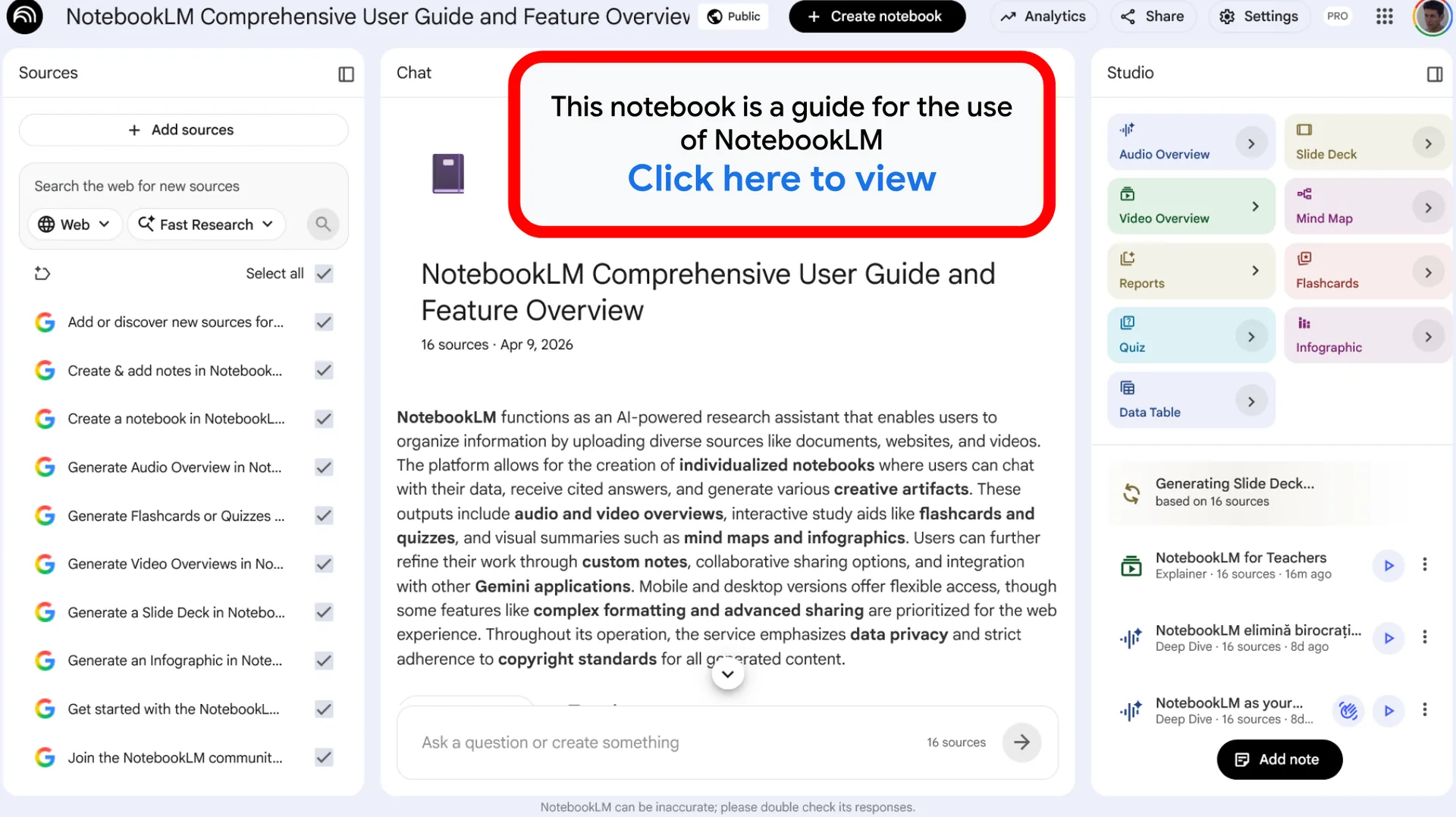
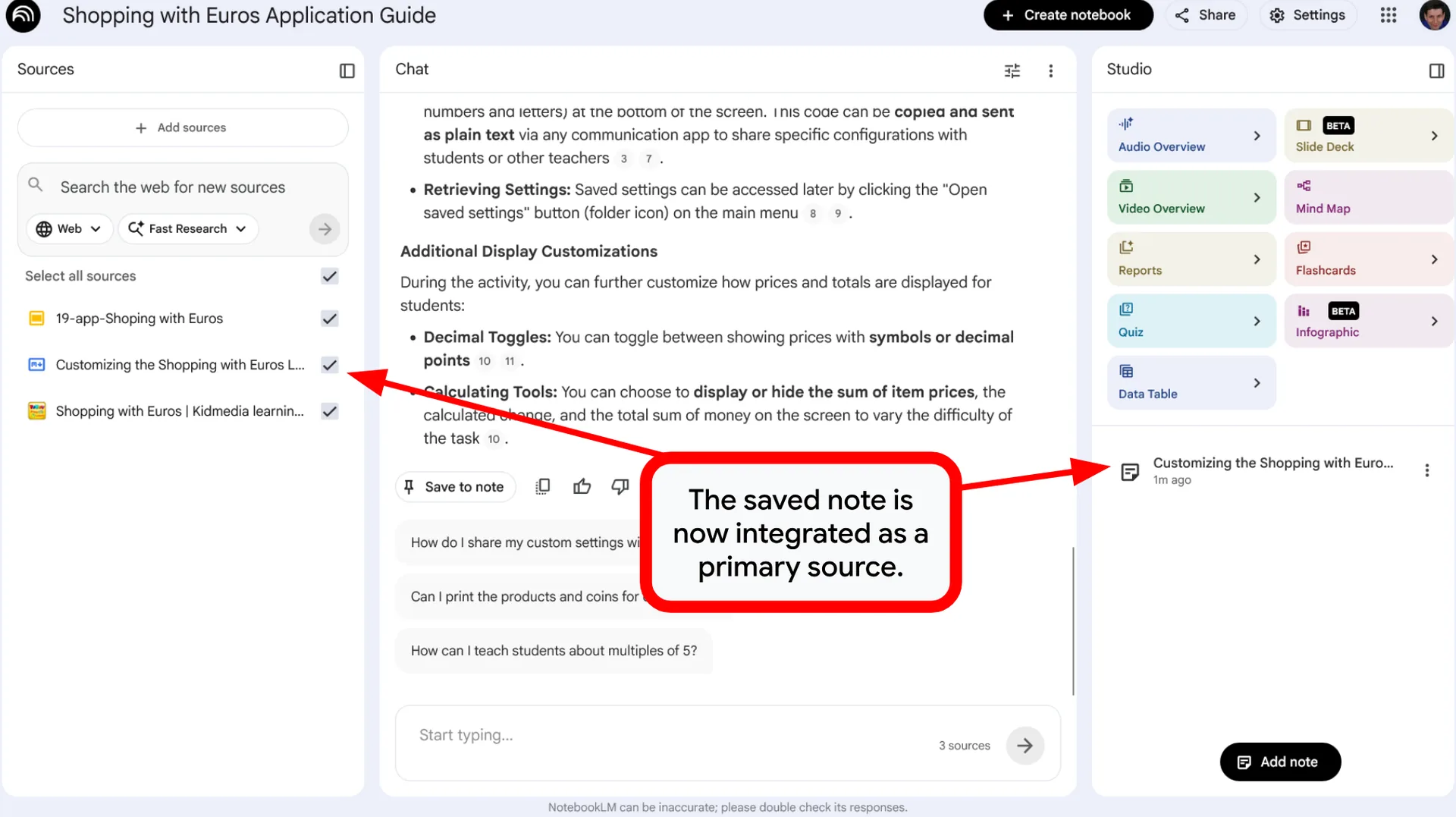
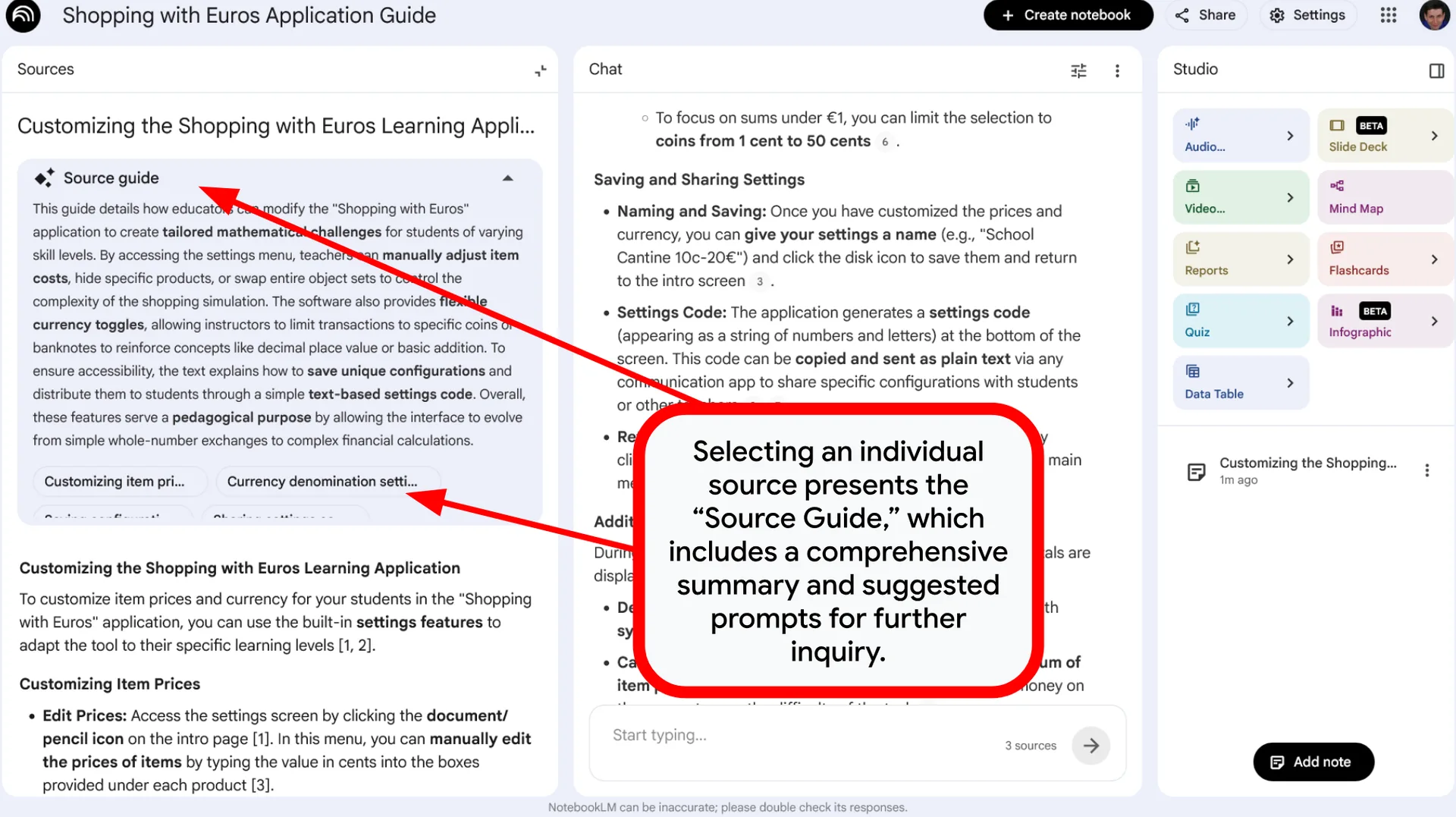
NotebookLM: Your Personal Research & Learning Assistant
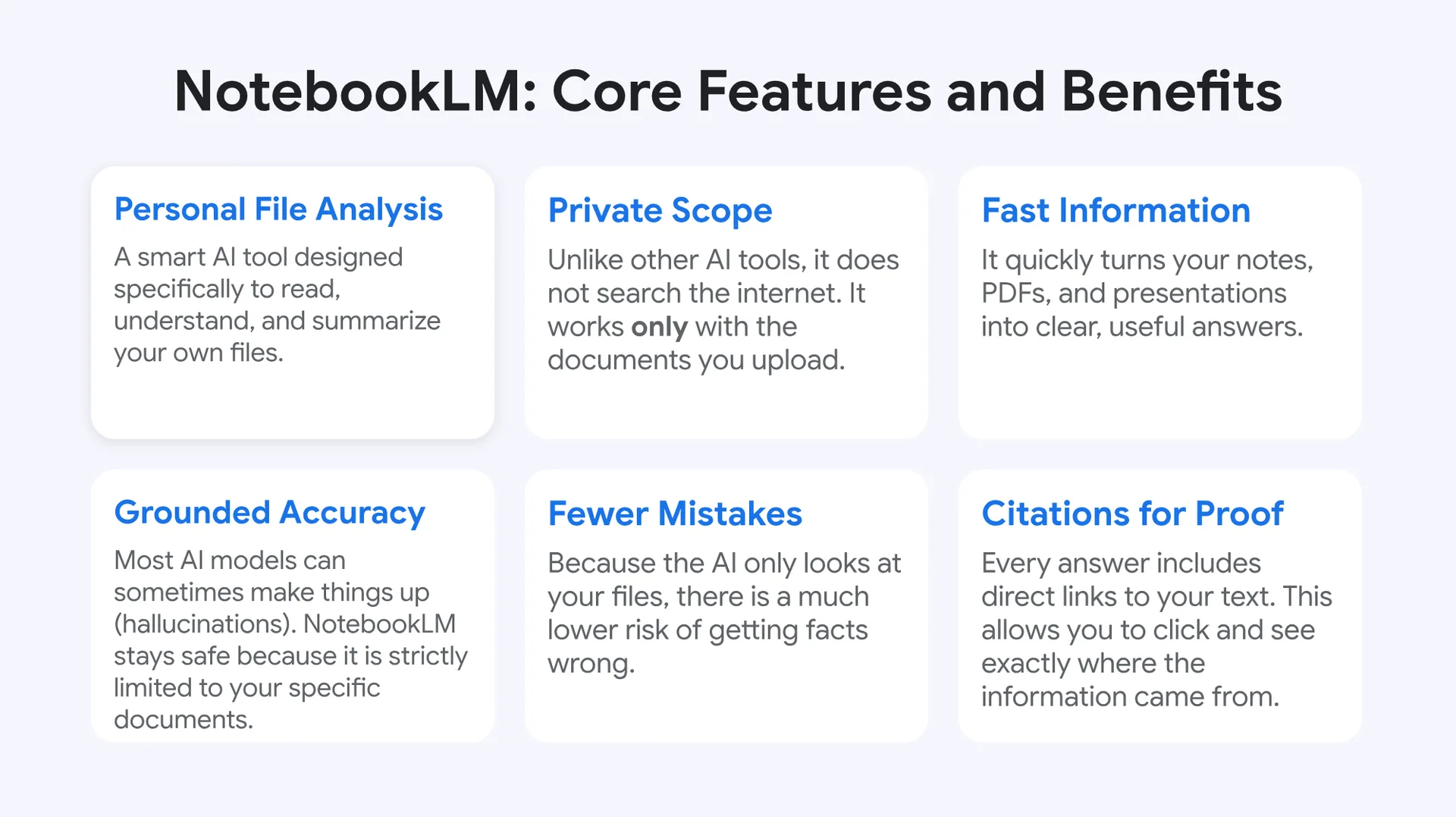
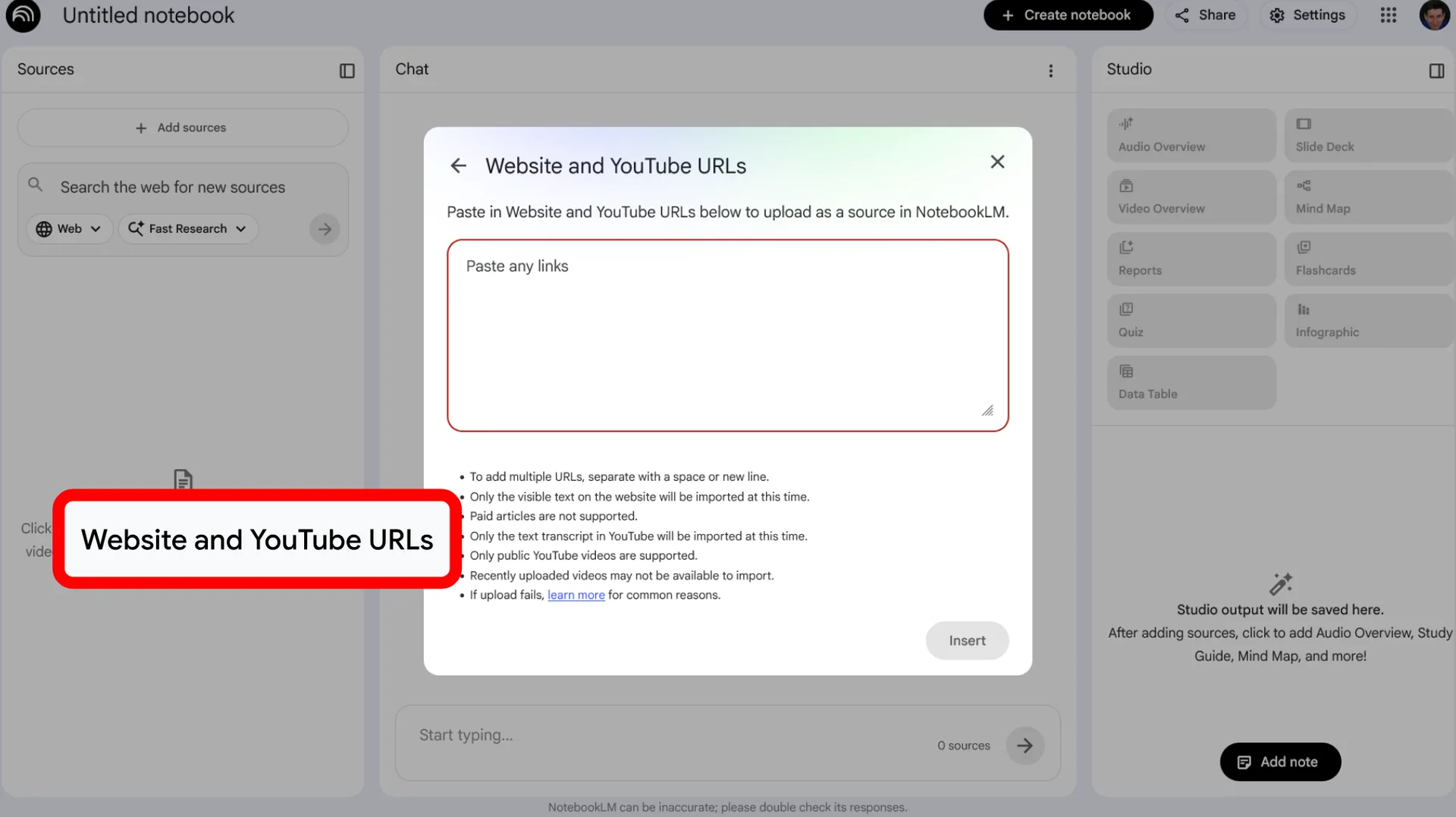
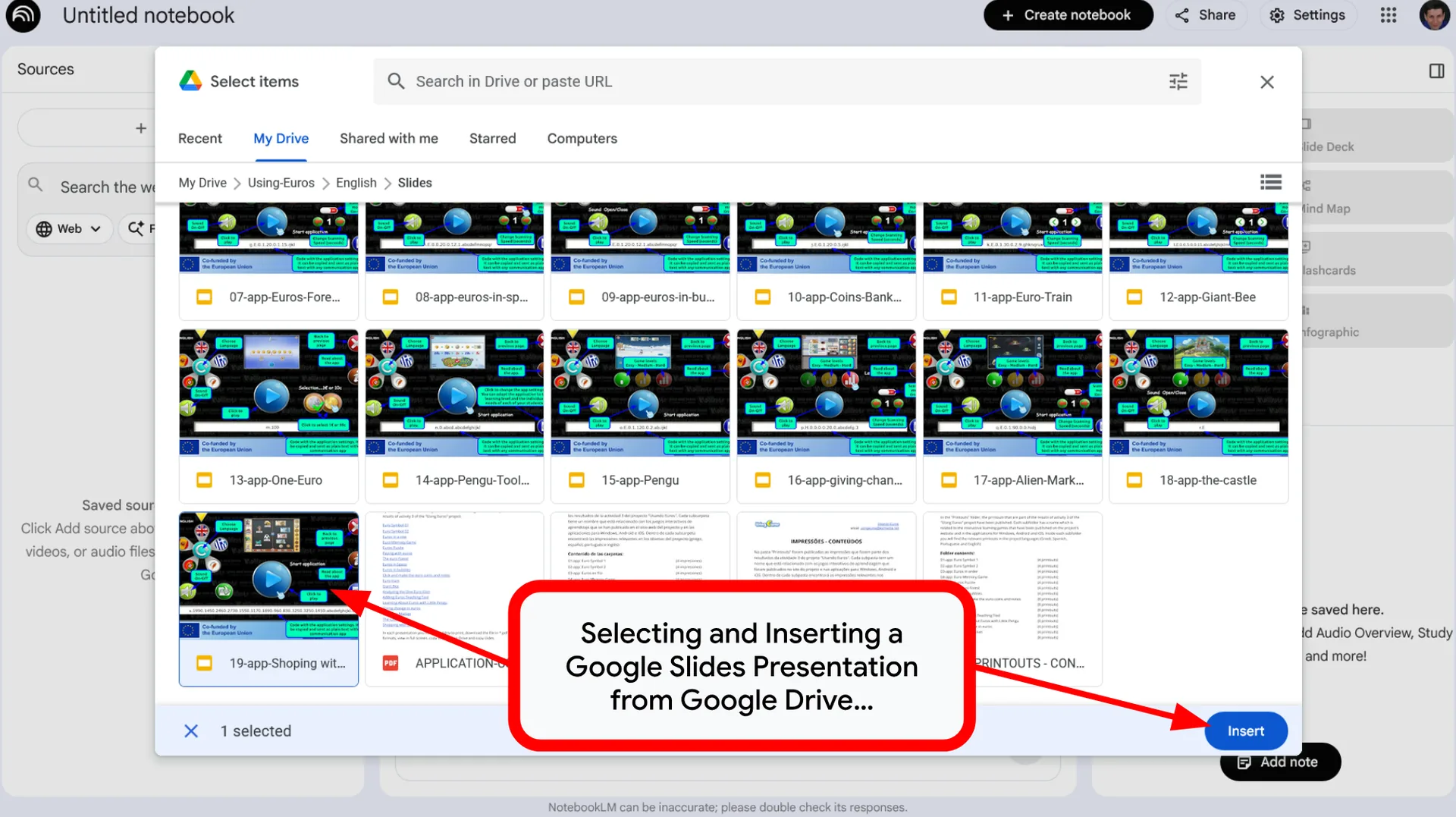
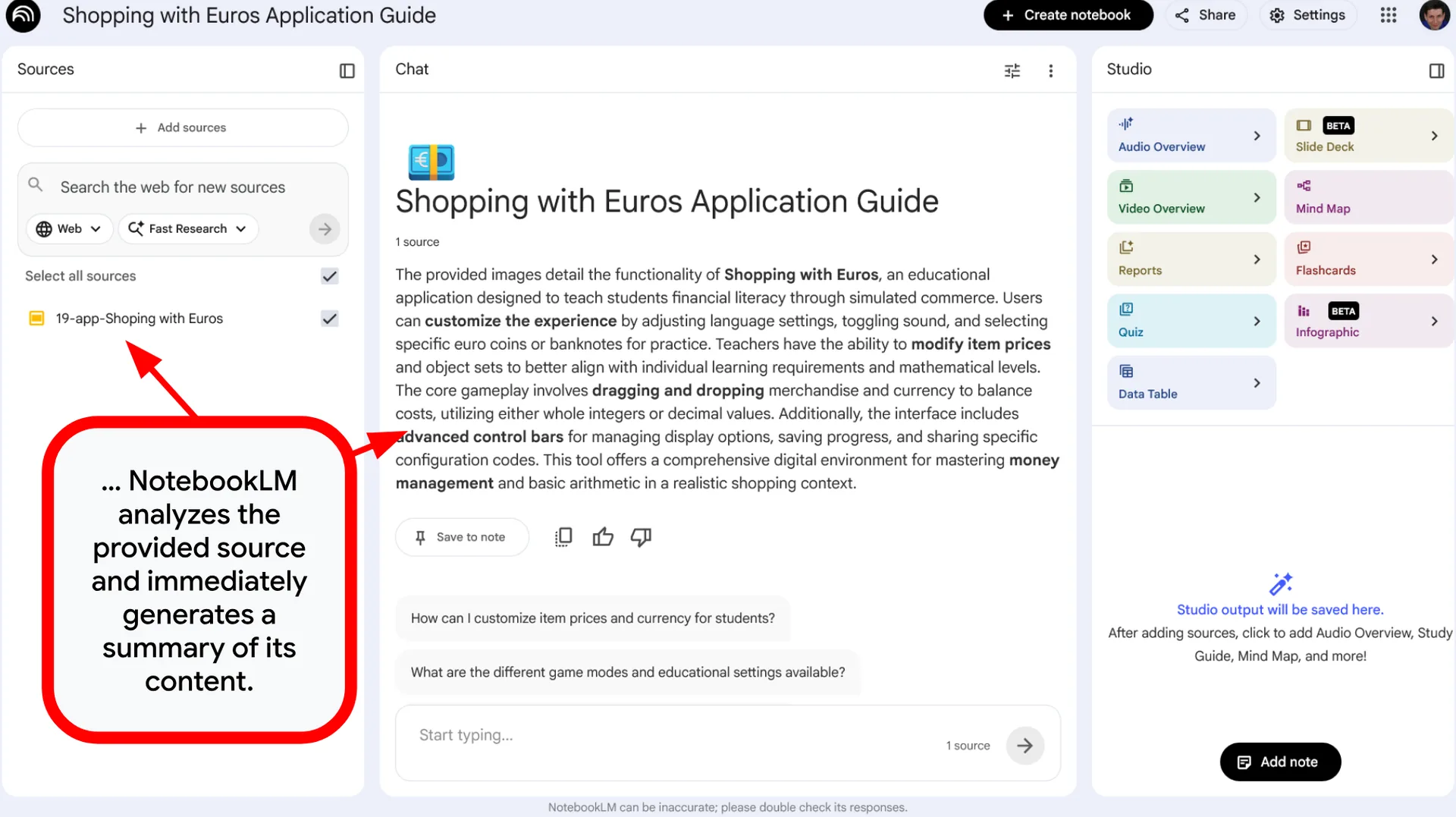
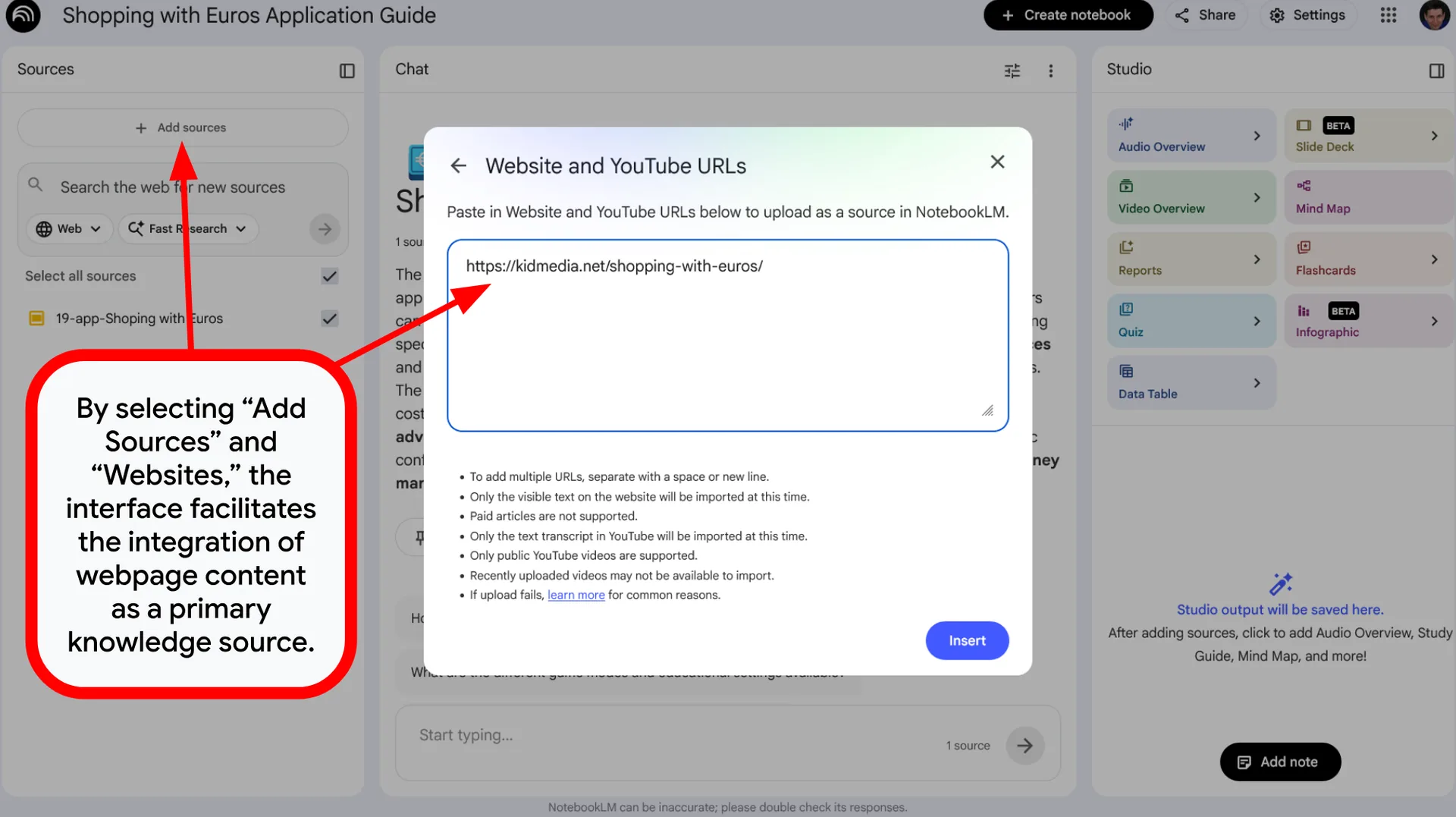
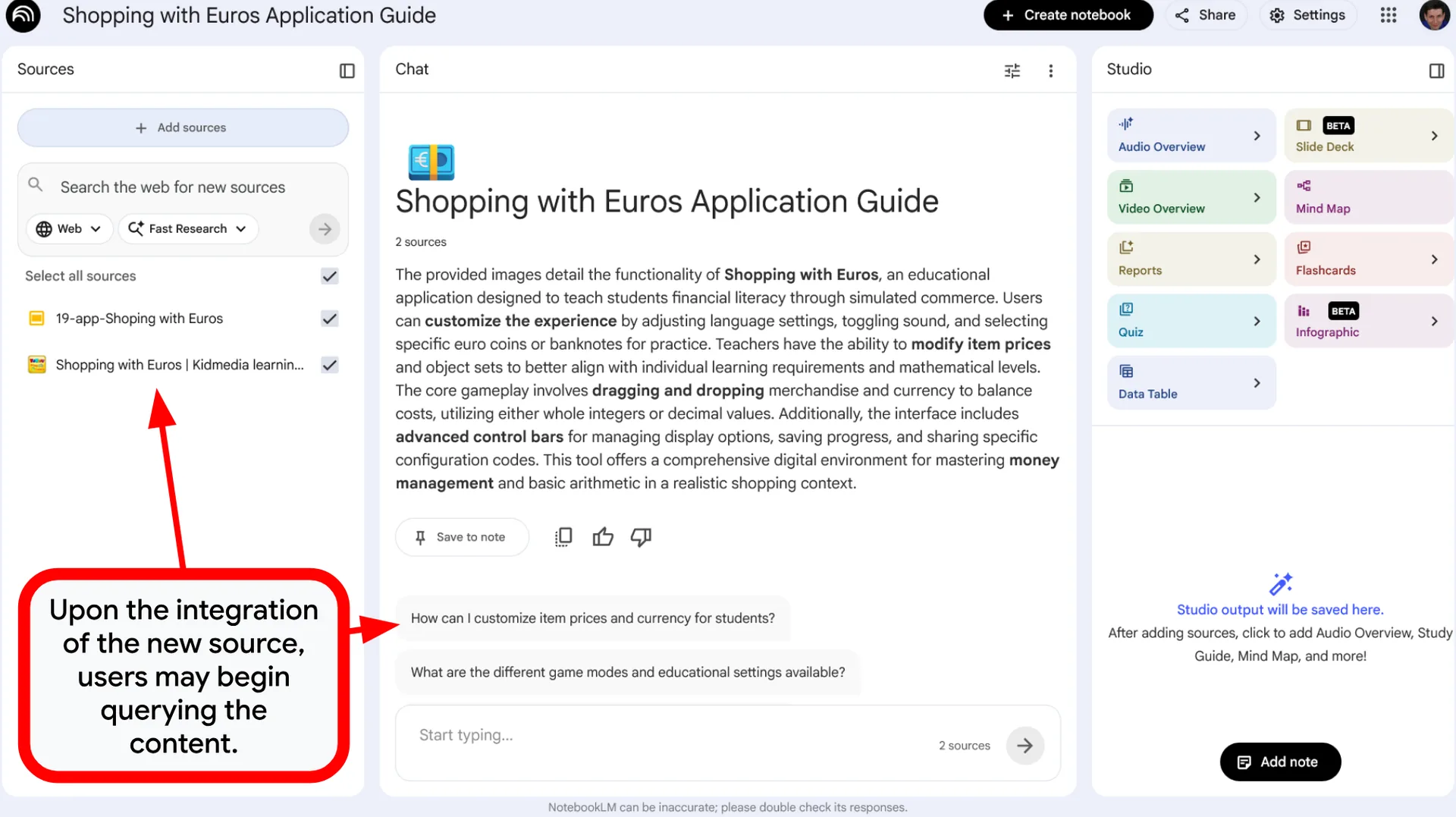
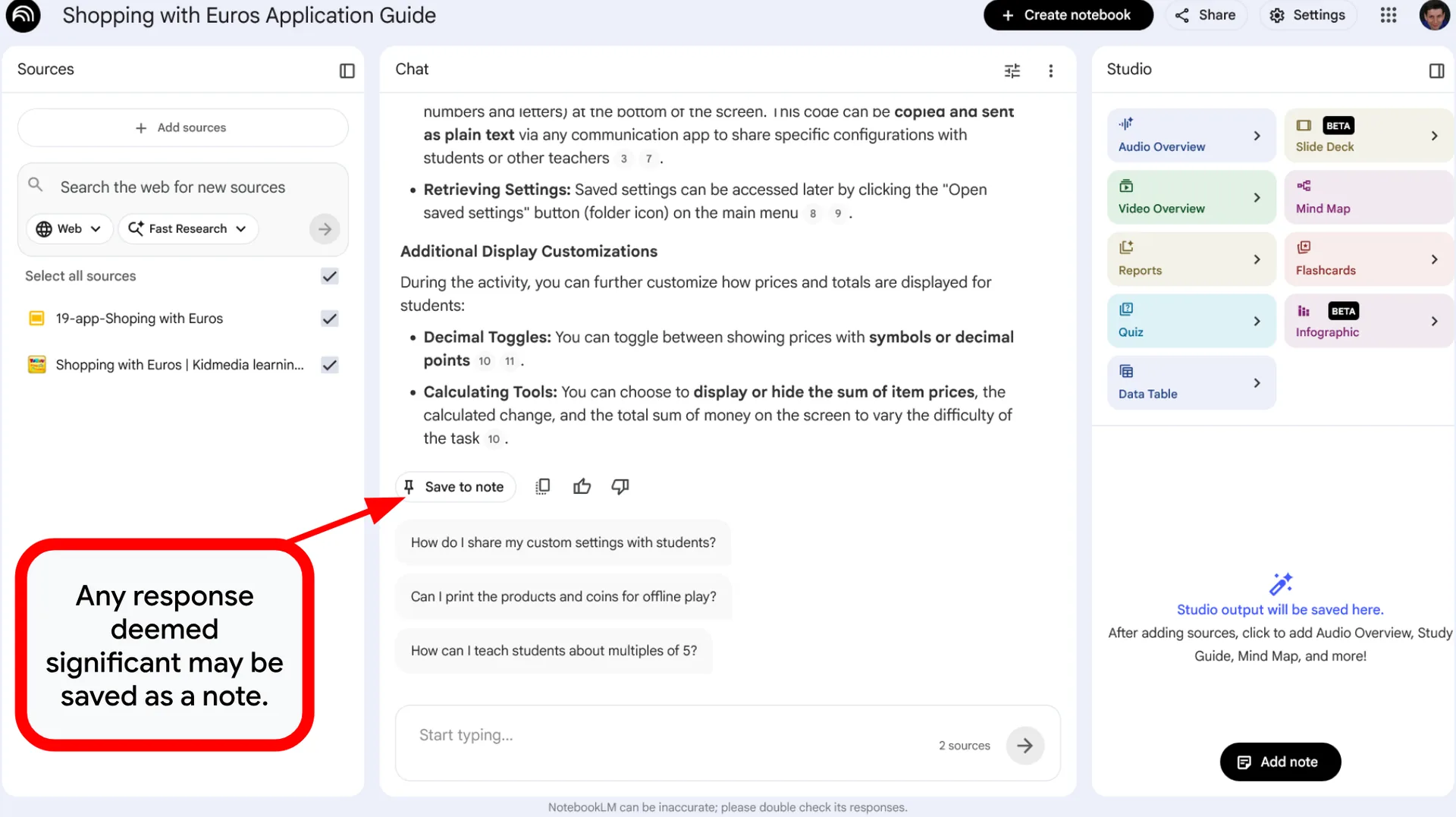
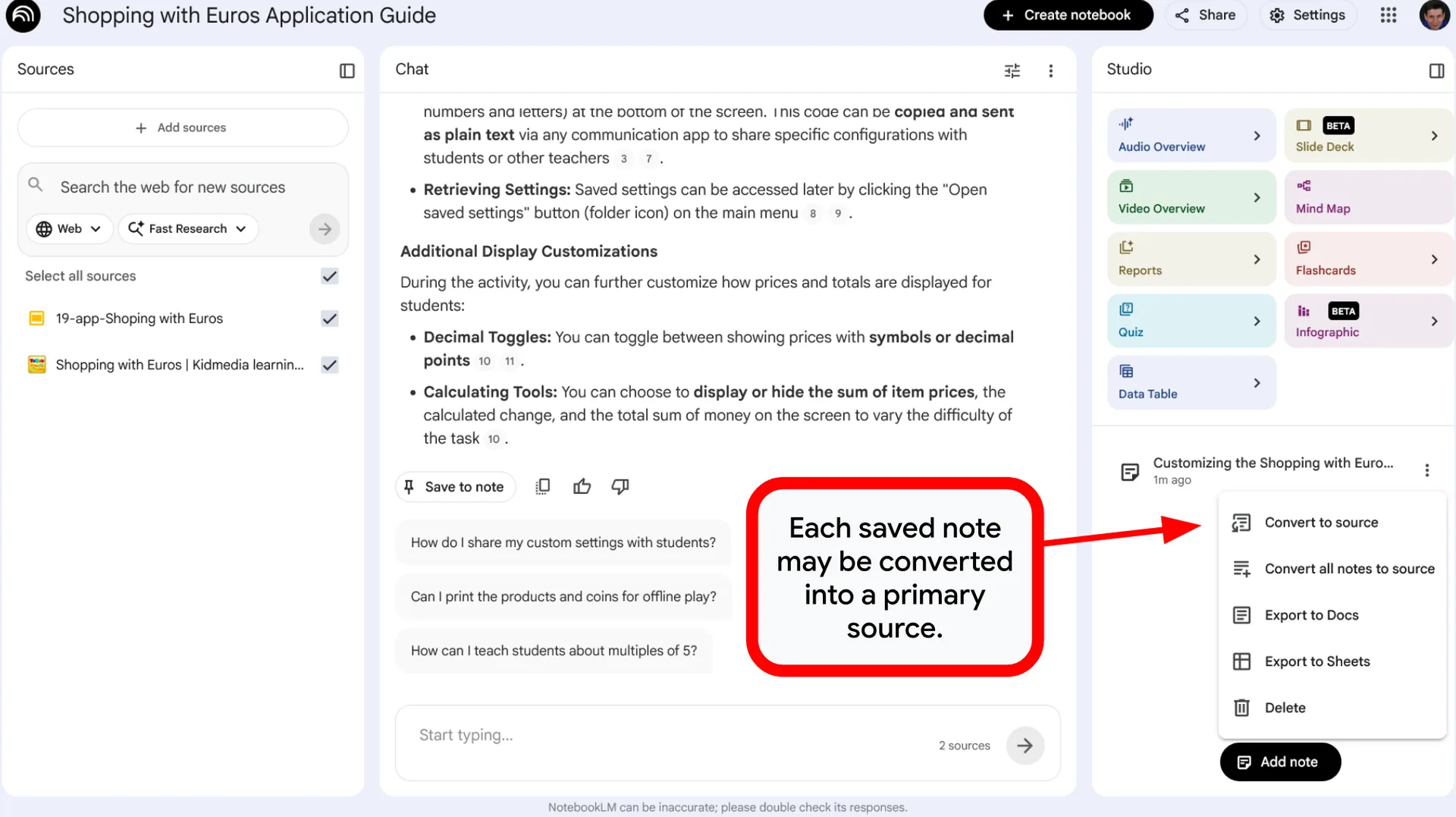
- Personal File Analysis: A smart AI tool designed specifically to read, understand, and summarize your own files.
- Private Scope: Unlike other AI tools, it does not search the internet. It works only with the documents you upload.
- Fast Information: It quickly turns your notes, PDFs, and presentations into clear, useful answers.
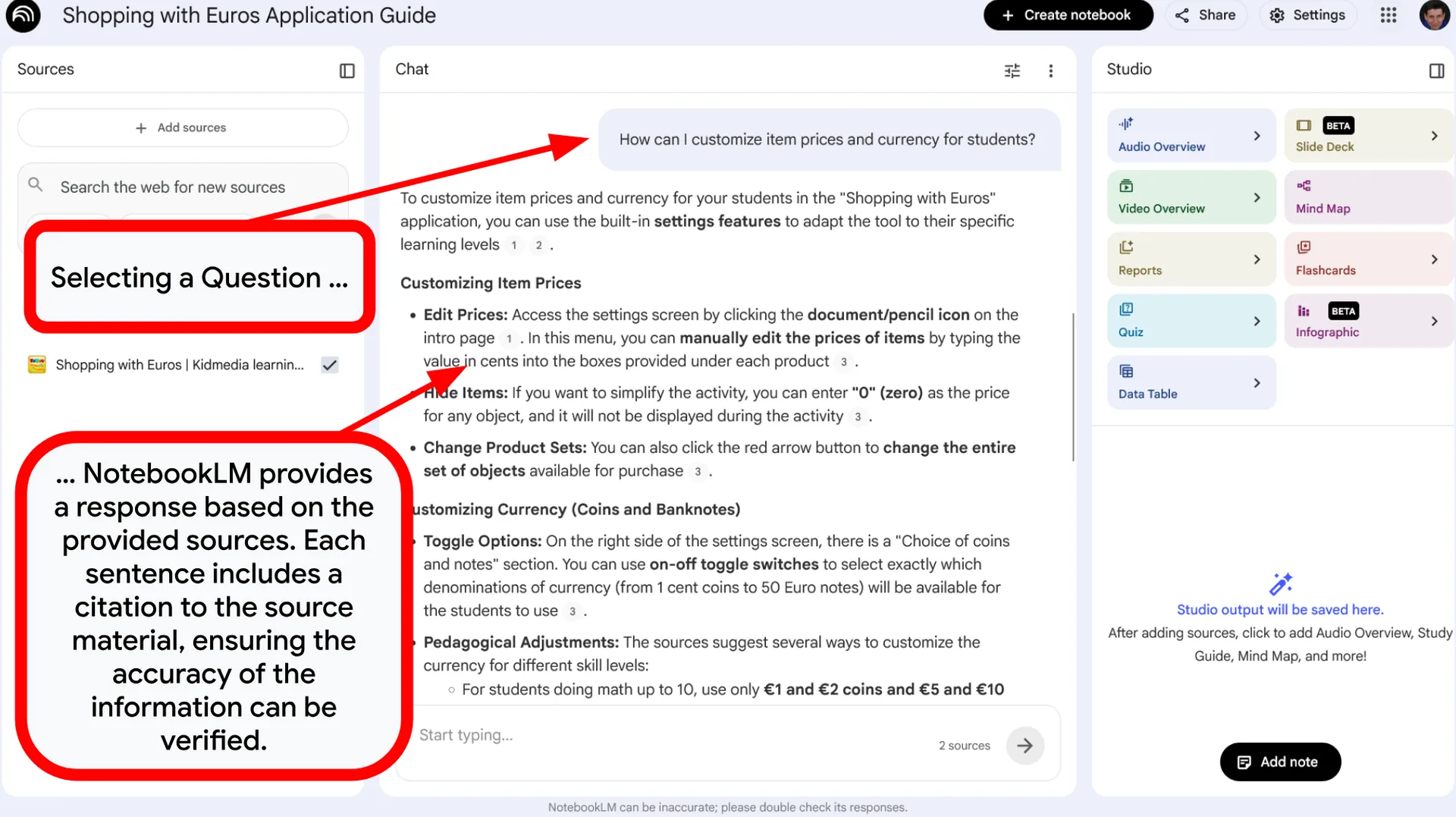
- Grounded Accuracy: Most AI models can sometimes make things up (called “hallucinations”). NotebookLM stays safe because it is strictly limited to your specific documents.
- Fewer Mistakes: Because the AI only looks at your files, there is a much lower risk of getting facts wrong.
- Citations for Proof: Every answer includes direct links to your text. This allows you to click and see exactly where the information came from.
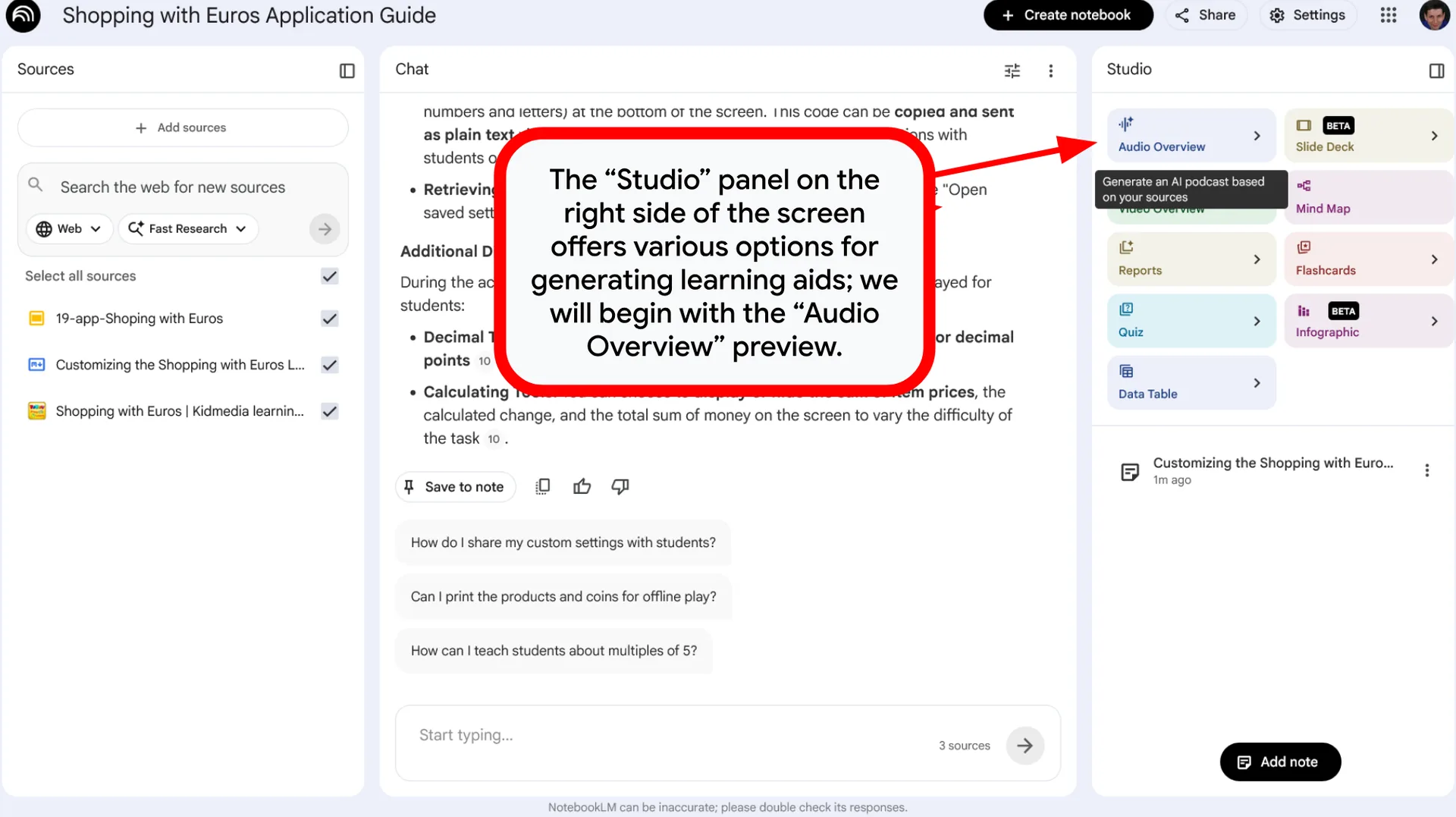
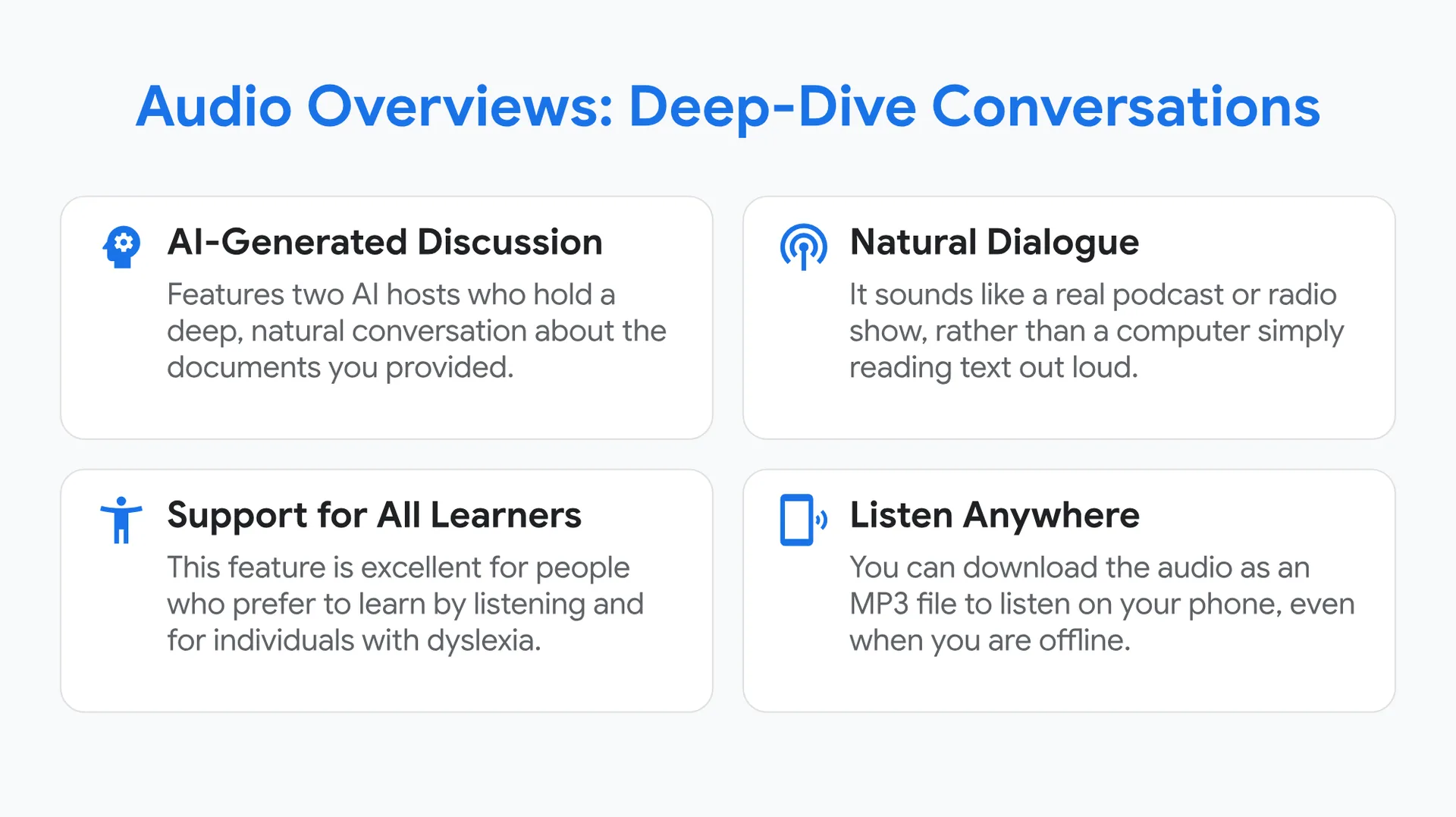
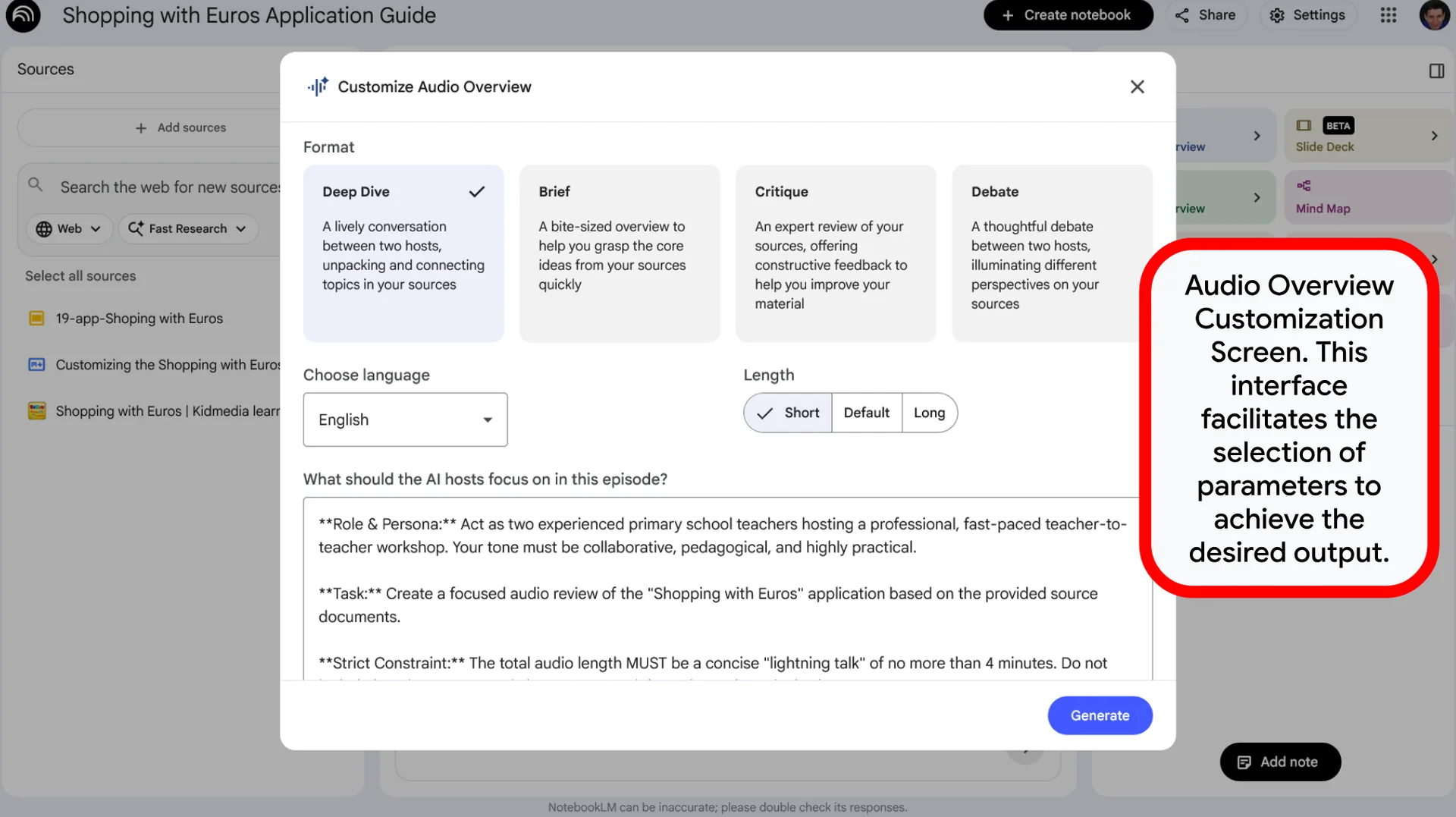
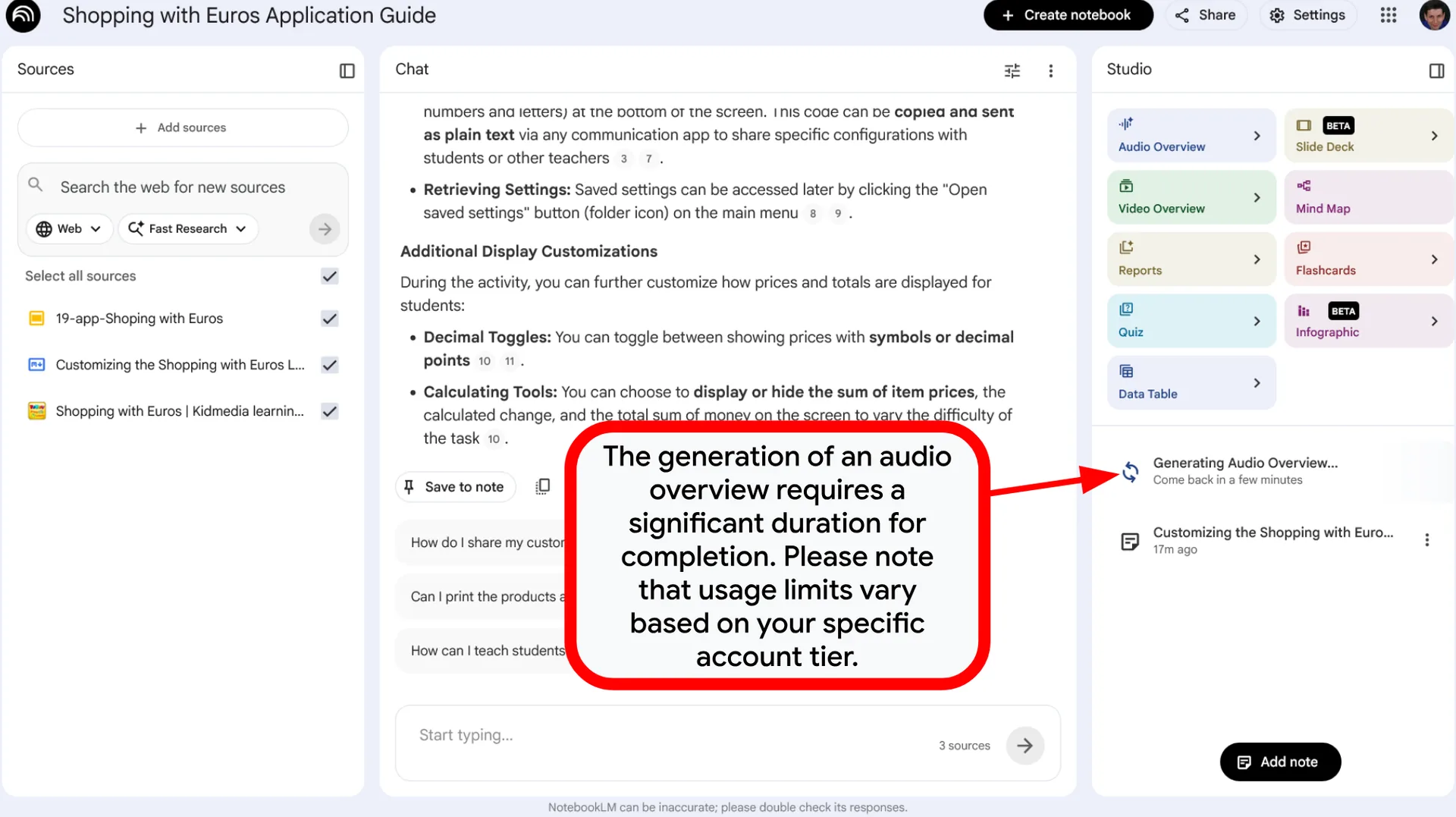
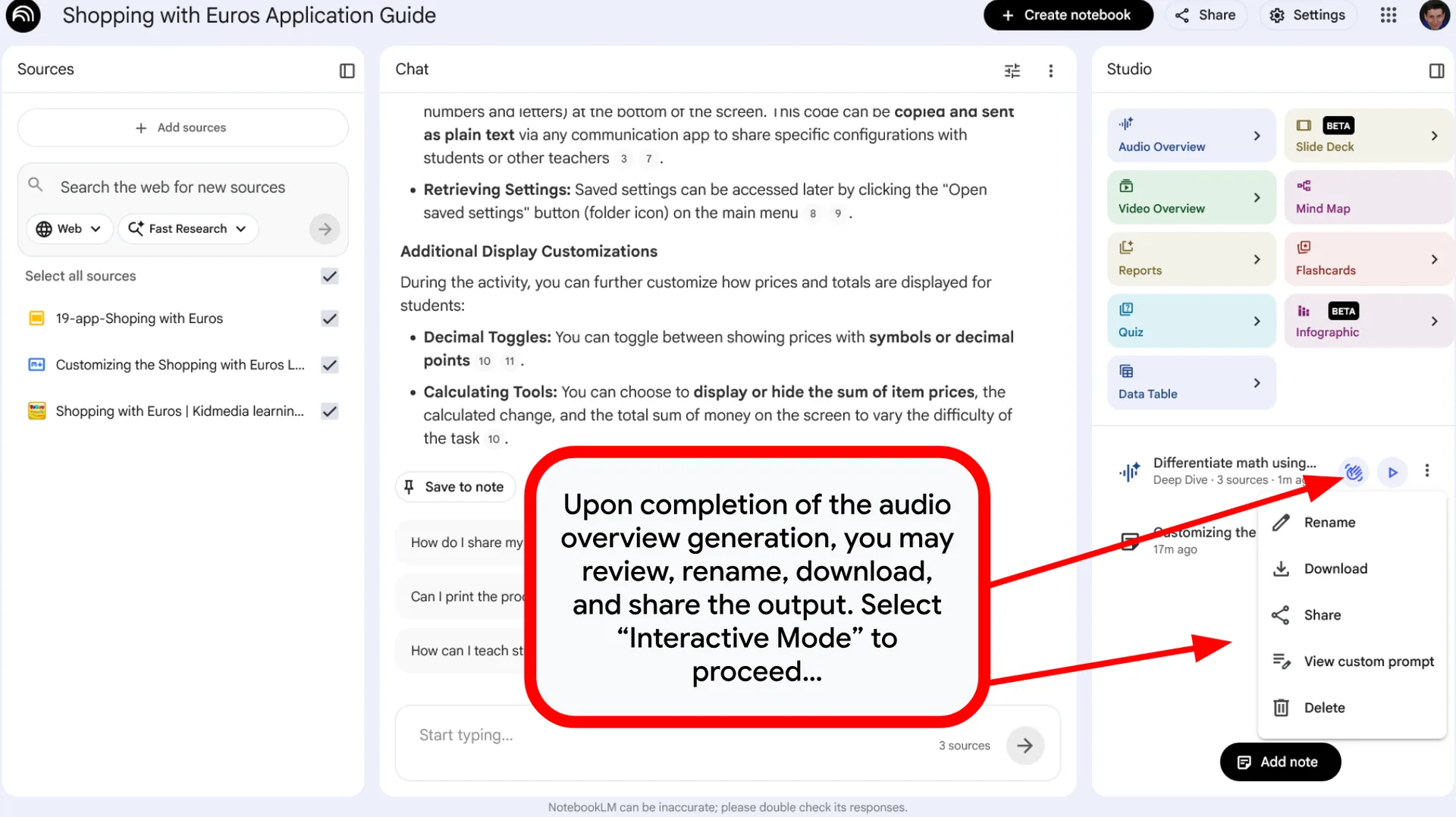
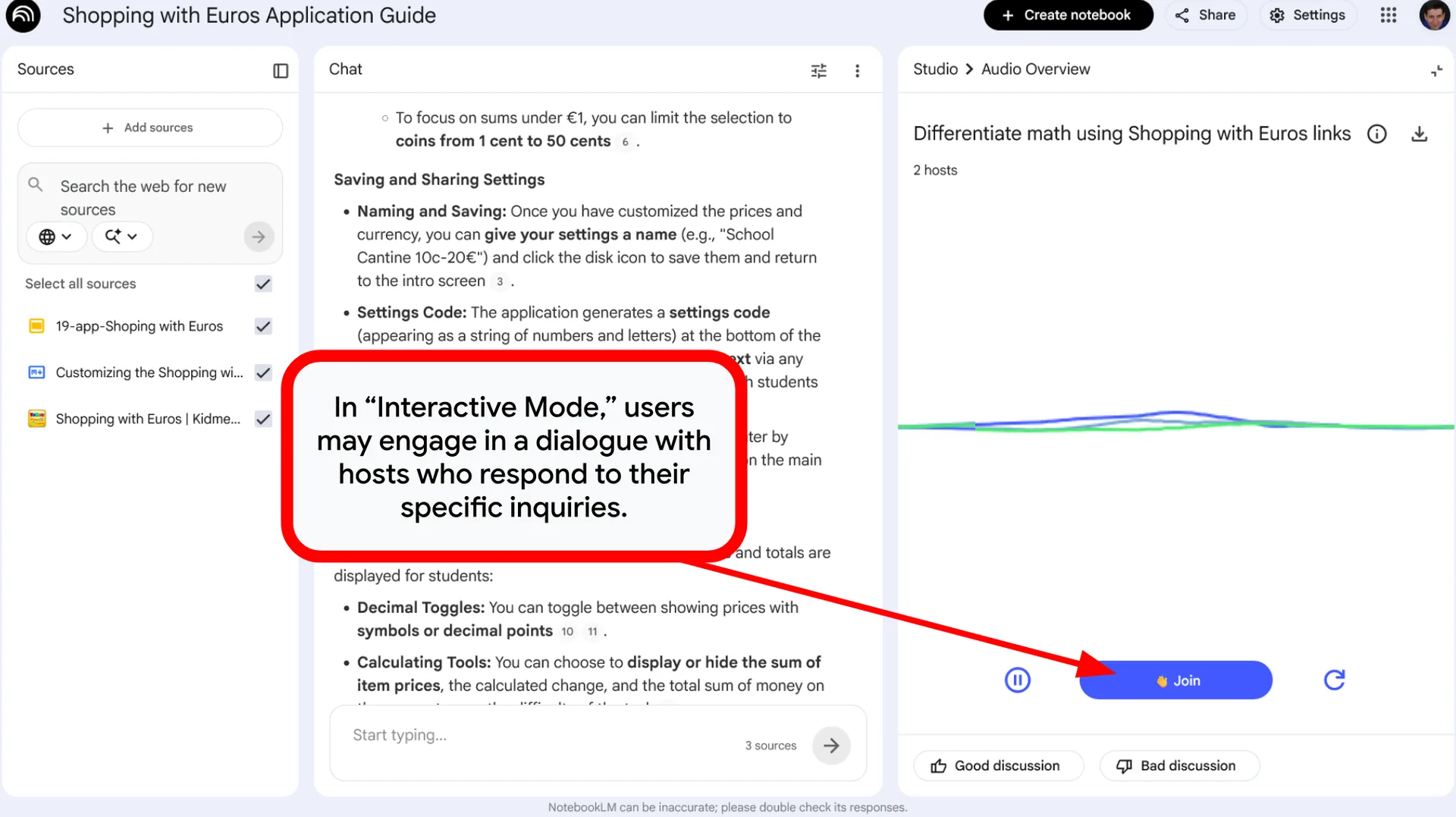
Audio Overviews: Deep-Dive Conversations
- AI-Generated Discussion: Features two AI hosts who hold a deep, natural conversation about the documents you provided.
- Natural Dialogue: It sounds like a real podcast or radio show, rather than a computer simply reading text out loud.
- Support for All Learners: This feature is excellent for people who prefer to learn by listening and for individuals with dyslexia.
- Listen Anywhere: You can download the audio as an MP3 file to listen on your phone, even when you are offline.
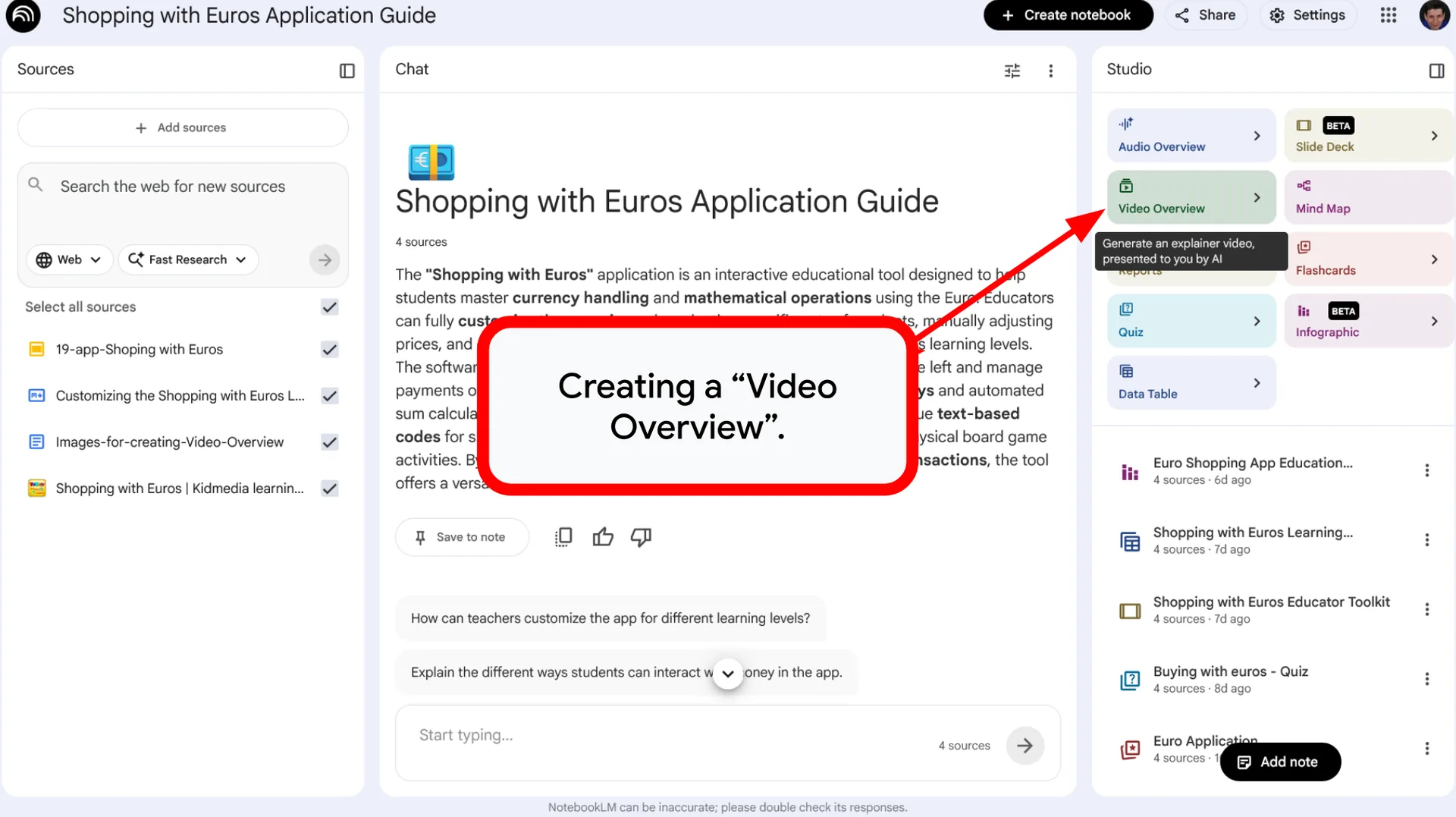
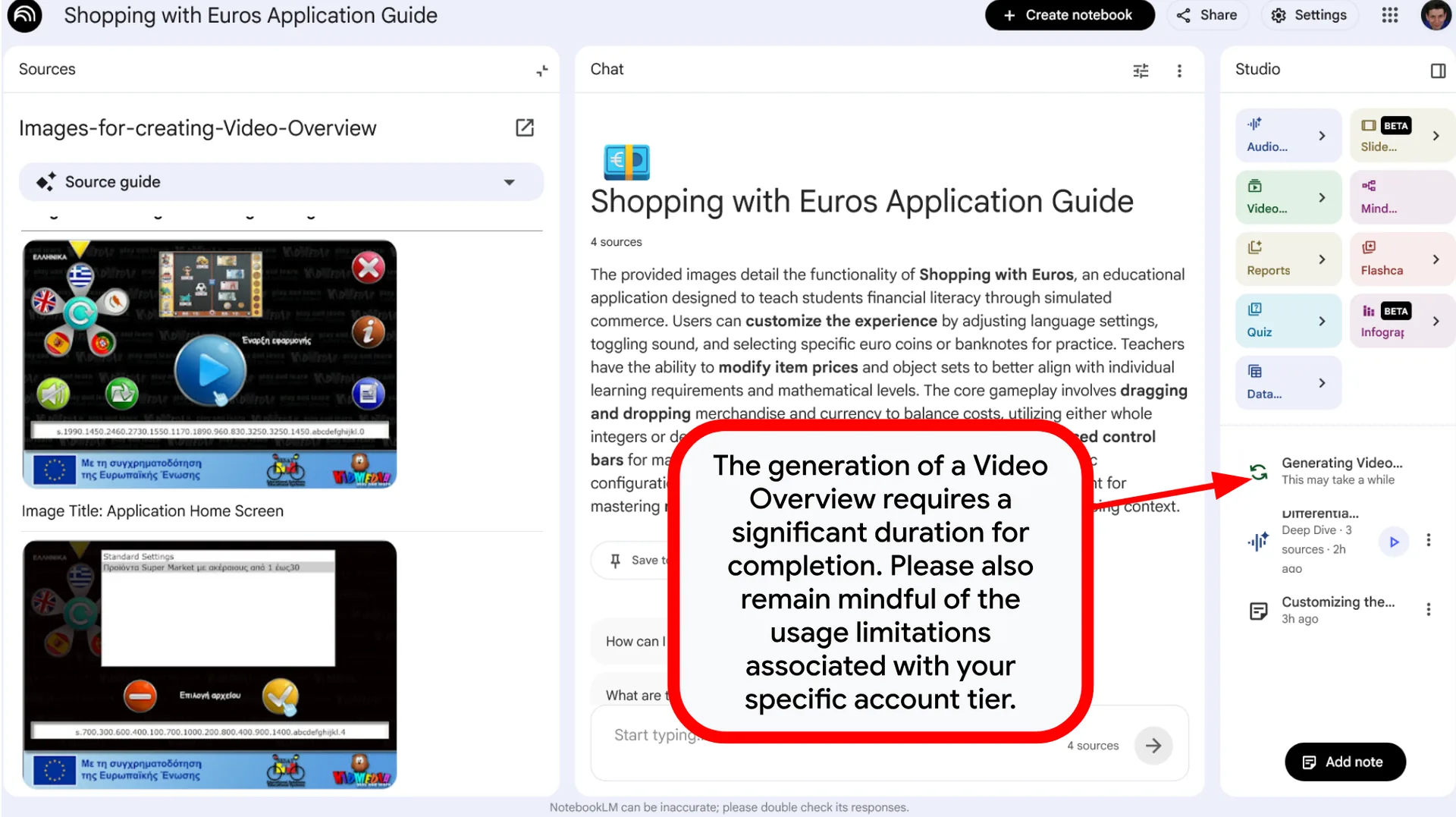
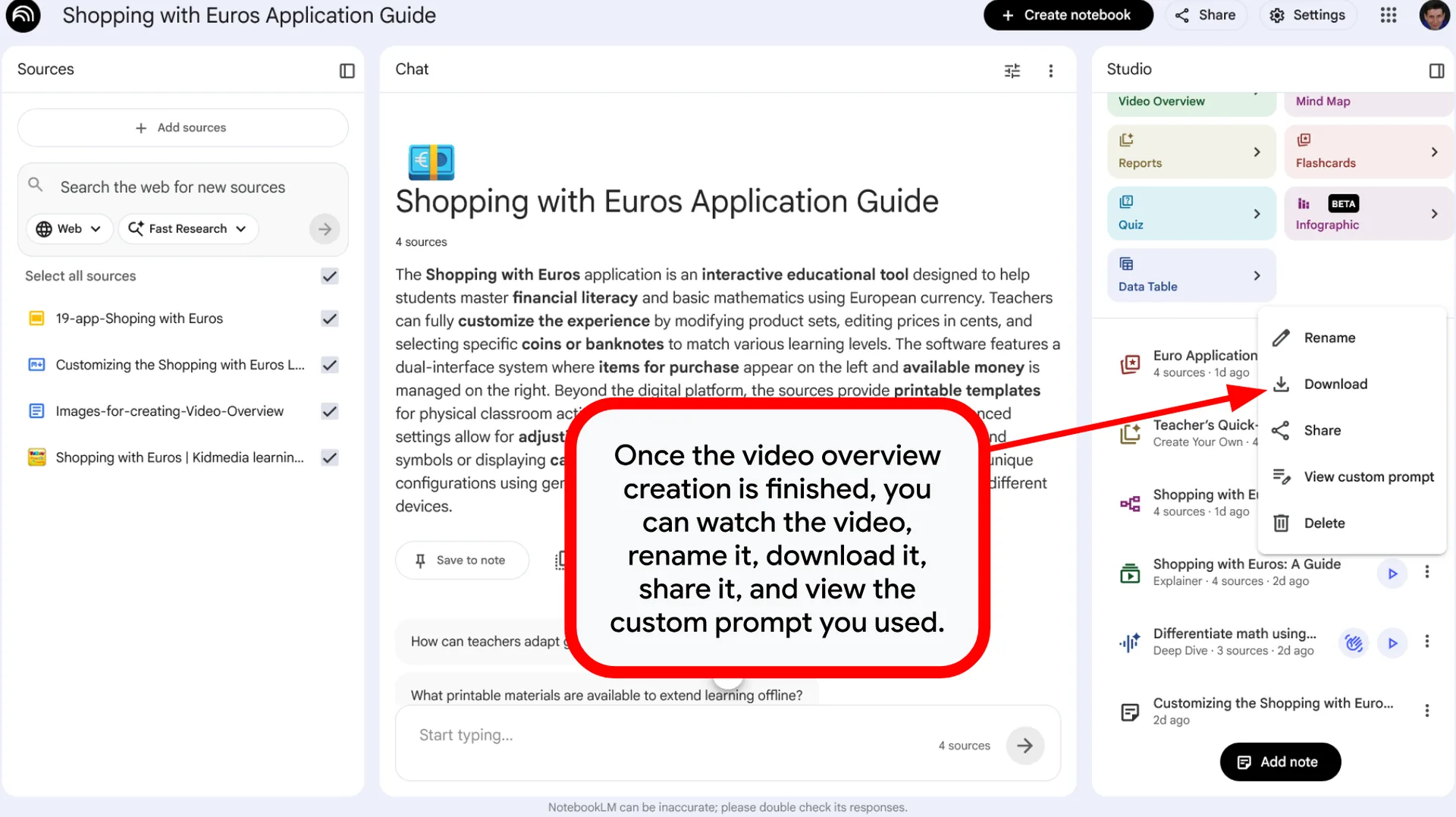
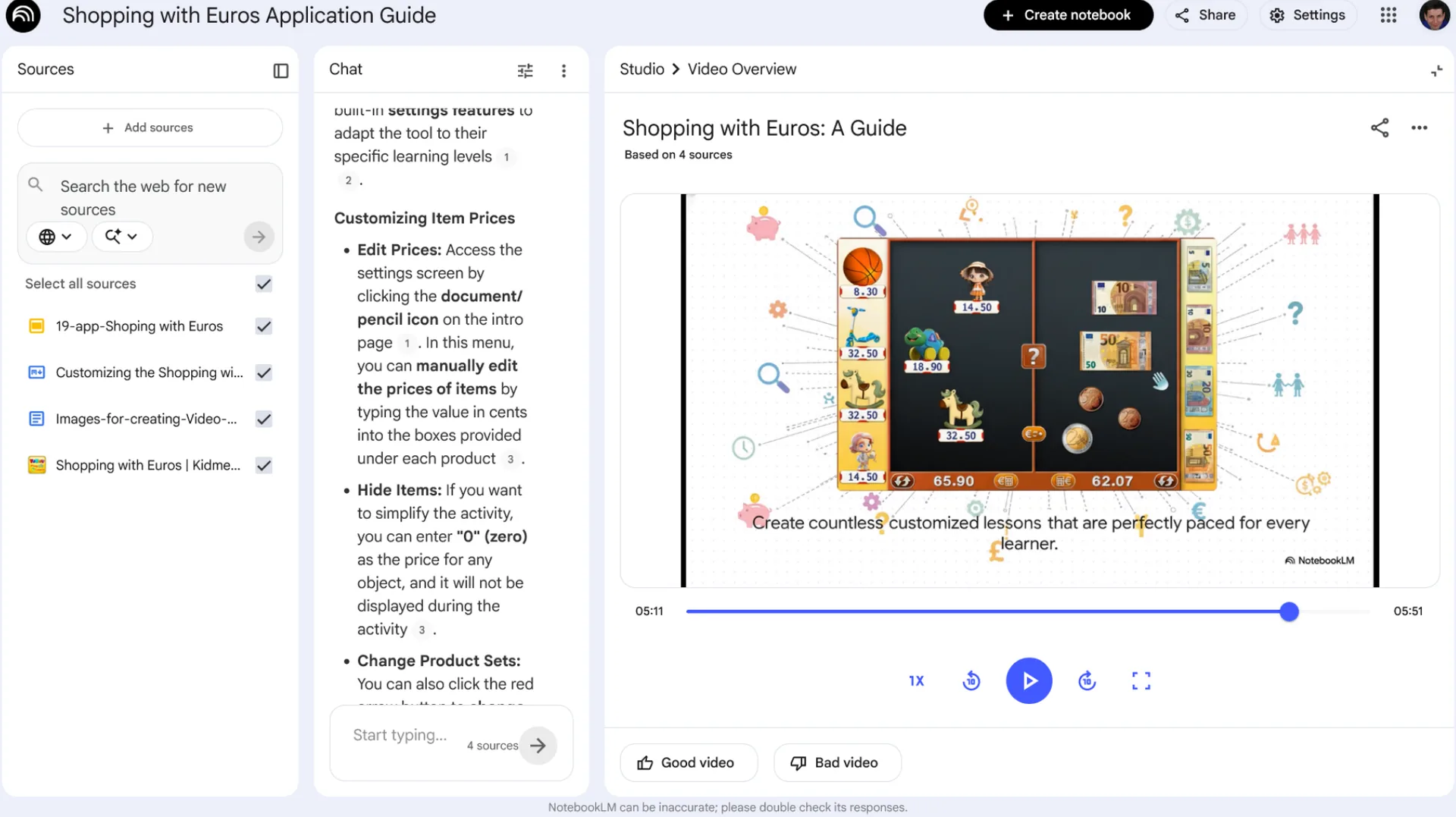
Video Overview
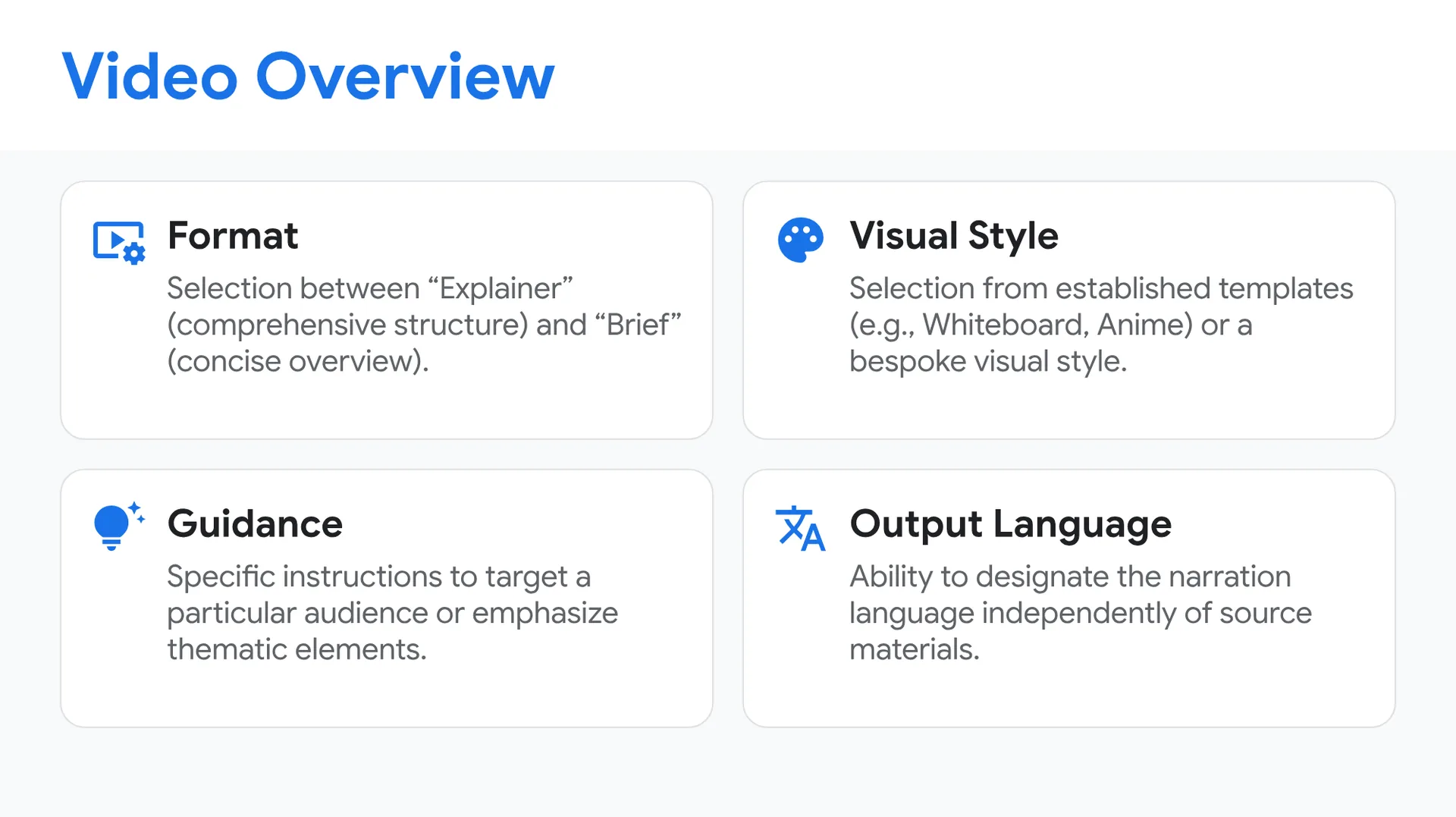
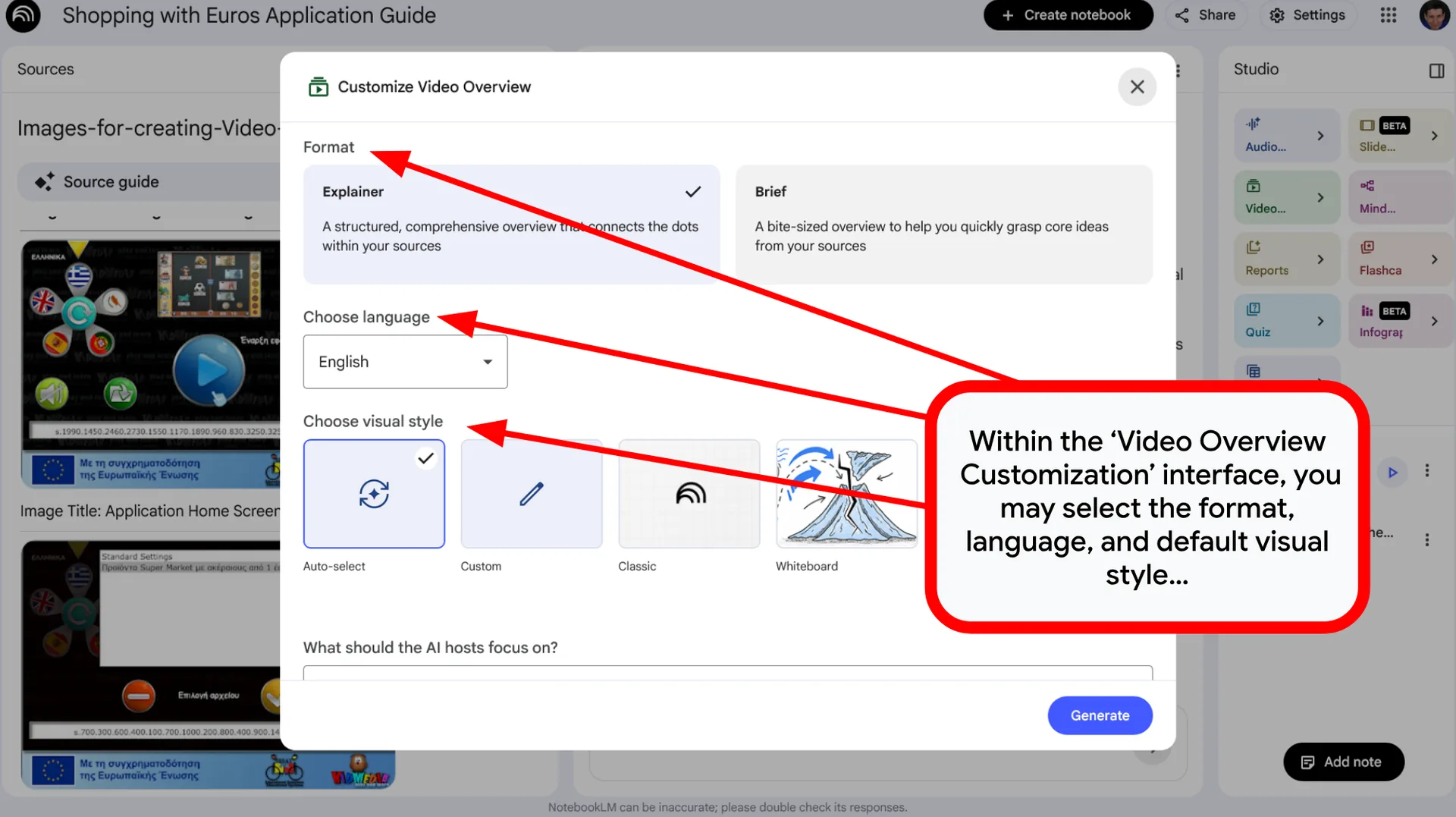
- Format: Selection between “Explainer” (comprehensive structure) and “Brief” (concise overview).
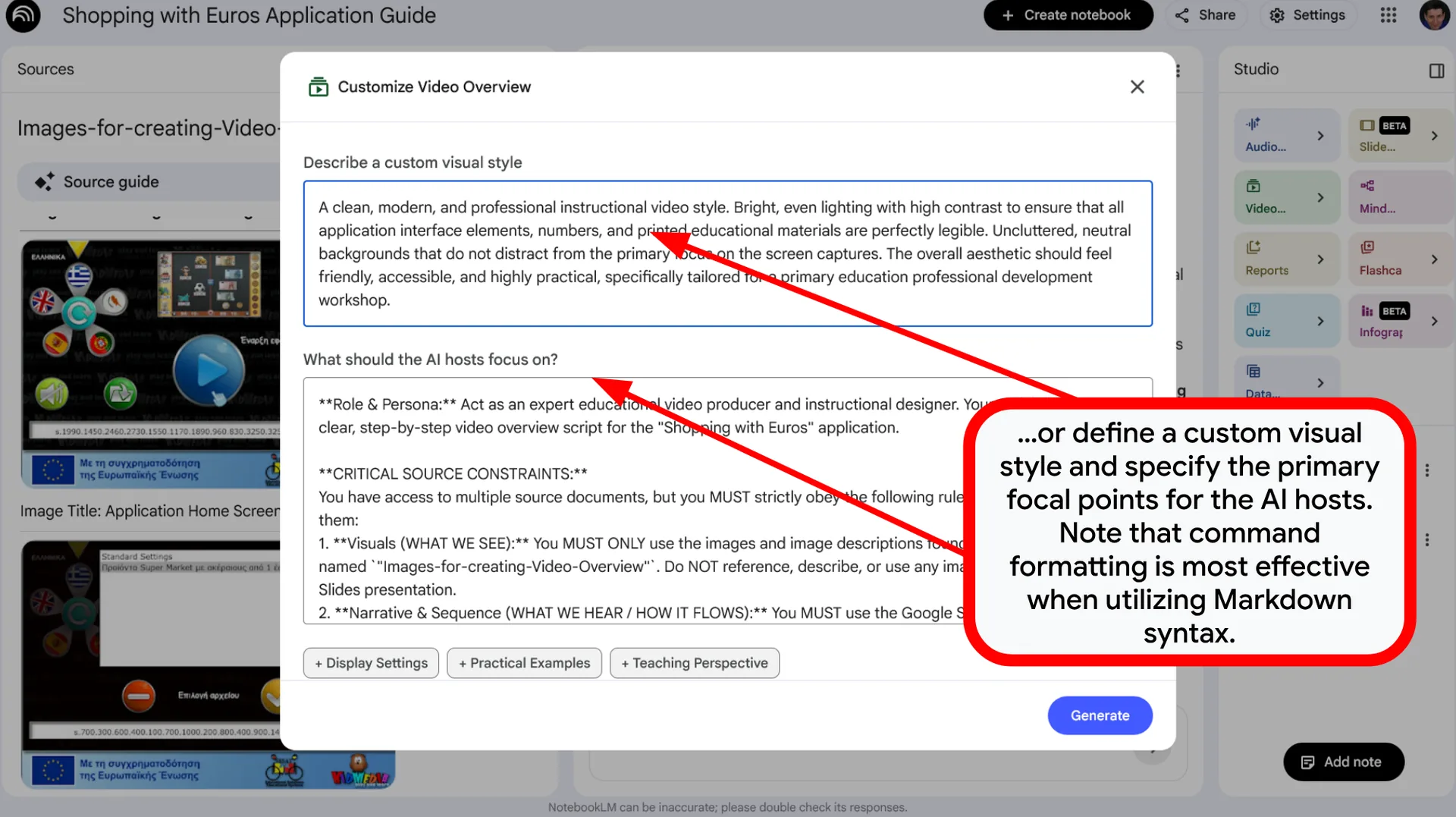
- Visual Style: Selection from established templates (e.g., Whiteboard, Anime) or the definition of a bespoke visual style.
- Guidance: Provision of specific instructions to target a particular audience or emphasize specific thematic elements.
- Output Language: Ability to designate the narration language independently of the primary source materials.
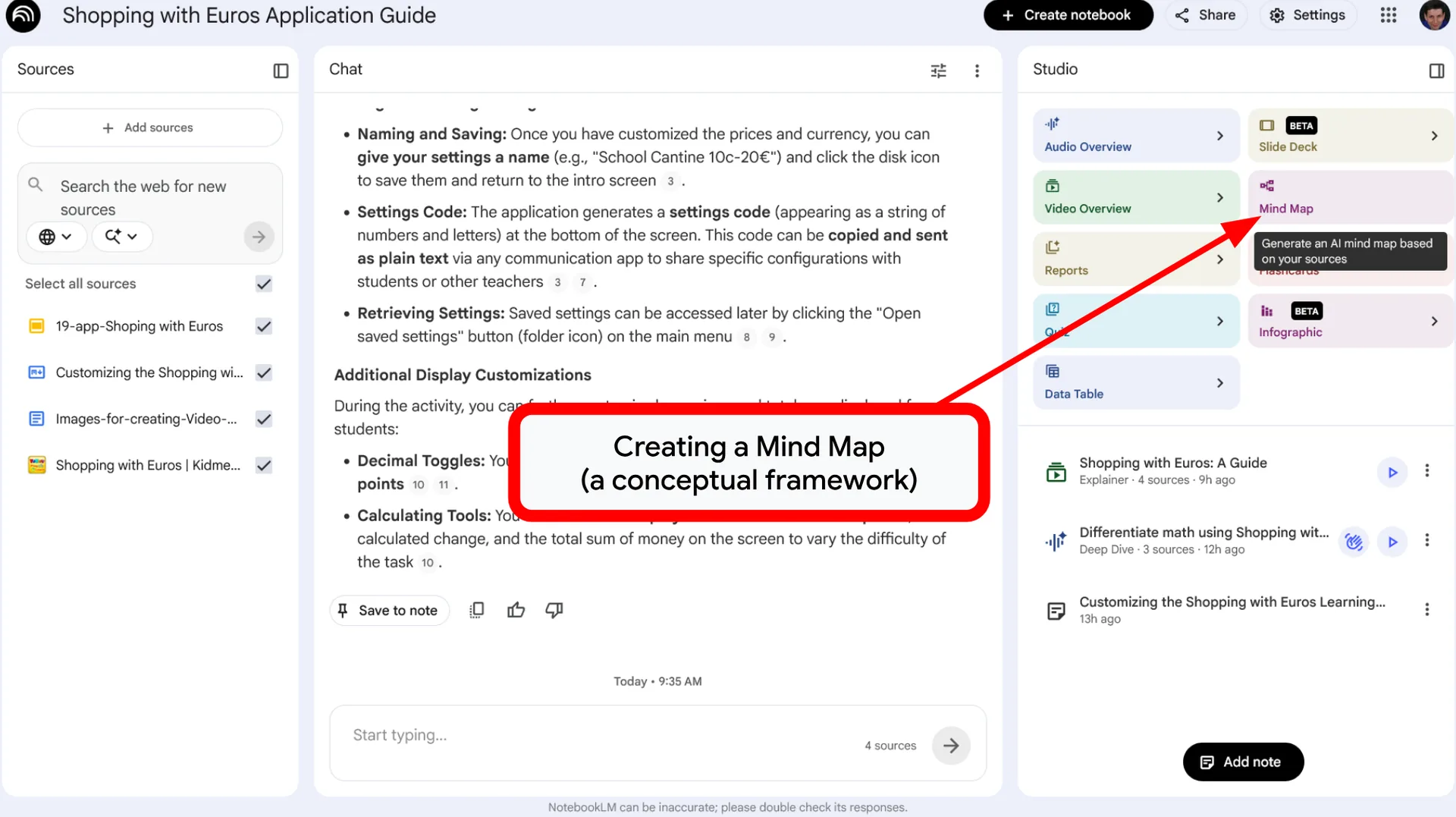
Mind Map
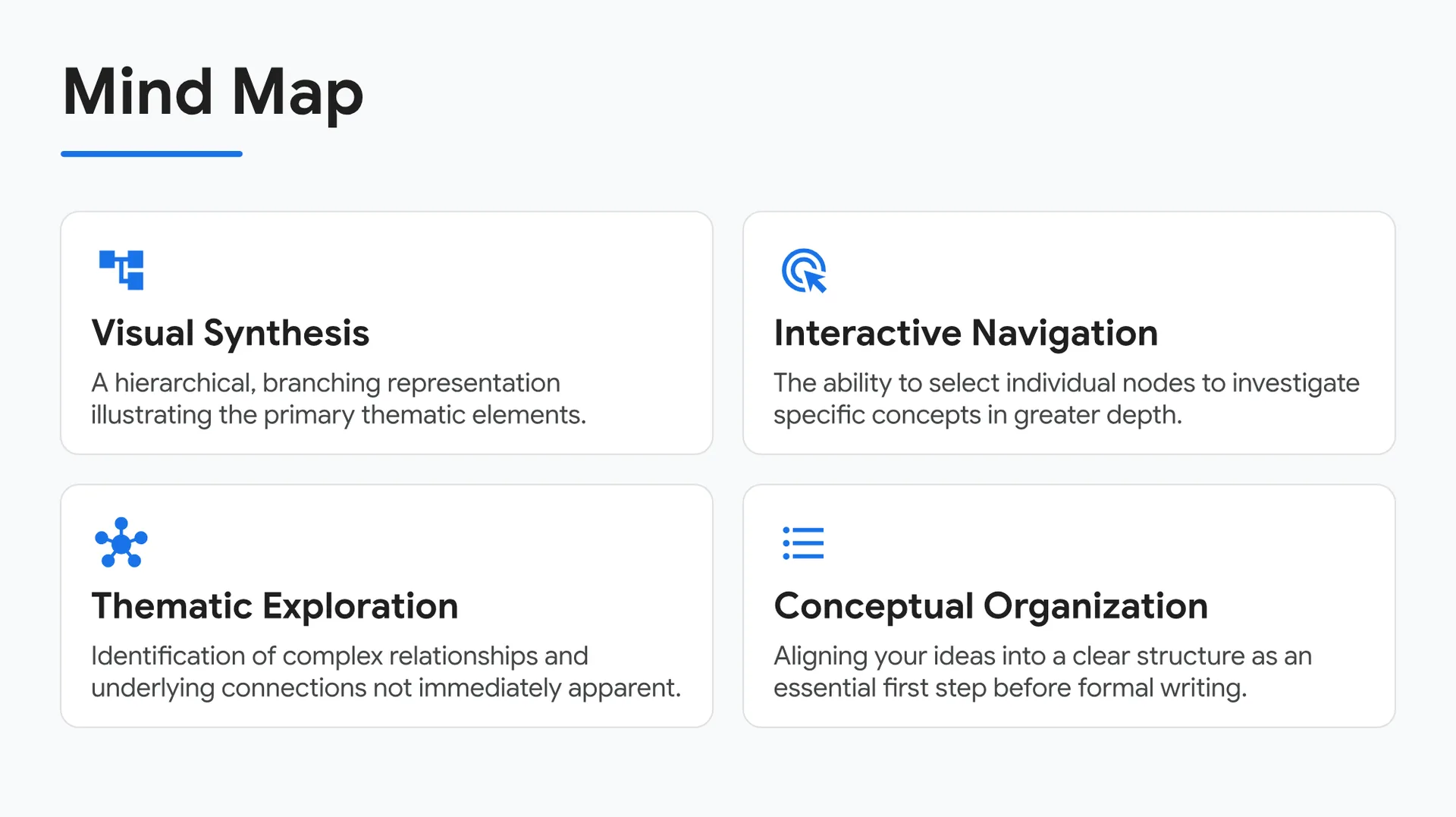
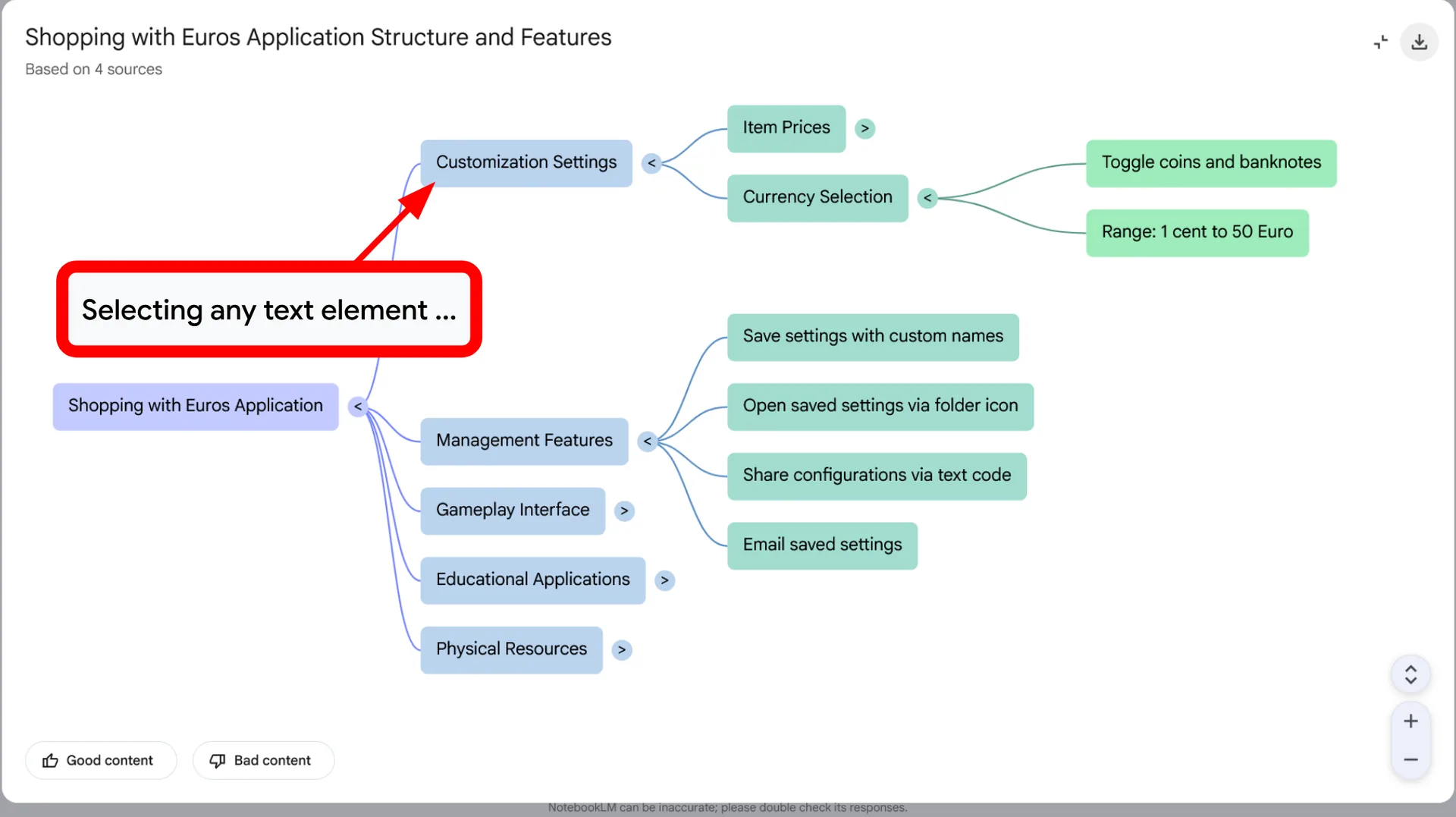
- Visual Synthesis: A hierarchical, branching representation illustrating the primary thematic elements.
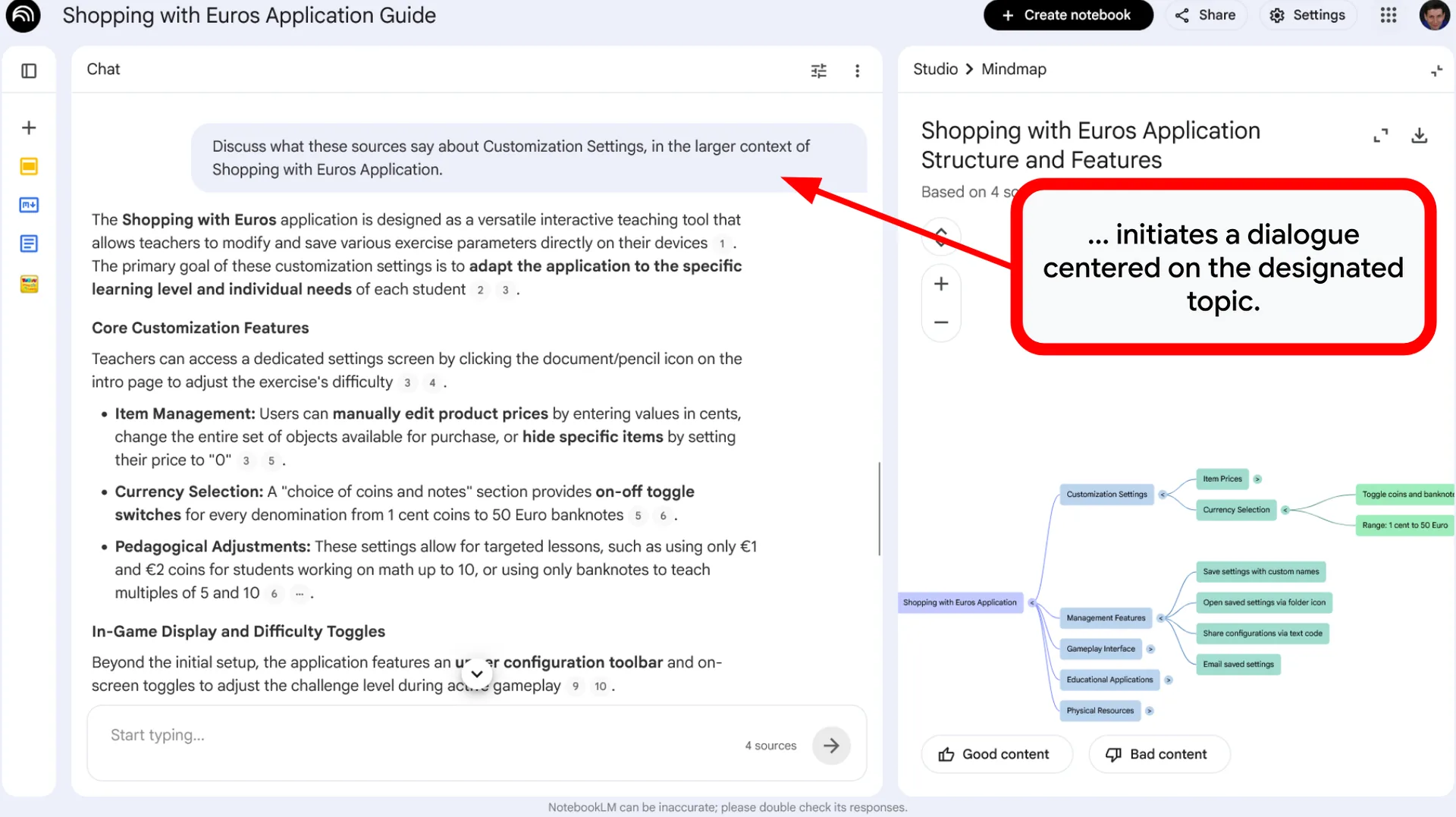
- Interactive Navigation: The ability to select individual nodes to investigate specific concepts in greater depth.
- Thematic Exploration: Identification of complex relationships and underlying connections not immediately apparent within the source text.
- Conceptual Organization: Aligning your ideas into a clear structure as an essential first step before formal writing.
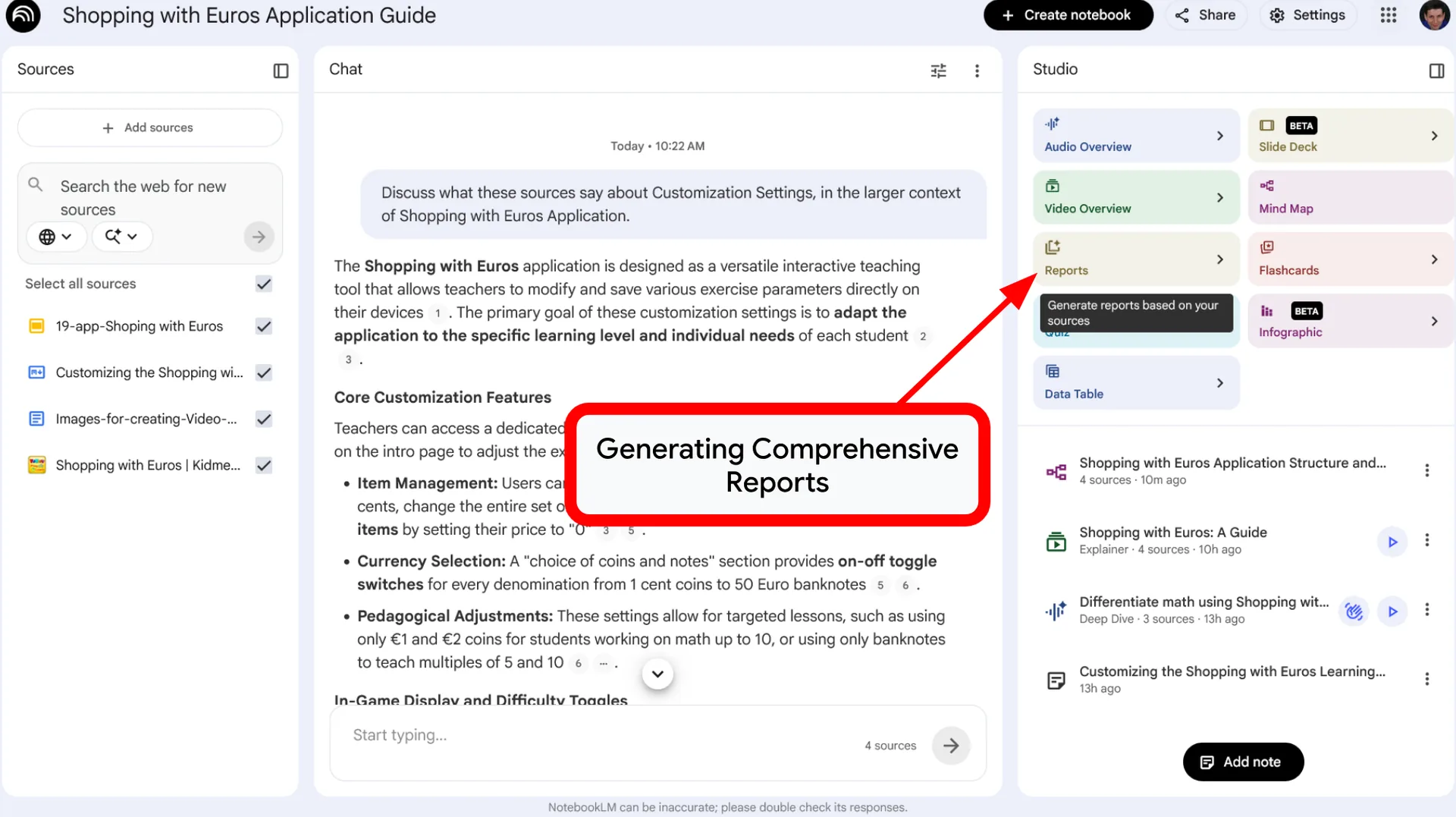
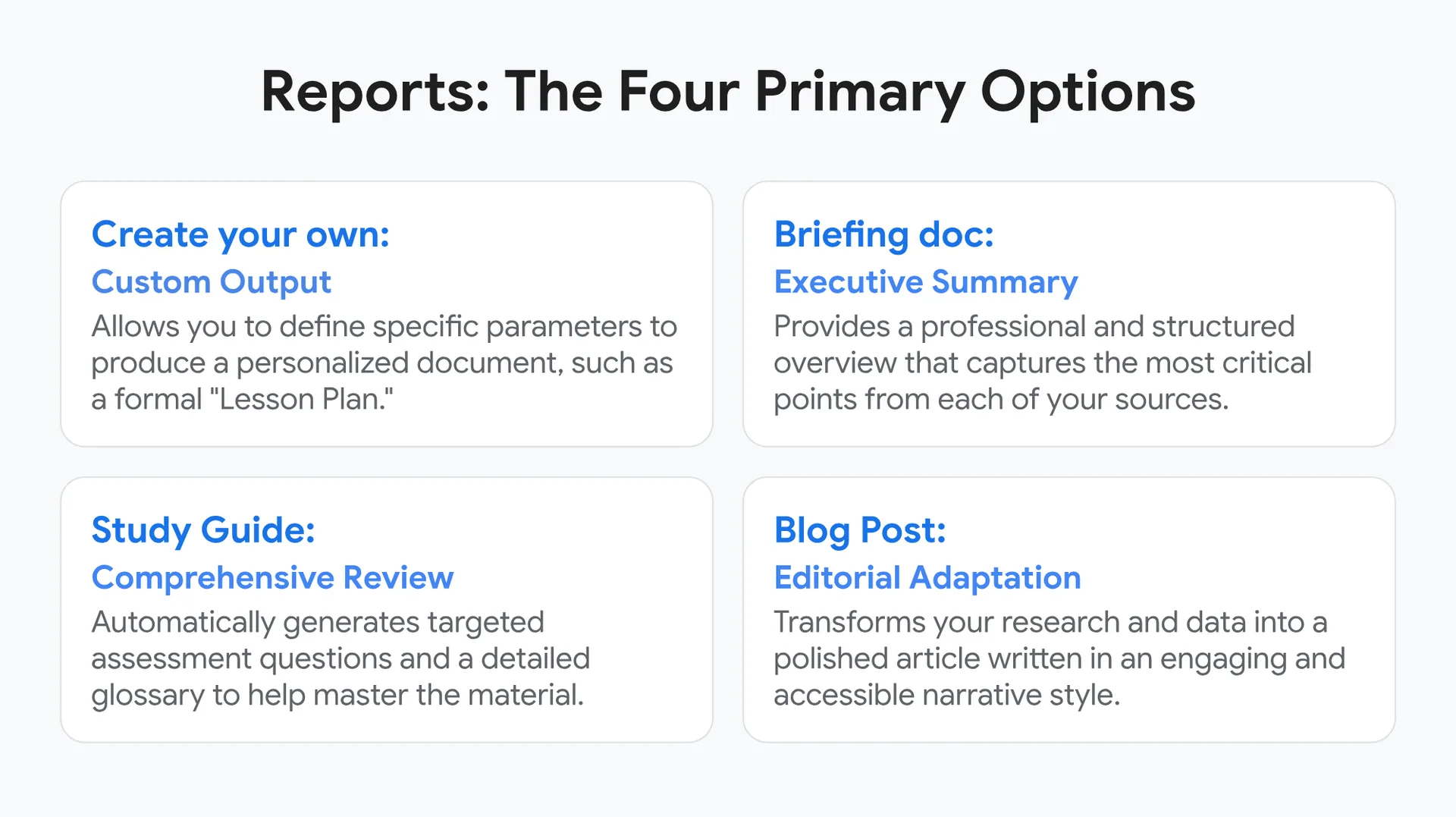
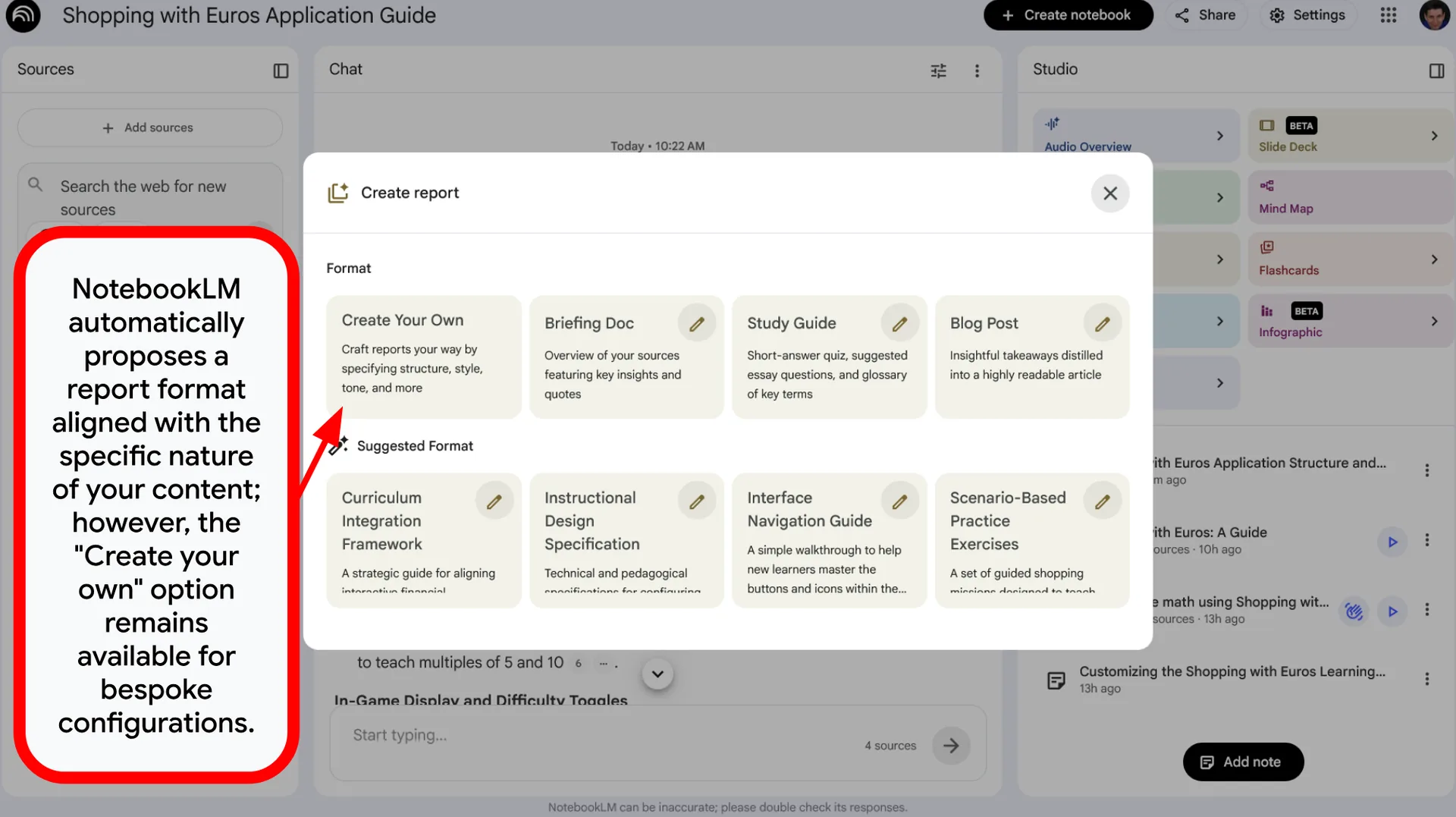
Reports: The Four Primary Options
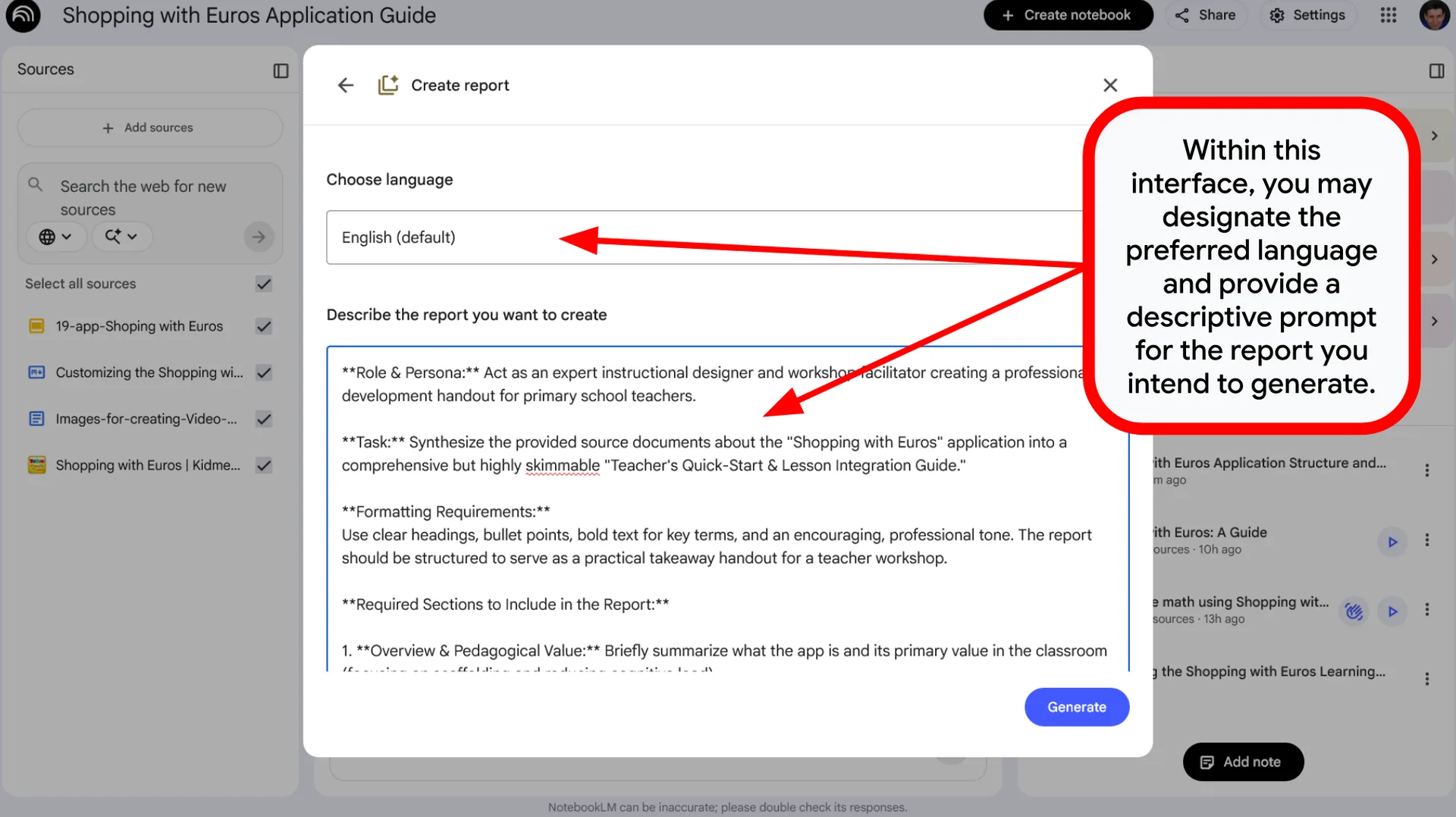
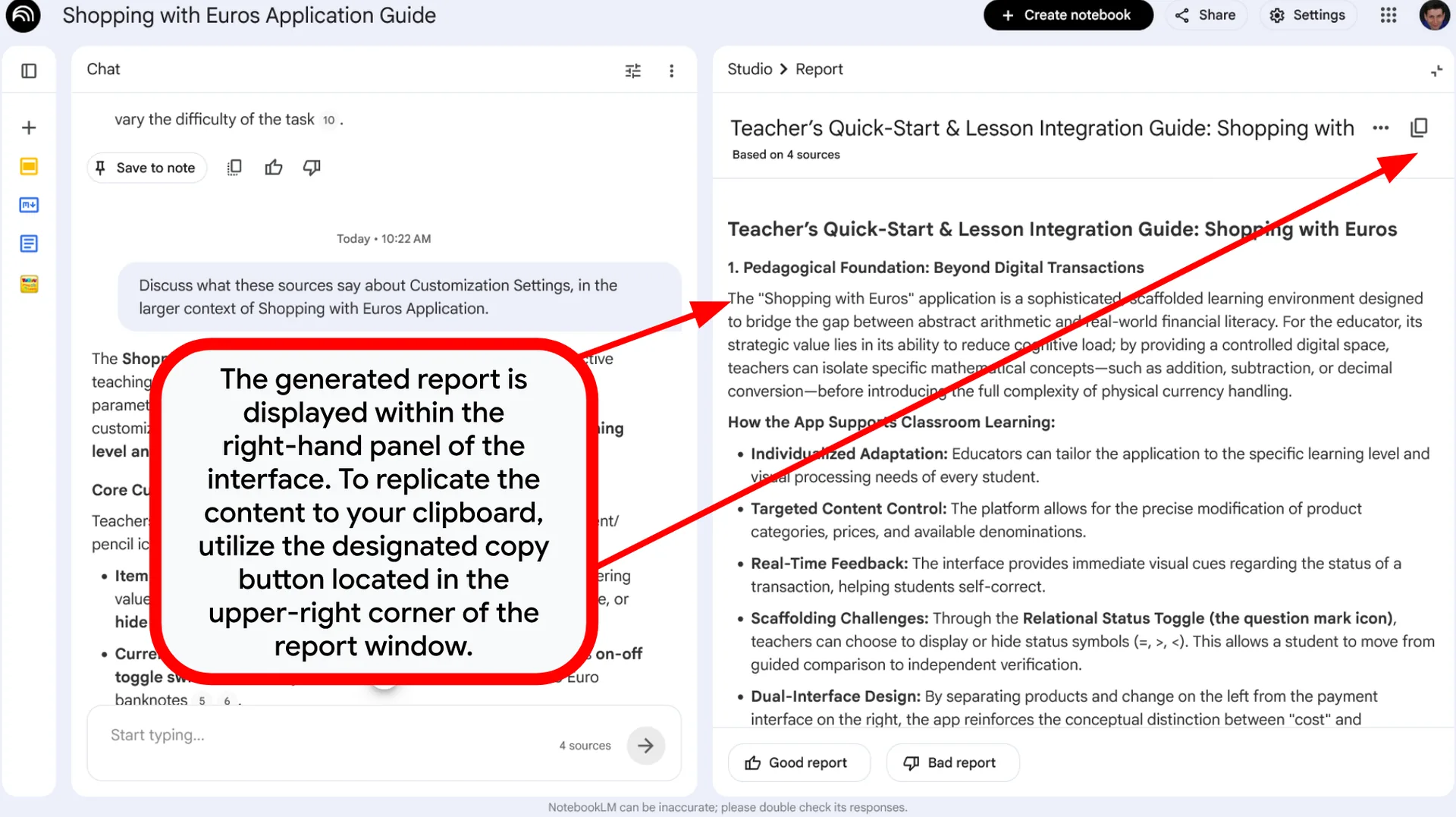
- Create your own: Custom Output Generation – Allows you to define specific parameters to produce a personalized document, such as a formal “Lesson Plan.”
- Briefing doc: Executive Summary – Provides a professional and structured overview that captures the most critical points from each of your sources.
- Study Guide: Comprehensive Review Guide – Automatically generates targeted assessment questions and a detailed glossary to help master the material.
- Blog Post: Editorial Adaptation – Transforms your research and data into a polished article written in an engaging and accessible narrative style.
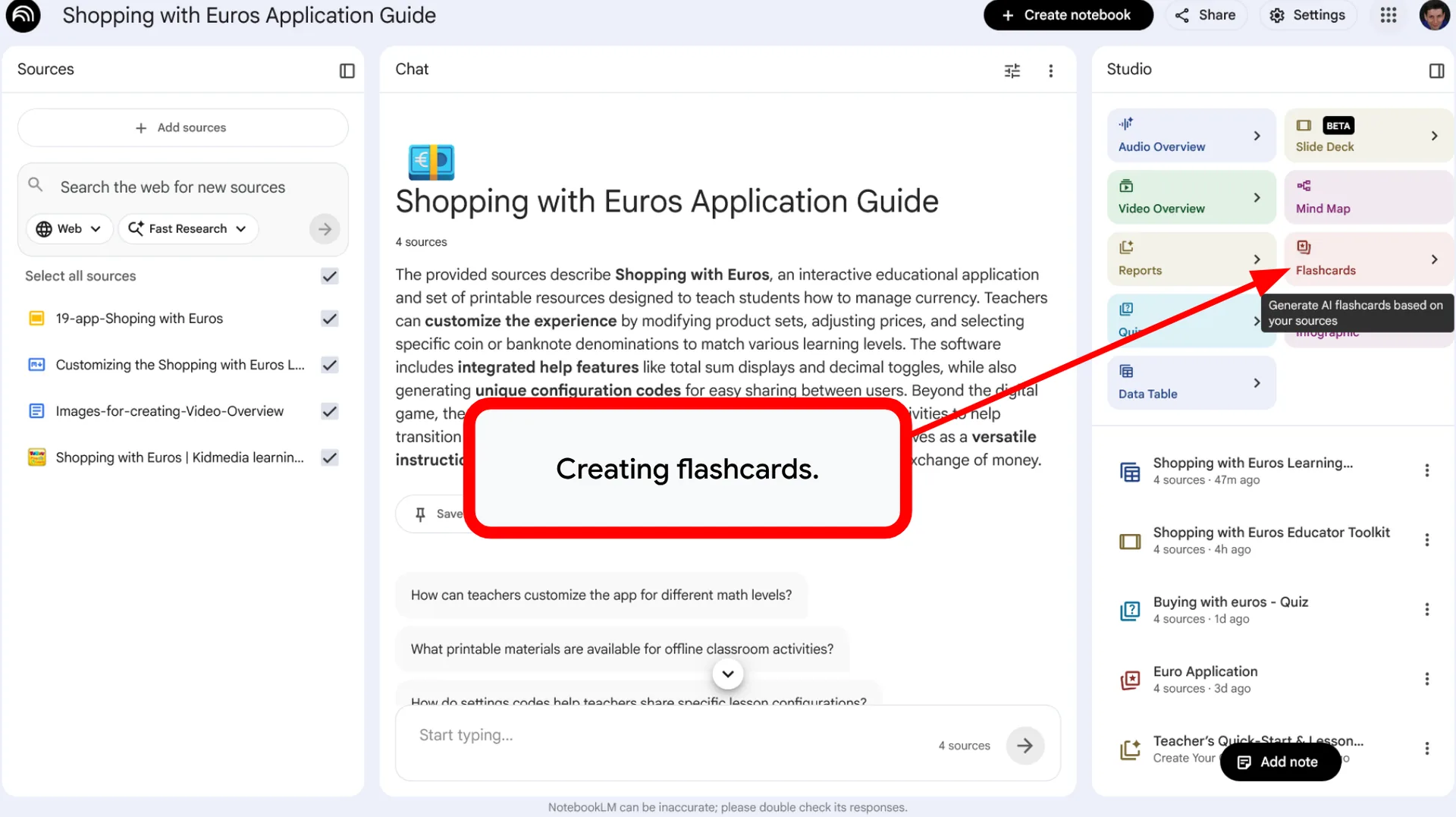
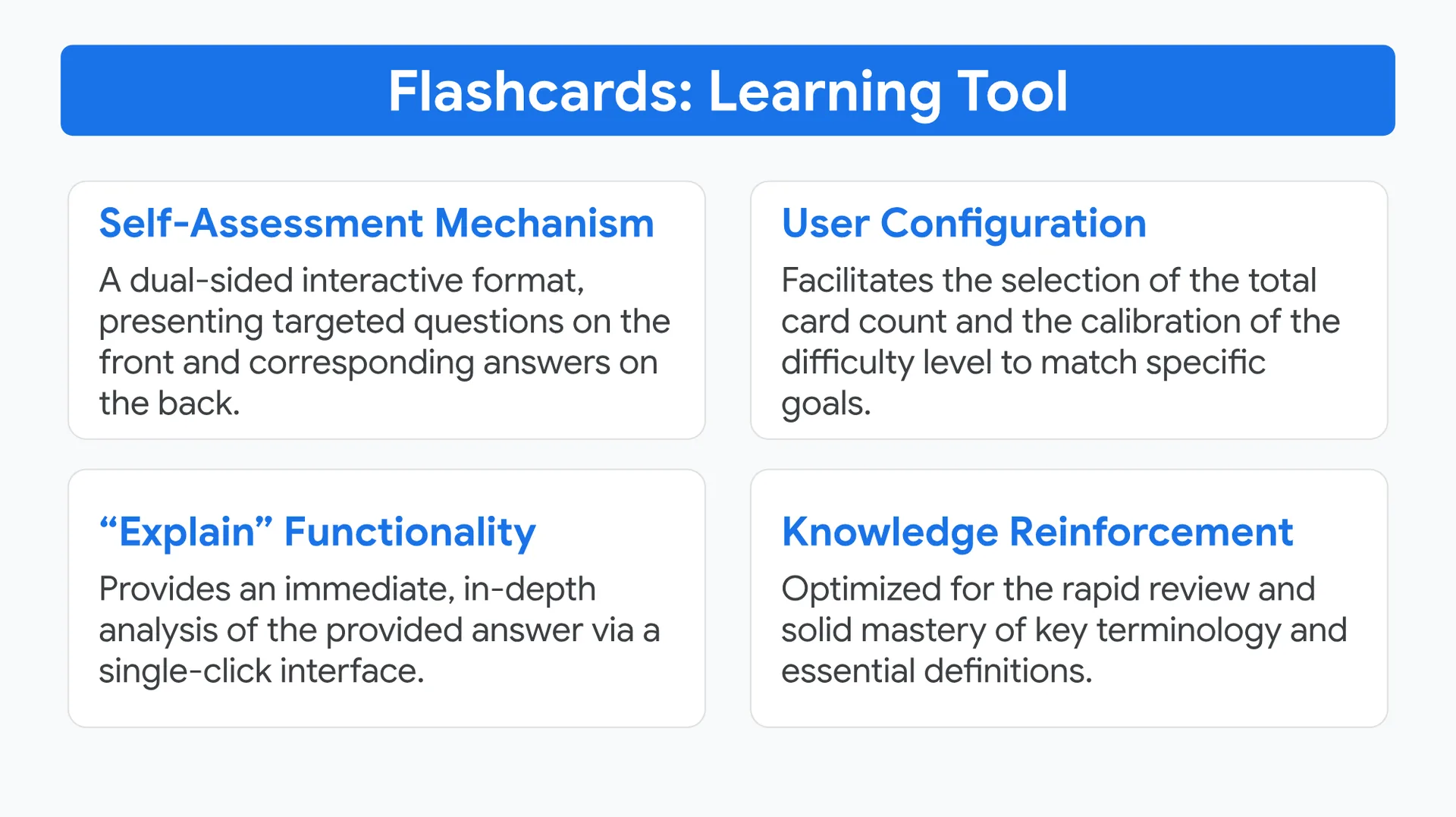
Flashcards: Learning Tool
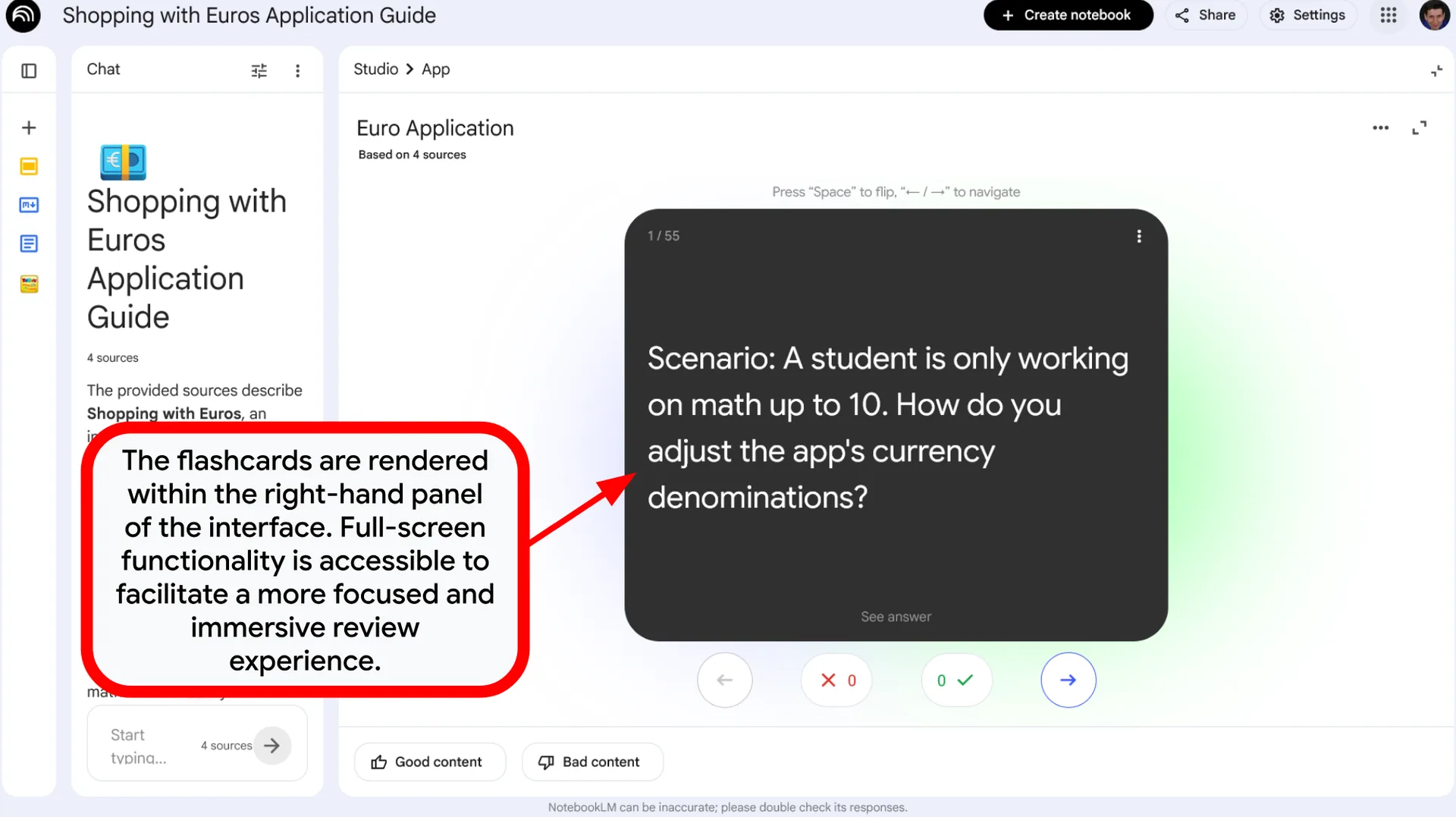
- Self-Assessment Mechanism: A dual-sided interactive format, presenting targeted questions on the front and corresponding answers on the back.
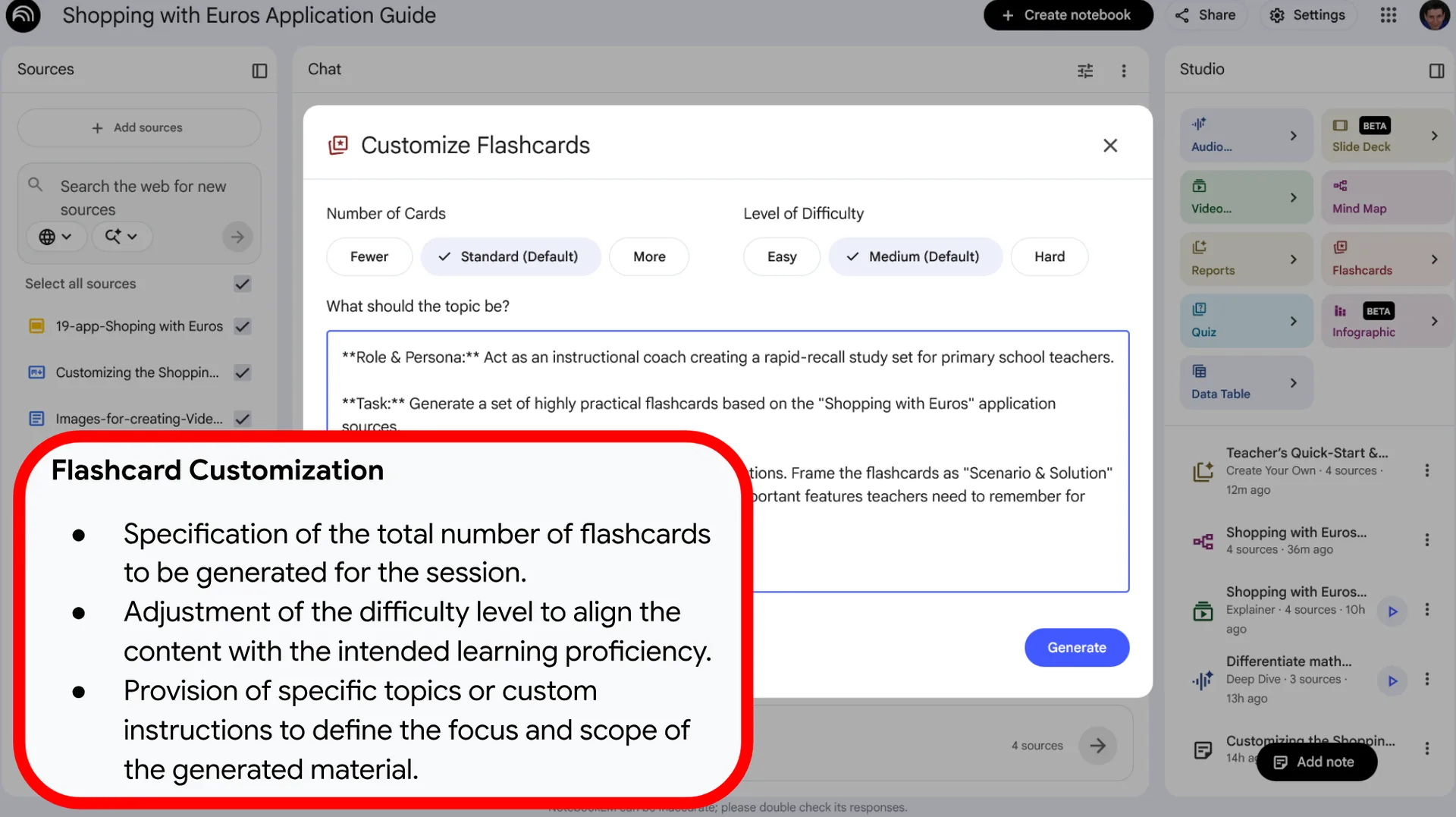
- User Configuration: Facilitates the selection of the total card count and the calibration of the difficulty level to match specific goals.
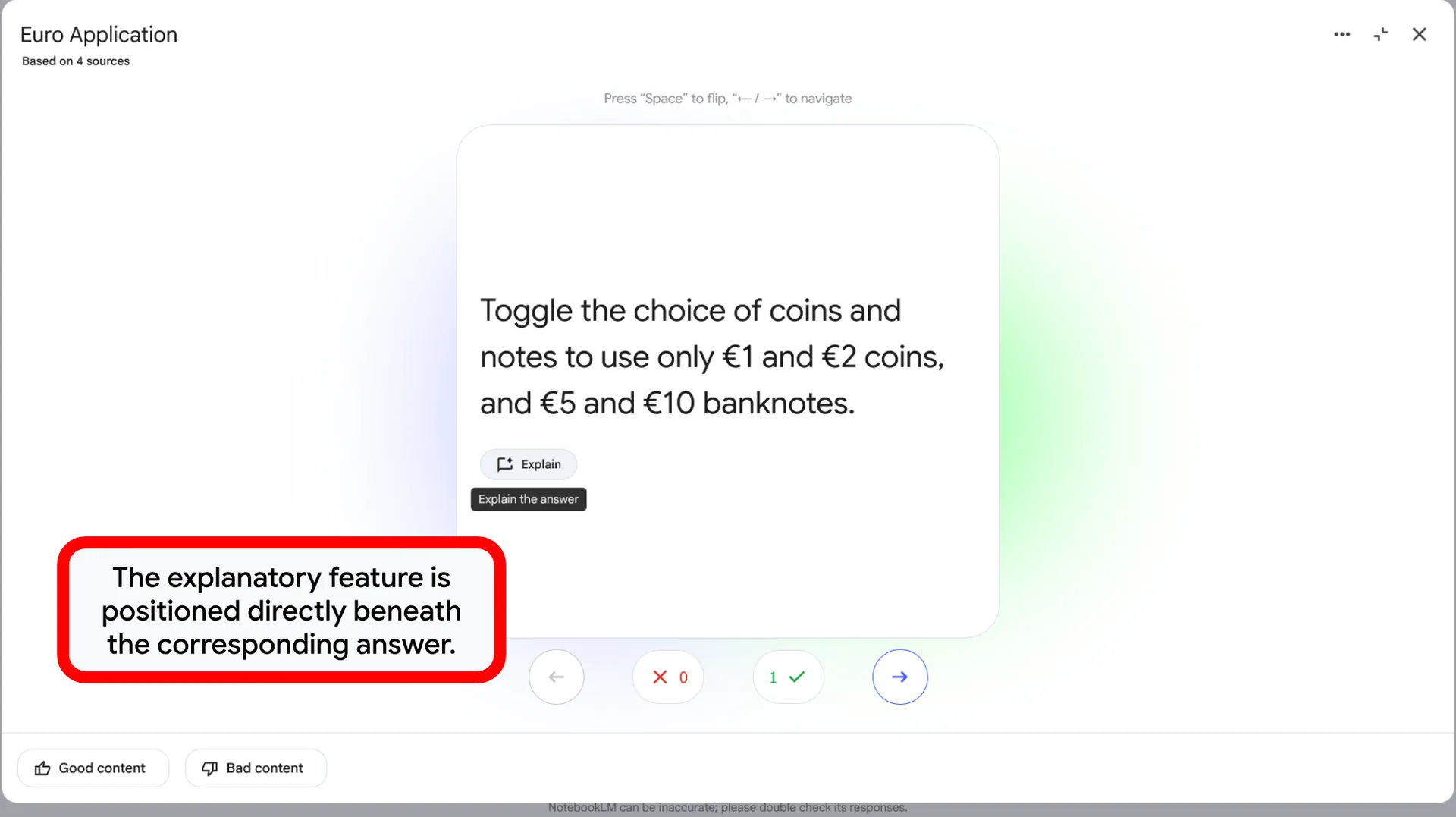
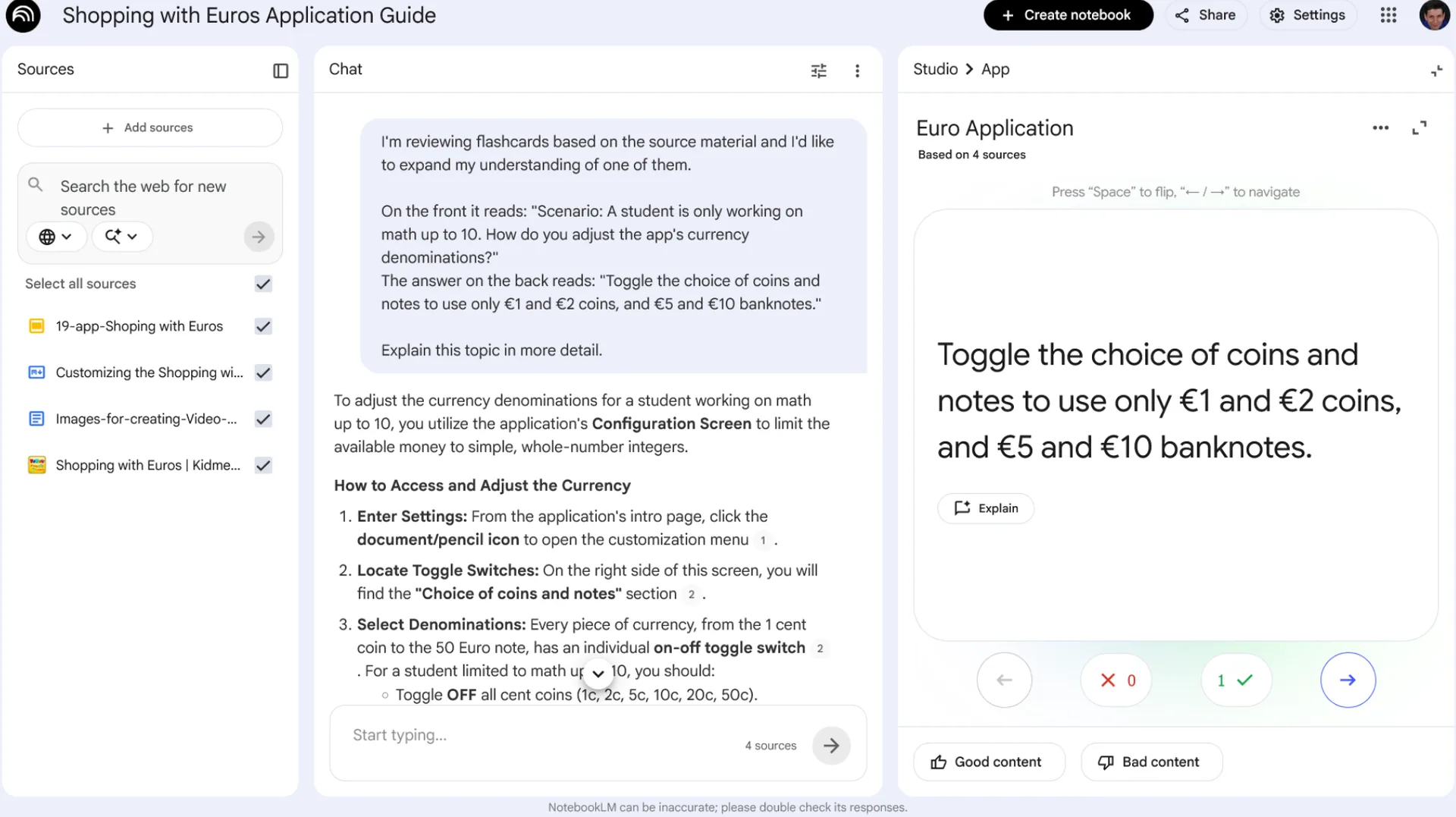
- “Explain” Functionality: Provides an immediate, in-depth analysis of the provided answer via a single-click interface.
- Knowledge Reinforcement: Optimized for the rapid review and solid mastery of key terminology and essential definitions.
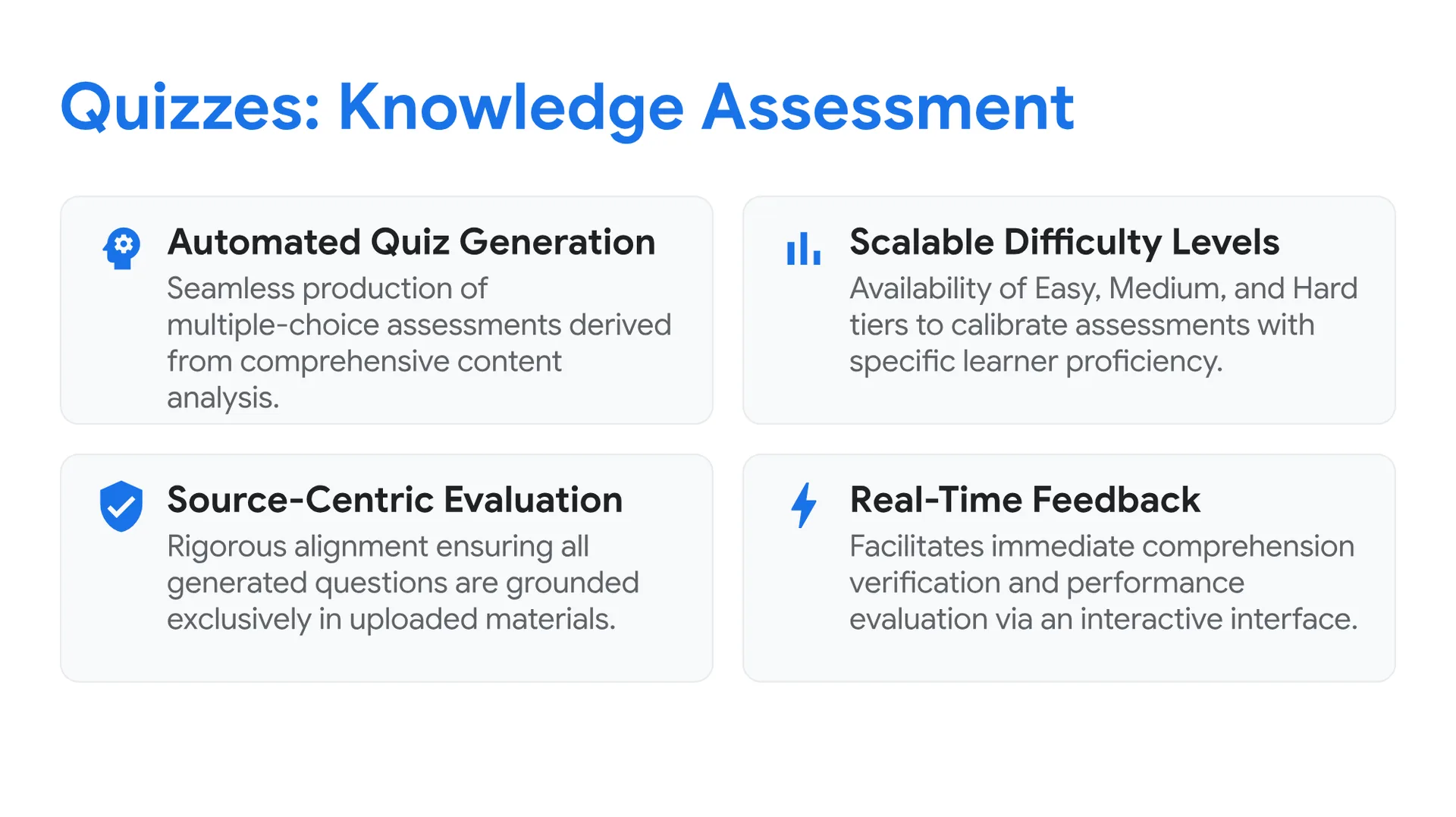
Quizzes: Knowledge Assessment
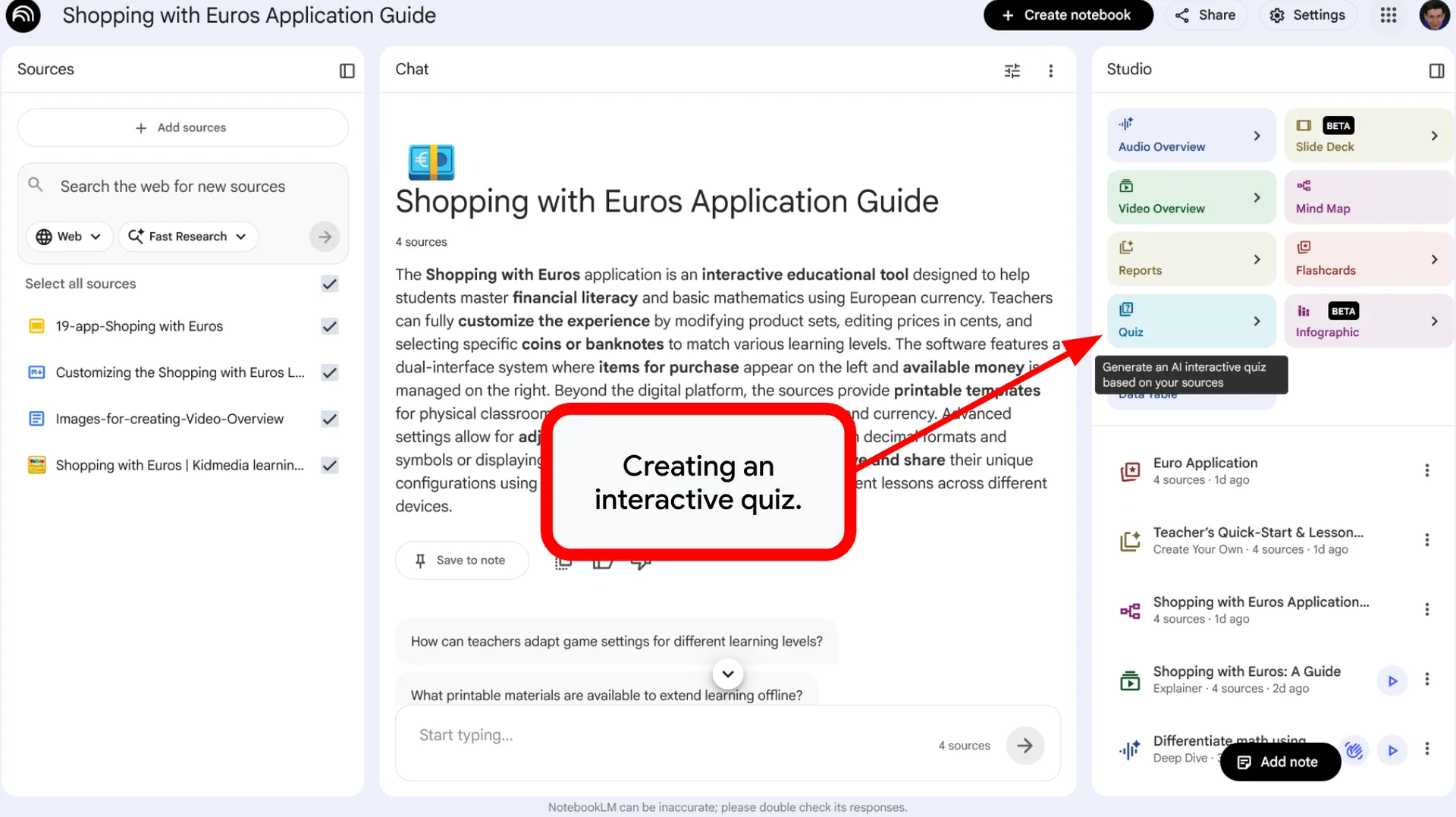
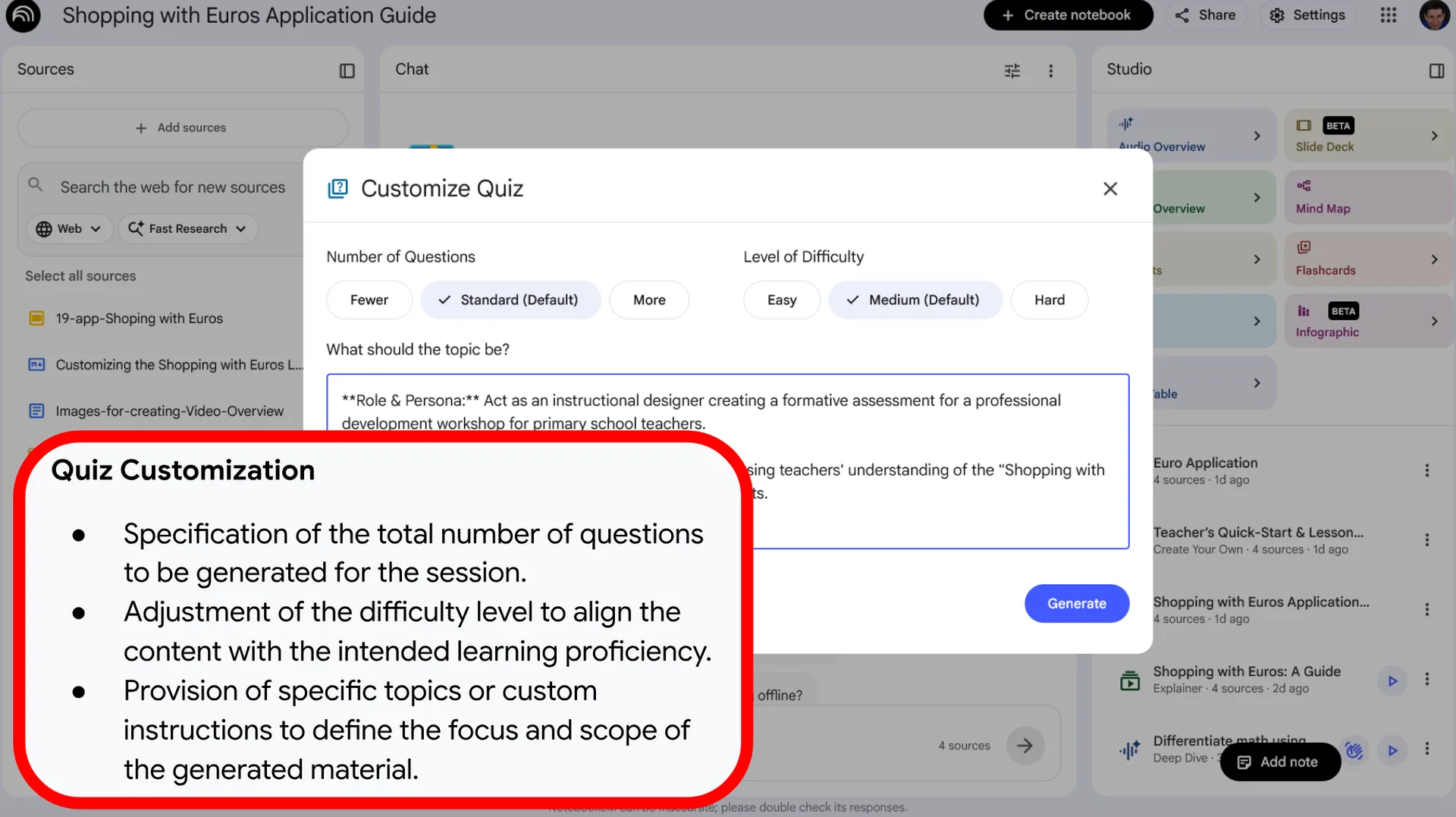
- Automated Quiz Generation: Seamless production of multiple-choice assessments derived from comprehensive content analysis.
- Scalable Difficulty Levels: Availability of Easy, Medium, and Hard tiers to calibrate the assessment with specific academic grades or learner proficiency.
- Source-Centric Evaluation: Rigorous alignment ensuring all generated questions are grounded exclusively in the uploaded source materials.
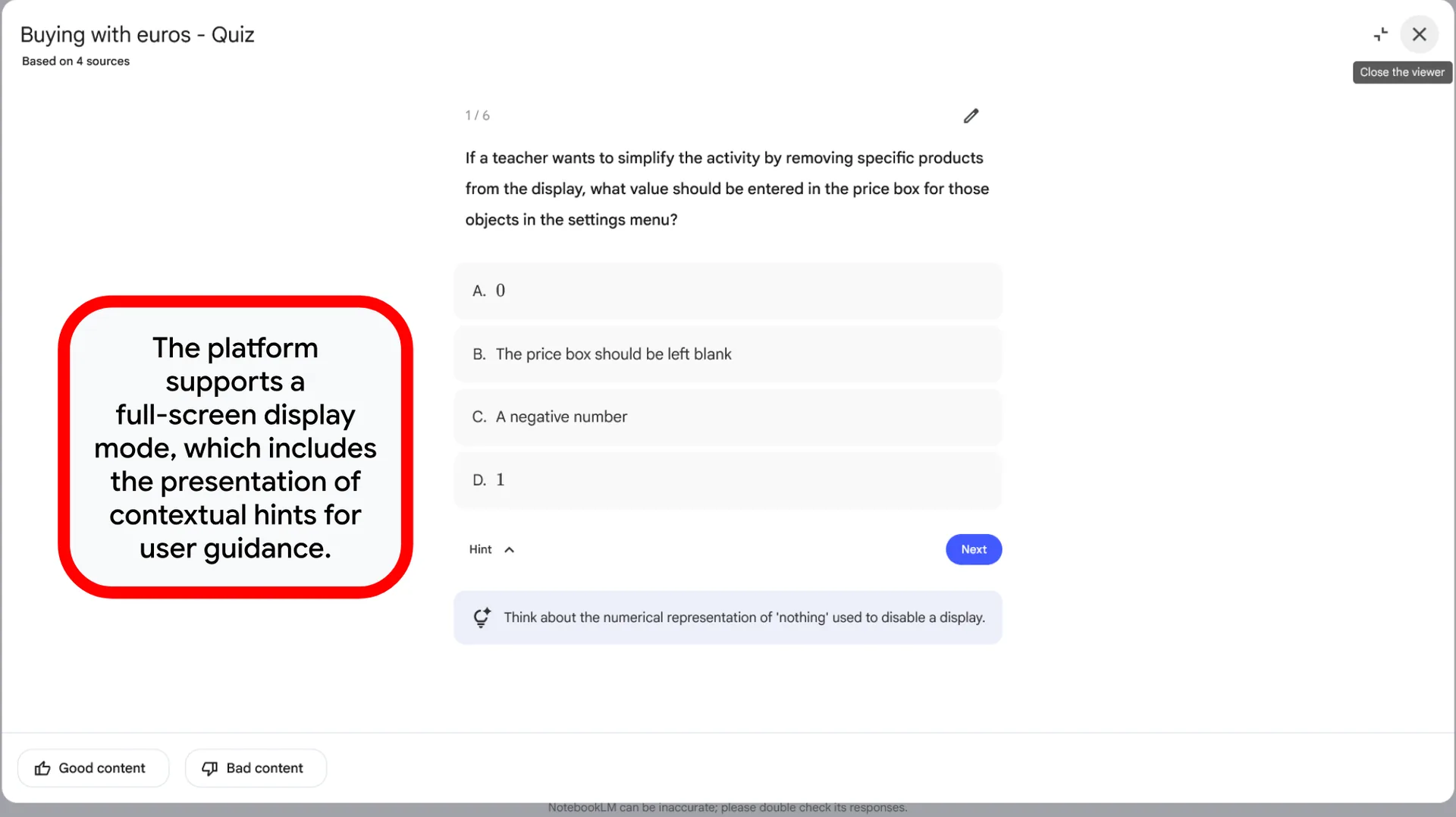
- Real-Time Feedback: Facilitates immediate comprehension verification and performance evaluation through an interactive interface.
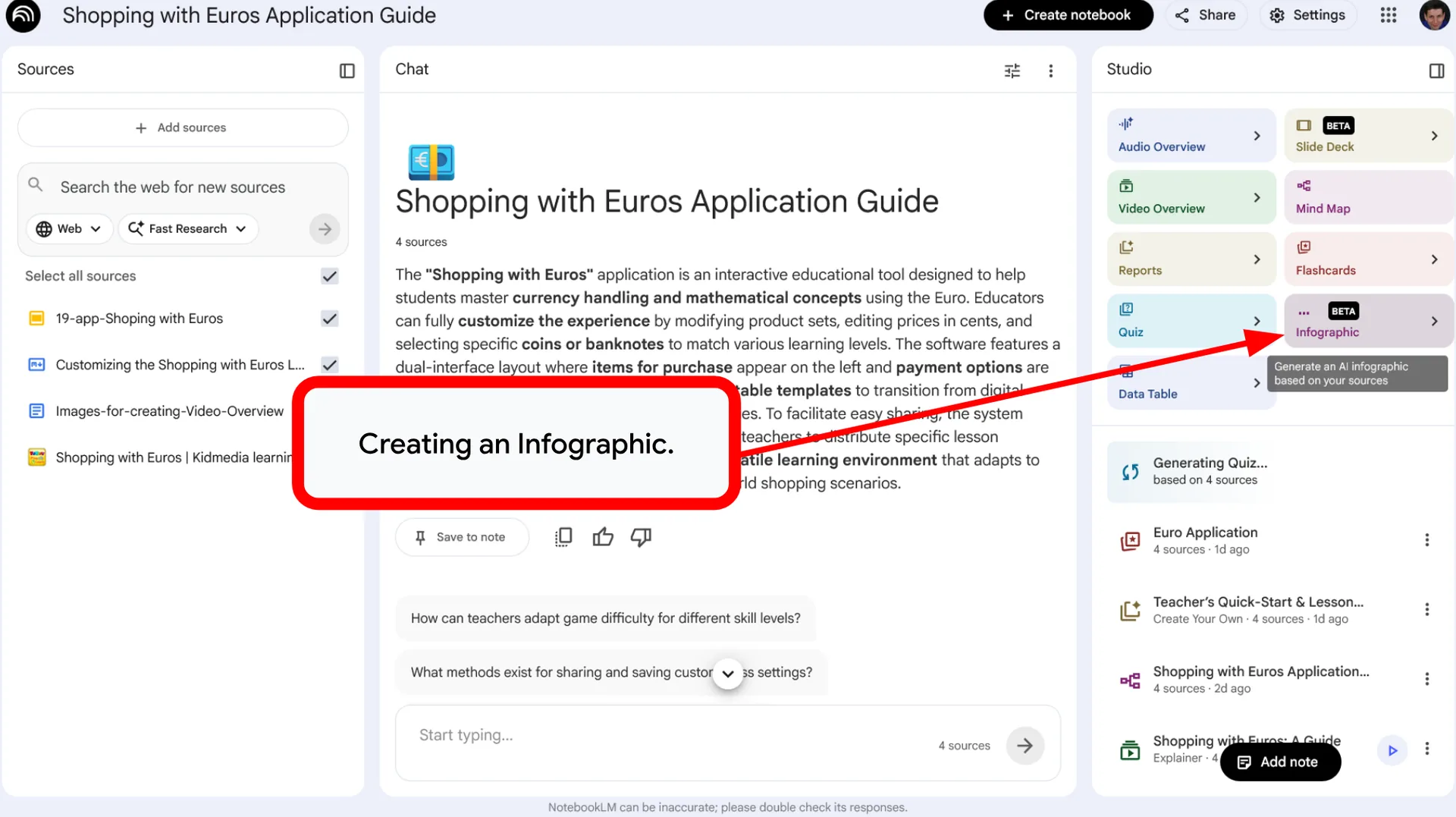
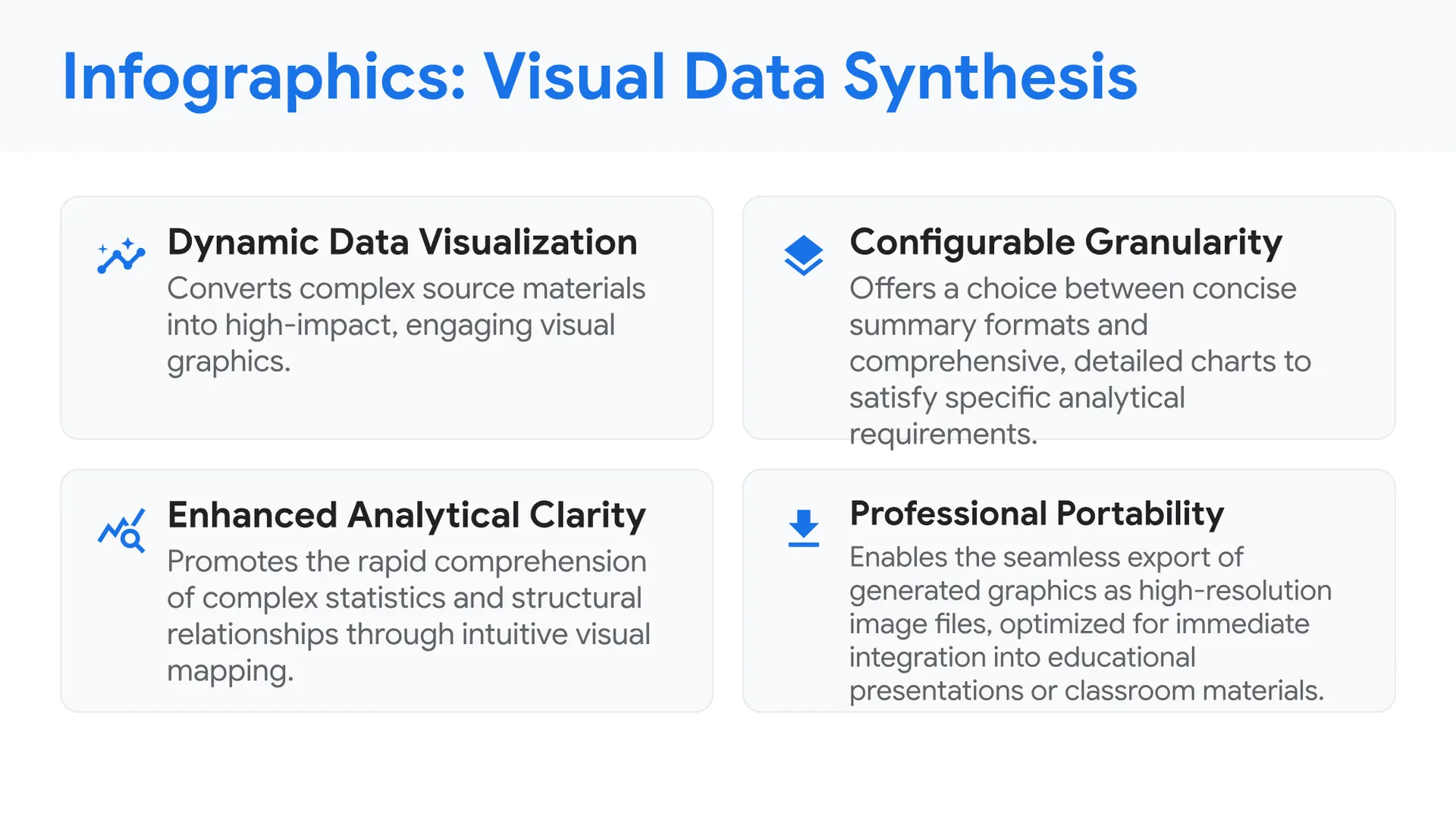
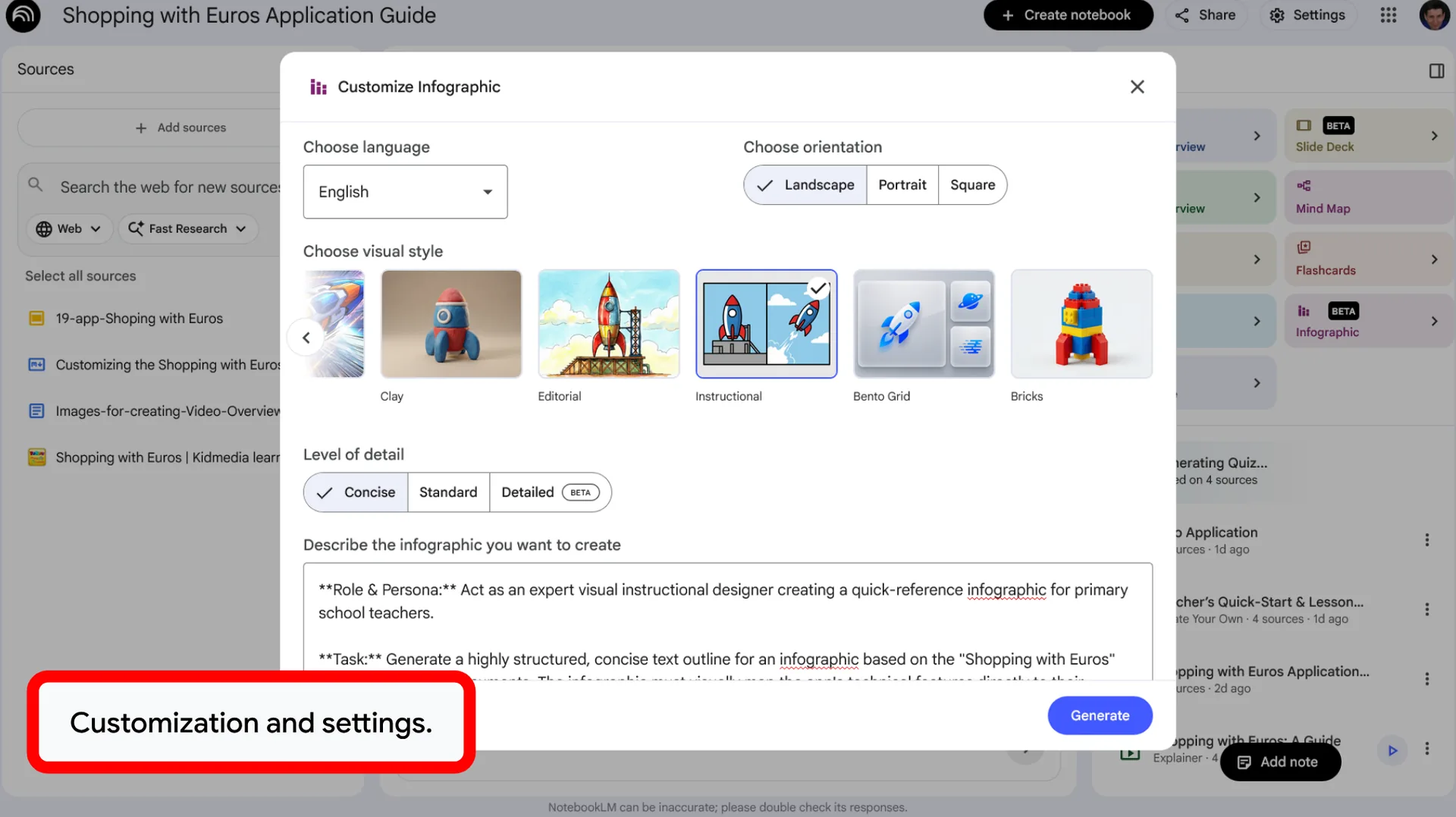
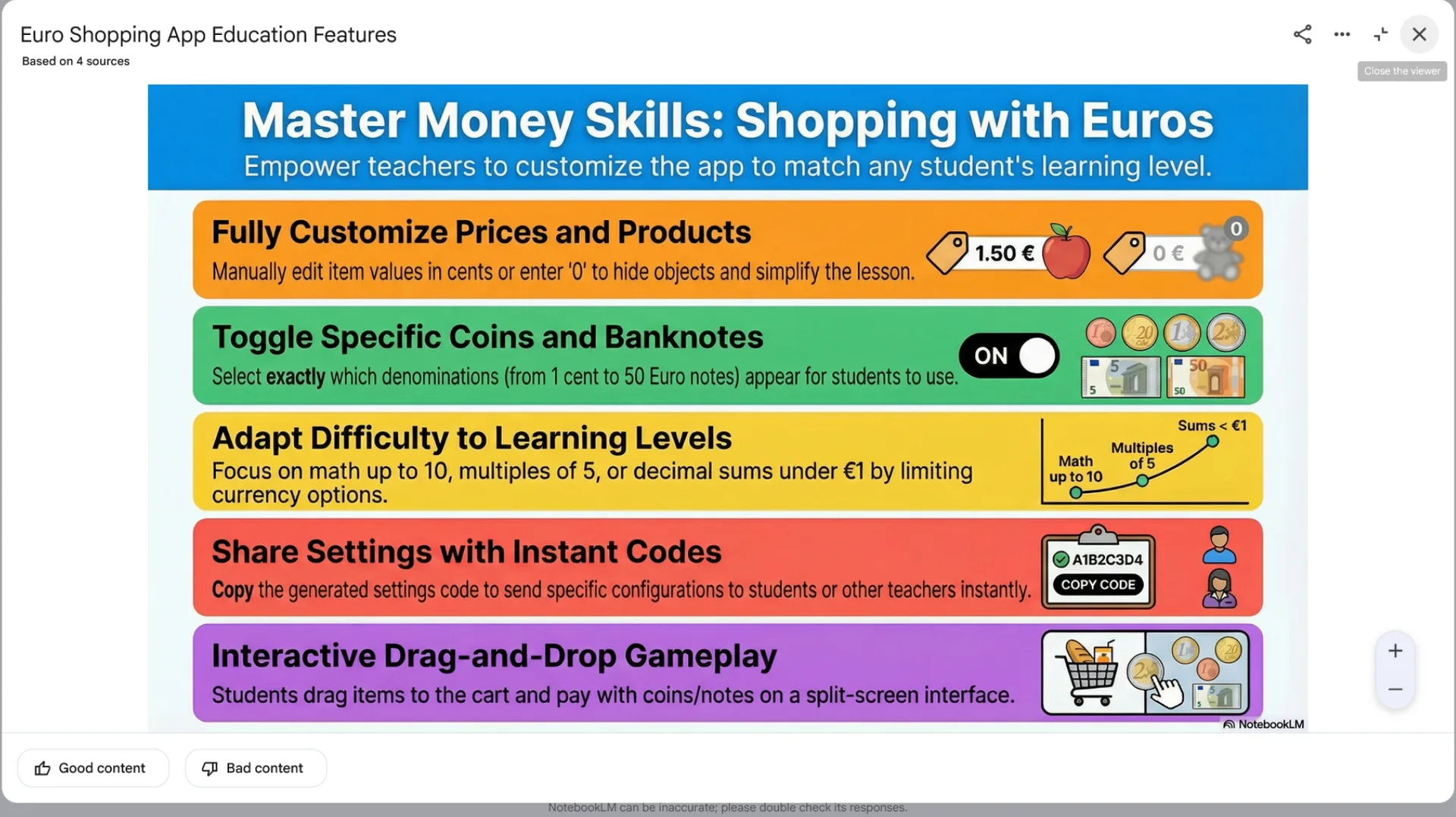
Infographics: Visual Data Synthesis
- Dynamic Data Visualization: Converts complex source materials into high-impact, engaging visual graphics.
- Configurable Granularity: Offers a choice between concise summary formats and comprehensive, detailed charts to satisfy specific analytical requirements.
- Enhanced Analytical Clarity: Promotes the rapid comprehension of complex statistics and structural relationships through intuitive visual mapping.
- Professional Portability: Enables the seamless export of generated graphics as high-resolution image files, optimized for immediate integration into educational presentations or classroom materials.
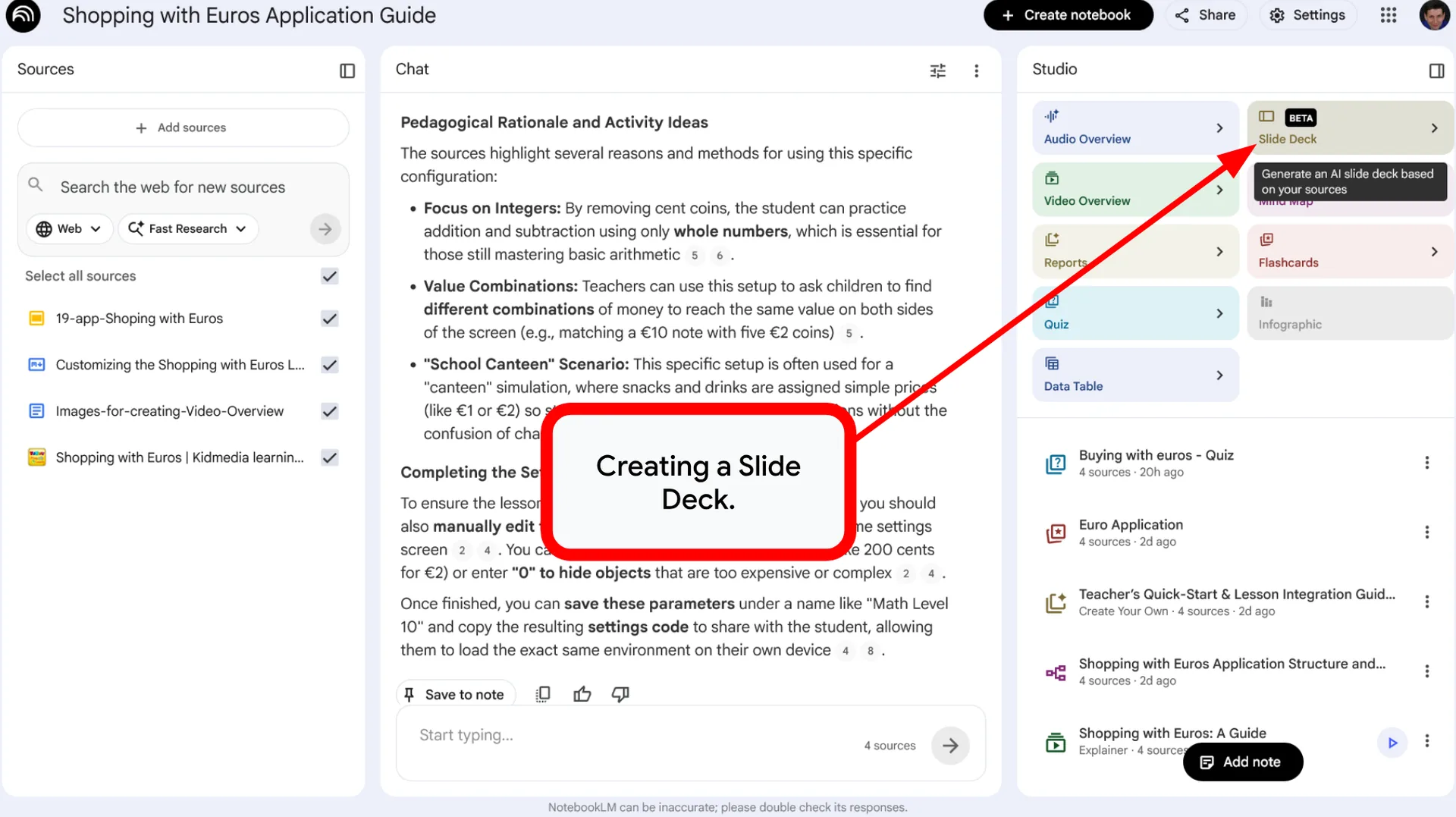
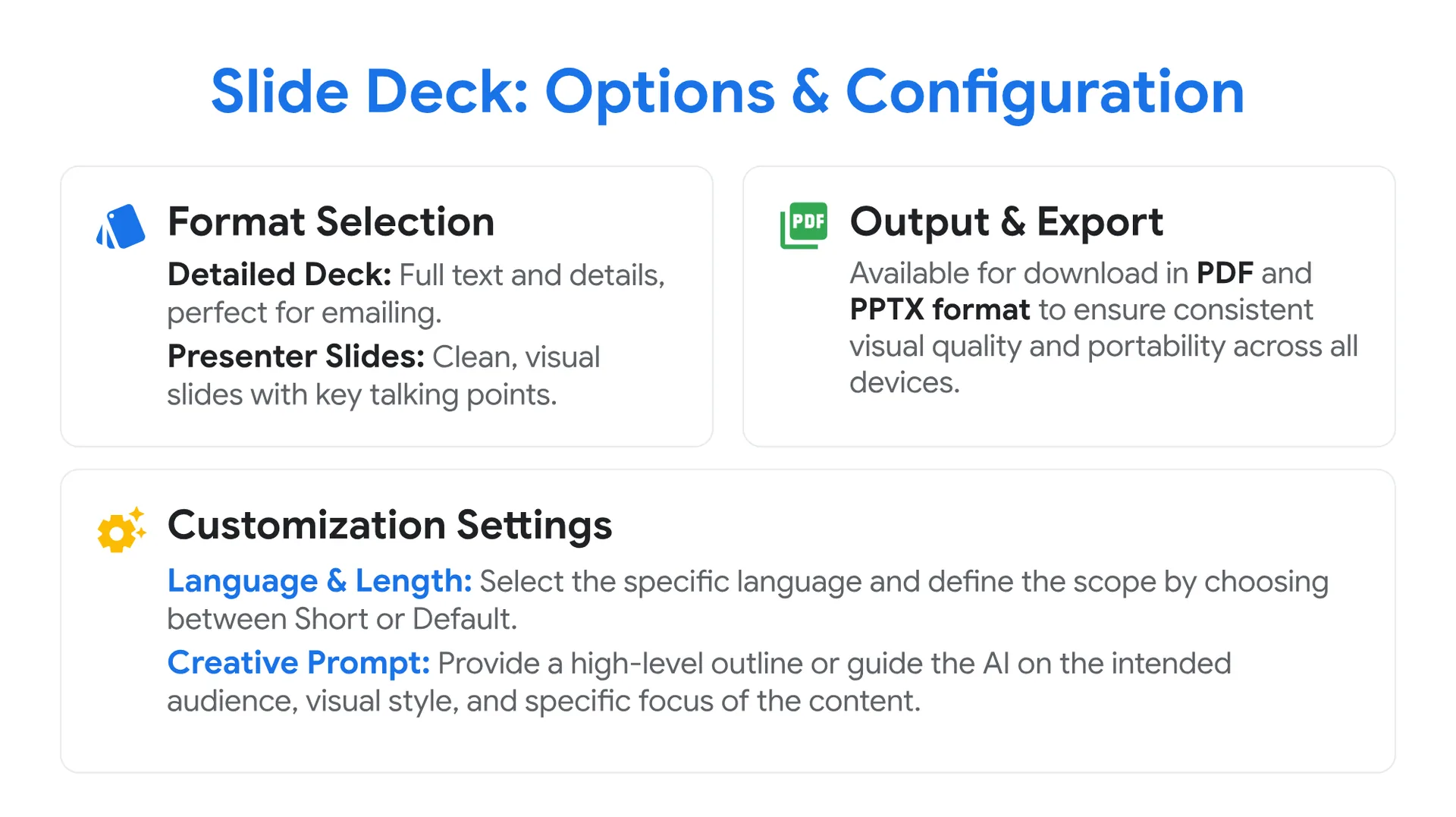
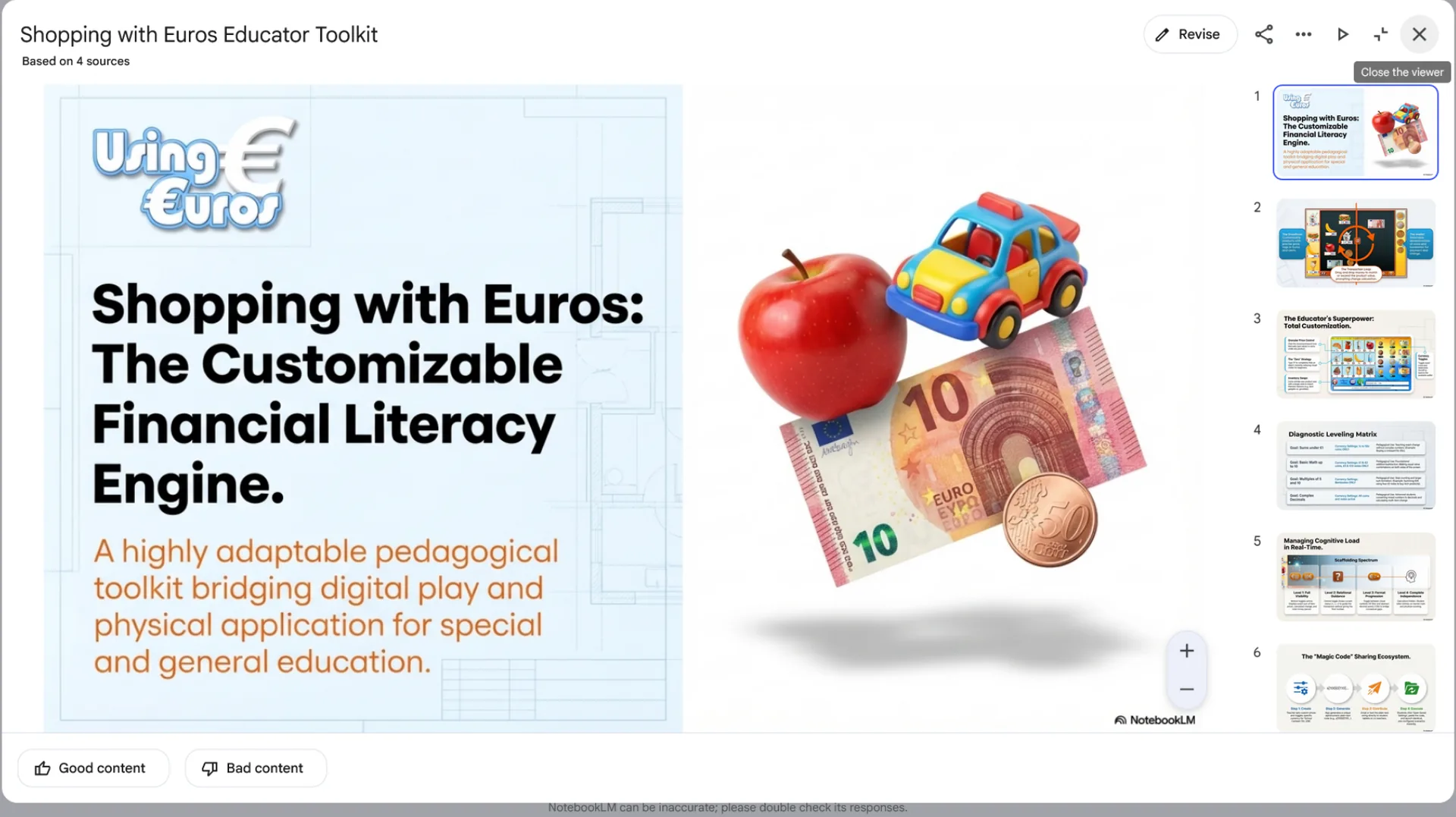
Slide Deck: Options & Configuration
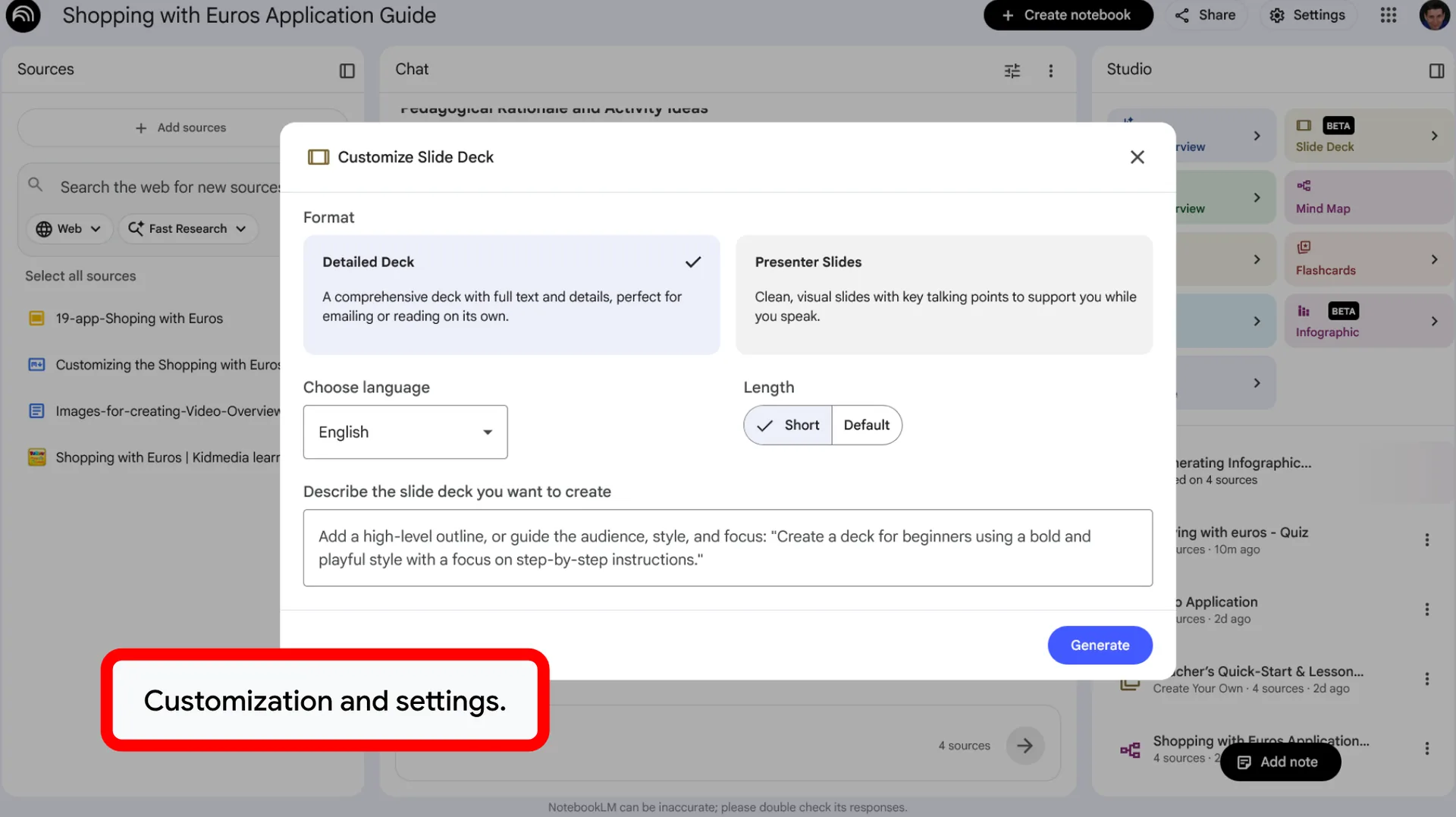
Format Selection
- Detailed Deck: A comprehensive deck with full text and details, perfect for emailing or reading on its own.
- Presenter Slides: Clean, visual slides with key talking points to support you while you speak.
Customization Settings
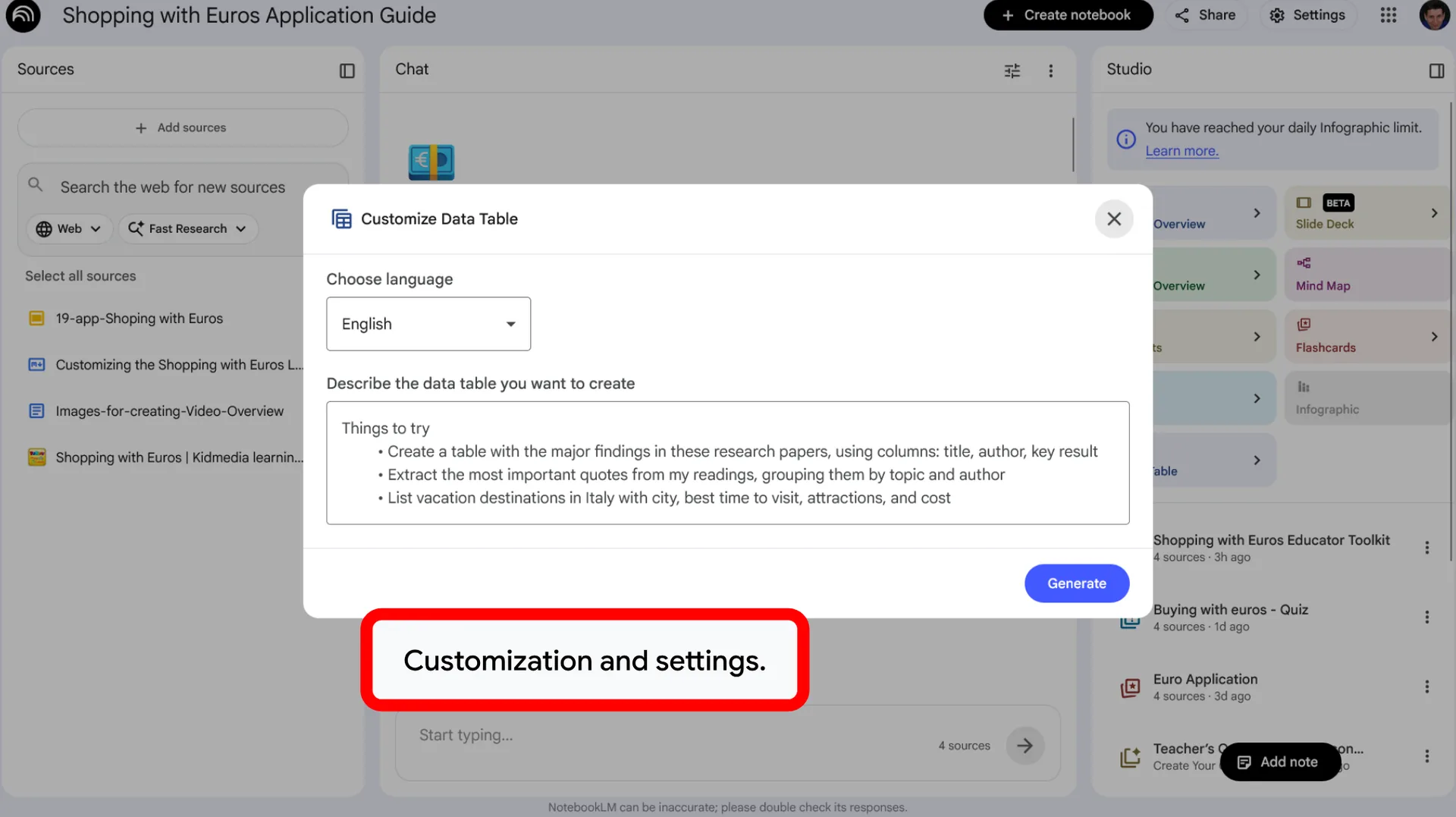
- Choose language: Select the specific language for your generated presentation.
- Length: Define the scope of your deck by choosing between Short or Default.
- Describe the slide deck you want to create: Use this area to provide a high-level outline or to guide the AI on the intended audience, visual style, and specific focus of the content.
Output
- Export: The final presentation is available for download exclusively in PDF format to ensure consistent visual quality and portability.
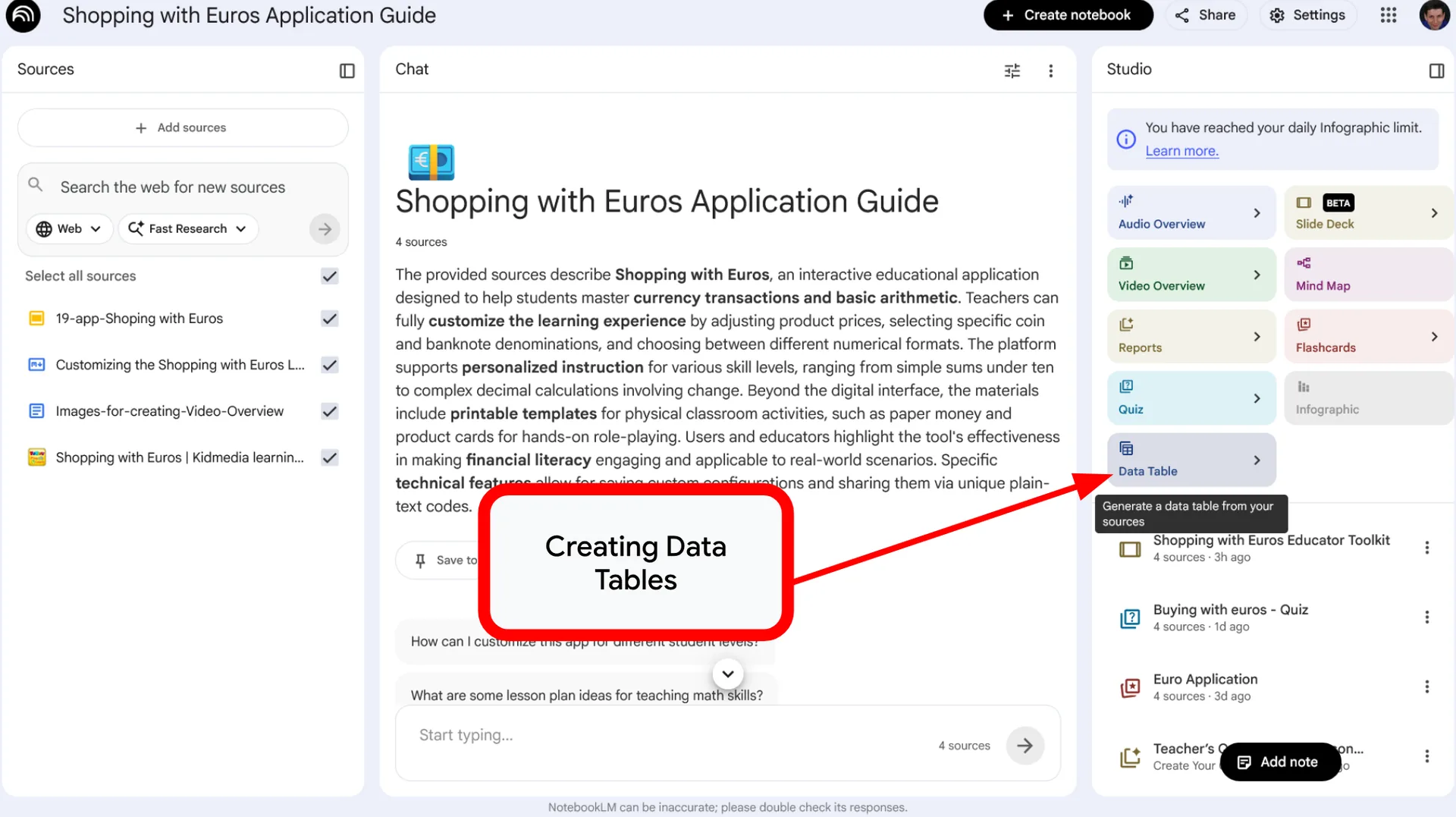
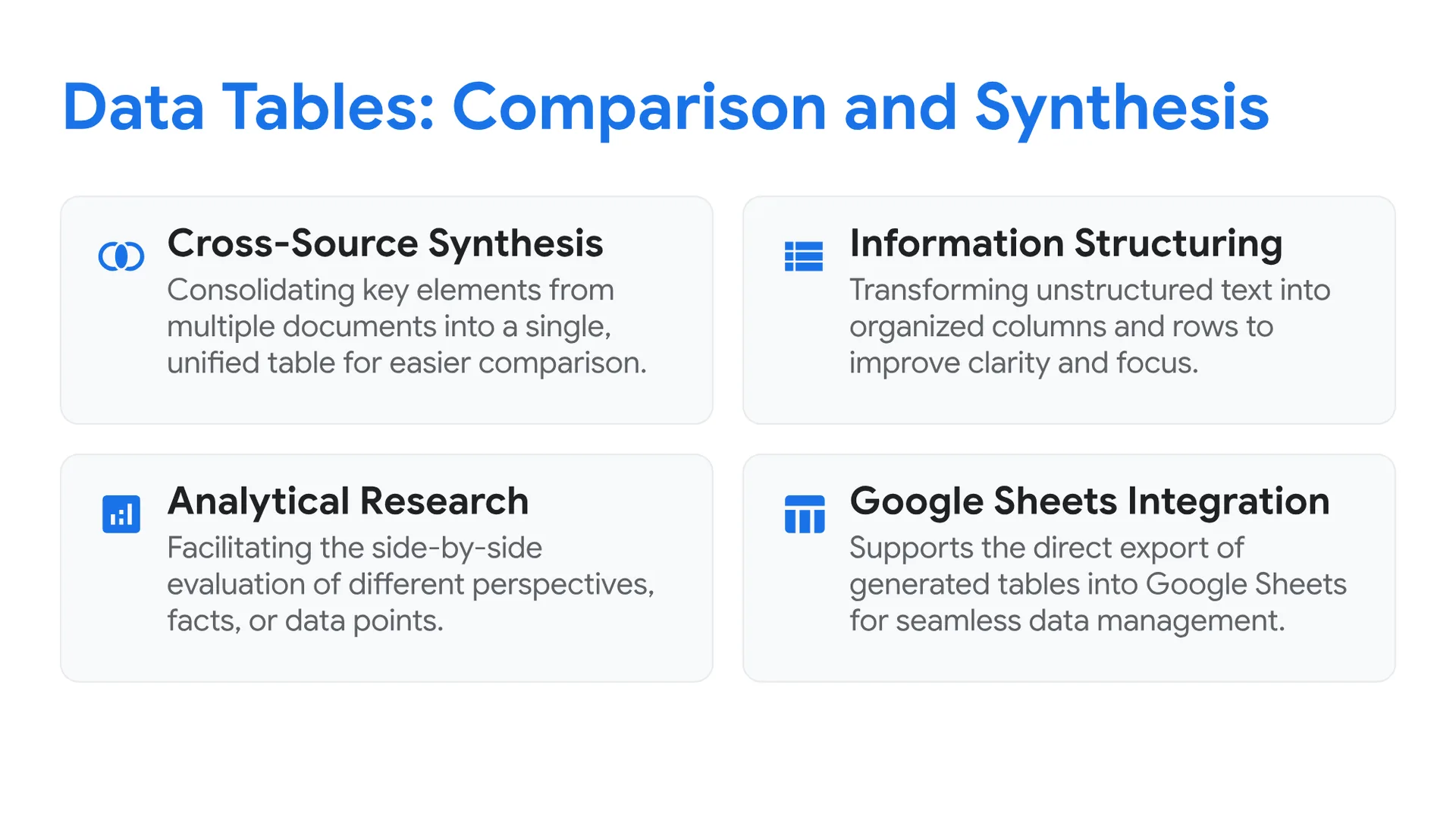
Data Tables: Comparison and Synthesis
- Cross-Source Synthesis: Consolidating key elements from multiple documents into a single, unified table for easier comparison.
- Information Structuring: Transforming unstructured text into organized columns and rows to improve clarity and focus.
- Analytical Research: Facilitating the side-by-side evaluation of different perspectives, facts, or data points.
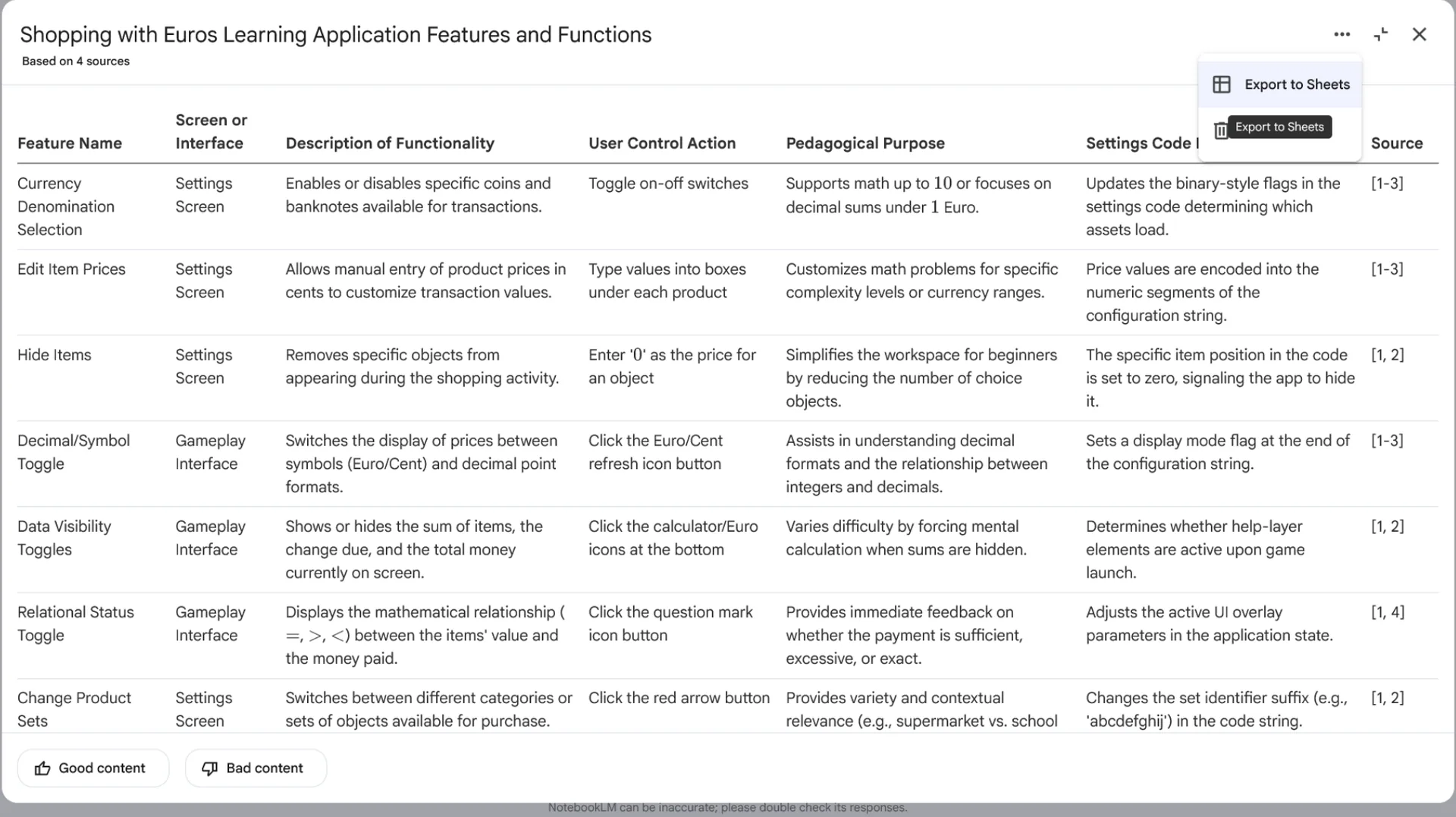
- Google Sheets Integration: Supports the direct export of generated tables into Google Sheets for seamless data management and further analysis.
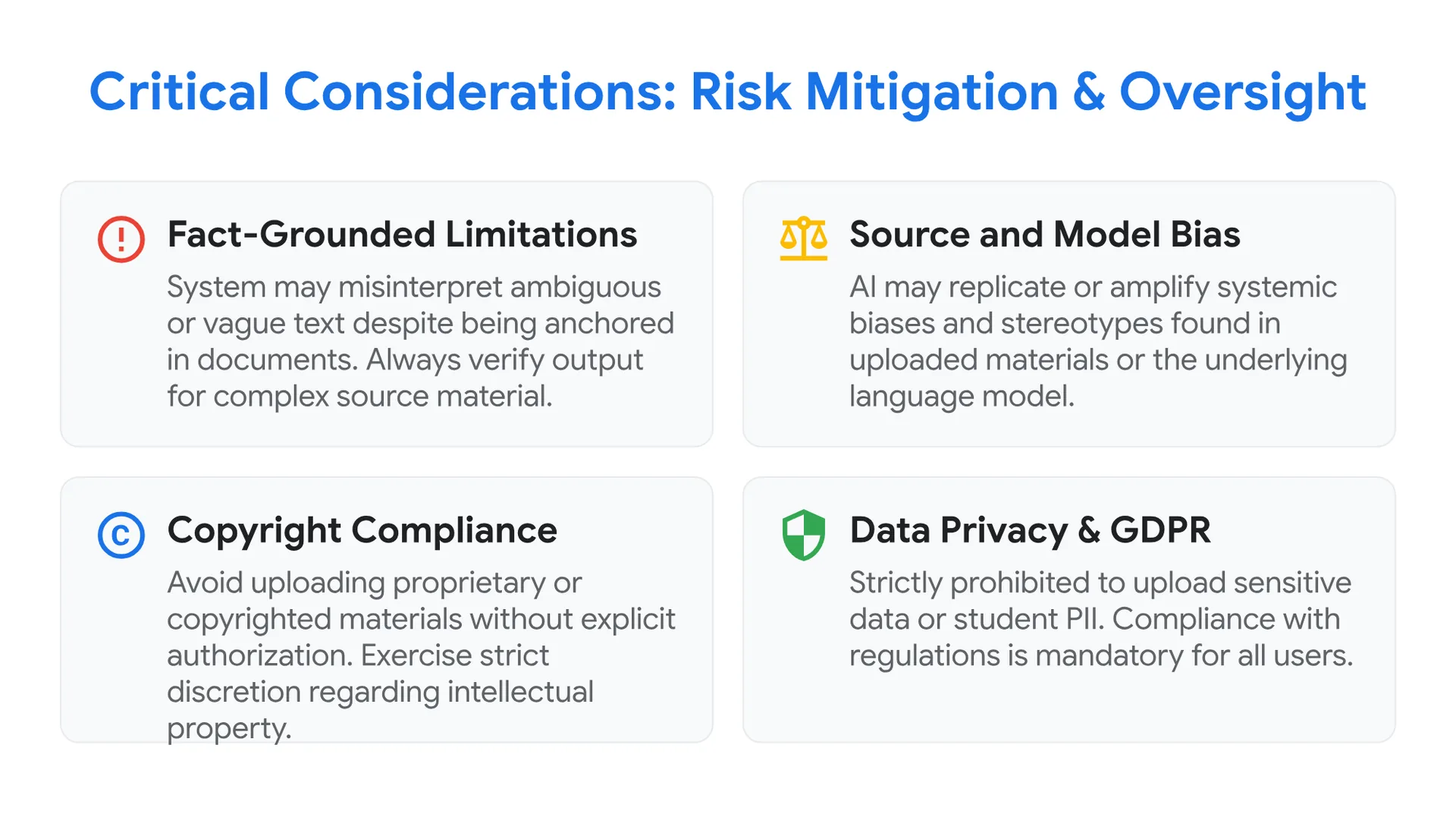
Critical Considerations: Risk Mitigation and Oversight
- Fact-Grounded Limitations (“Hallucinations”): Although the system is anchored in your documents, it may still misinterpret ambiguous or vague text[cite: 127]. Always verify the output if the source material is complex.
- Source and Model Bias: The AI may unintentionally replicate or amplify systemic biases and stereotypes found within the uploaded materials or the underlying language model.
- Copyright Compliance: Exercise strict discretion regarding intellectual property. Avoid uploading proprietary materials, such as copyrighted books or publications, without explicit authorization.
- Data Privacy & GDPR: To ensure full regulatory compliance, it is strictly prohibited to upload sensitive data or personally identifiable information (PII) pertaining to students.
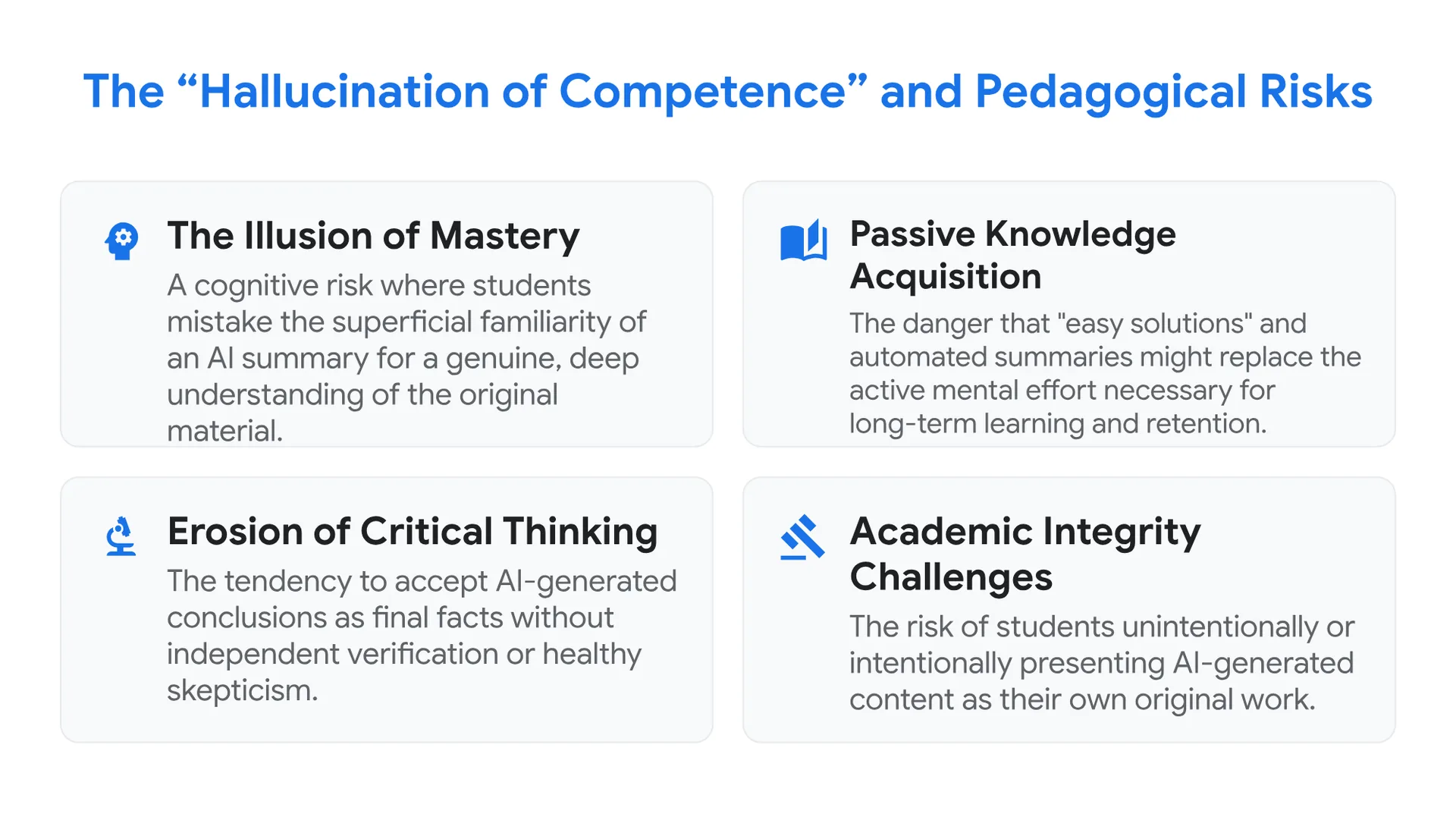
The “Hallucination of Competence” and Pedagogical Risks
- The Illusion of Mastery: A cognitive risk where students mistake the superficial familiarity of an AI summary for a genuine, deep understanding of the original material.
- Passive Knowledge Acquisition: The danger that “easy solutions” and automated summaries might replace the active mental effort necessary for long-term learning and retention.
- Erosion of Critical Thinking: The tendency to accept AI-generated conclusions as final facts without independent verification or healthy skepticism.
- Academic Integrity Challenges: The risk of students unintentionally or intentionally presenting AI-generated content as their own original work.
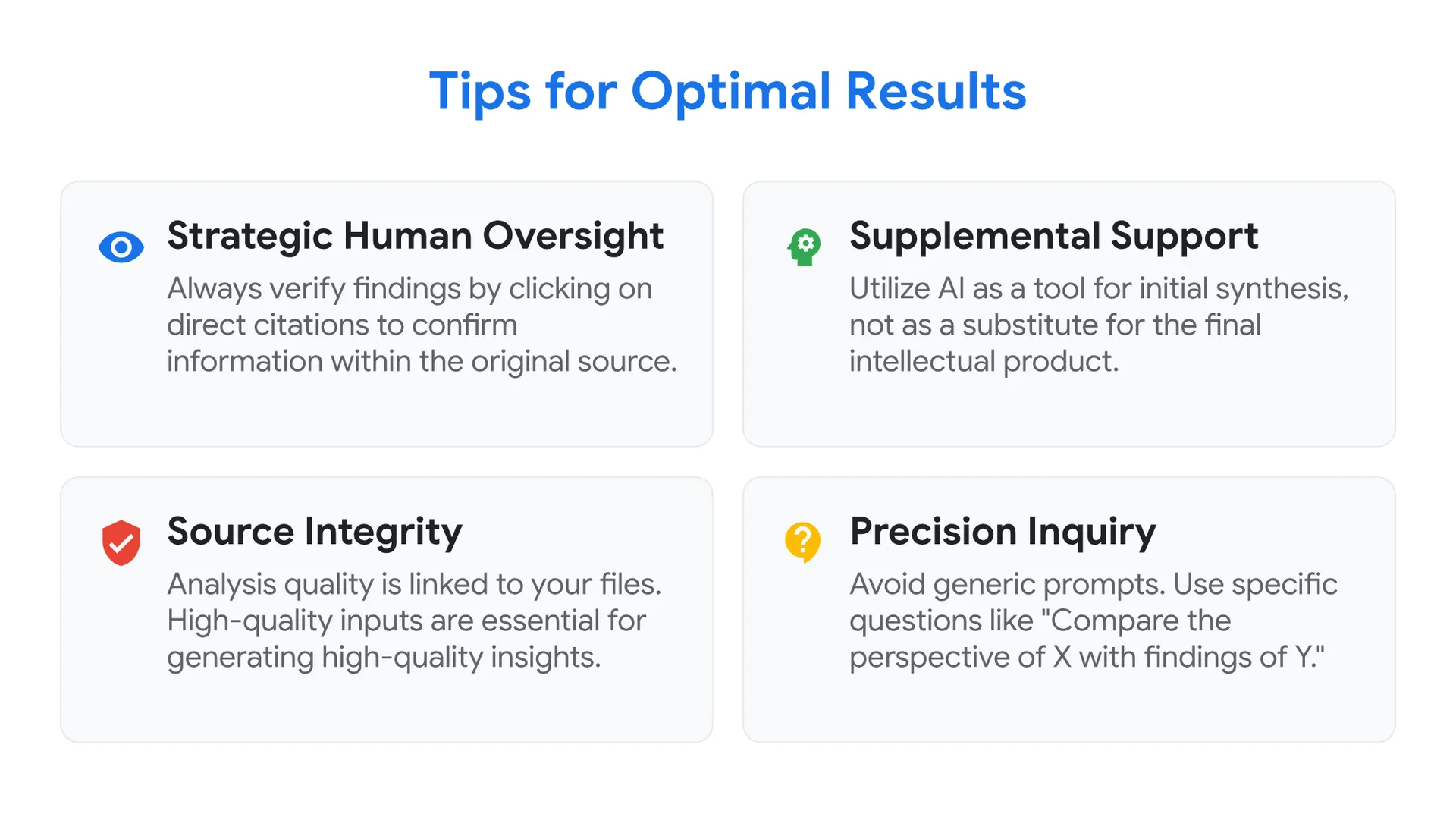
Tips for Optimal Results
- Strategic Human Oversight: Always verify the AI’s findings by clicking on the direct citations to confirm the information within the original source.
- Supplemental Support: Utilize the AI as a powerful tool for initial synthesis and understanding, rather than a substitute for the final intellectual product.
- Source Integrity: The quality of the analysis is directly linked to the files you provide. [cite: 140] High-quality inputs are essential for generating high-quality insights.
- Precision Inquiry: Avoid generic prompts. Use specific, targeted questions to extract exact information—for example: “Compare the perspective of X with the findings of Y.”
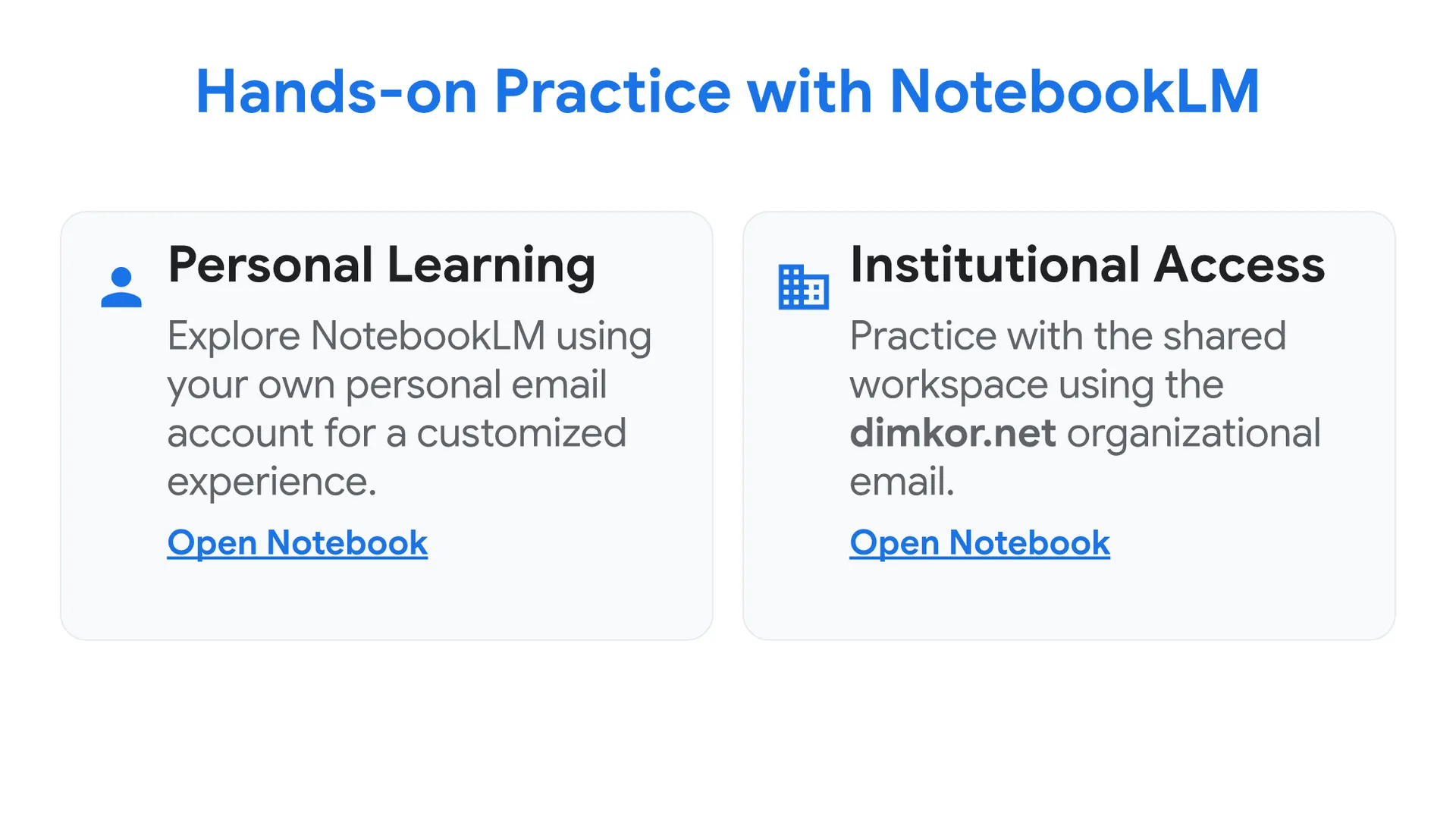
Hands-on Practice with NotebookLM
Use the notebook
https://notebooklm.google.com/notebook/23e1b000-f950-4608-b8f7-d63b4648a075
to learn about NotebookLM with your own email.
Use the notebook
https://notebooklm.google.com/notebook/40b66a5d-b97c-412d-96ae-76c756c66801
to learn about NotebookLM with the dimkor.net email.
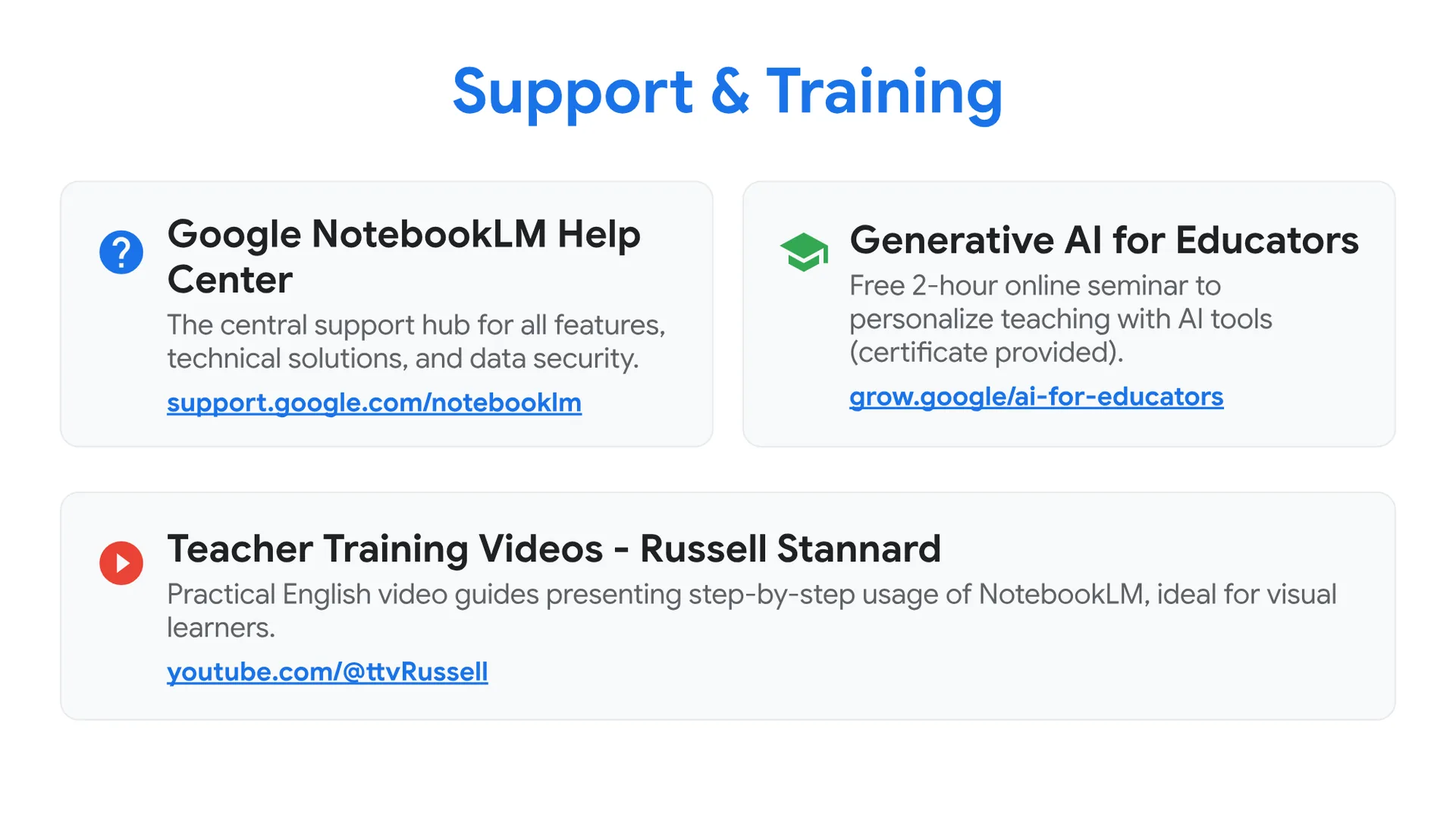
Support & Training
Google NotebookLM Help Center support.google.com/notebooklm
The central support hub in Greek. Includes guides for all features, solutions to technical issues, and information on your data security.
Generative AI for Educators (Google) grow.google/ai-for-educators
Free, two-hour online seminar specifically for educators. Learn how to save time and personalize teaching with AI tools (certificate provided).
Teacher Training Videos – Russell Stannard https://www.youtube.com/@ttvRussell
Practical video guides (in English) presenting step-by-step usage of NotebookLM, ideal for those who prefer visual learning.
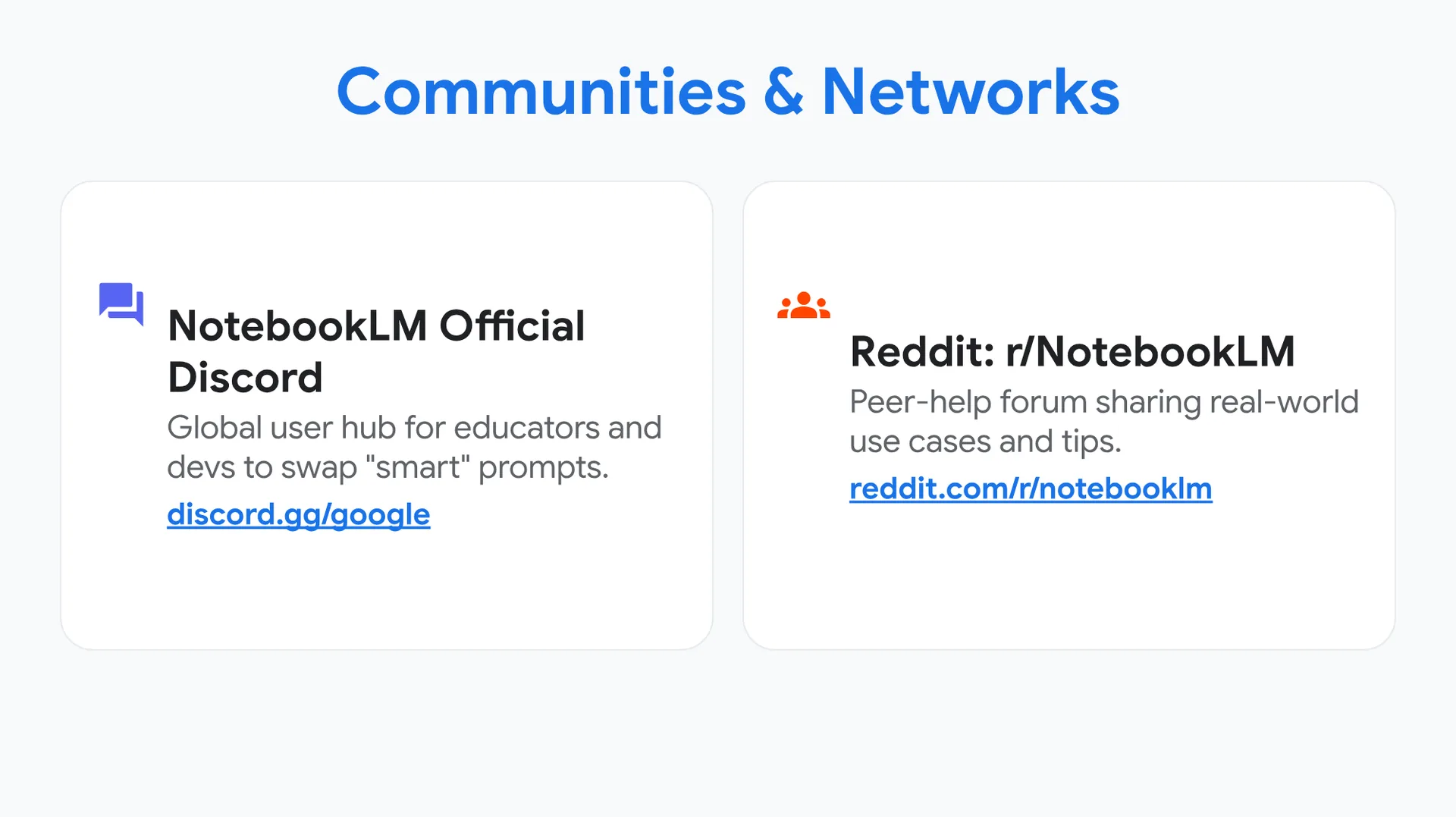
Communities & Networks
NotebookLM Official Discord discord.gg/google
The global community of NotebookLM users. Chat directly with other educators and the development team to exchange ideas and “smart” prompts.
Reddit: r/NotebookLM reddit.com/r/notebooklm
A dynamic peer-help forum where users share real-world use cases, tips, and solutions to everyday challenges.
Greek AI Network (GAIN) gain.gr
An active Greek community focusing on the ethical and social implications of Artificial Intelligence, connecting educators and experts.






0 Comments