
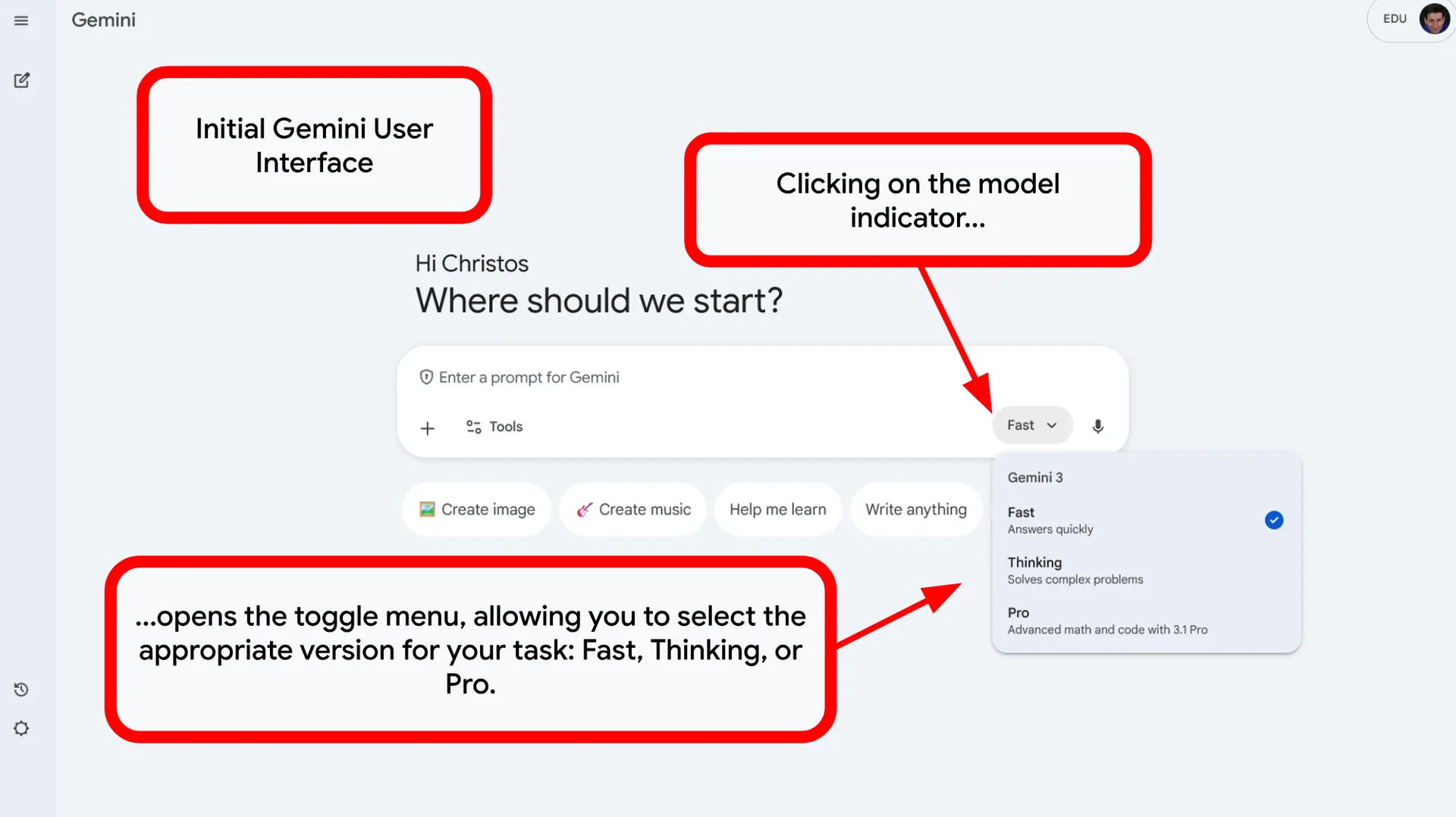
Choosing the Right Gemini Model
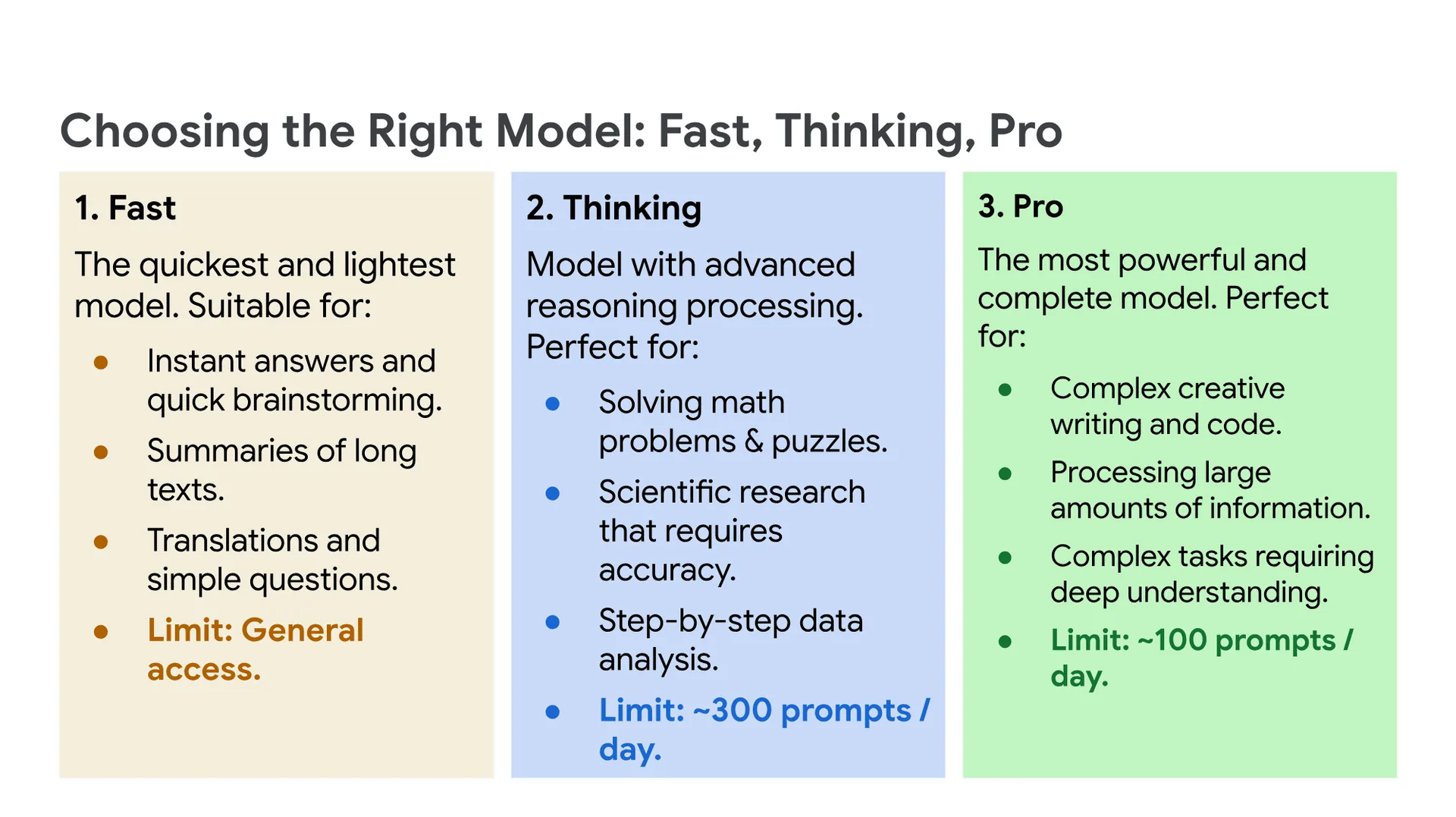
1. Fast
The quickest and lightest model. Suitable for:
- Instant answers and quick brainstorming.
- Summaries of long texts.
- Translations and simple questions.
Limit: General access.
2. Thinking
Model with advanced reasoning processing. Perfect for:
- Solving math problems & puzzles.
- Scientific research that requires accuracy.
- Step-by-step data analysis.
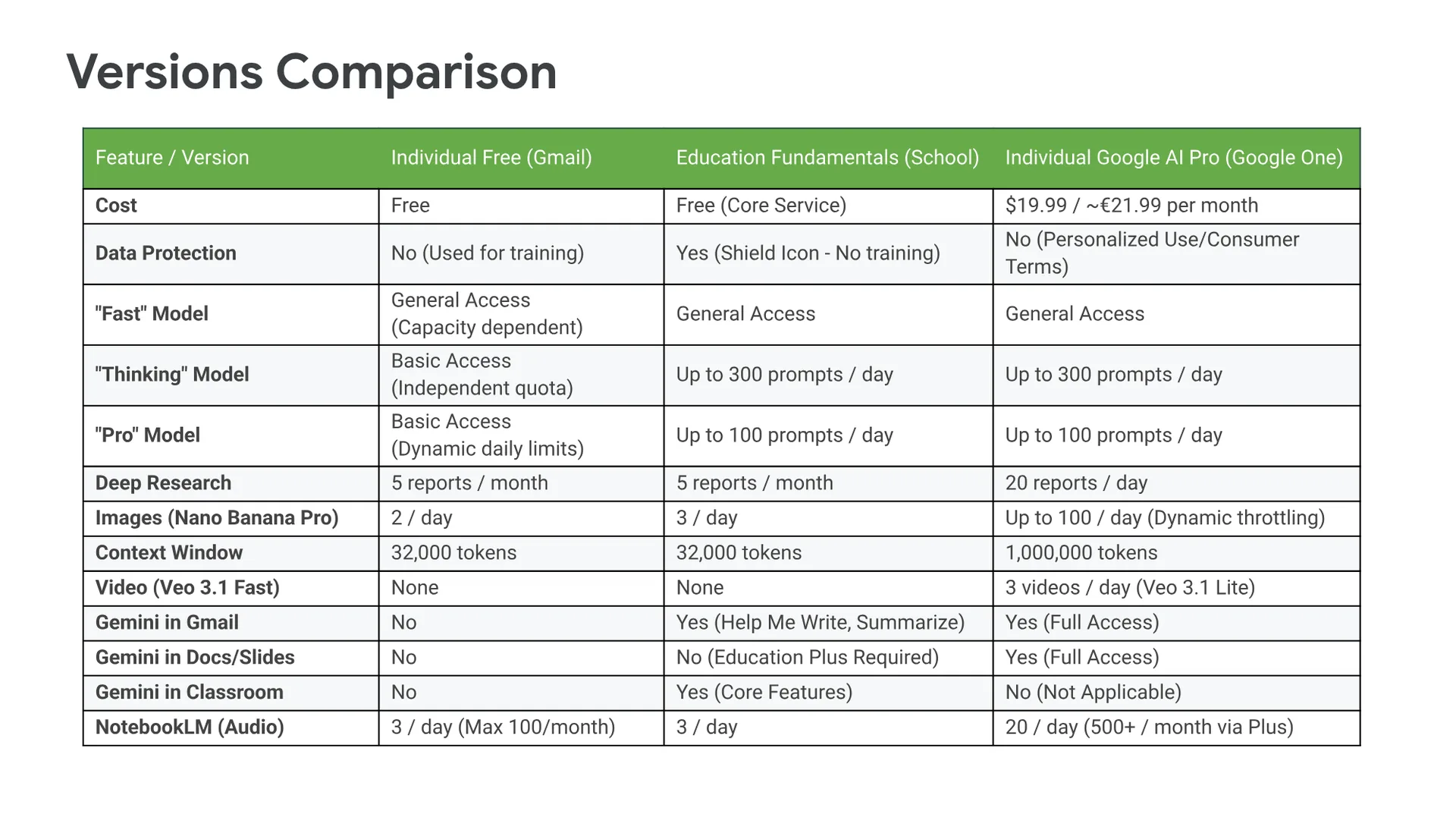
Limit: ~300 prompts / day.
3. Pro
The most powerful and complete model. Perfect for:
- Complex creative writing and code.
- Processing large amounts of information.
- Complex tasks requiring deep understanding.
Limit: ~100 prompts / day.
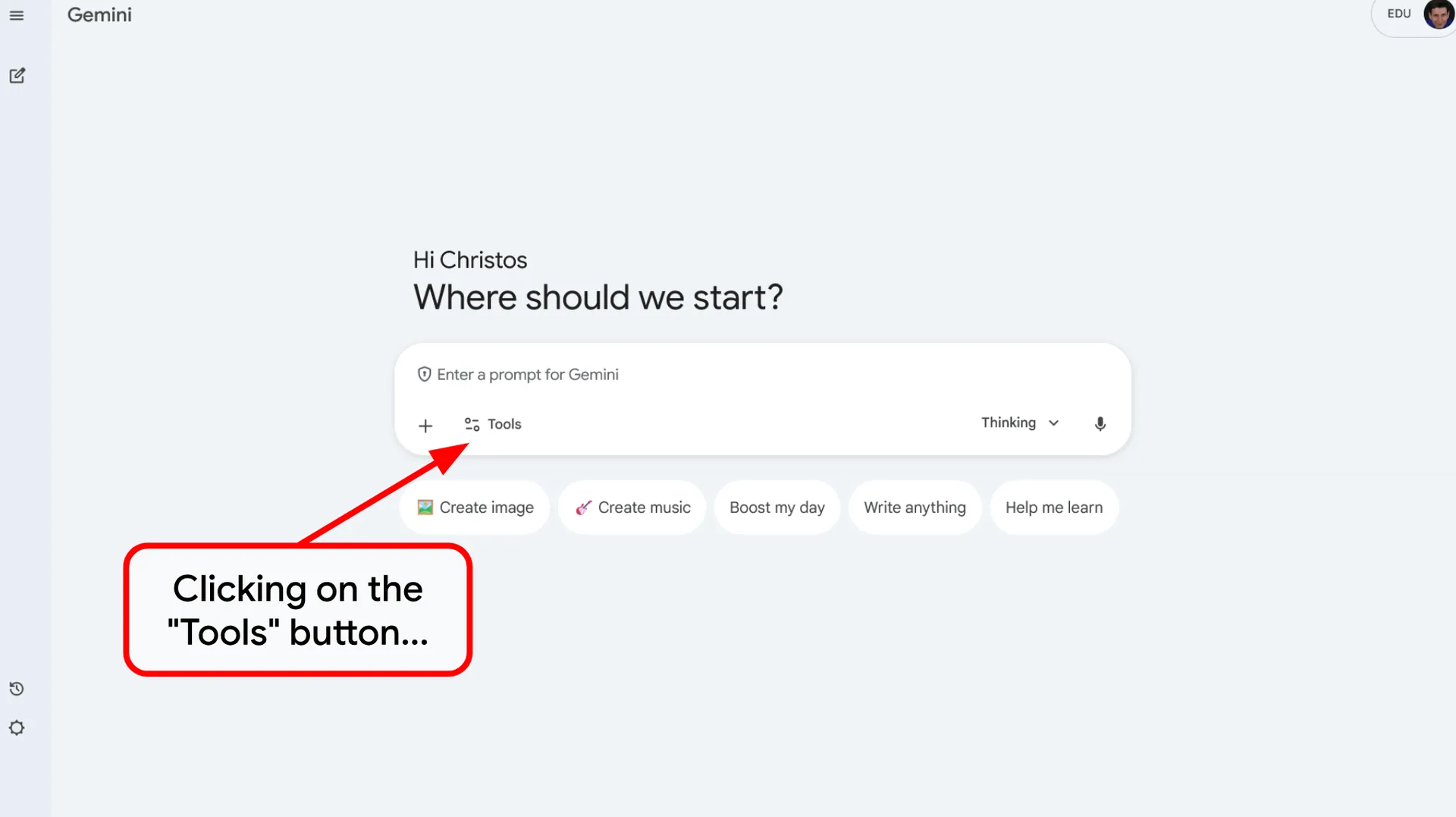
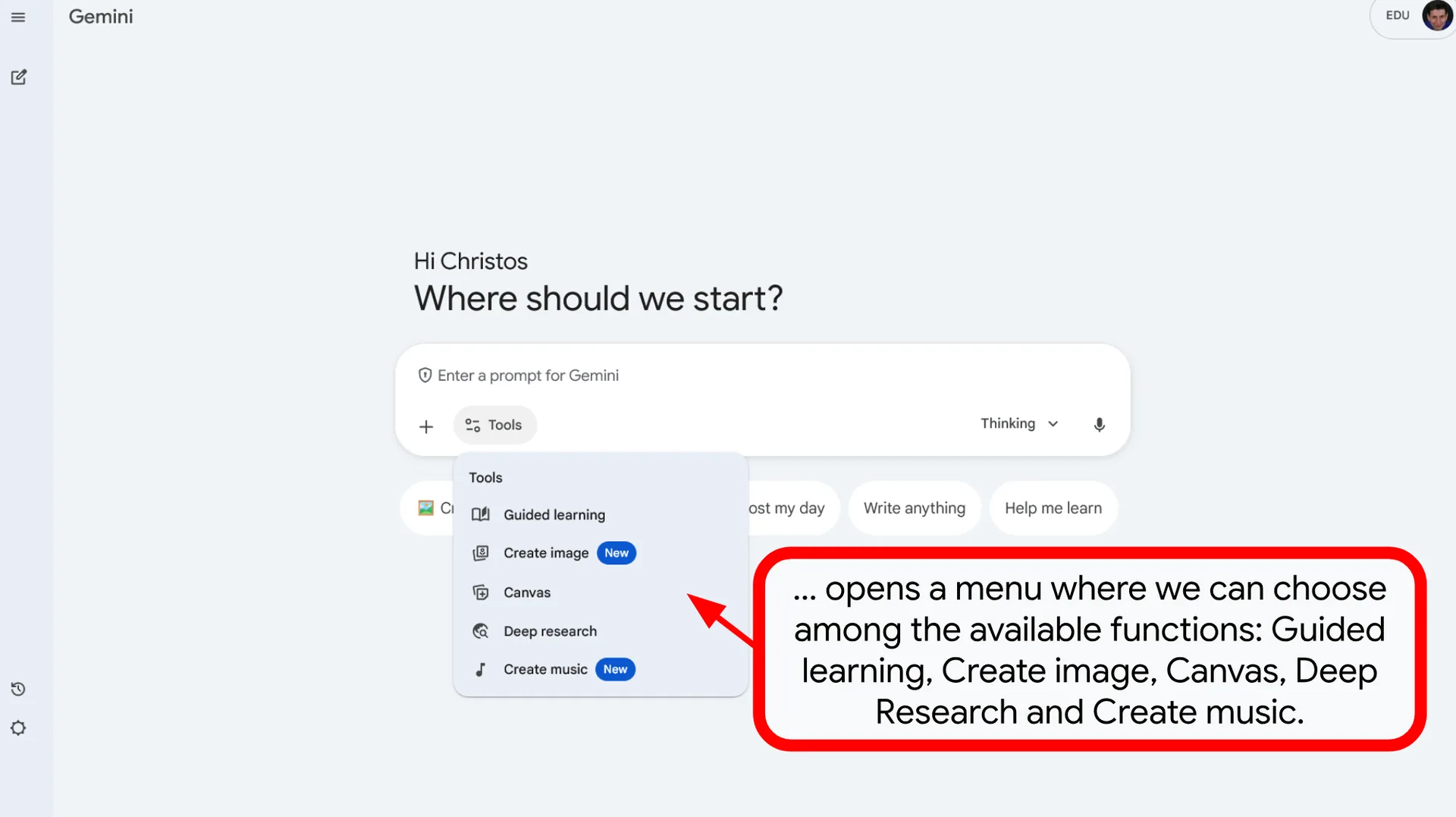
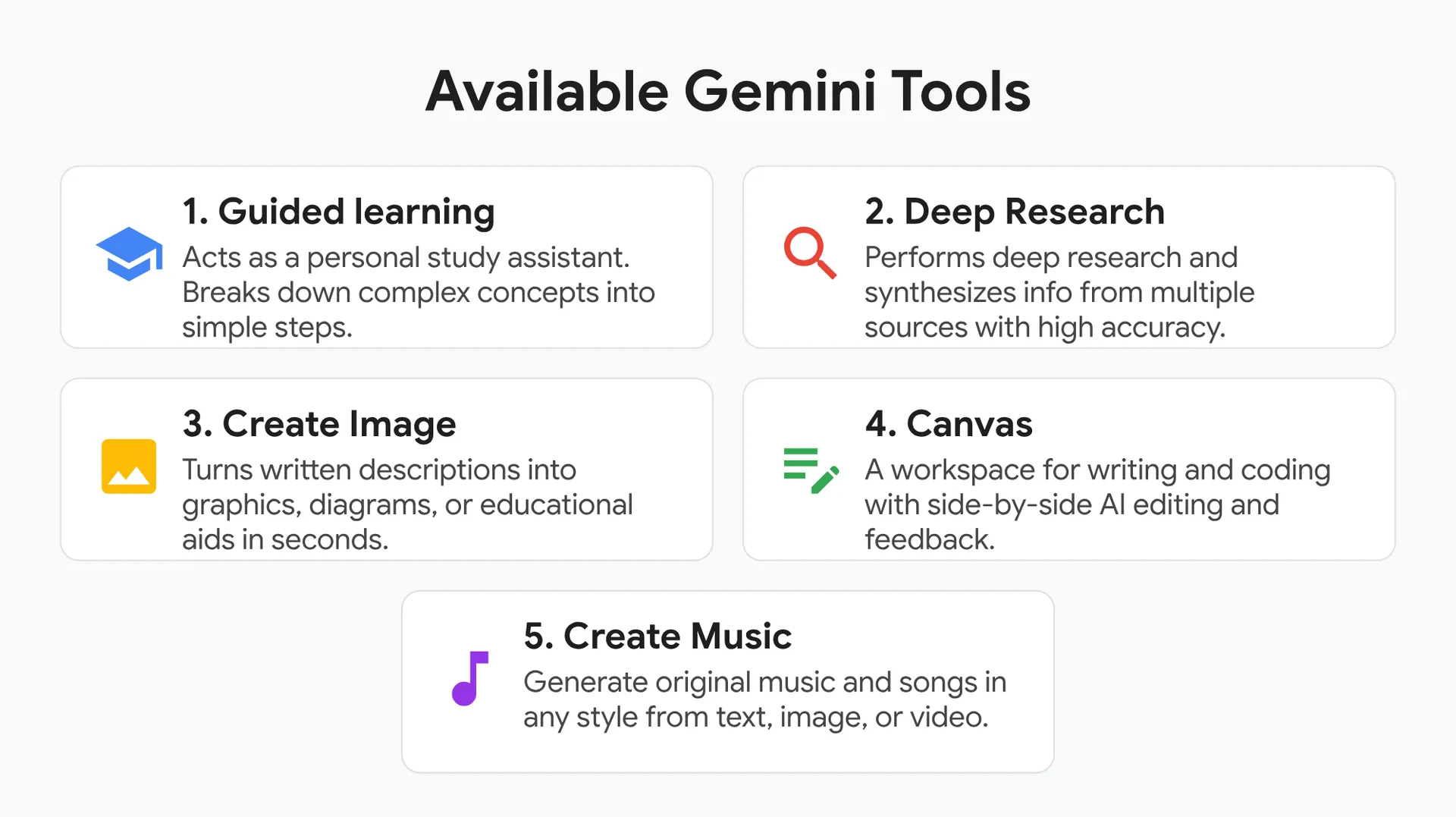
Available Gemini Tools
🏫 1. Guided learning
Acts as a personal study assistant. Breaks down complex concepts into simple steps.
🔍 2. Deep Research
Performs deep research and synthesizes info from multiple sources with high accuracy.
🖼️ 3. Create Image
Turns written descriptions into graphics, diagrams, or educational aids in seconds.
📝 4. Canvas
A workspace for writing and coding with side-by-side AI editing and feedback.
🎵 5. Create Music
Generate original music and songs in any style from text, image, or video.
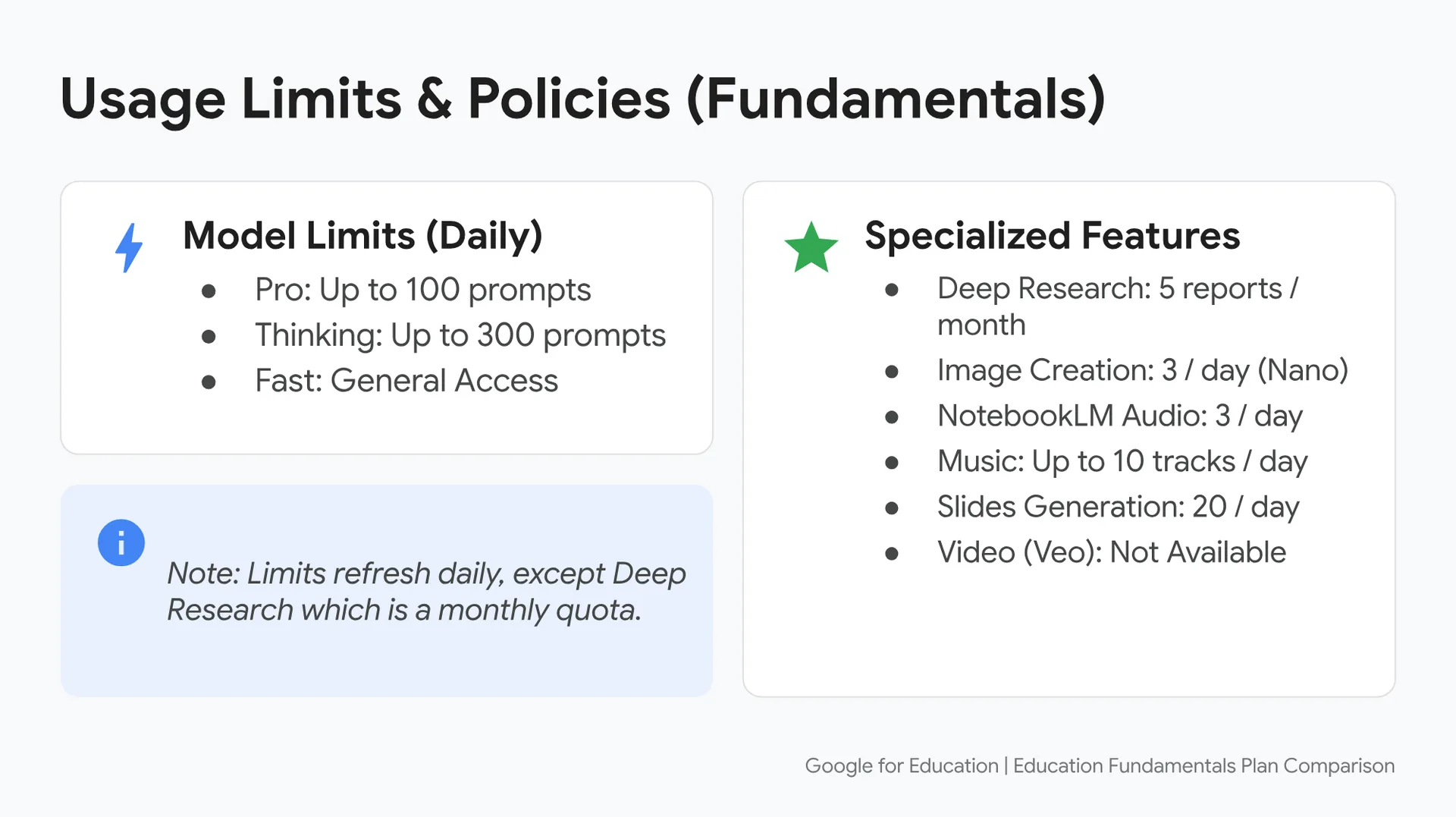
Daily Usage Limits & Policies (Fundamentals)
⚡ Model Limits (Daily)
- Pro: Up to 100 prompts
- Thinking: Up to 300 prompts
- Fast: General Access
⭐ Specialized Features
- Deep Research: 5 reports / month
- Image Creation: 3 / day (Nano)
- NotebookLM Audio: 3 / day
- Music: Up to 10 tracks / day
- Slides Generation: 20 / day
- Video (Veo): Not Available
ℹ️ Note: Limits refresh daily, except Deep Research which is a monthly quota.
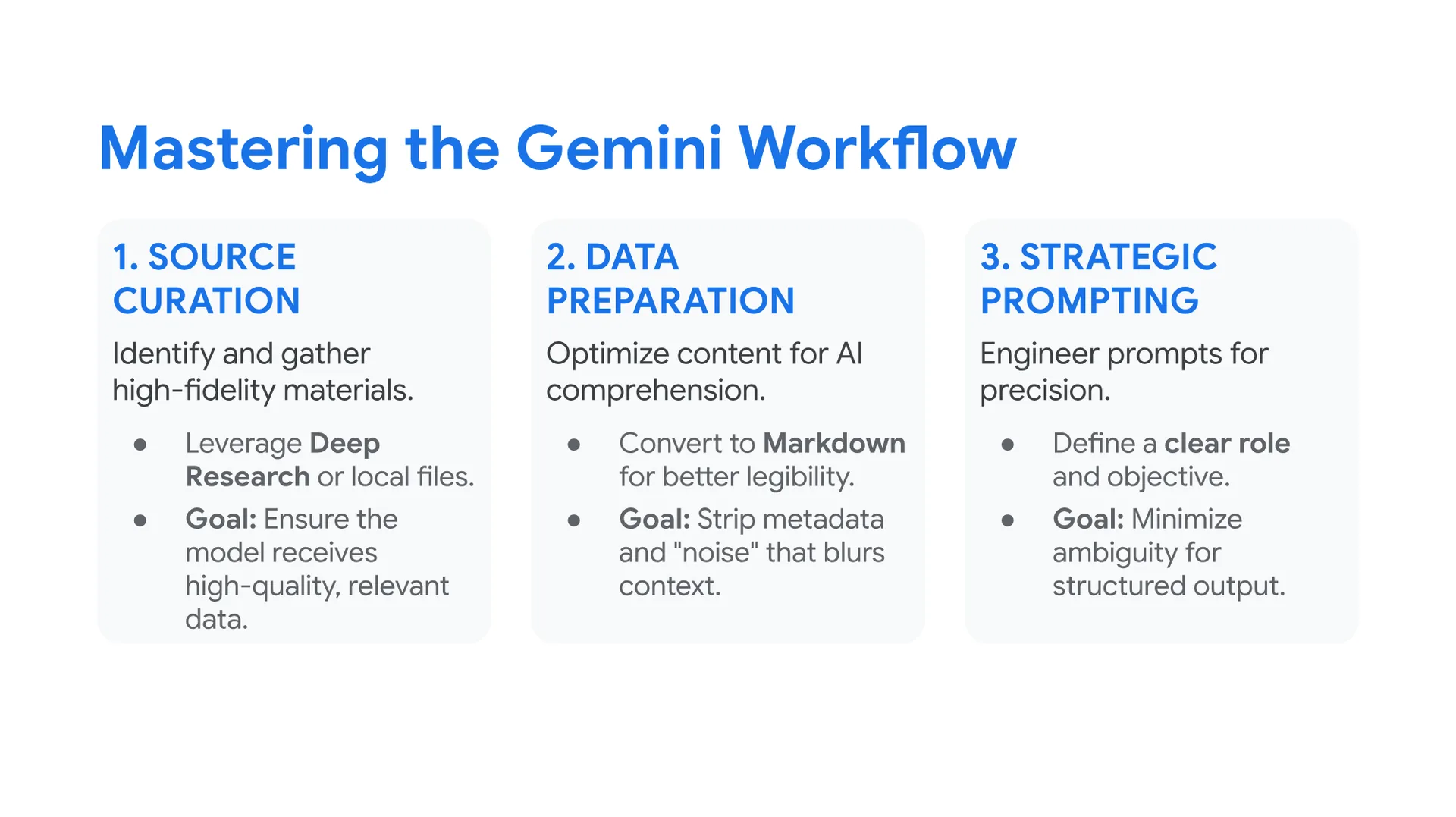
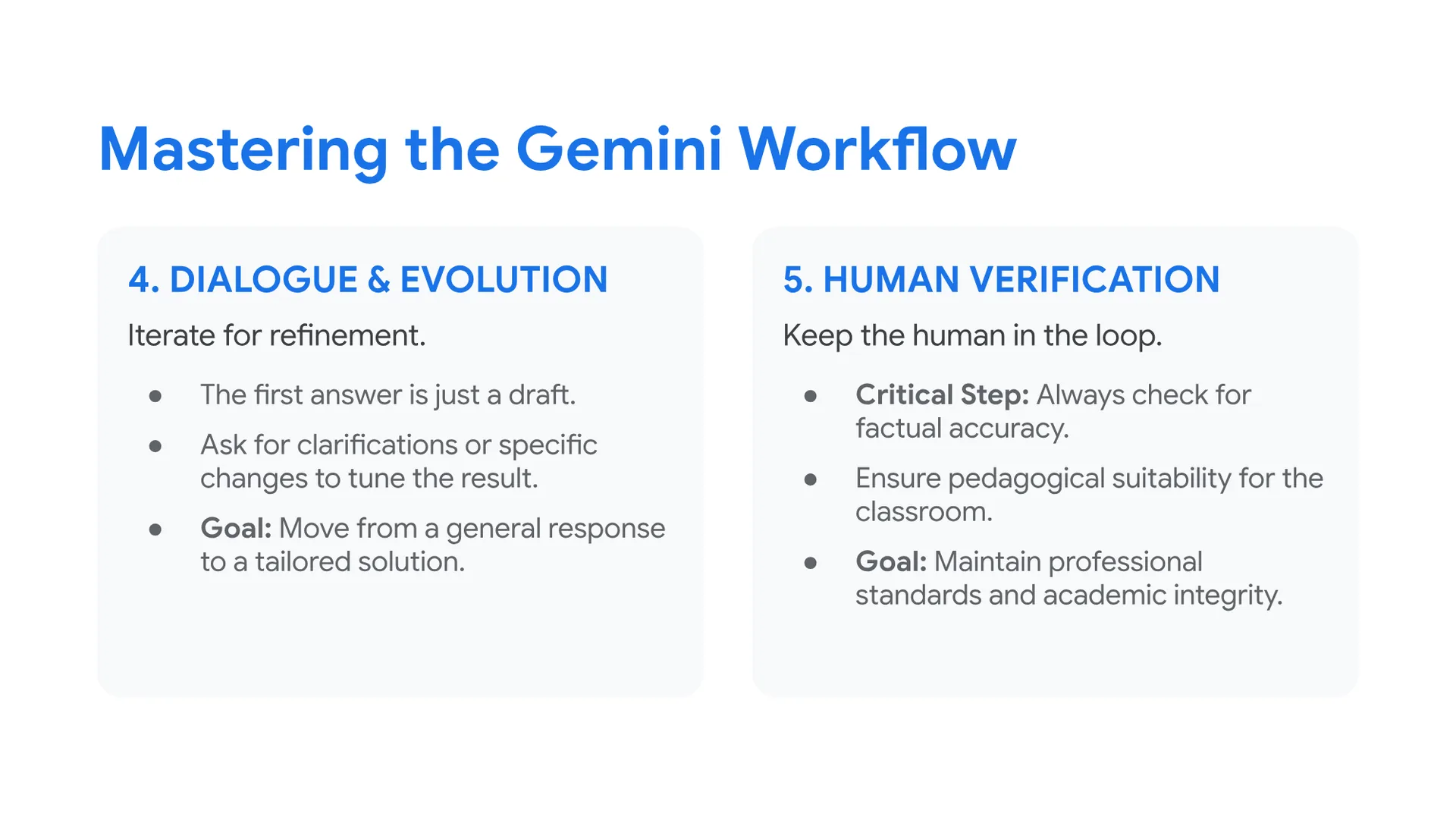
Mastering the Gemini Workflow
1. SOURCE CURATION
- Identify and gather high-fidelity materials.
- Leverage Deep Research or local files.
- Goal: Ensure the model receives high-quality, relevant data.
2. DATA PREPARATION
- Optimize content for AI comprehension.
- Convert to Markdown for better legibility.
- Goal: Strip metadata and “noise” that blurs context.
3. STRATEGIC PROMPTING
- Engineer prompts for precision.
- Define a clear role and objective.
- Goal: Minimize ambiguity for structured output.
4. DIALOGUE & EVOLUTION
- Iterate for refinement.
- The first answer is just a draft.
- Ask for clarifications or specific changes to tune the result.
- Goal: Move from a general response to a tailored solution.
5. HUMAN VERIFICATION
- Keep the human in the loop.
- Critical Step: Always check for factual accuracy.
- Ensure pedagogical suitability for the classroom.
- Goal: Maintain professional standards and academic integrity.
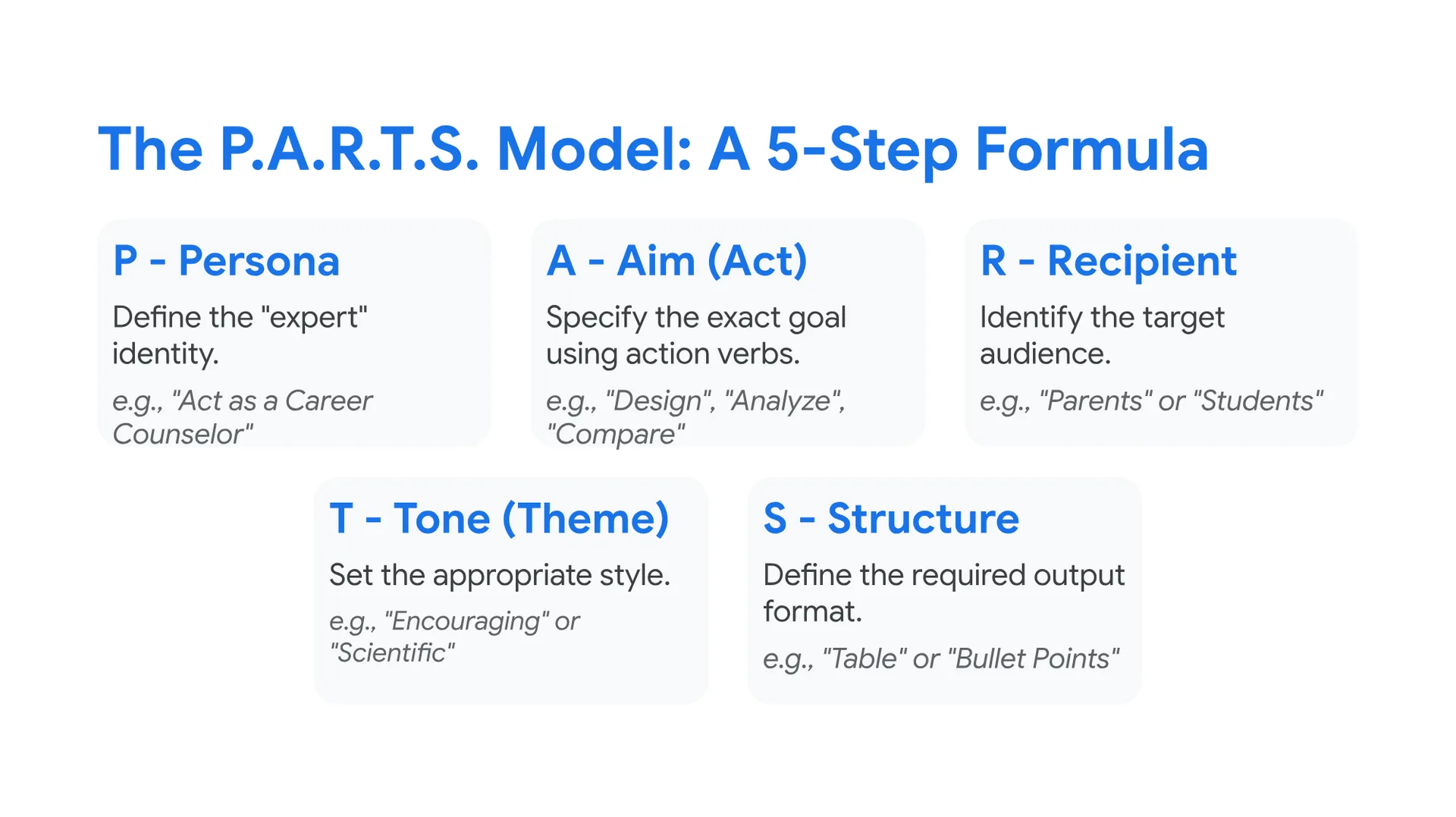
The P.A.R.T.S. Model: A 5-Step Formula
P – Persona
Define the “expert” identity.
e.g., “Act as a Career Counselor”
A – Aim (Act)
Specify the exact goal using action verbs.
e.g., “Design”, “Analyze”, “Compare”
R – Recipient
Identify the target audience.
e.g., “Parents” or “Students”
T – Tone (Theme)
Set the appropriate style.
e.g., “Encouraging” or “Scientific”
S – Structure
Define the required output format.
e.g., “Table” or “Bullet Points”
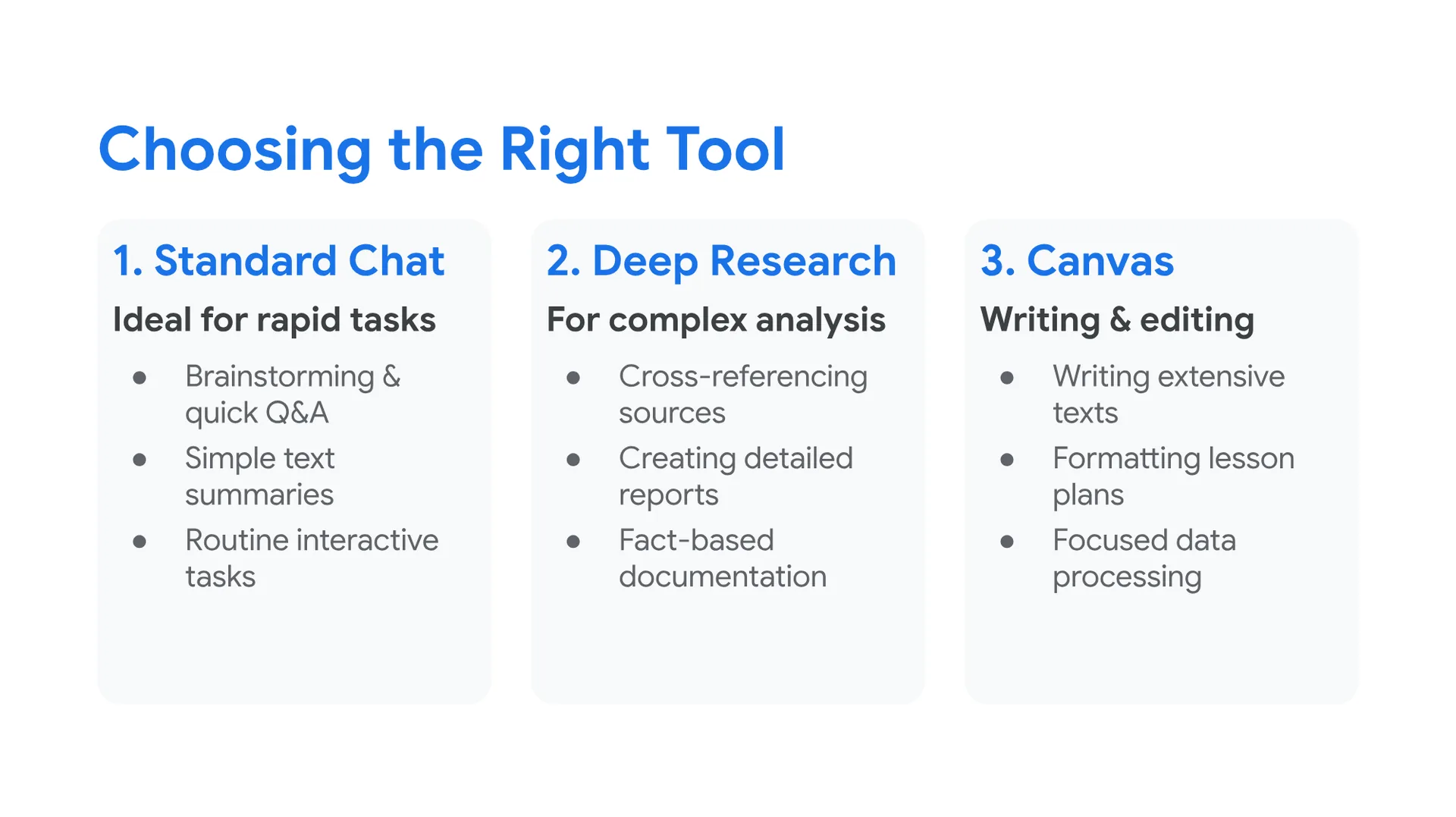
Choosing the Right Tool
1. Standard Chat
- Ideal for rapid tasks
- Brainstorming & quick Q&A
- Simple text summaries
- Routine interactive tasks
2. Deep Research
- For complex analysis
- Cross-referencing sources
- Creating detailed reports
- Fact-based documentation
3. Canvas
- Writing & editing
- Writing extensive texts
- Formatting lesson plans
- Focused data processing
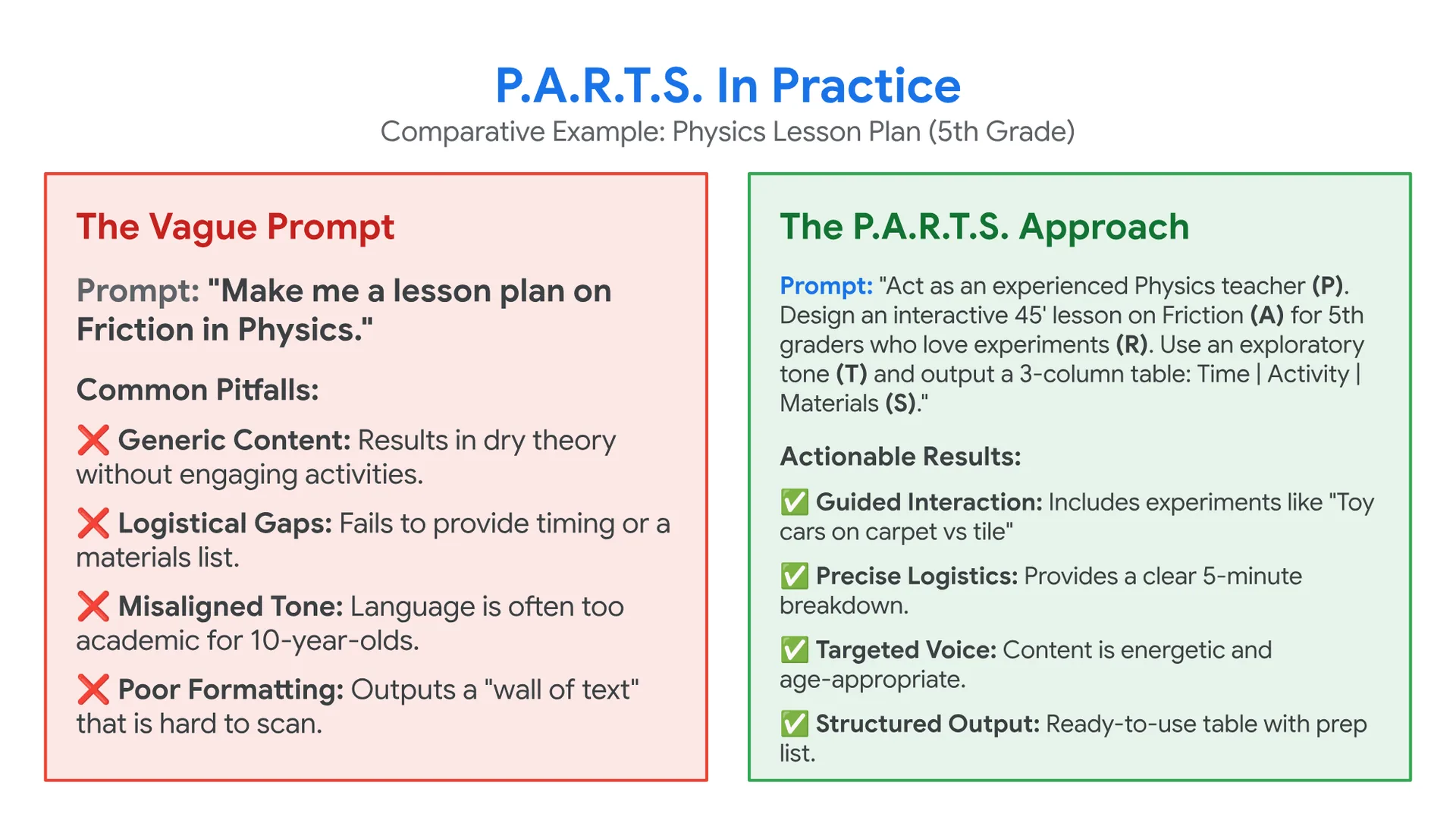
P.A.R.T.S. In Practice
Comparative Example: Physics Lesson Plan (5th Grade)
The Vague Prompt
Prompt: “Make me a lesson plan on Friction in Physics.”
Common Pitfalls:
- ❌ Generic Content: Results in dry theory without engaging activities.
- ❌ Logistical Gaps: Fails to provide timing or a materials list.
- ❌ Misaligned Tone: Language is often too academic for 10-year-olds.
- ❌ Poor Formatting: Outputs a “wall of text” that is hard to scan.
The P.A.R.T.S. Approach
Prompt: “Act as an experienced Physics teacher (P). Design an interactive 45′ lesson on Friction (A) for 5th graders who love experiments (R). Use an exploratory tone (T) and output a 3-column table: Time | Activity | Materials (S).”
Actionable Results:
- ✅ Guided Interaction: Includes experiments like “Toy cars on carpet vs tile”
- ✅ Precise Logistics: Provides a clear 5-minute breakdown.
- ✅ Targeted Voice: Content is energetic and age-appropriate.
- ✅ Structured Output: Ready-to-use table with prep list.
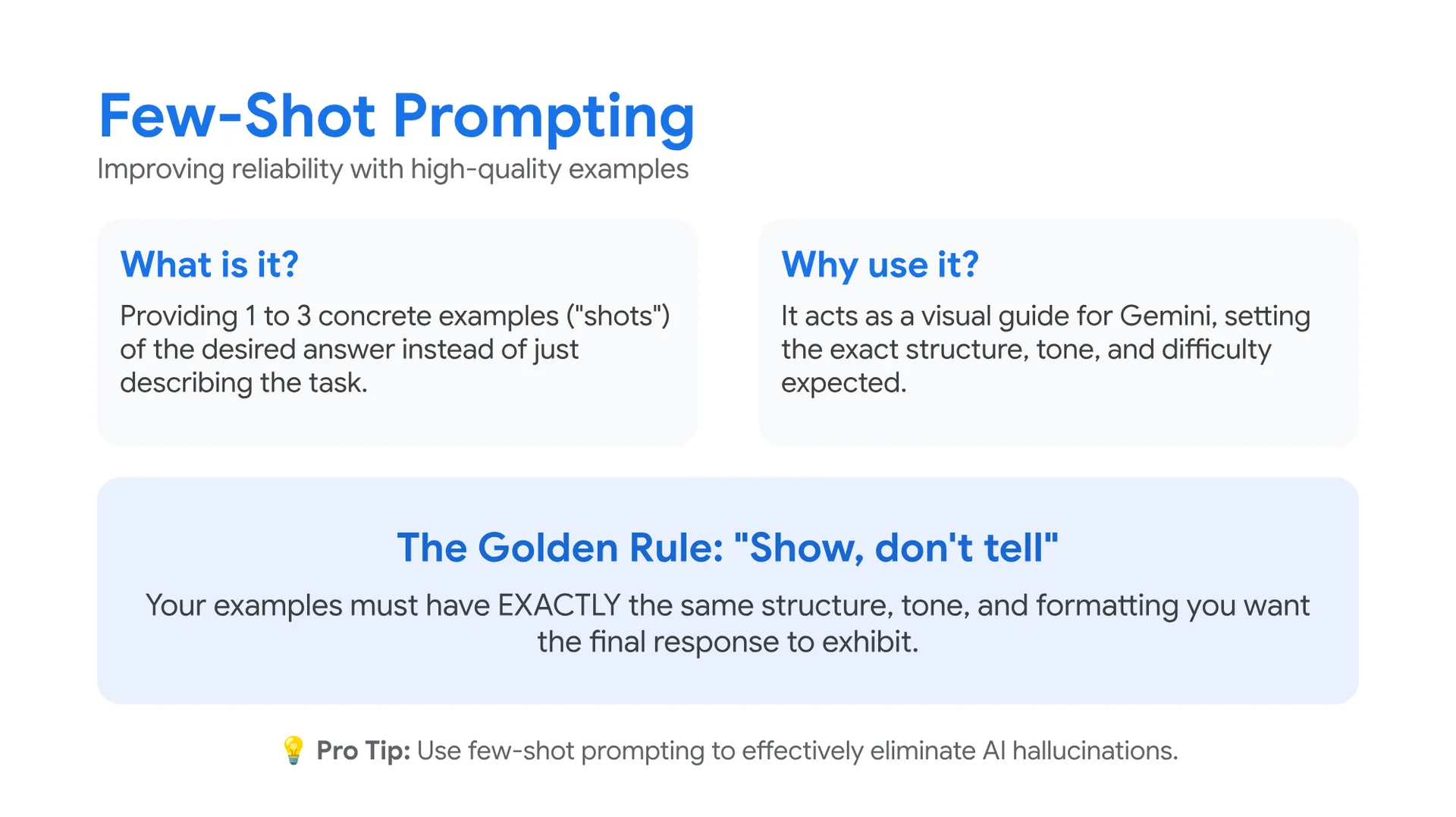
Few-Shot Prompting
Improving reliability with high-quality examples
What is it?
Providing 1 to 3 concrete examples (“shots”) of the desired answer instead of just describing the task.
Why use it?
It acts as a visual guide for Gemini, setting the exact structure, tone, and difficulty expected.
The Golden Rule: “Show, don’t tell”
Your examples must have EXACTLY the same structure, tone, and formatting you want the final response to exhibit.
💡 Pro Tip: Use few-shot prompting to effectively eliminate AI hallucinations.
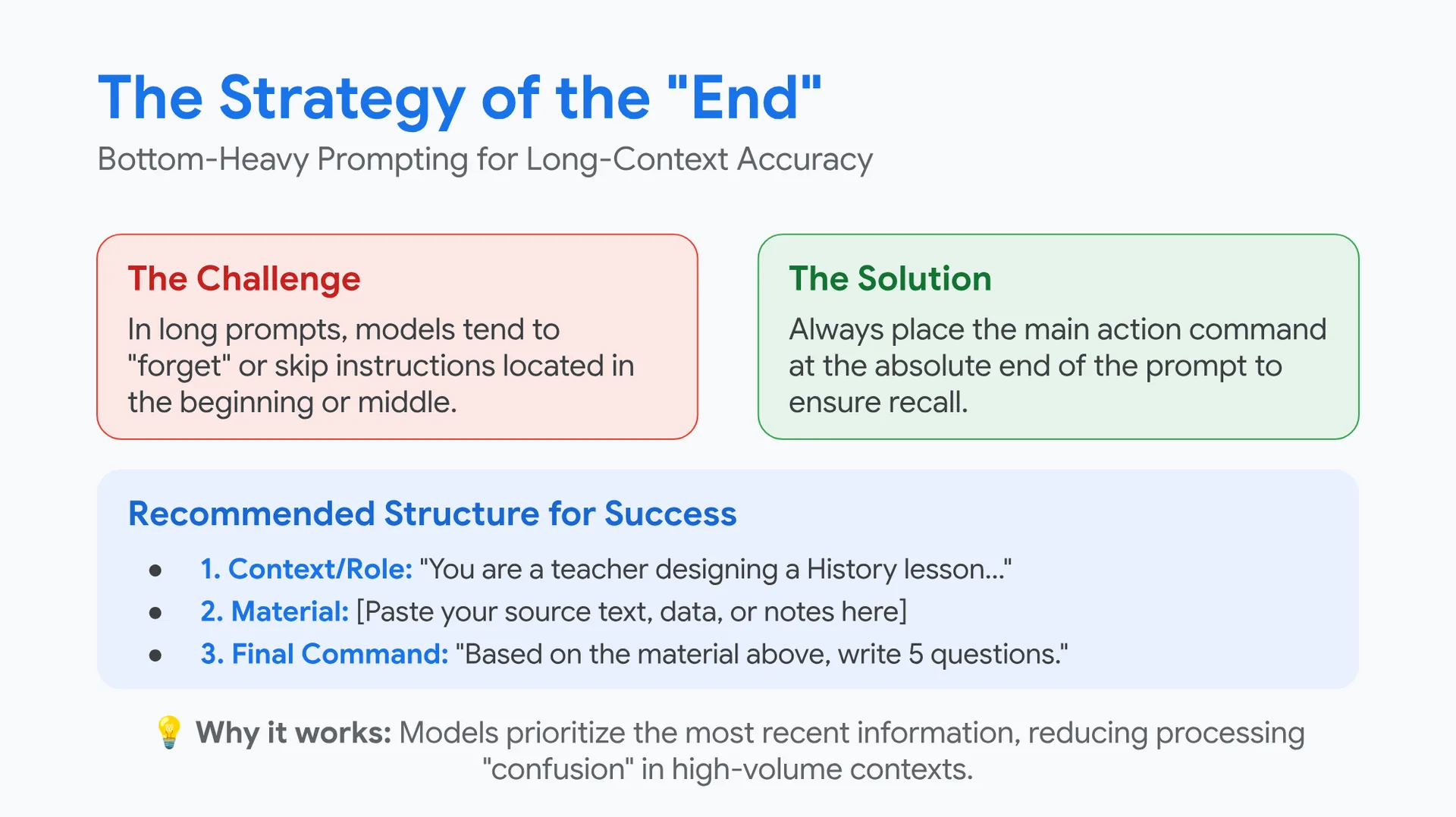
The Strategy of the "End"
Bottom-Heavy Prompting for Long-Context Accuracy
The Challenge
In long prompts, models tend to “forget” or skip instructions located in the beginning or middle.
The Solution
Always place the main action command at the absolute end of the prompt to ensure recall.
Recommended Structure for Success
- 1. Context/Role: “You are a teacher designing a History lesson…”
- 2. Material: [Paste your source text, data, or notes here]
- 3. Final Command: “Based on the material above, write 5 questions.”
💡 Why it works: Models prioritize the most recent information, reducing processing “confusion” in high-volume contexts.
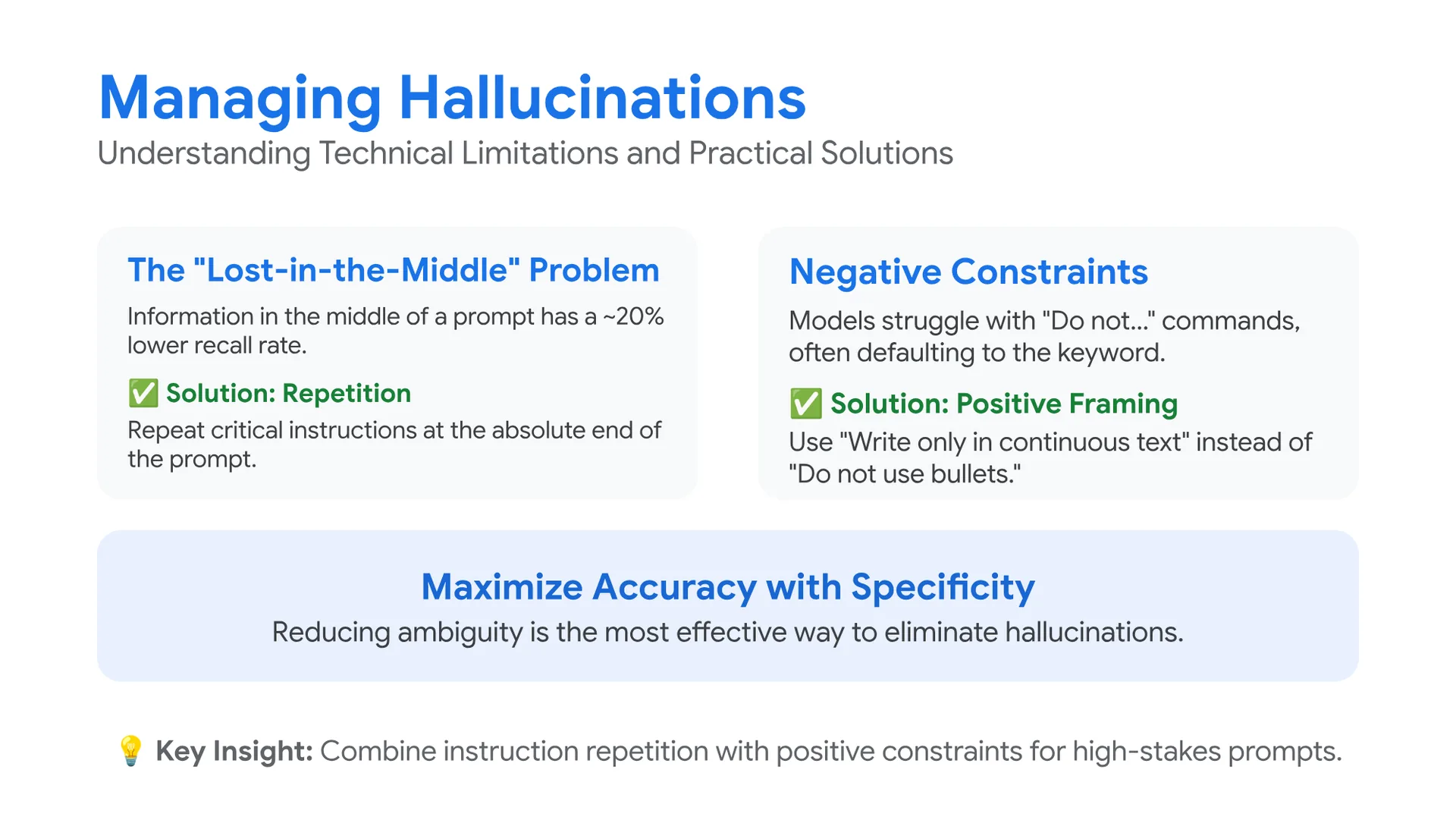
Managing Hallucinations
Understanding Technical Limitations and Practical Solutions
The “Lost-in-the-Middle” Problem
Information in the middle of a prompt has a ~20% lower recall rate.
✅ Solution: Repetition
Repeat critical instructions at the absolute end of the prompt.
Negative Constraints
Models struggle with “Do not…” commands, often defaulting to the keyword.
✅ Solution: Positive Framing
Use “Write only in continuous text” instead of “Do not use bullets.”
Maximize Accuracy with Specificity
Reducing ambiguity is the most effective way to eliminate hallucinations.
💡 Key Insight: Combine instruction repetition with positive constraints for high-stakes prompts.
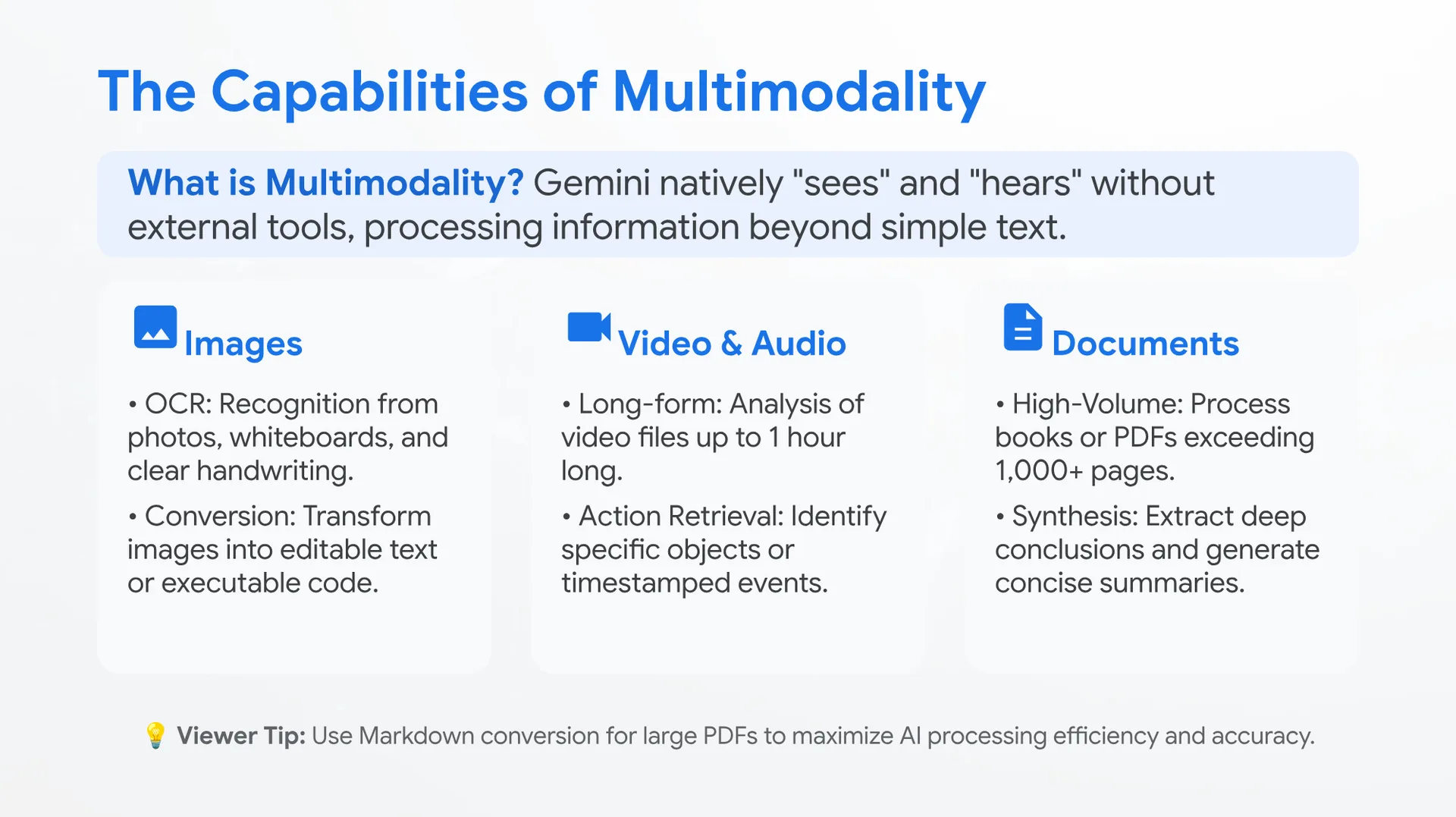
The Capabilities of Multimodality
What is Multimodality? Gemini natively “sees” and “hears” without external tools, processing information beyond simple text.
🖼️ Images
- OCR: Recognition from photos, whiteboards, and clear handwriting.
- Conversion: Transform images into editable text or executable code.
📹 Video & Audio
- Long-form: Analysis of video files up to 1 hour long.
- Action Retrieval: Identify specific objects or timestamped events.
📄 Documents
- High-Volume: Process books or PDFs exceeding 1,000+ pages.
- Synthesis: Extract deep conclusions and generate concise summaries.
💡 Viewer Tip: Use Markdown conversion for large PDFs to maximize AI processing efficiency and accuracy.
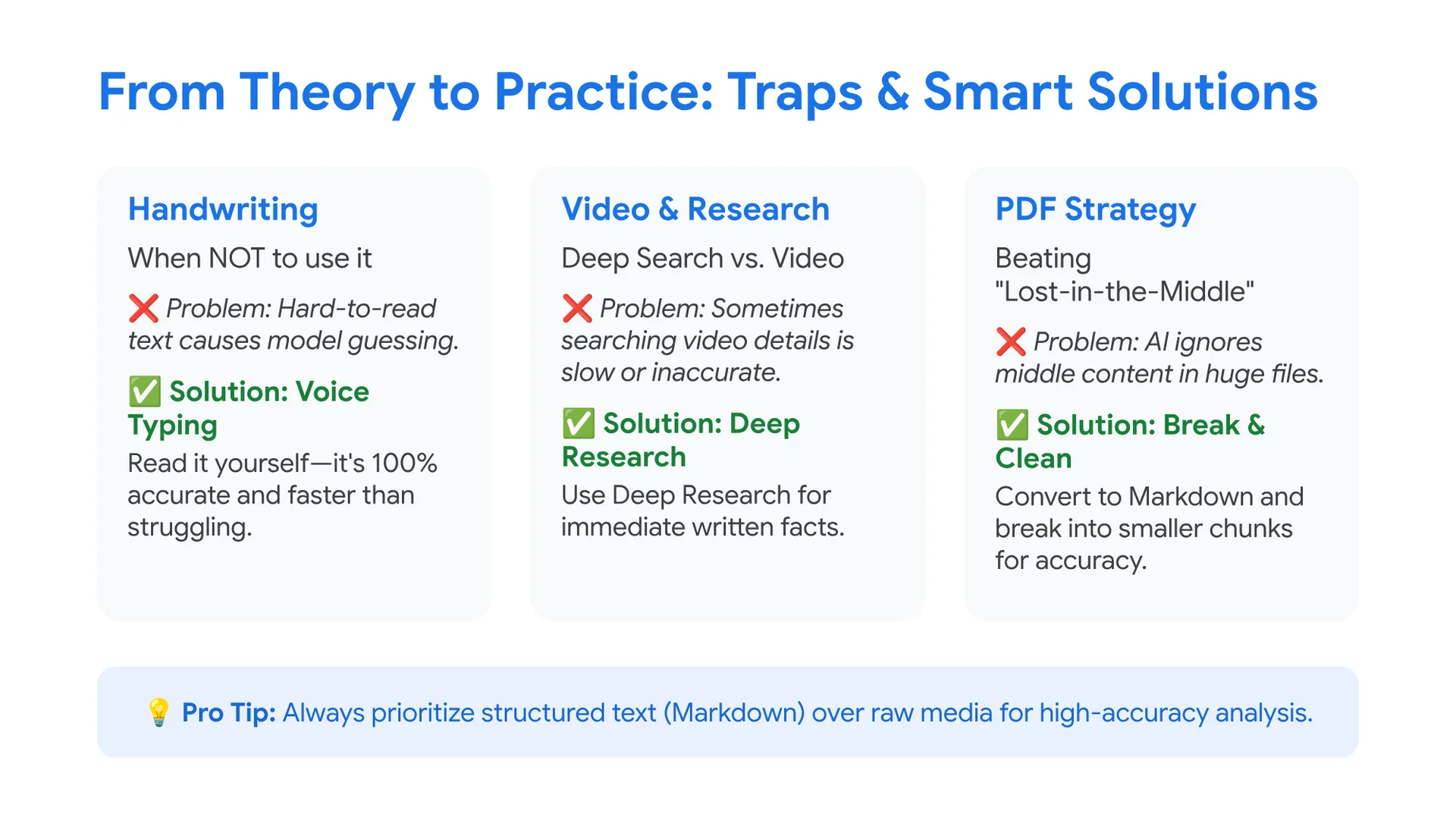
From Theory to Practice: Traps & Smart Solutions
Handwriting
When NOT to use it
❌ Problem: Hard-to-read text causes model guessing.
✅ Solution: Voice Typing
Read it yourself—it’s 100% accurate and faster than struggling.
Video & Research
Deep Search vs. Video
❌ Problem: Sometimes searching video details is slow or inaccurate.
✅ Solution: Deep Research
Use Deep Research for immediate written facts.
PDF Strategy
Beating “Lost-in-the-Middle”
❌ Problem: AI ignores middle content in huge files.
✅ Solution: Break & Clean
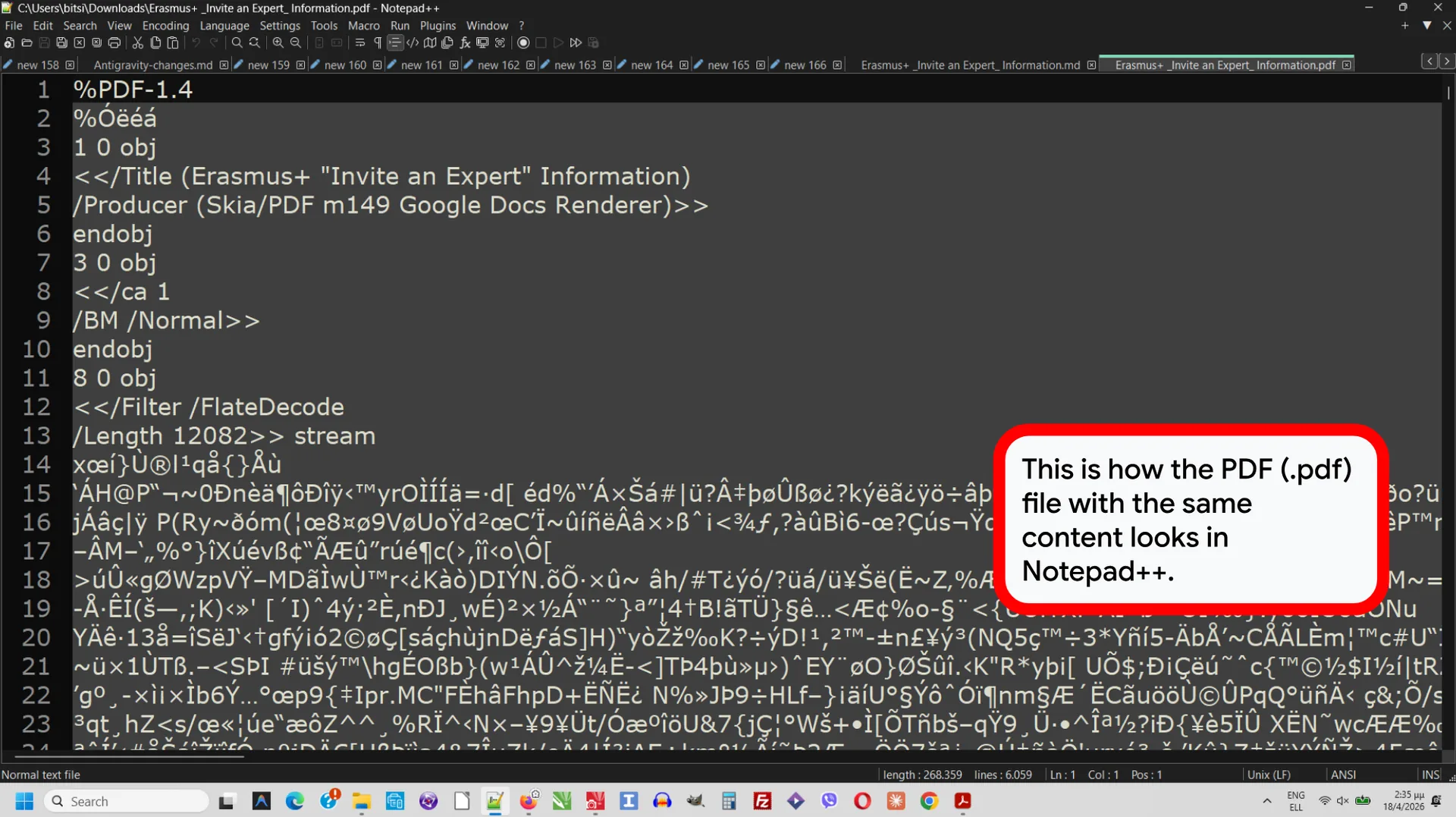
Convert to Markdown and break into smaller chunks for accuracy.
💡 Pro Tip: Always prioritize structured text (Markdown) over raw media for high-accuracy analysis.
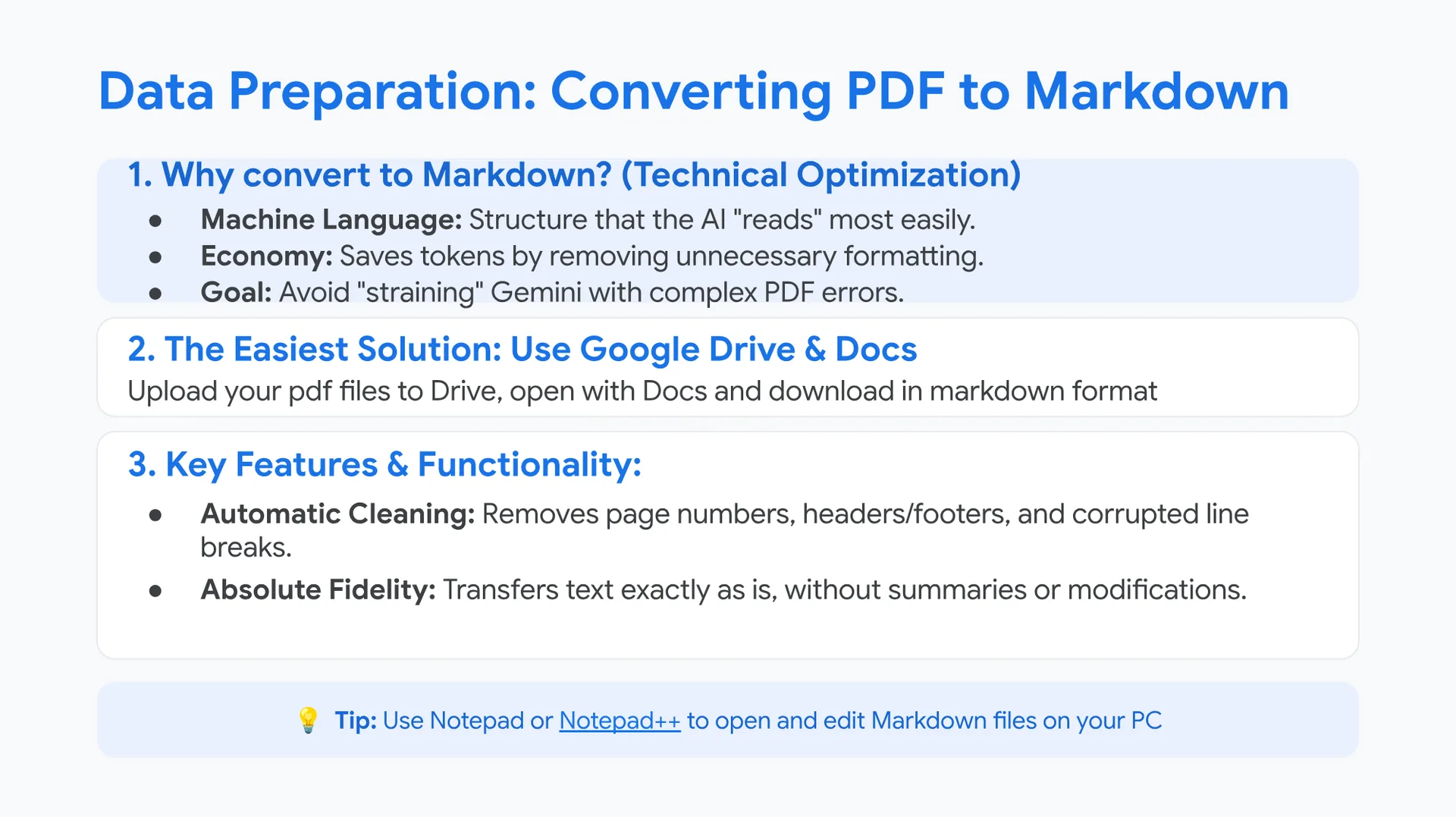
Data Preparation: Converting PDF to Markdown
1. Why convert to Markdown? (Technical Optimization)
- Machine Language: Structure that the AI “reads” most easily.
- Economy: Saves tokens by removing unnecessary formatting.
- Goal: Avoid “straining” Gemini with complex PDF errors.
2. The Easiest Solution: Use Google Drive & Docs
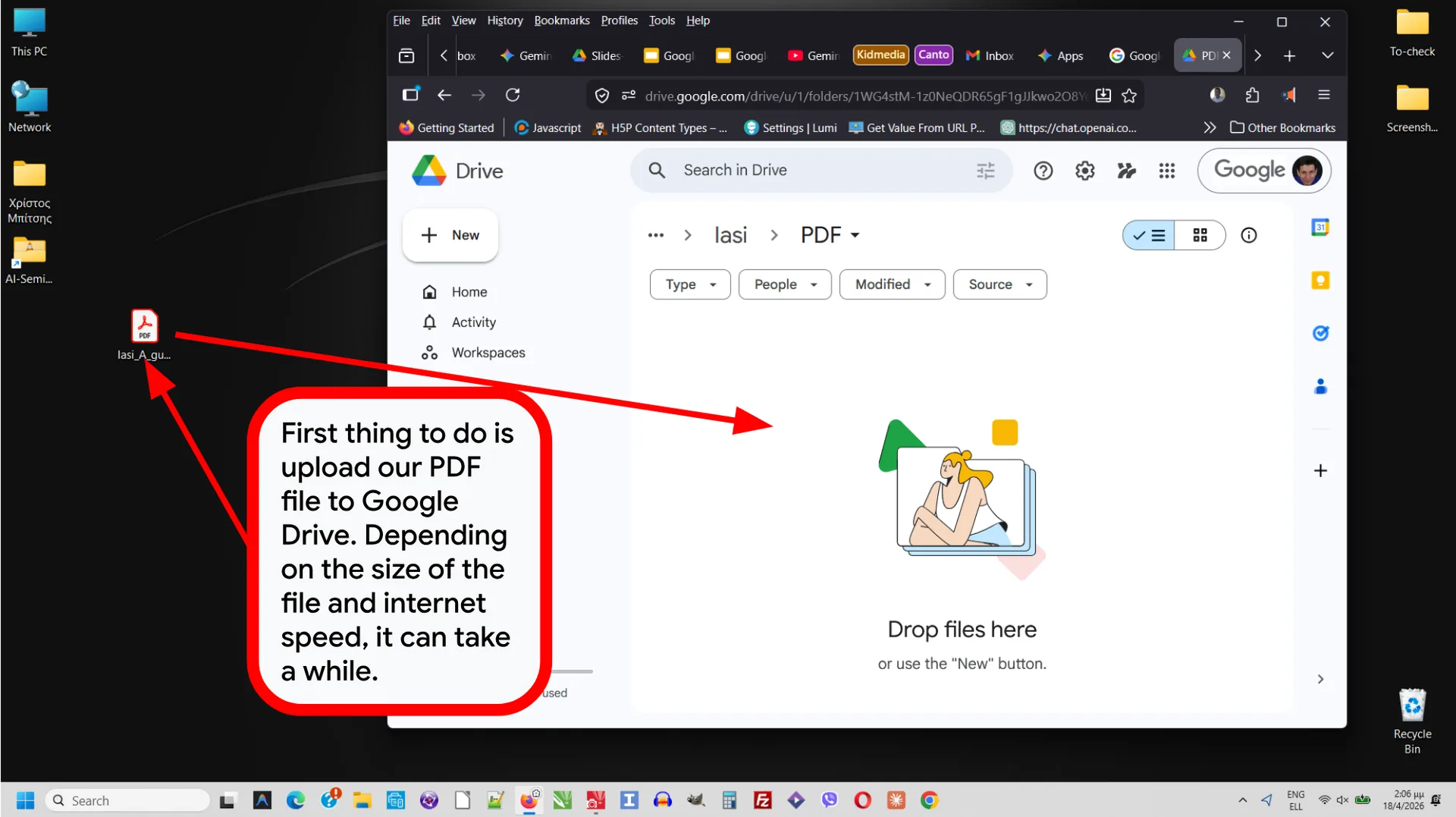
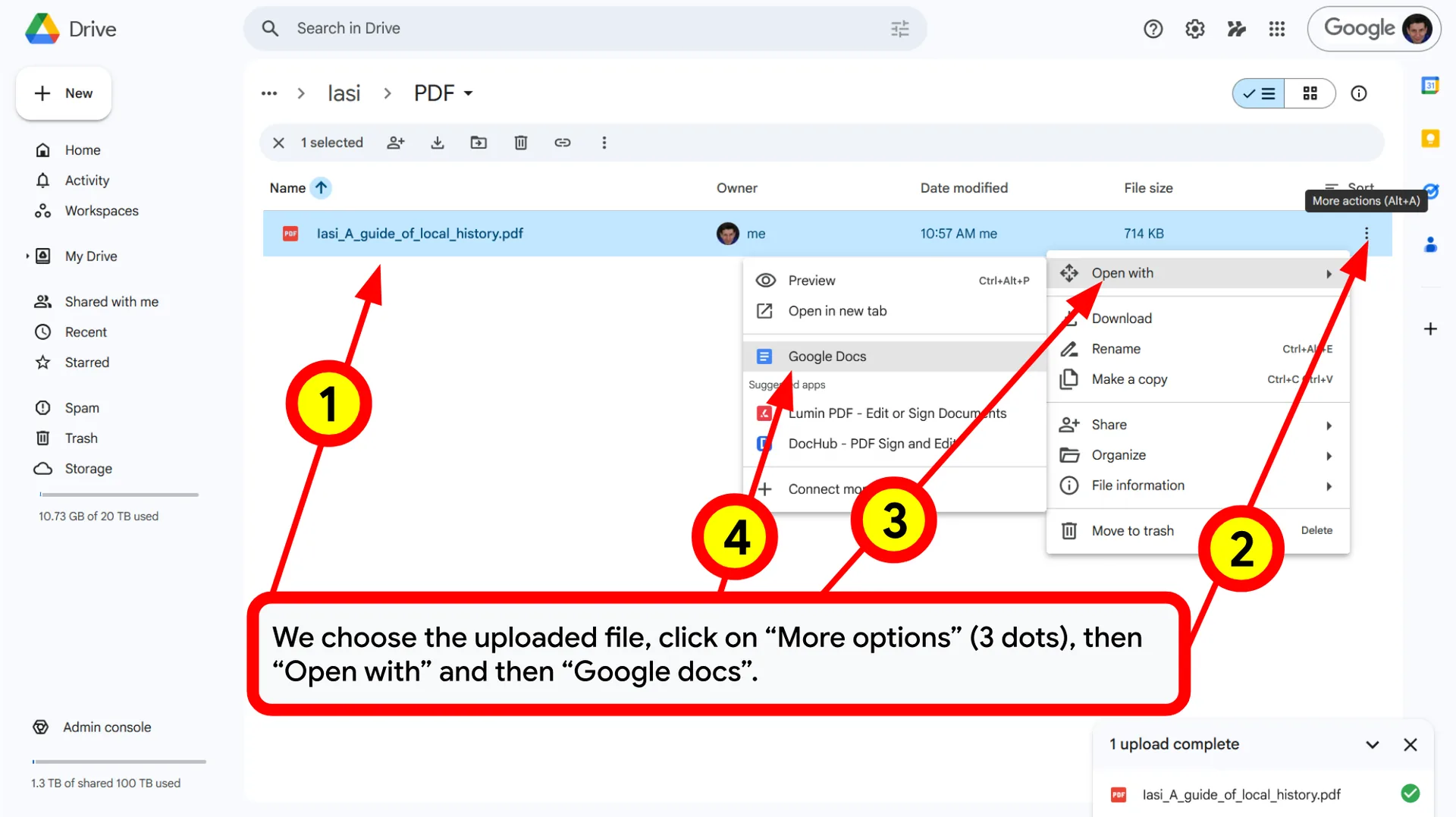
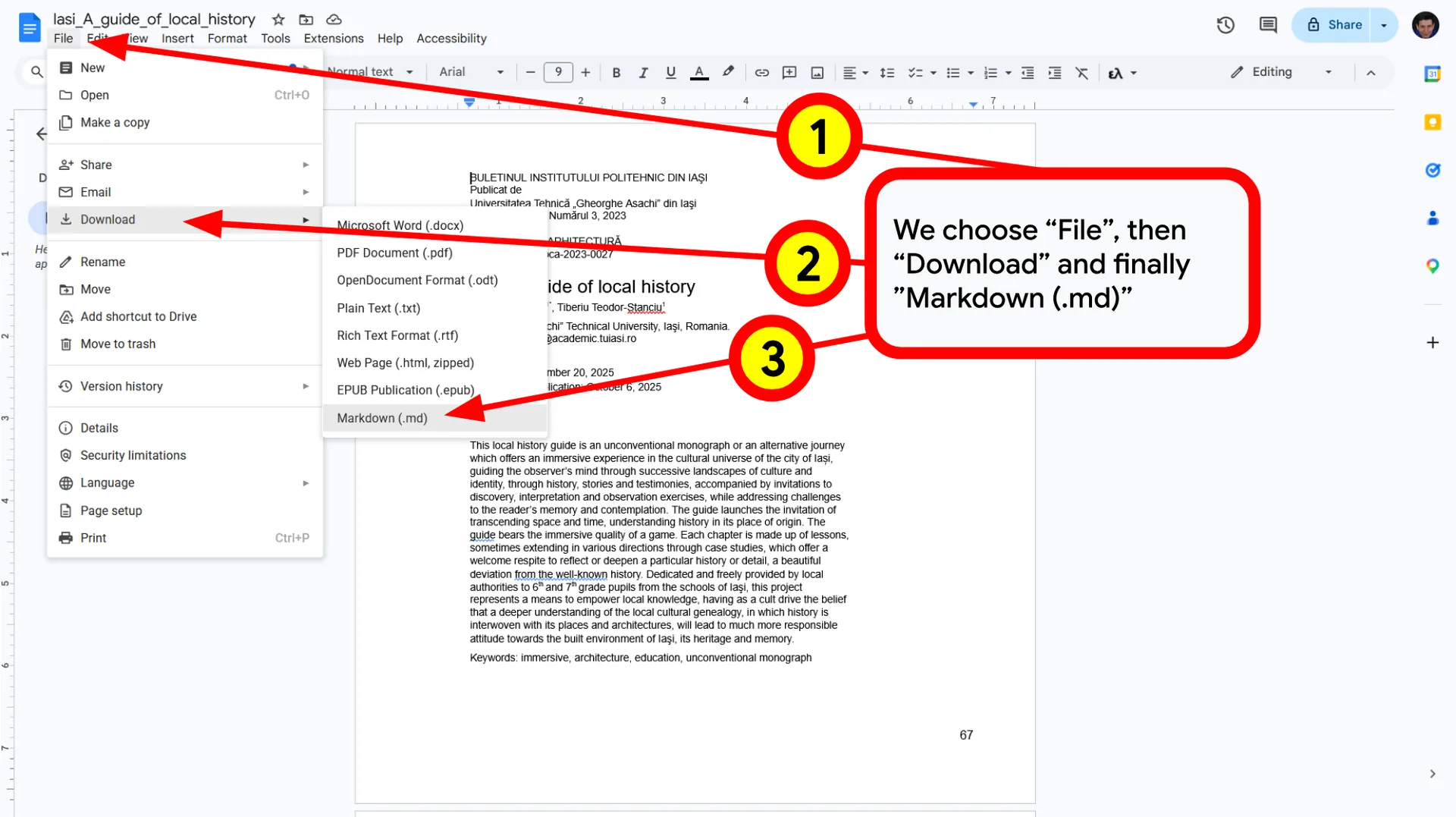
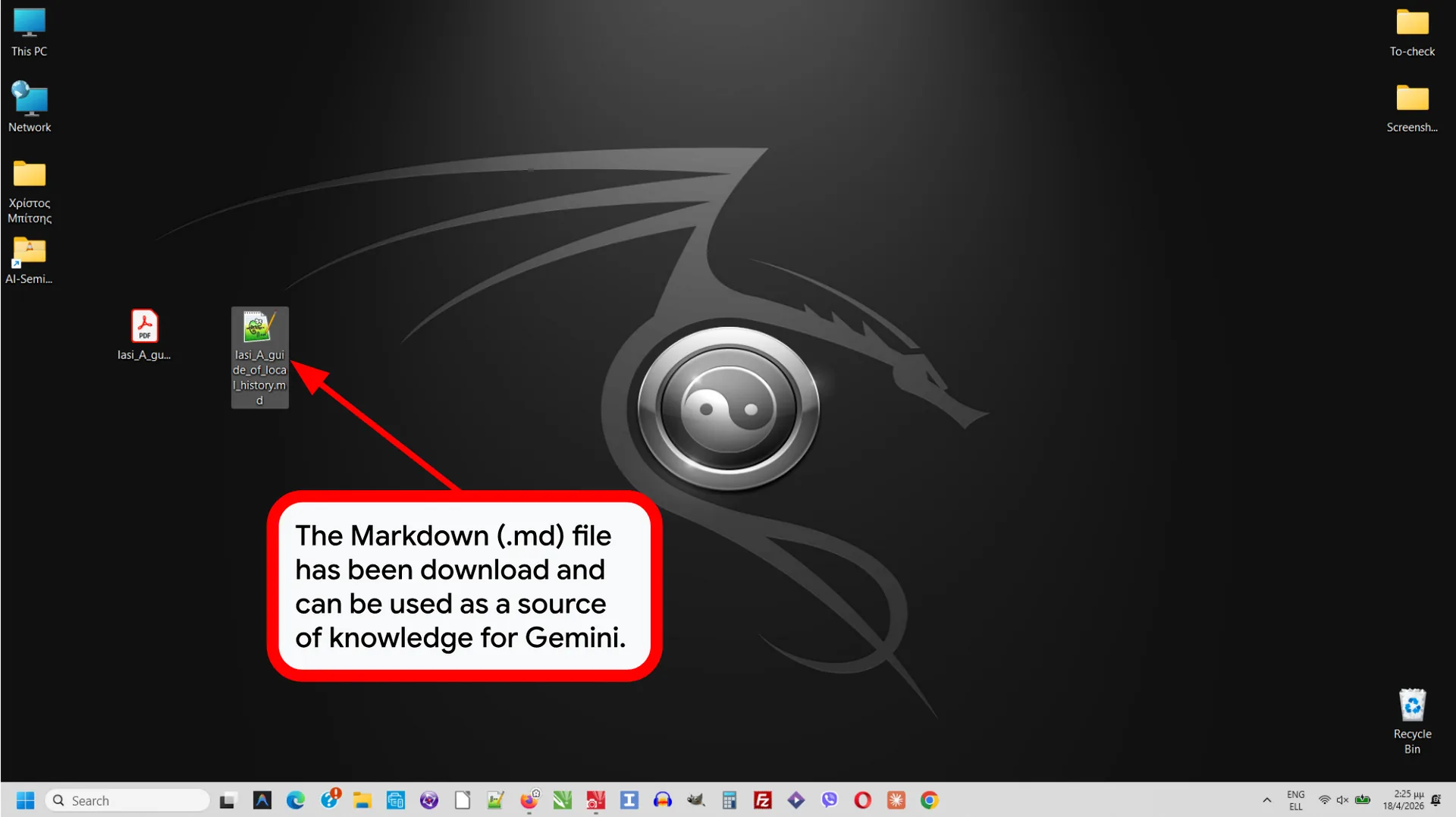
Upload your pdf files to Drive, open with Docs and download in markdown format
3. Key Features & Functionality:
- Automatic Cleaning: Removes page numbers, headers/footers, and corrupted line breaks.
- Absolute Fidelity: Transfers text exactly as is, without summaries or modifications.
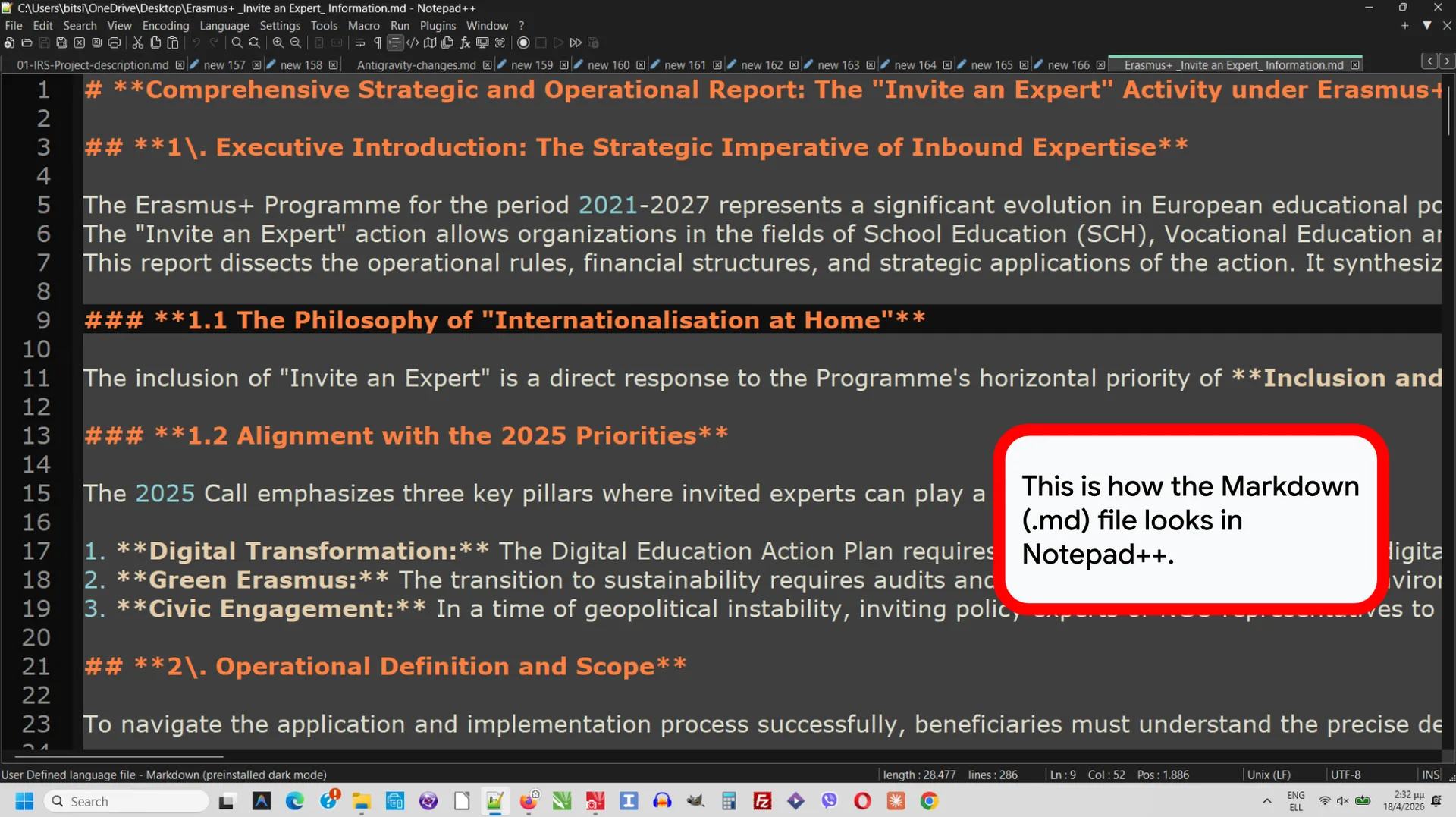
💡 Tip: Use Notepad or Notepad++ to open and edit Markdown files on your PC
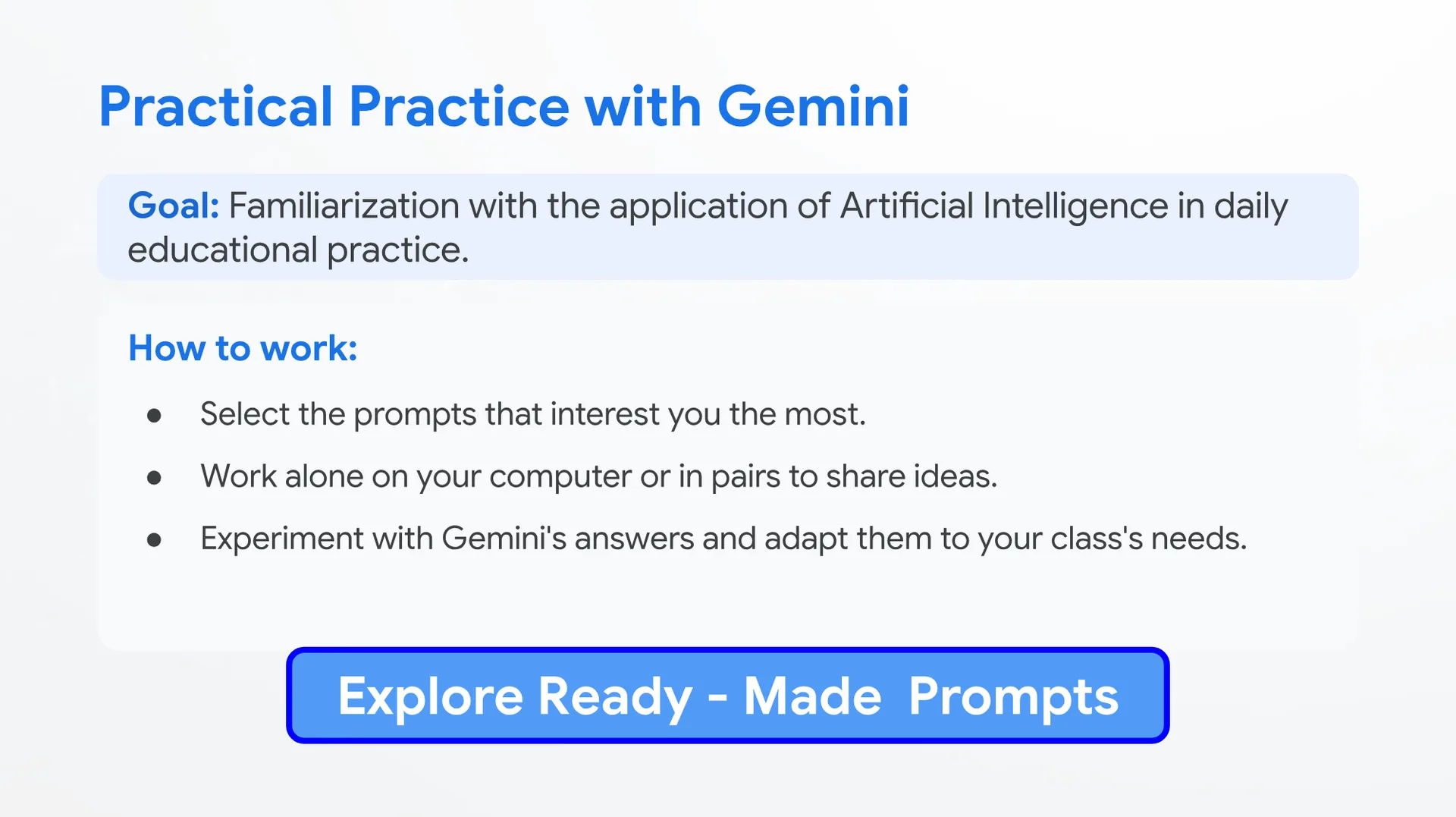
Practical Practice with Gemini
Goal: Familiarization with the application of Artificial Intelligence in daily educational practice.
How to work:
- Select the prompts that interest you the most.
- Work alone on your computer or in pairs to share ideas.
- Experiment with Gemini’s answers and adapt them to your class’s needs.
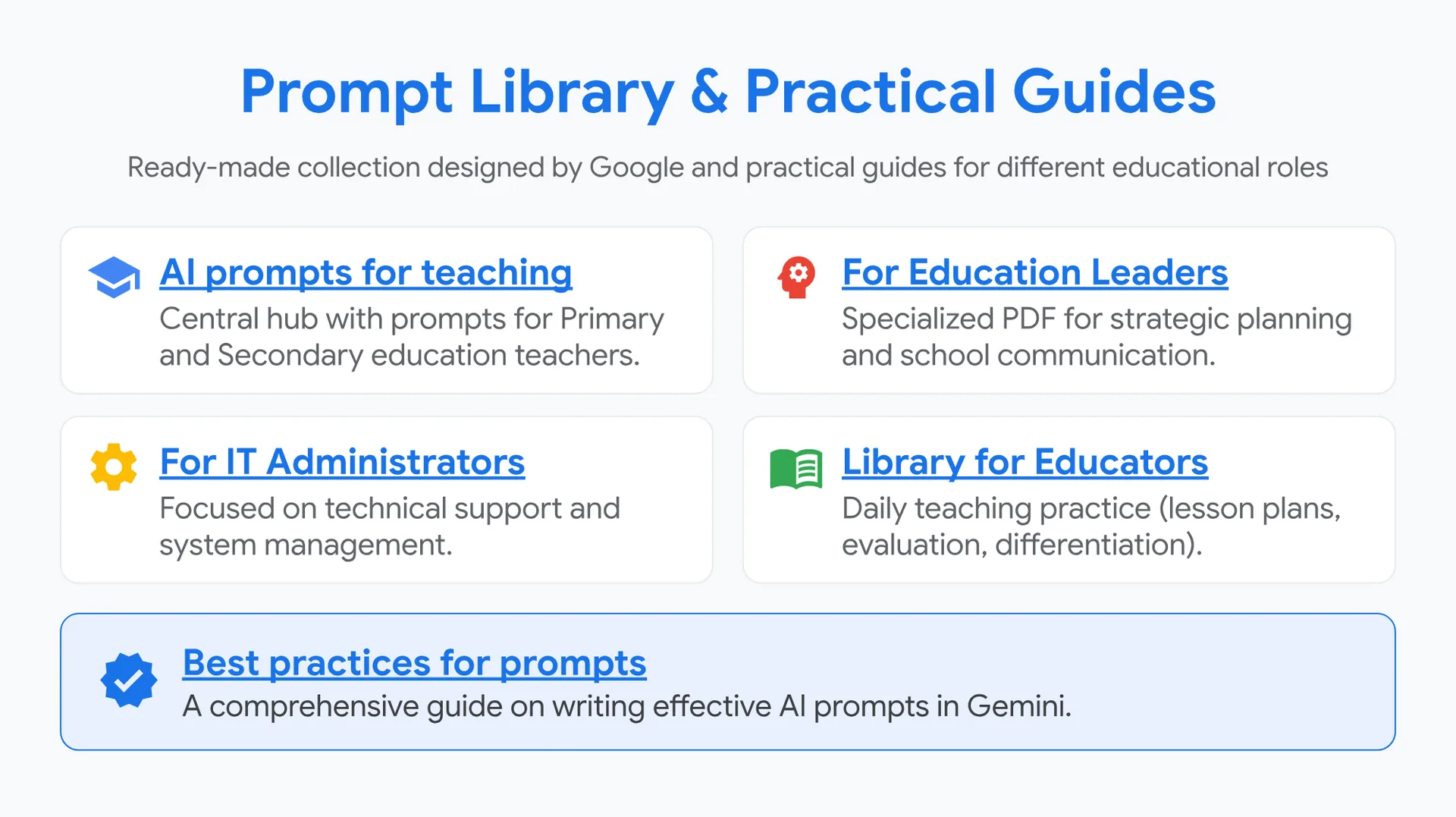
Prompt Library & Practical Guides
Prompt Library & Practical Guides
Ready-made collection designed by Google and practical guides for different educational roles
Central hub with prompts for Primary and Secondary education teachers.
🧠 For Education LeadersGoogle DriveIf you click, Google may store cookiesCookie Policy
Specialized PDF for strategic planning and school communication.
⚙️ For IT AdministratorsGoogle DriveIf you click, Google may store cookiesCookie Policy
Focused on technical support and system management.
📖 Library for EducatorsGoogle DriveIf you click, Google may store cookiesCookie Policy
Daily teaching practice (lesson plans, evaluation, differentiation).
✅ Best practices for promptsGoogle DriveIf you click, Google may store cookiesCookie Policy
A comprehensive guide on writing effective AI prompts in Gemini.
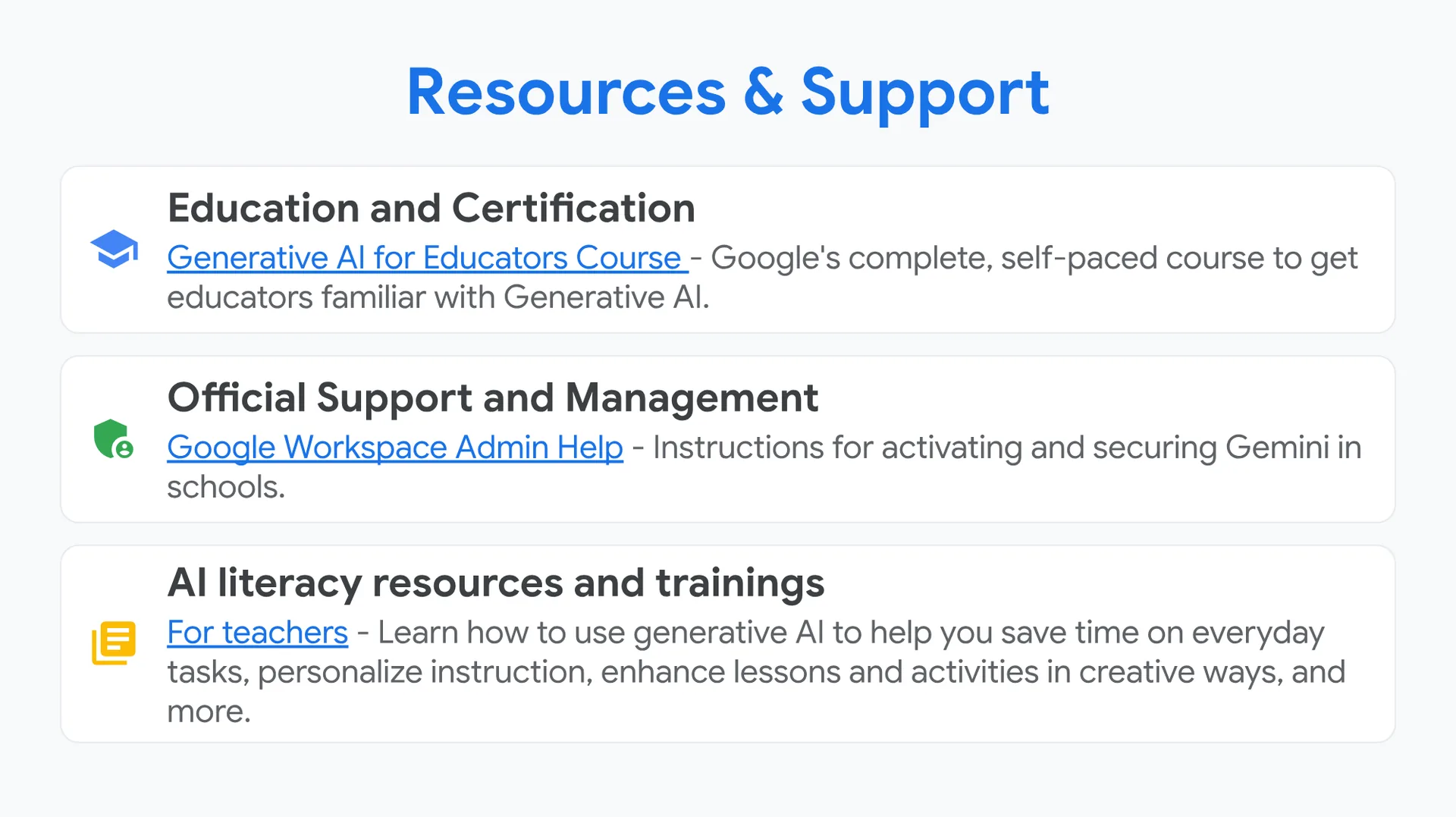
Resources & Support
🏫 Education and Certification
Generative AI for Educators Course – Google’s complete, self-paced course to get educators familiar with Generative AI.
⚙️ Official Support and Management
Google Workspace Admin Help – Instructions for activating and securing Gemini in schools.
📚 AI literacy resources and trainings
For teachers – Learn how to use generative AI to help you save time on everyday tasks, personalize instruction, enhance lessons and activities in creative ways, and more.
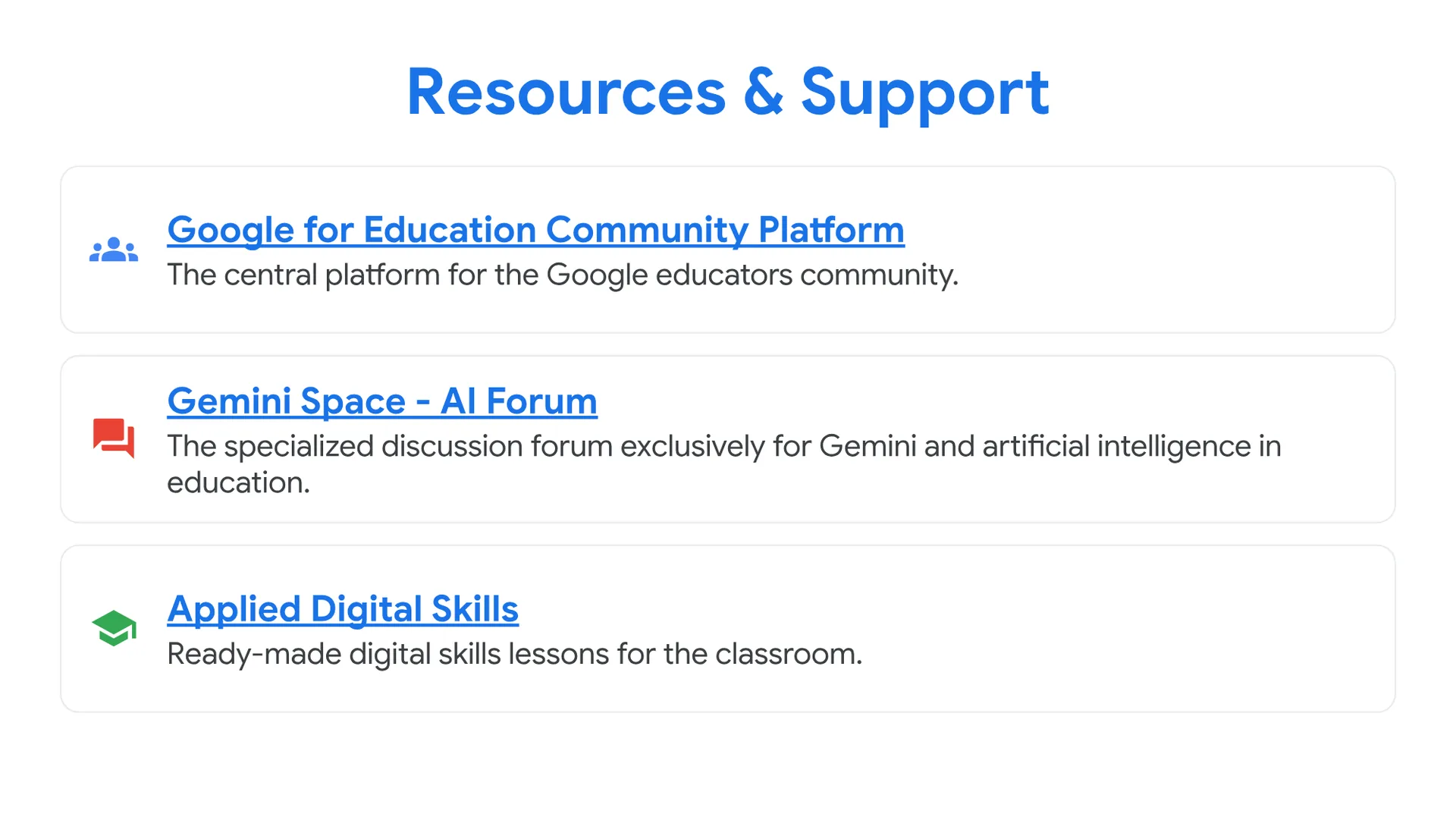
👥 Google for Education Community Platform
The central platform for the Google educators community.
The specialized discussion forum exclusively for Gemini and artificial intelligence in education.
Ready-made digital skills lessons for the classroom.






You can ask your questions by writing a comment below. Your feedback will greatly contribute to improving the content of this course.
0 Comments