
Empowering Educators: A New Framework for Design
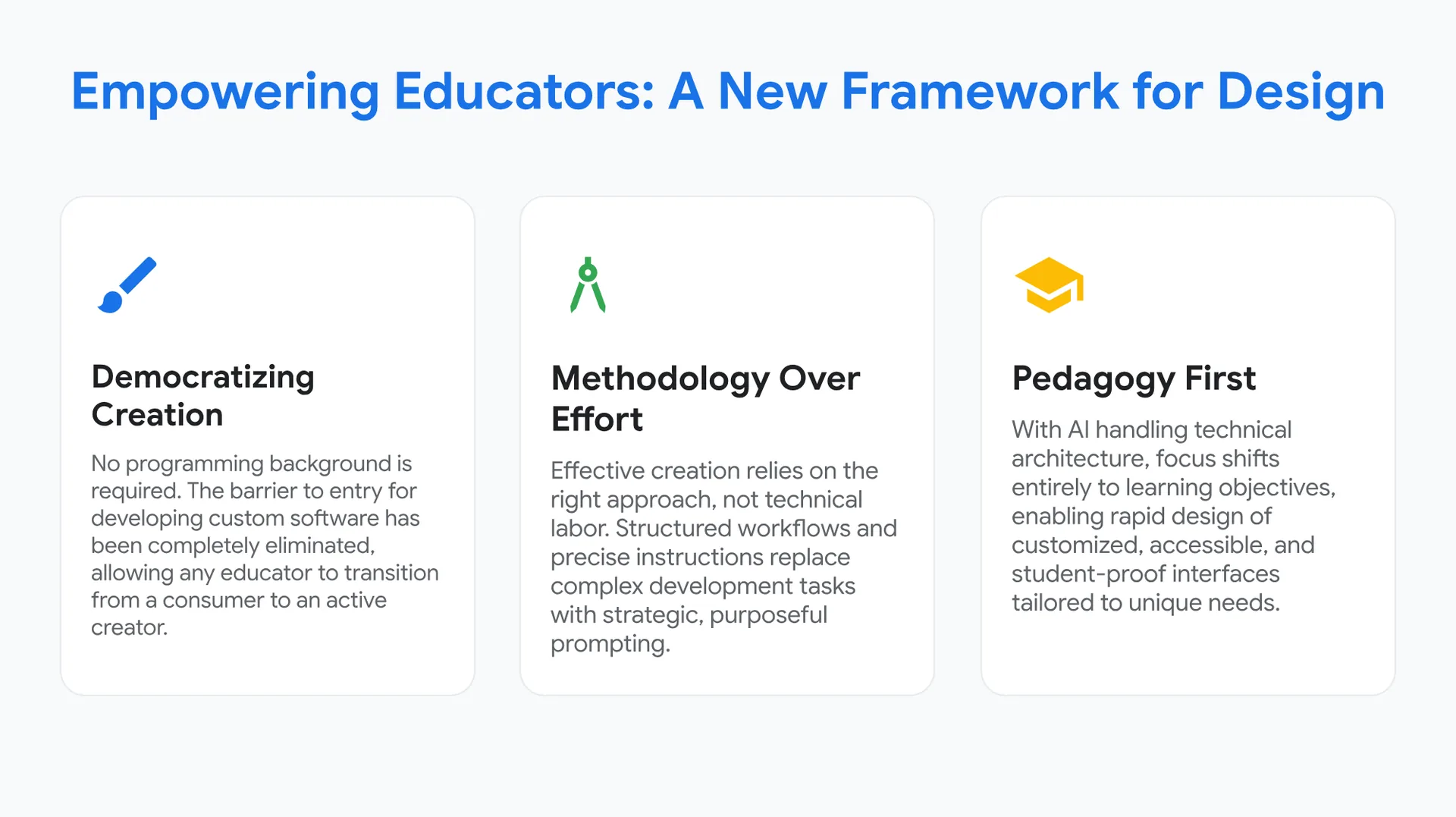
🖌️ Democratizing Creation
No programming background is required. The barrier to entry for developing custom software has been completely eliminated, allowing any educator to transition from a consumer to an active creator.
🏛️ Methodology Over Effort
Effective creation relies on the right approach, not technical labor.
Structured workflows and precise instructions replace complex development tasks with strategic, purposeful prompting.
🏫 Pedagogy First
With AI handling technical architecture, focus shifts entirely to learning objectives, enabling rapid design of customized, accessible, and student-proof interfaces tailored to unique needs.
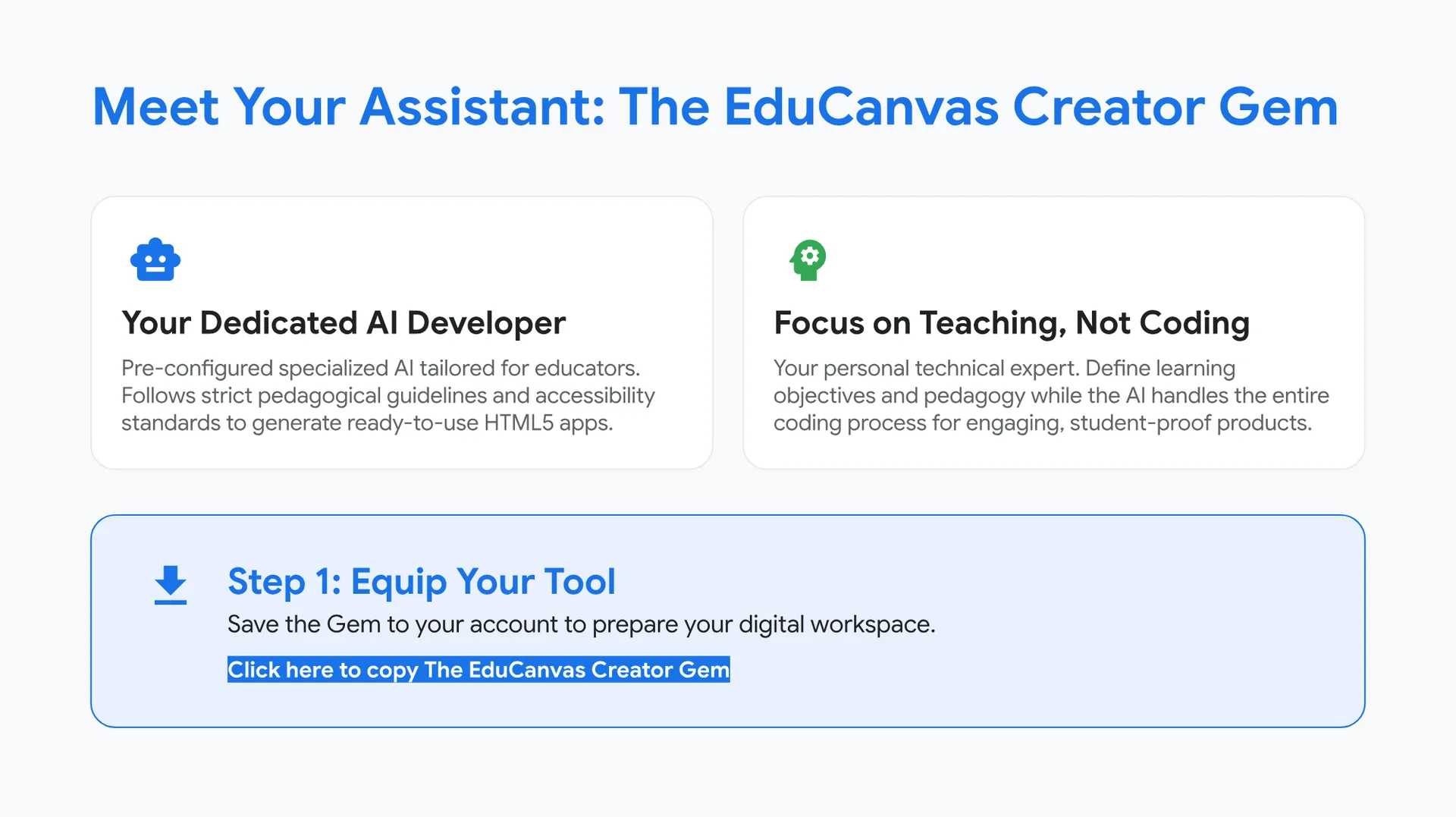
Meet Your Assistant: The EduCanvas Creator Gem
🤖 Your Dedicated AI Developer
Pre-configured specialized AI tailored for educators. Follows strict pedagogical guidelines and accessibility standards to generate ready-to-use HTML5 apps.
🧠 Focus on Teaching, Not Coding
Your personal technical expert. Define learning objectives and pedagogy while the AI handles the entire coding process for engaging, student-proof products.
📥 Step 1: Equip Your Tool
Save the Gem to your account to prepare your digital workspace.
Click here to copy The EduCanvas Creator Gem
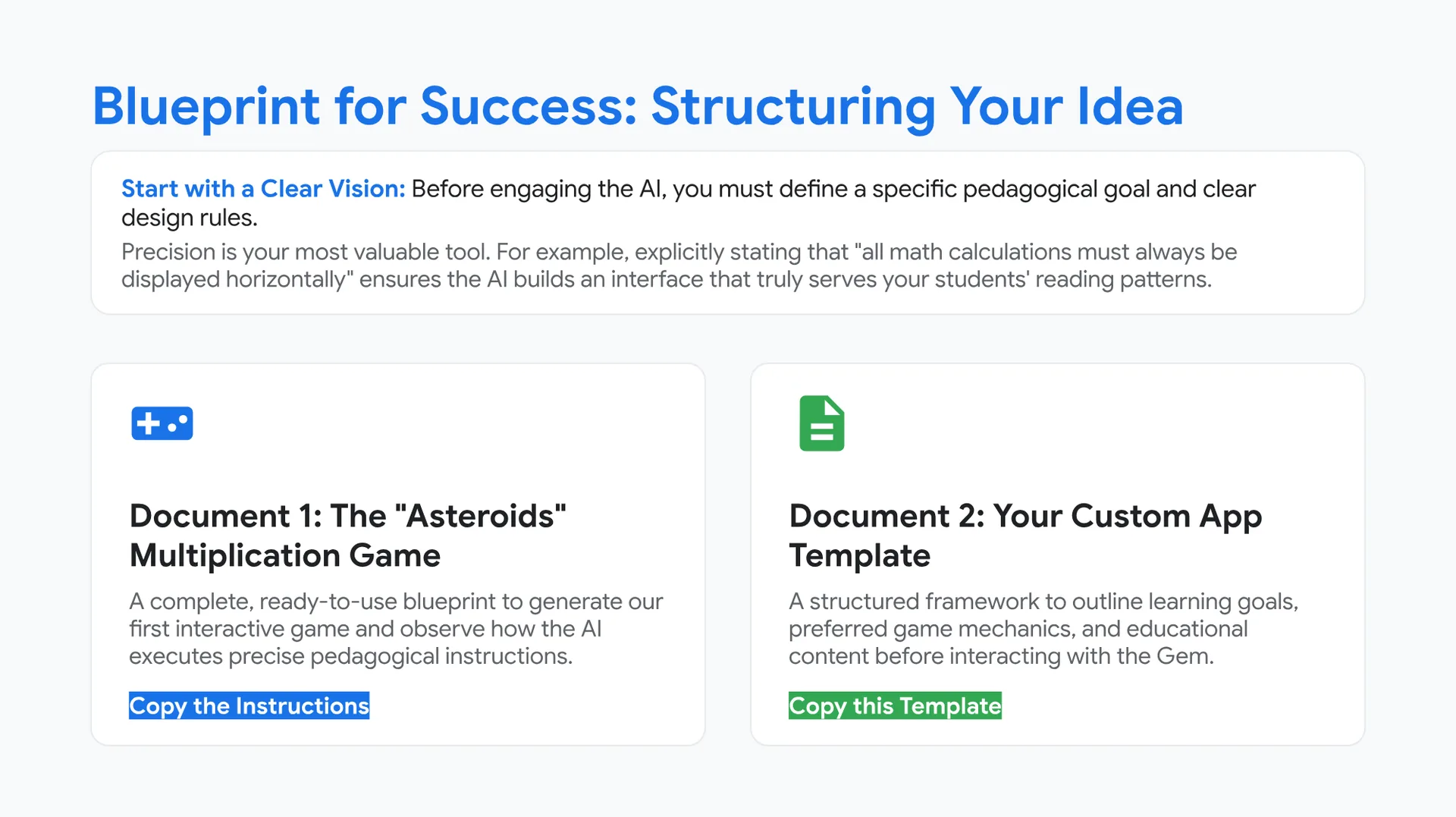
Blueprint for Success: Structuring Your Idea
Start with a Clear Vision: Before engaging the AI, you must define a specific pedagogical goal and clear design rules.
Precision is your most valuable tool. For example, explicitly stating that “all math calculations must always be displayed horizontally” ensures the AI builds an interface that truly serves your students’ reading patterns.
🎮 Document 1: The “Asteroids” Multiplication Game
A complete, ready-to-use blueprint to generate our first interactive game and observe how the AI executes precise pedagogical instructions.
Copy the Instructions
📄 Document 2: Your Custom App Template
A structured framework to outline learning goals, preferred game mechanics, and educational content before interacting with the Gem.
Copy this Template
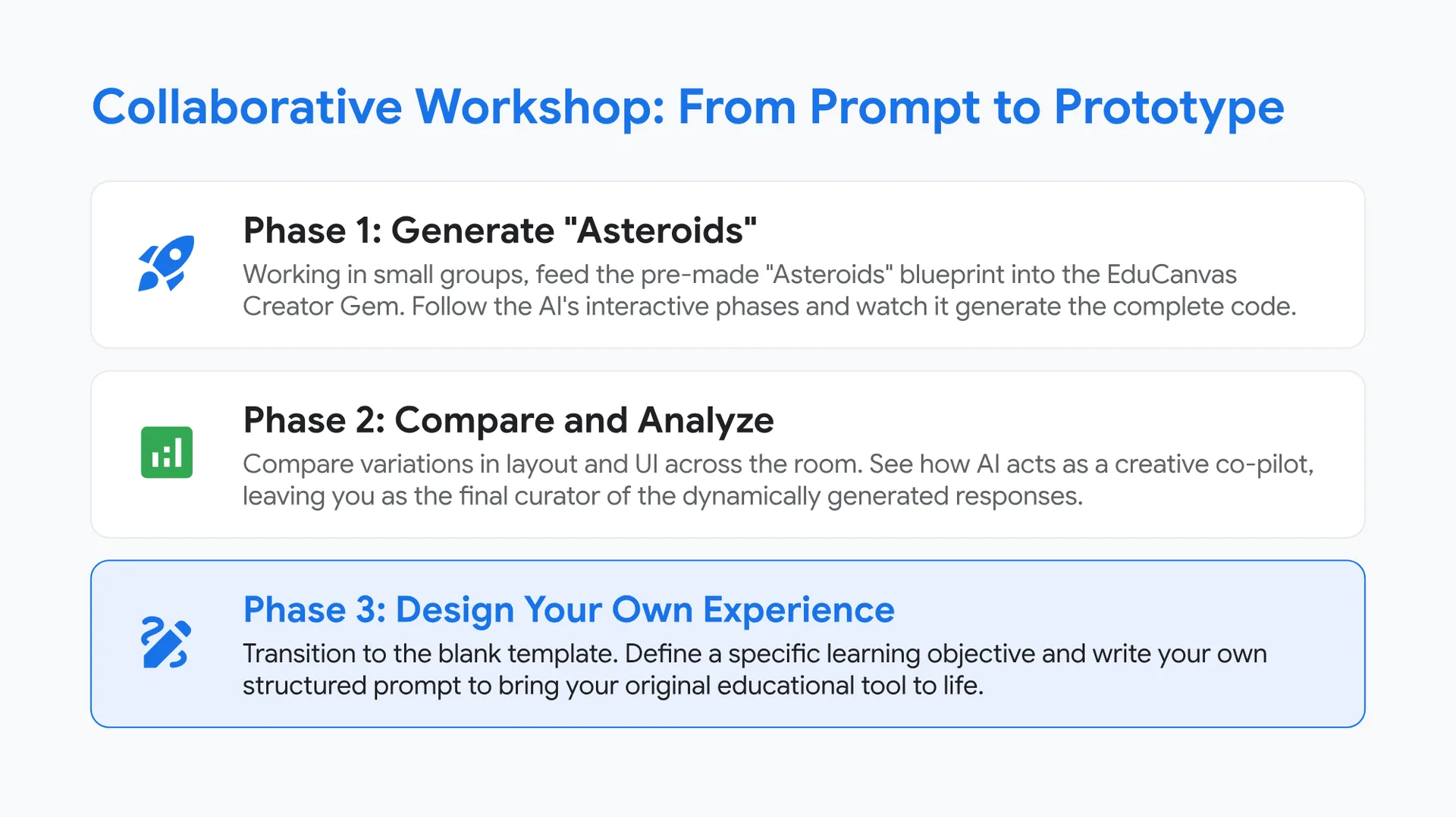
Collaborative Workshop: From Prompt to Prototype
🚀 Phase 1: Generate “Asteroids”
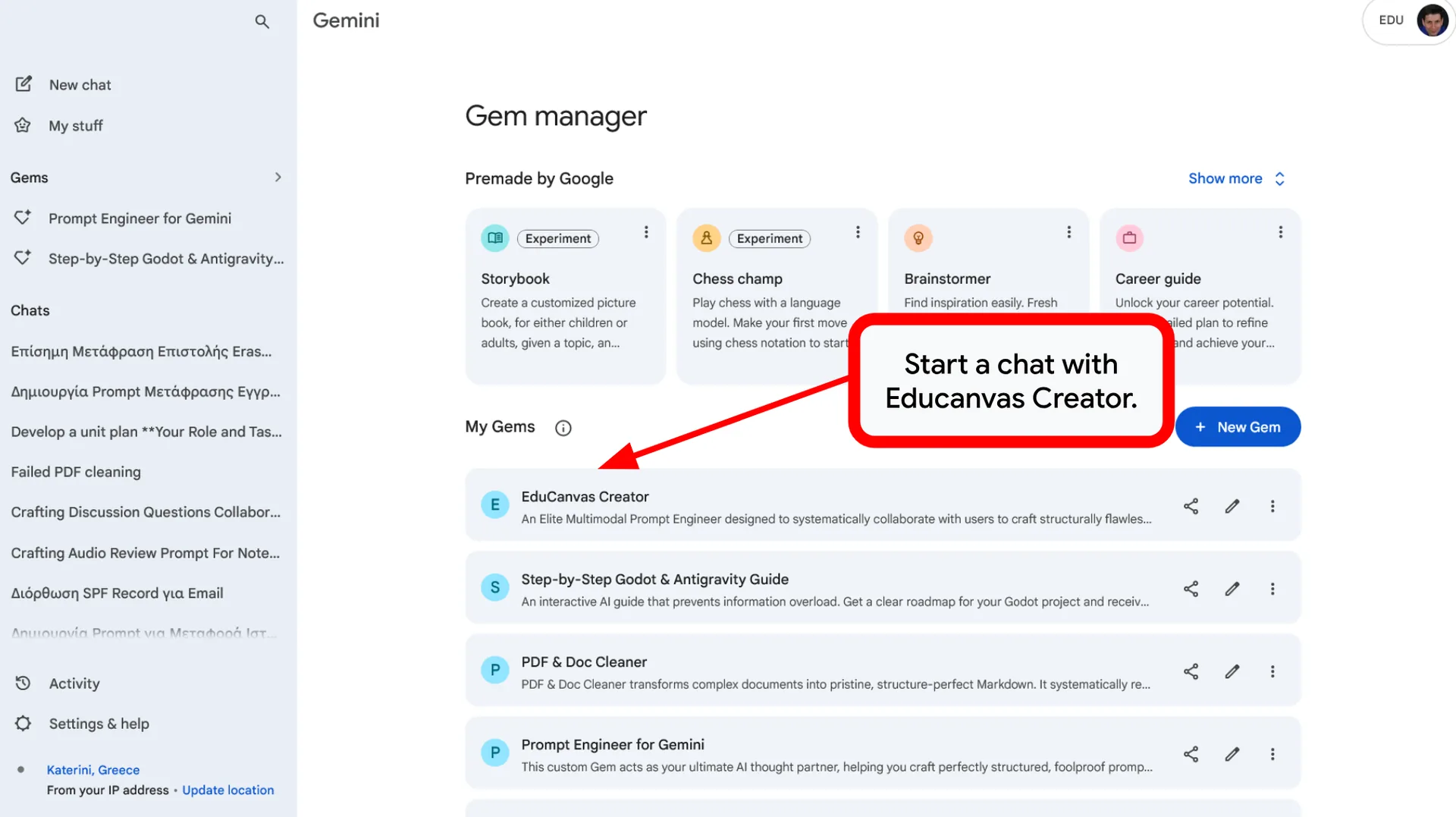
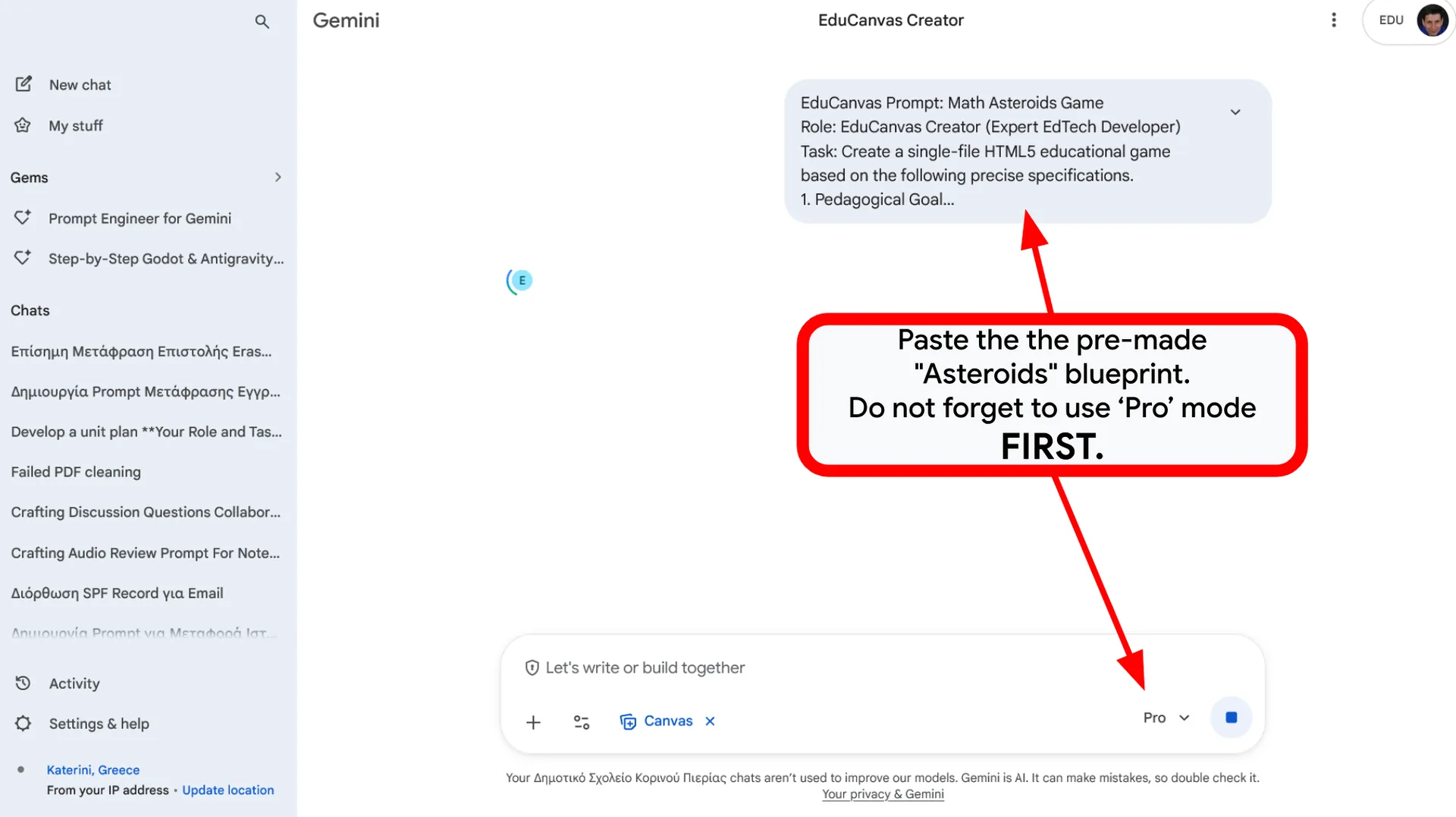
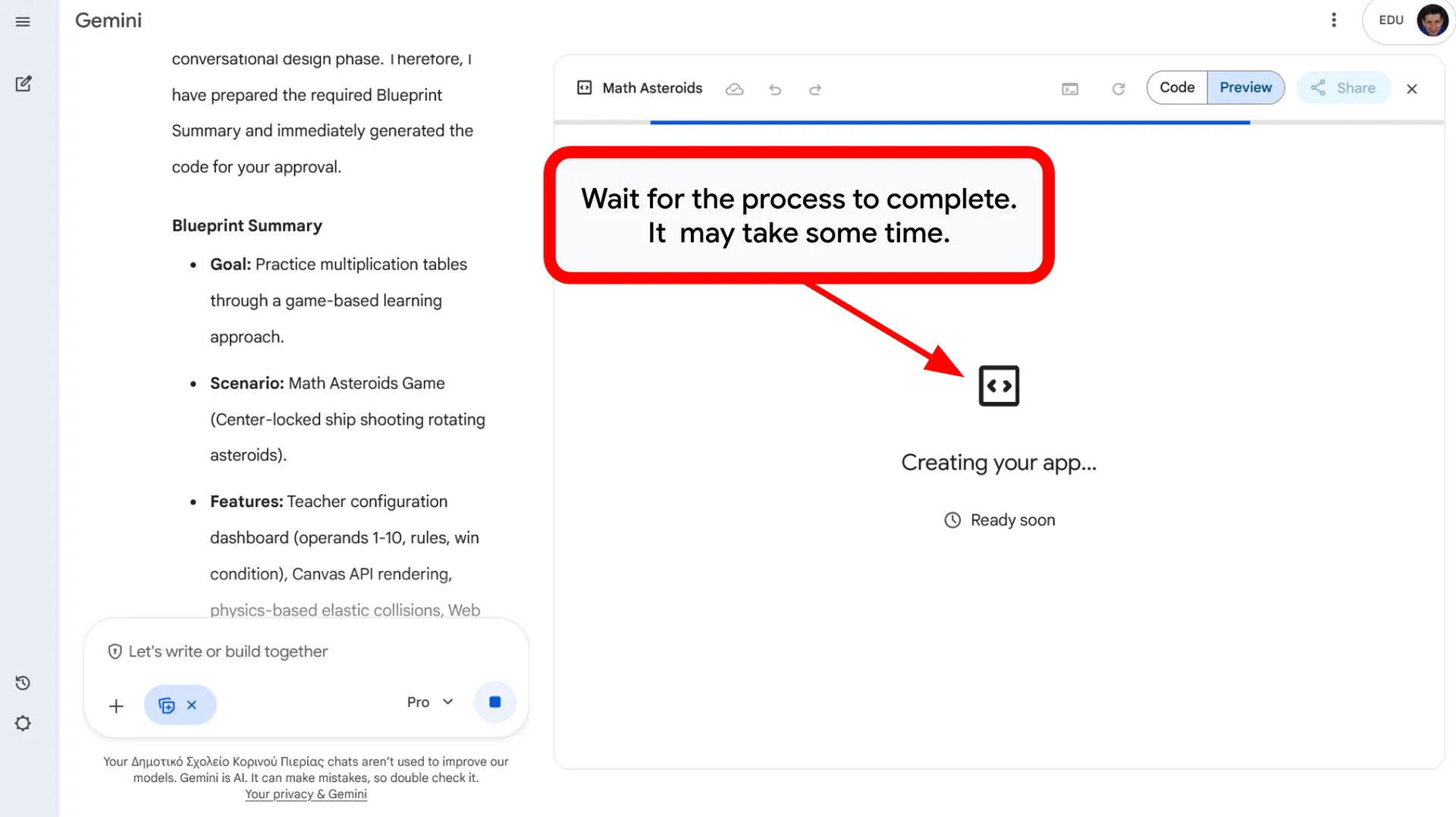
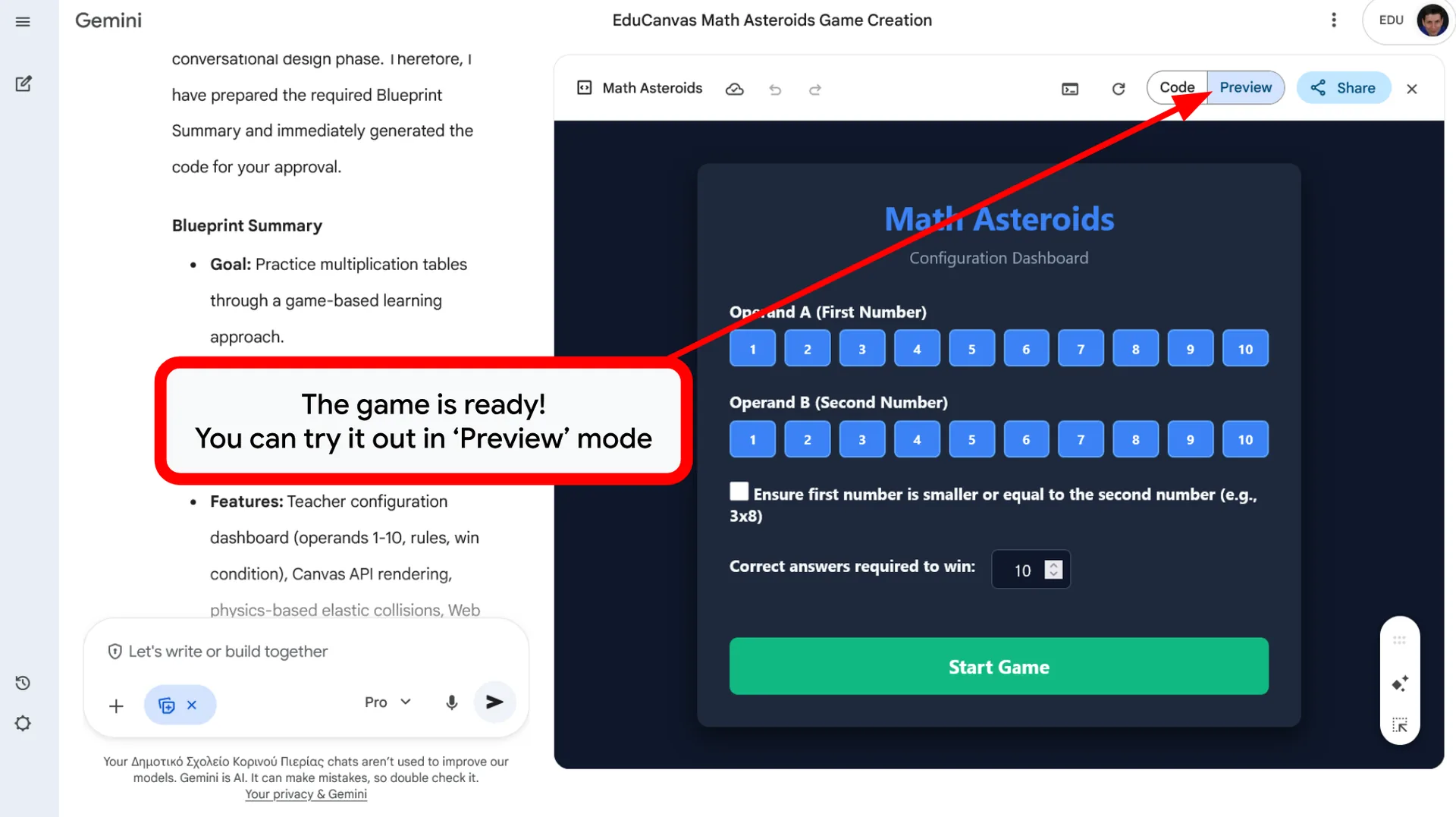
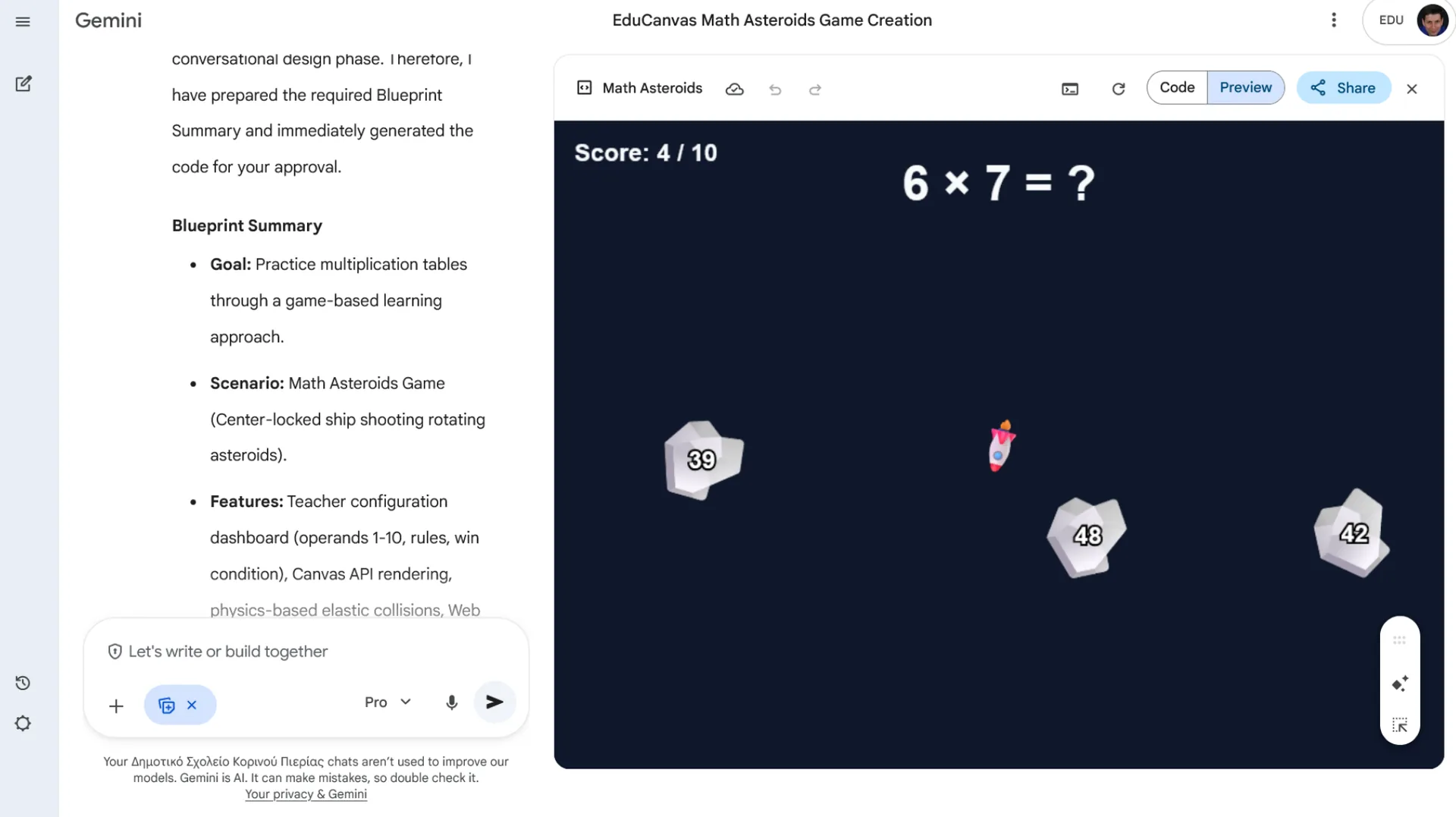
Working in small groups, feed the pre-made “Asteroids” blueprint into the EduCanvas Creator Gem. Follow the AI’s interactive phases and watch it generate the complete code.
📊 Phase 2: Compare and Analyze
Compare variations in layout and UI across the room. See how AI acts as a creative co-pilot, leaving you as the final curator of the dynamically generated responses.
✏️ Phase 3: Design Your Own Experience
Transition to the blank template. Define a specific learning objective and write your own structured prompt to bring your original educational tool to life.
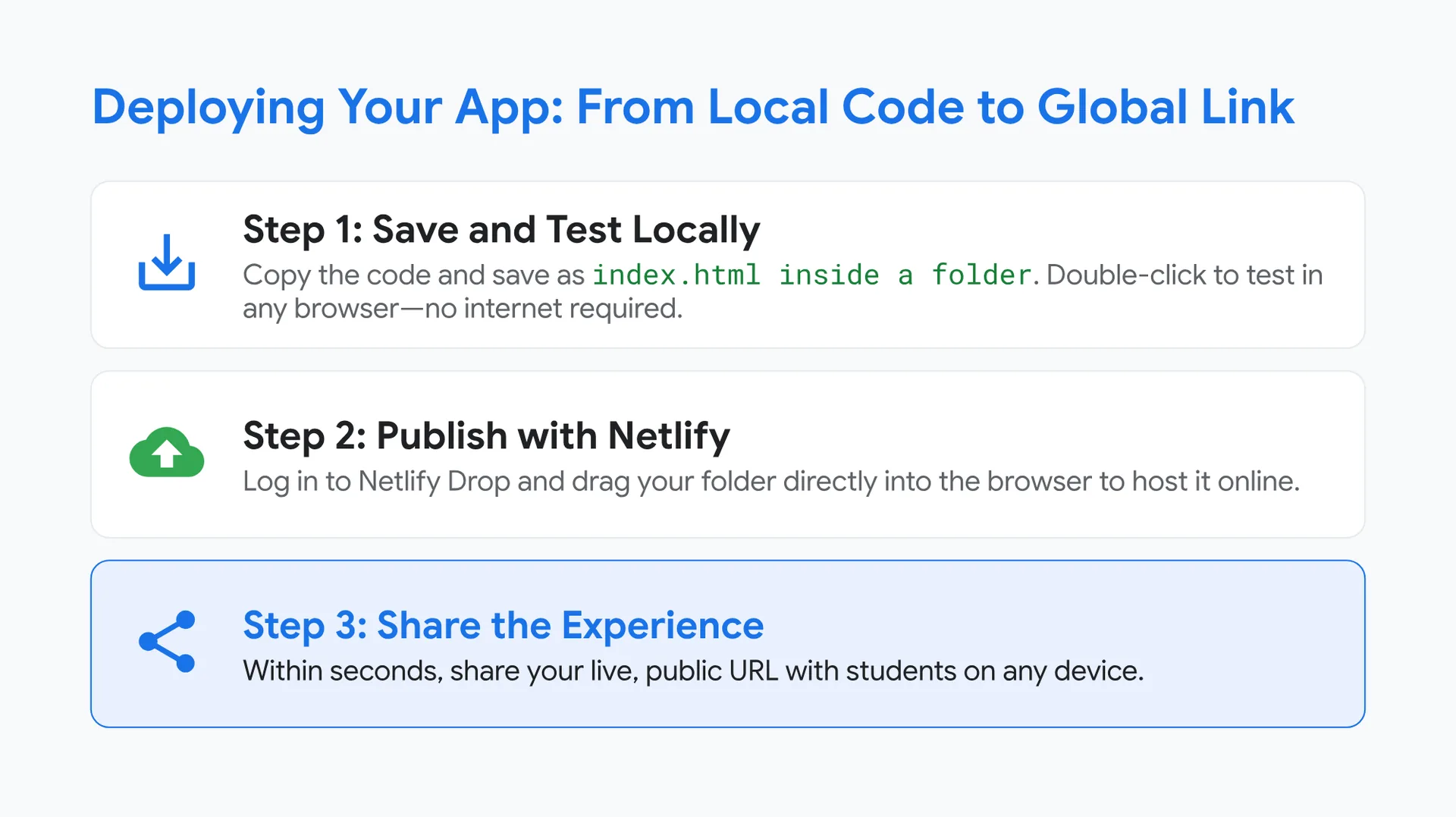
Deploying Your App: From Local Code to Global Link
💾 Step 1: Save and Test Locally
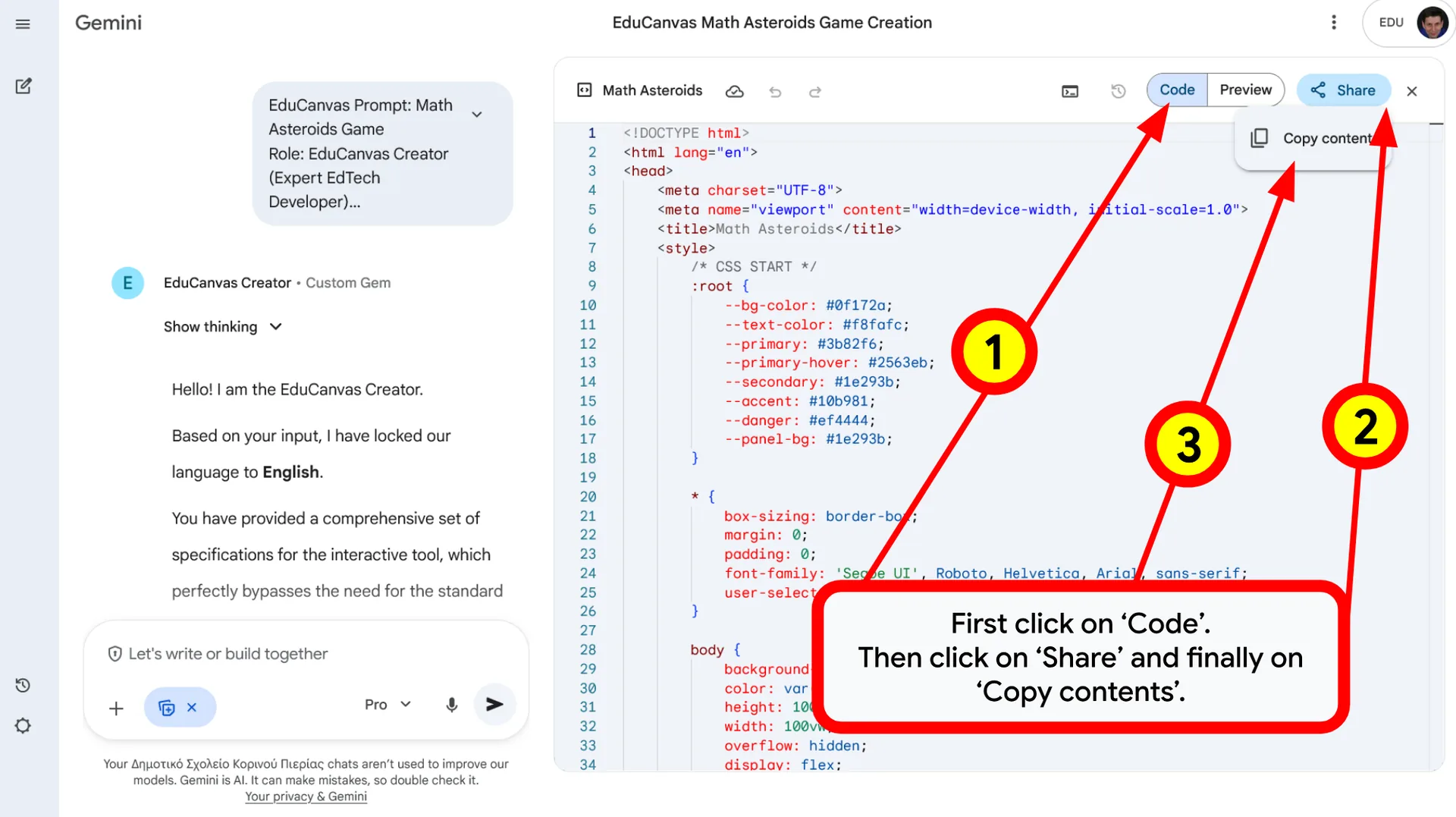
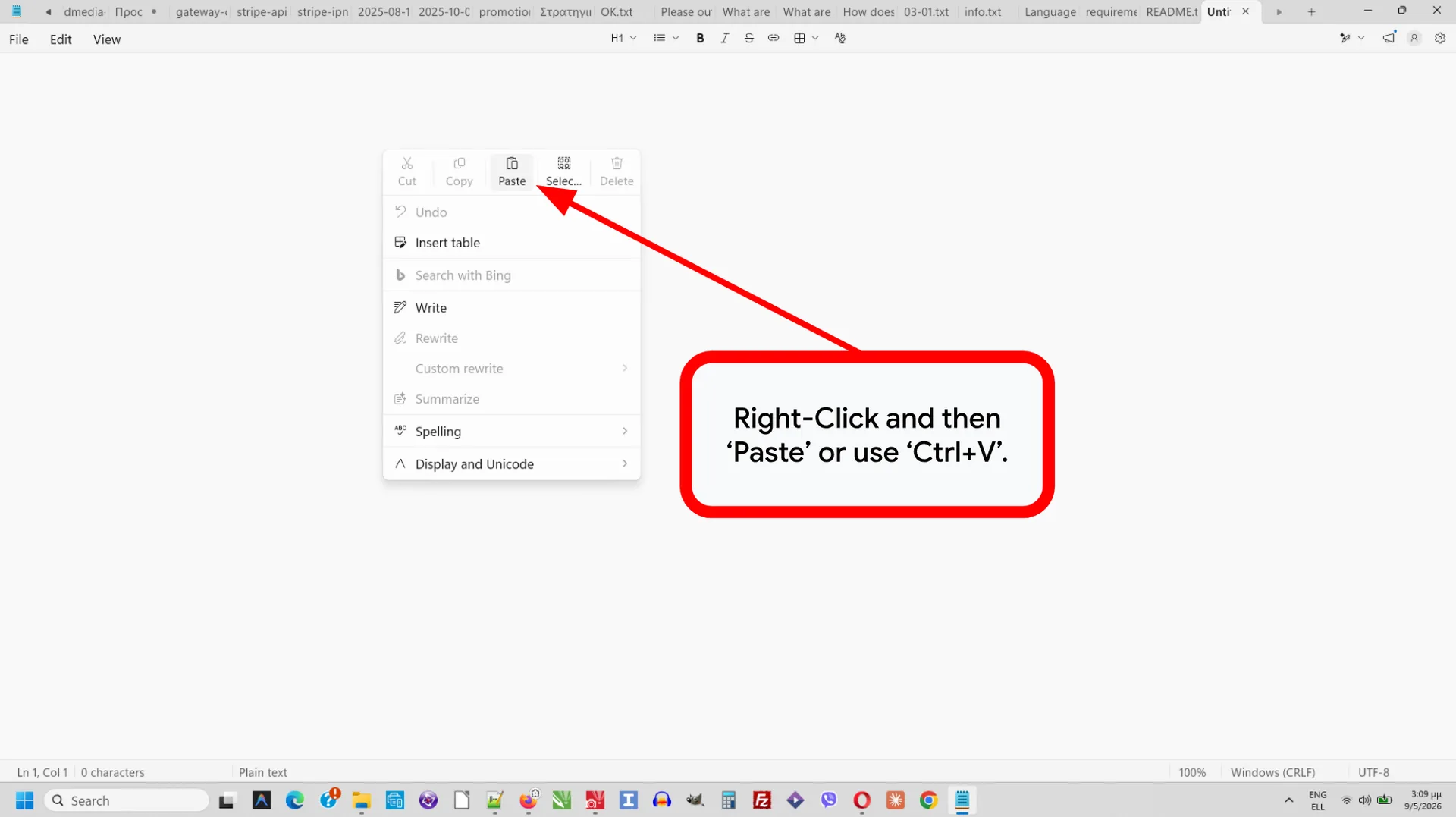
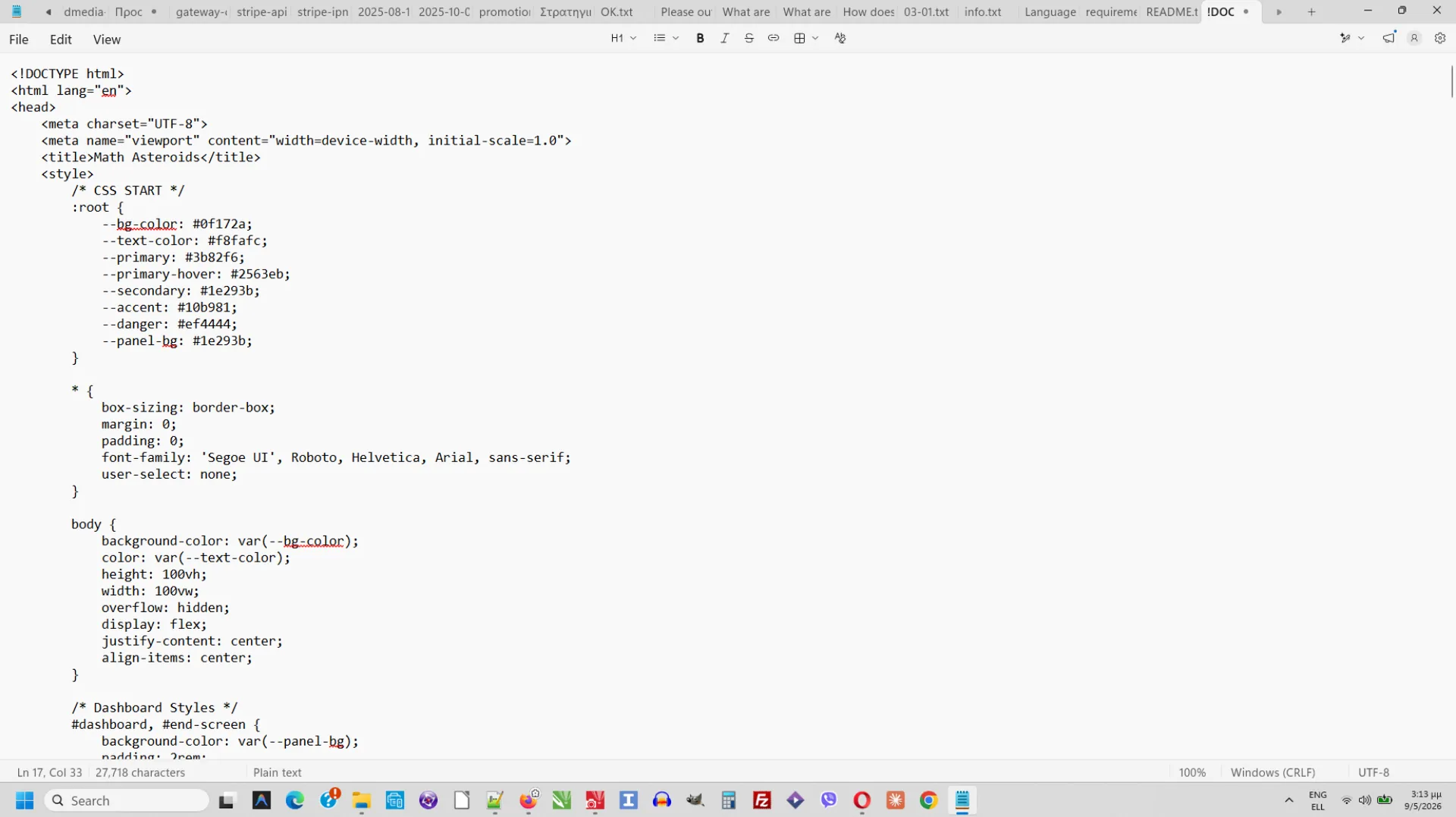
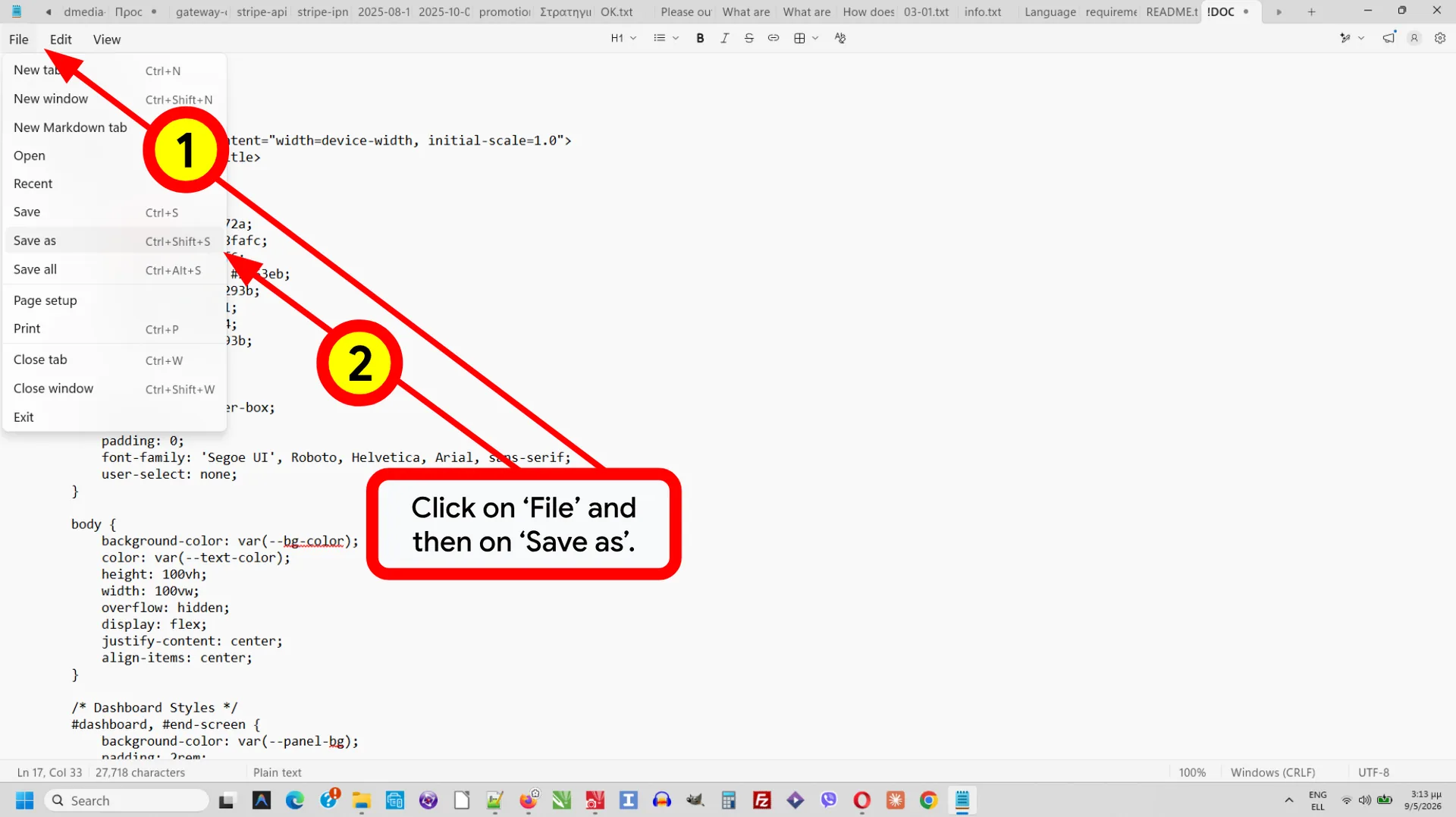
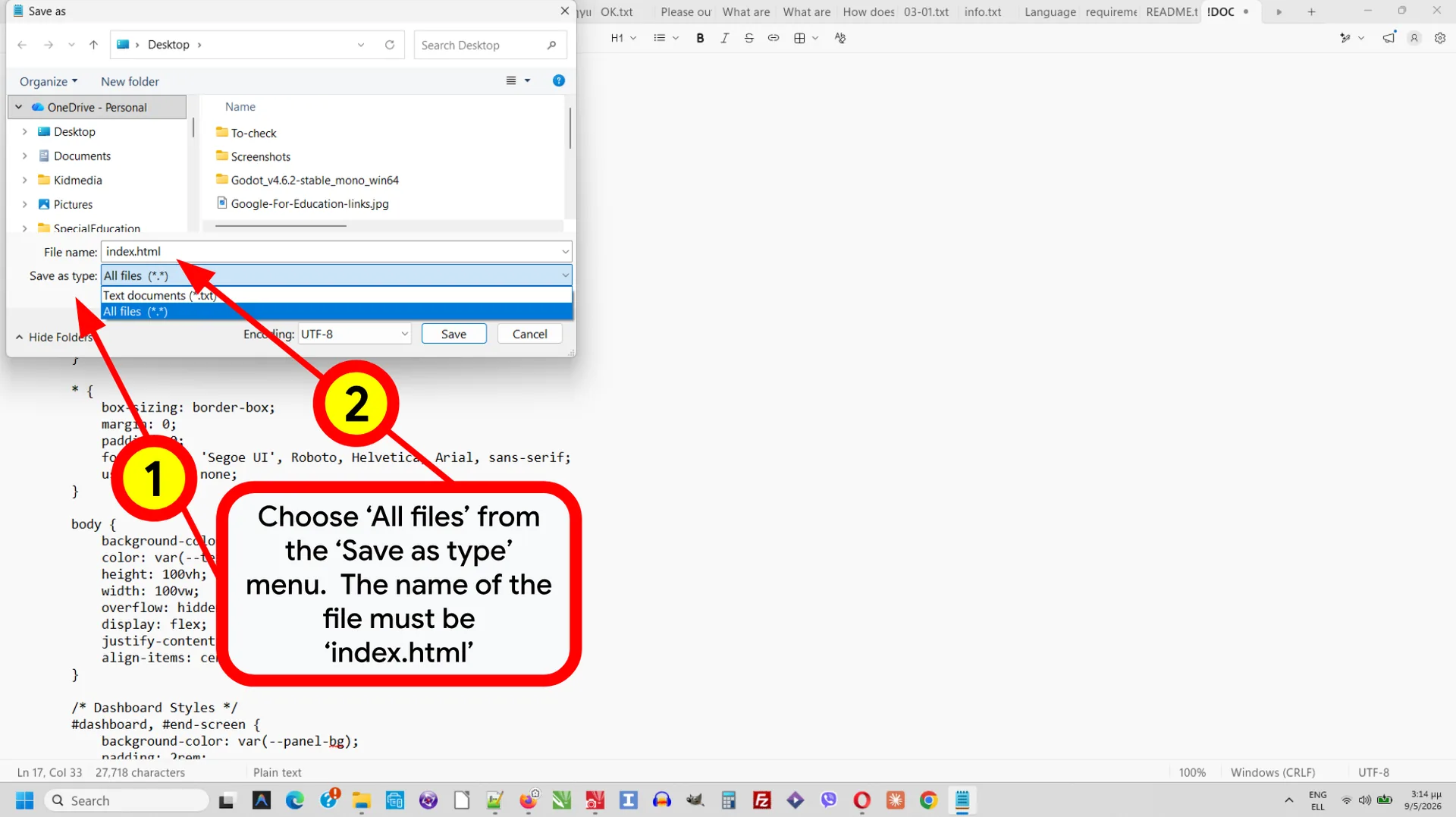
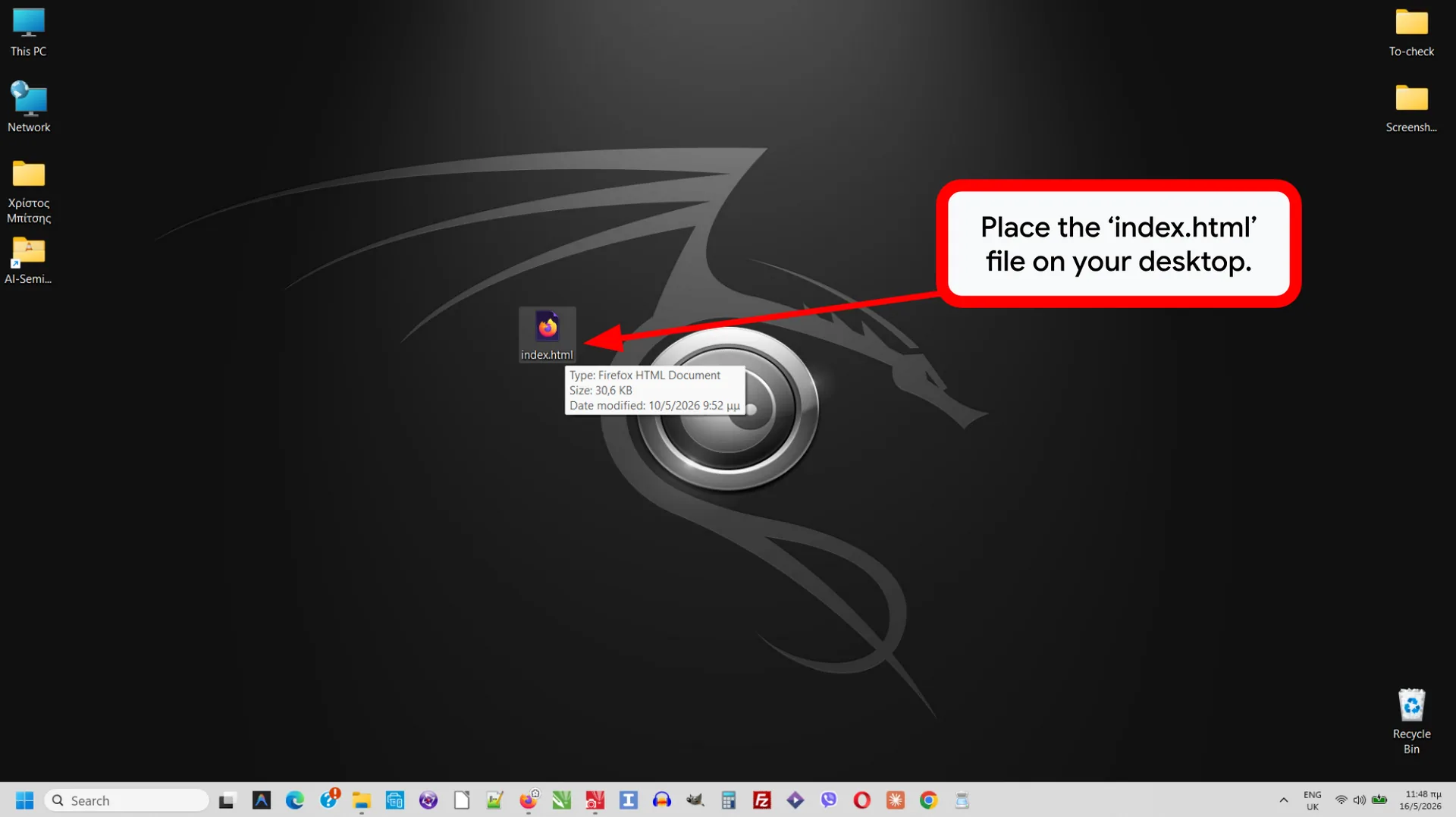
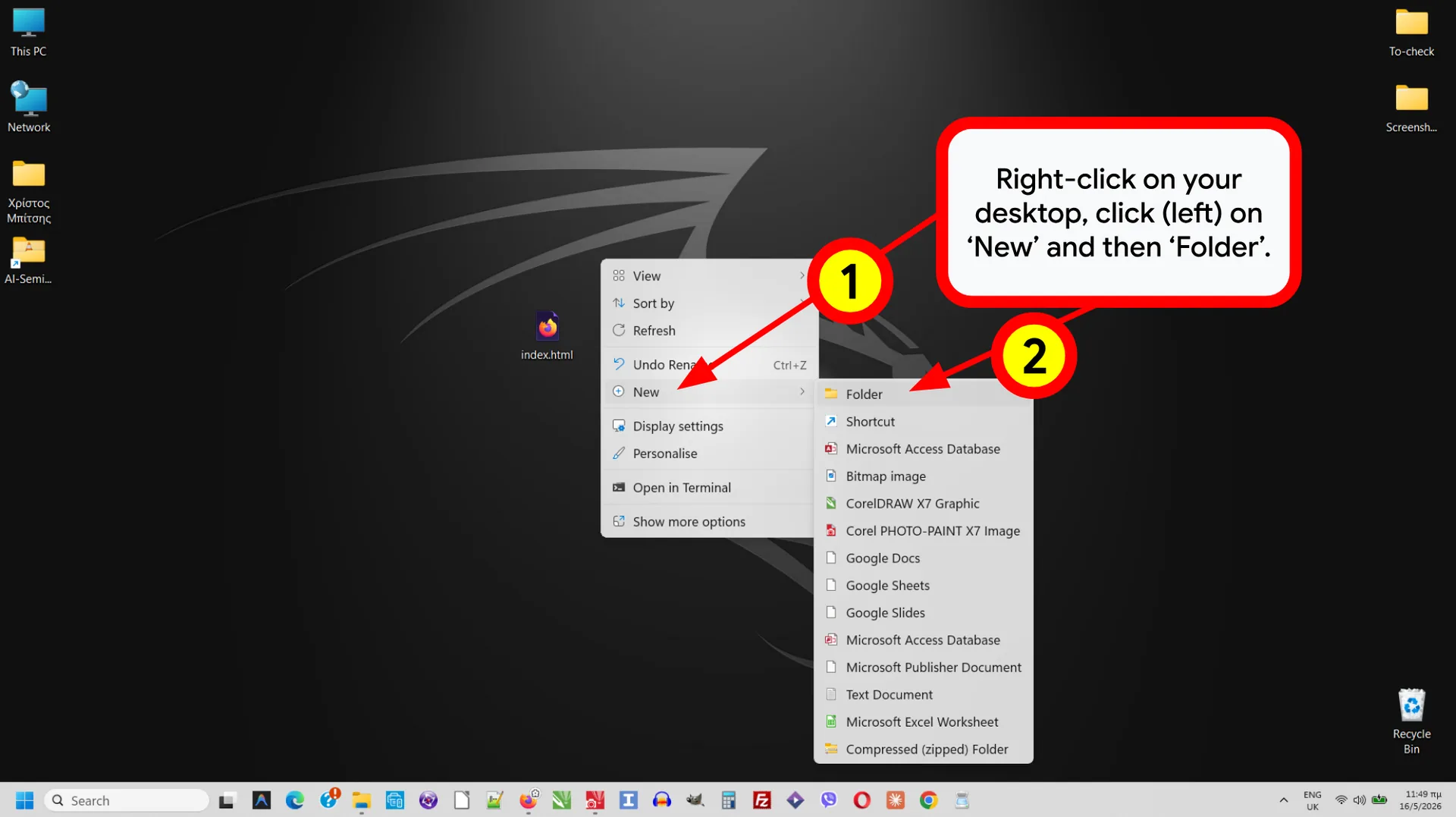
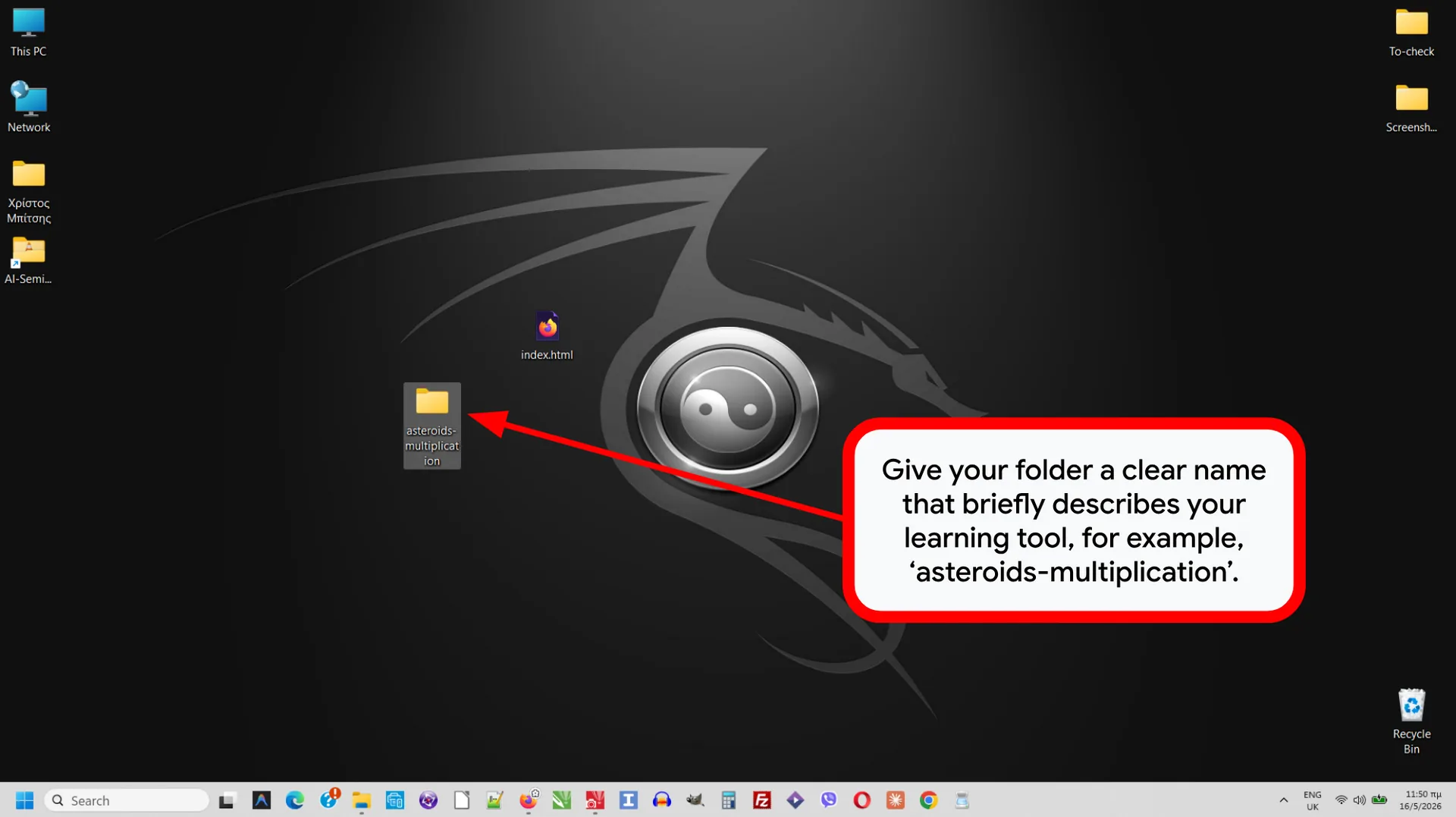
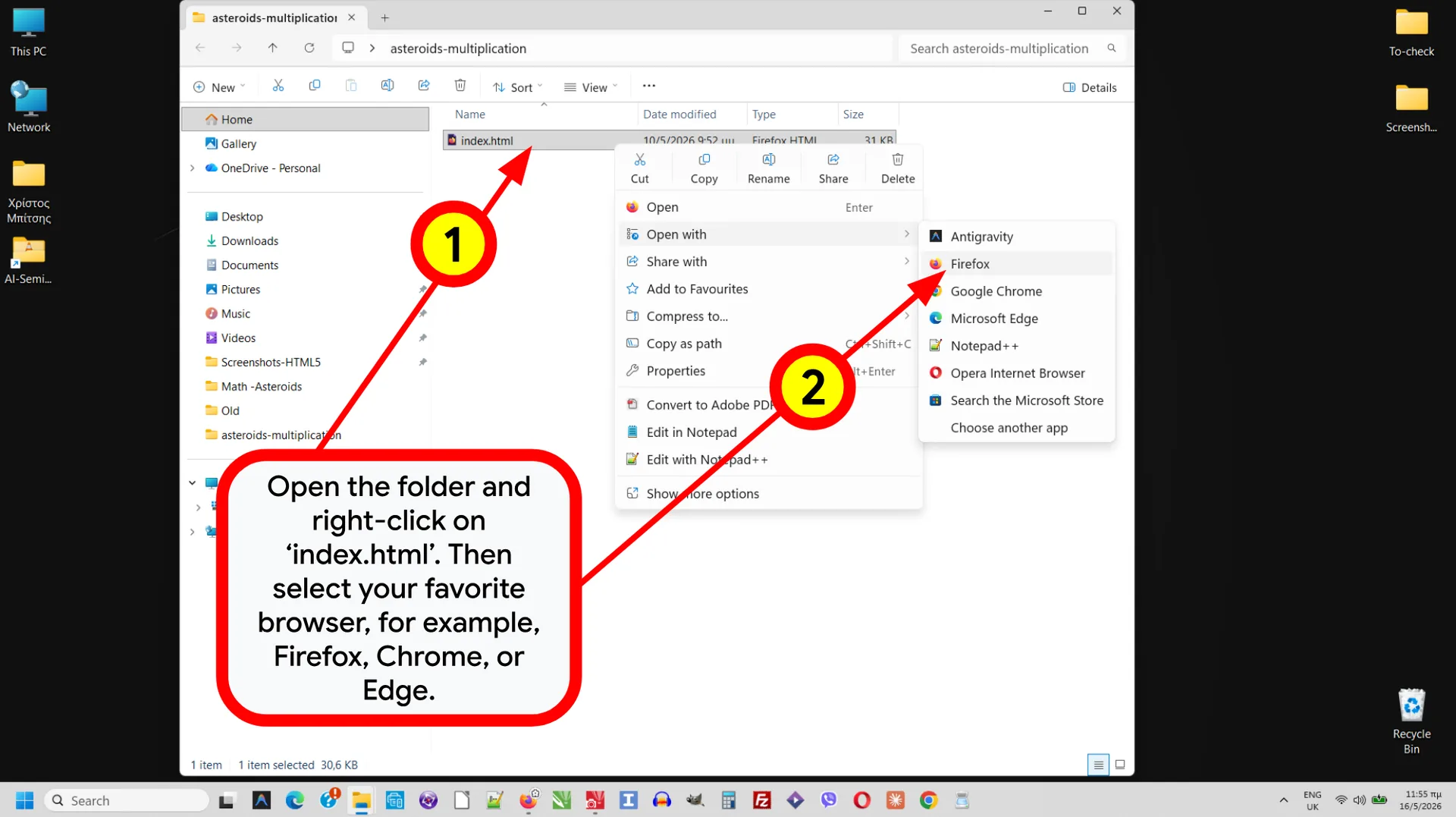
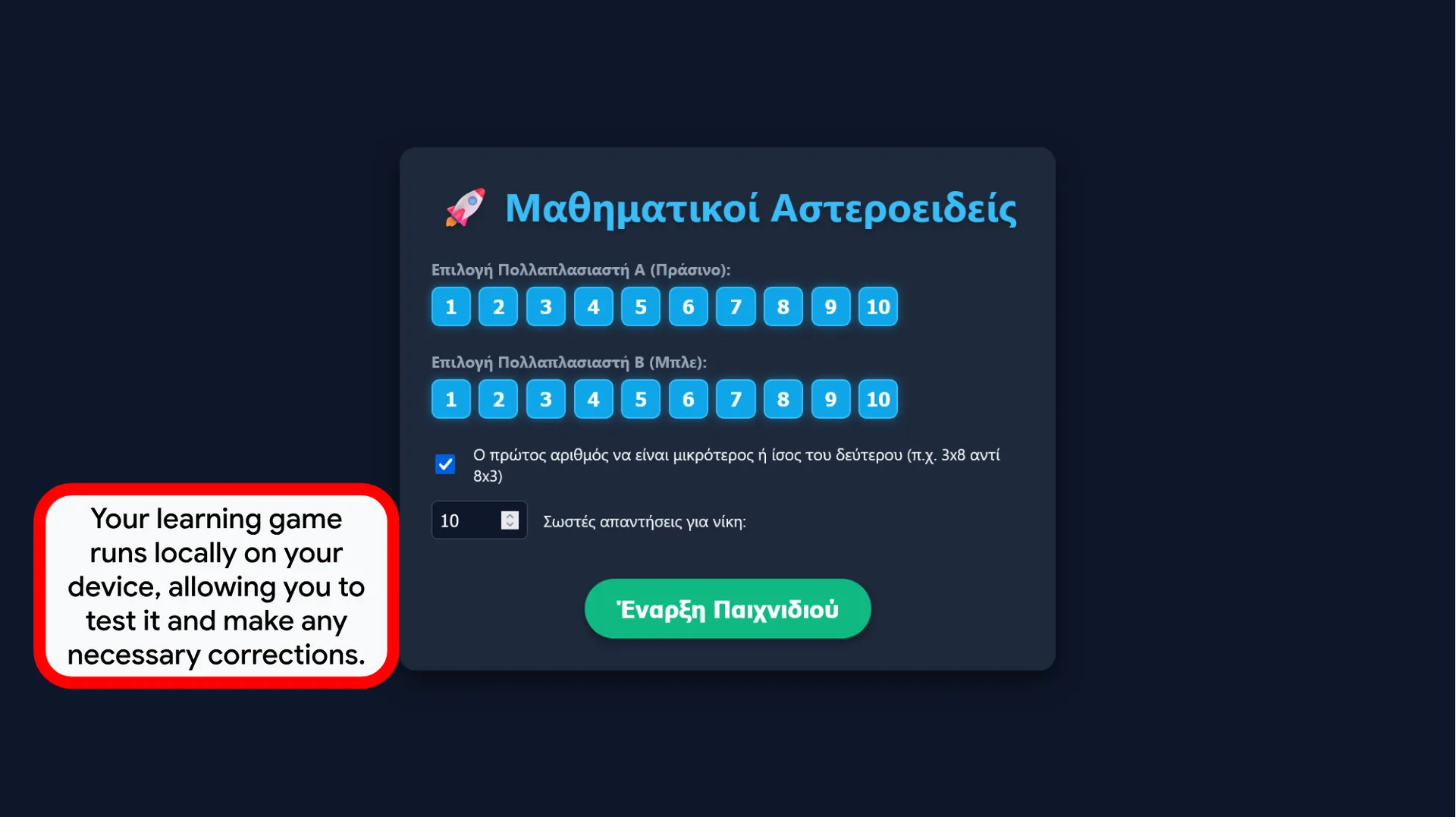
Copy the code and save as index.html inside a folder. Double-click to test in any browser—no internet required.
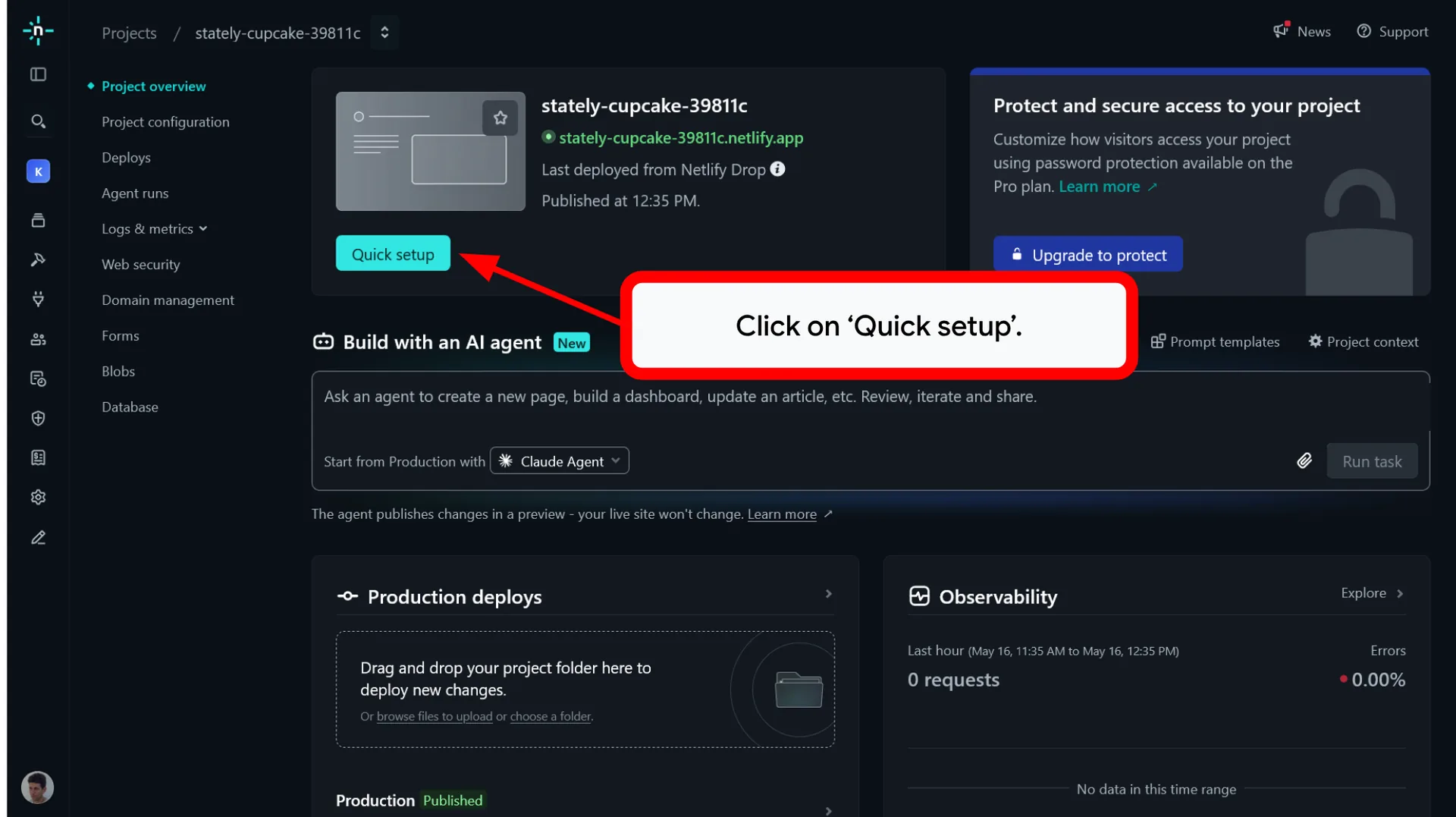
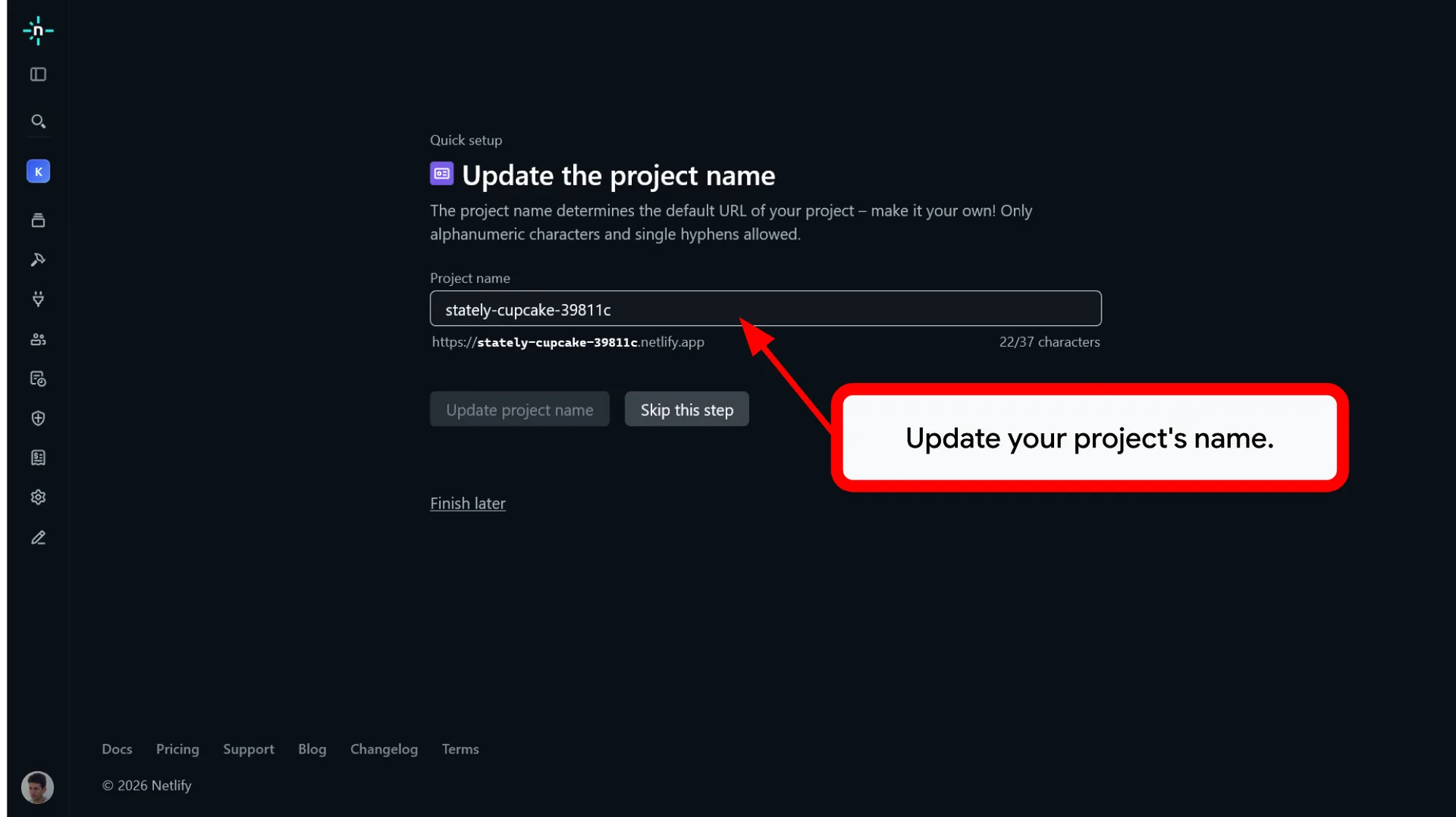
☁️ Step 2: Publish with Netlify
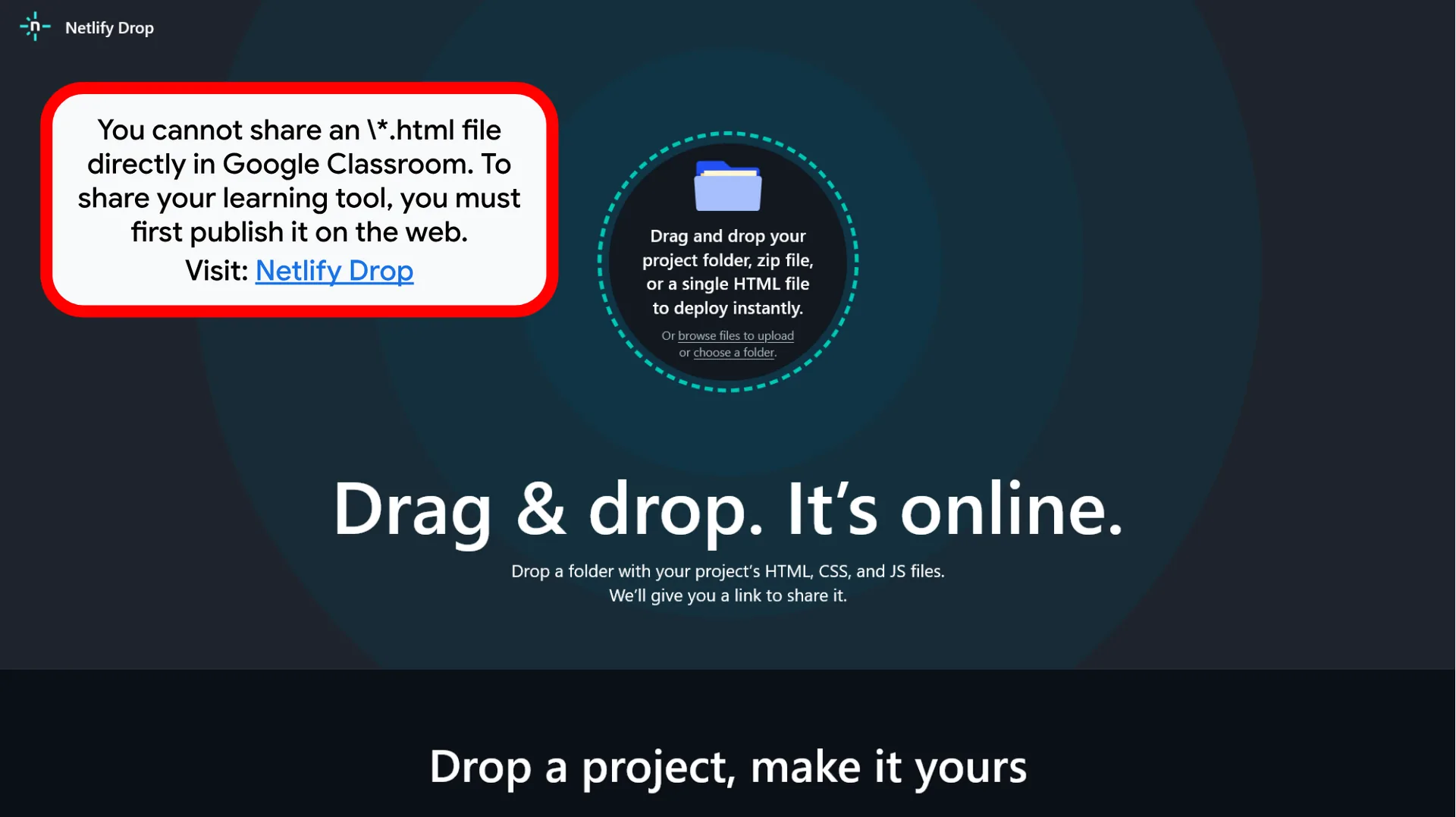
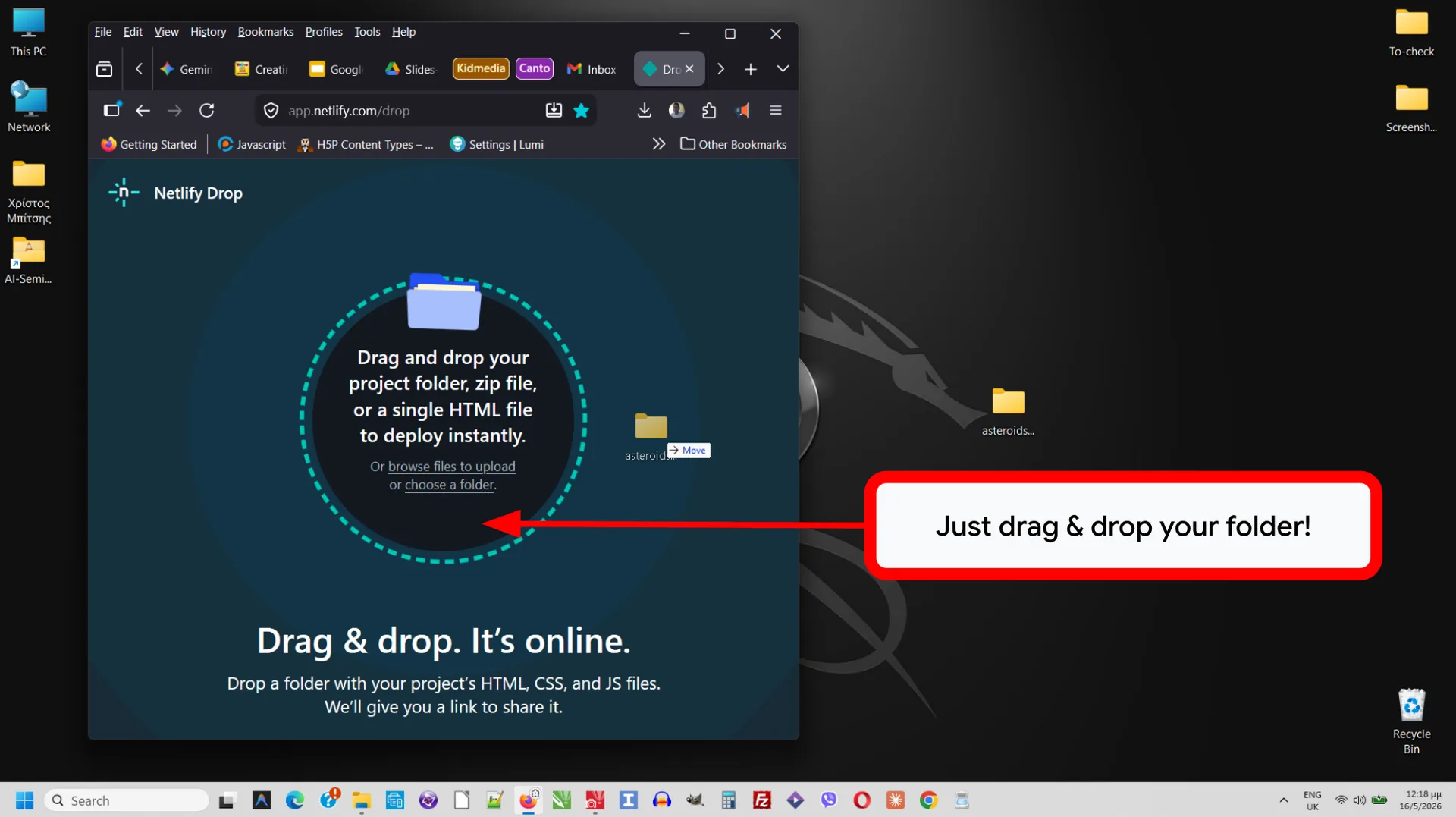
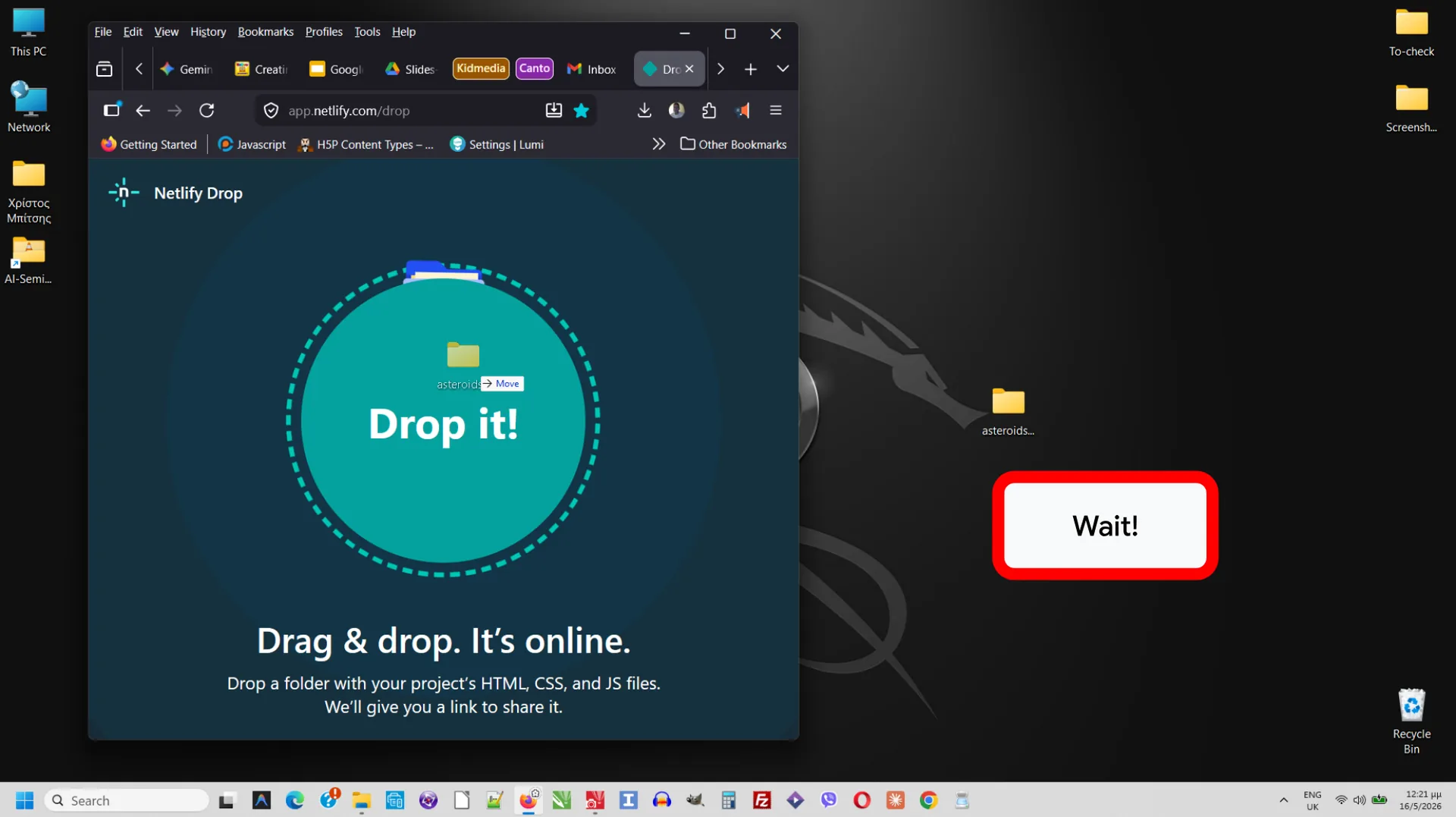
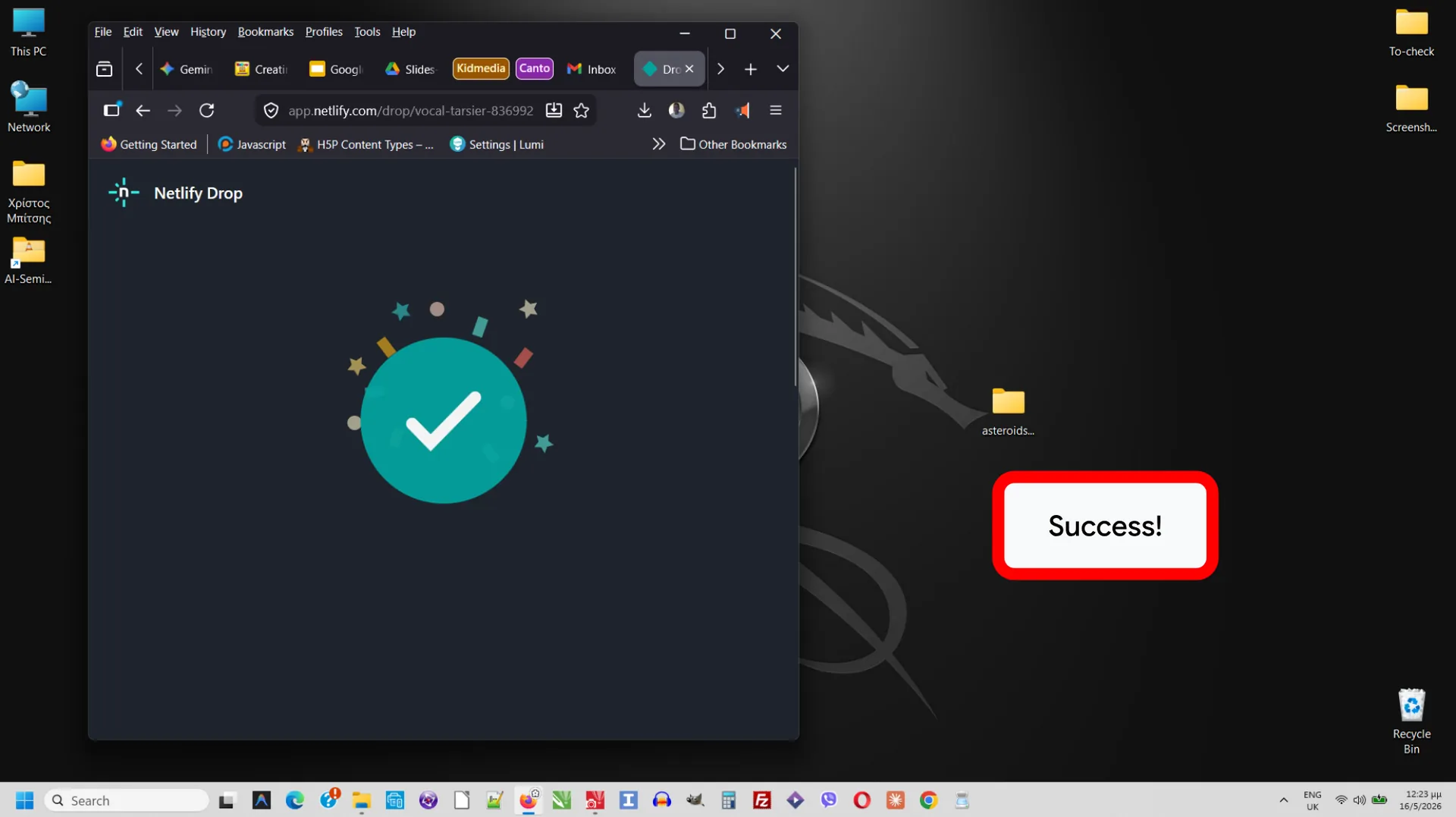
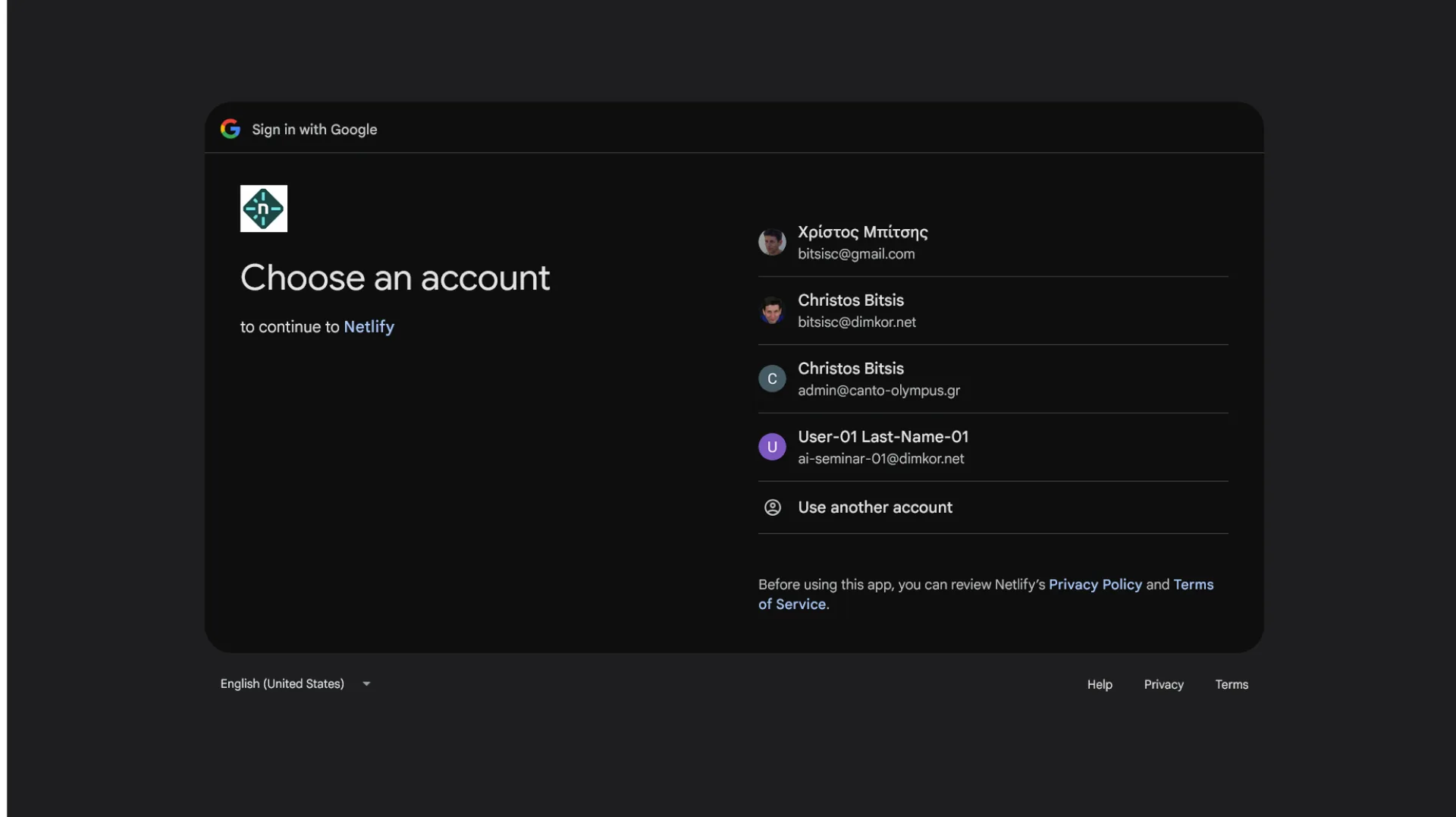
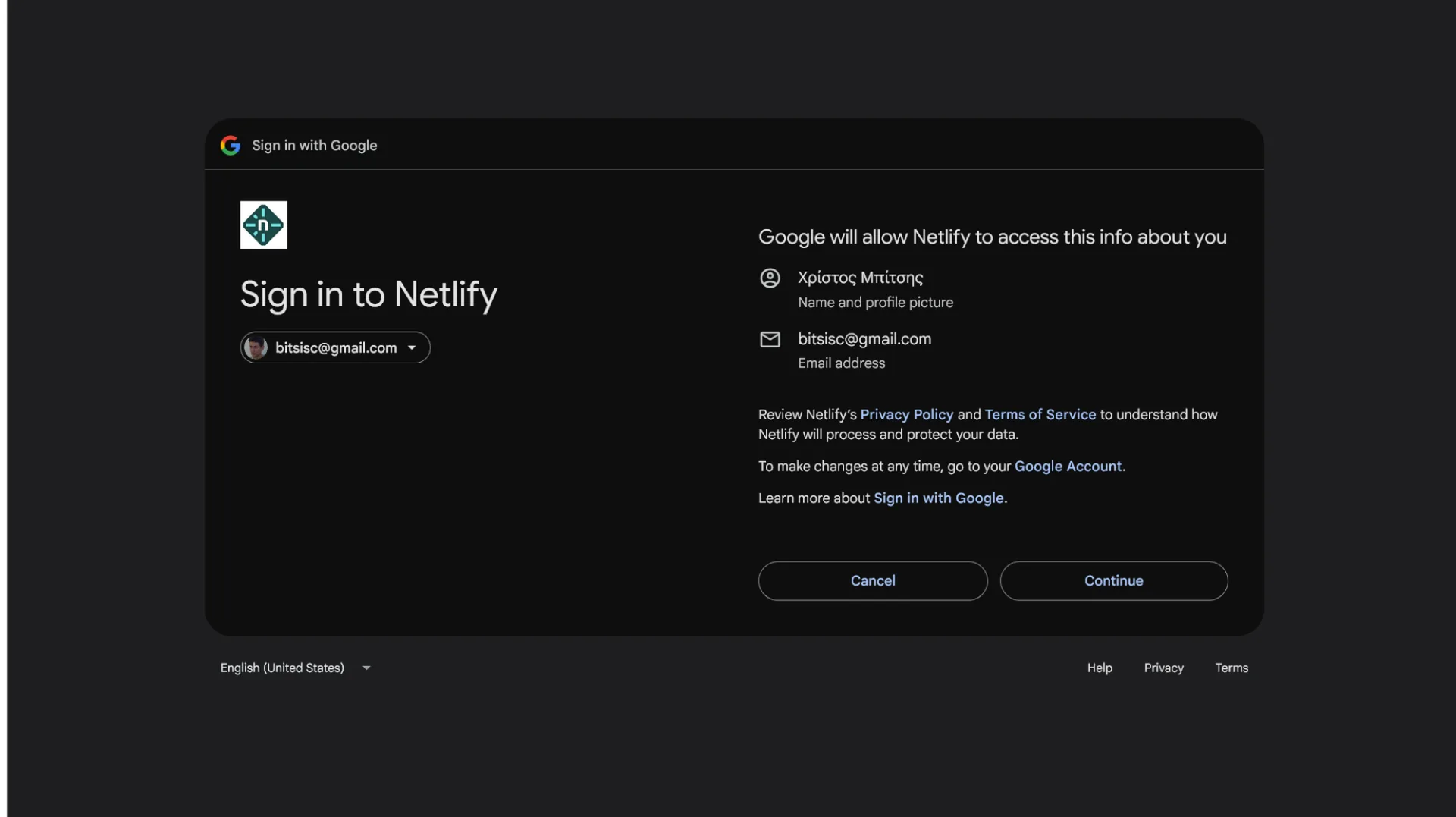
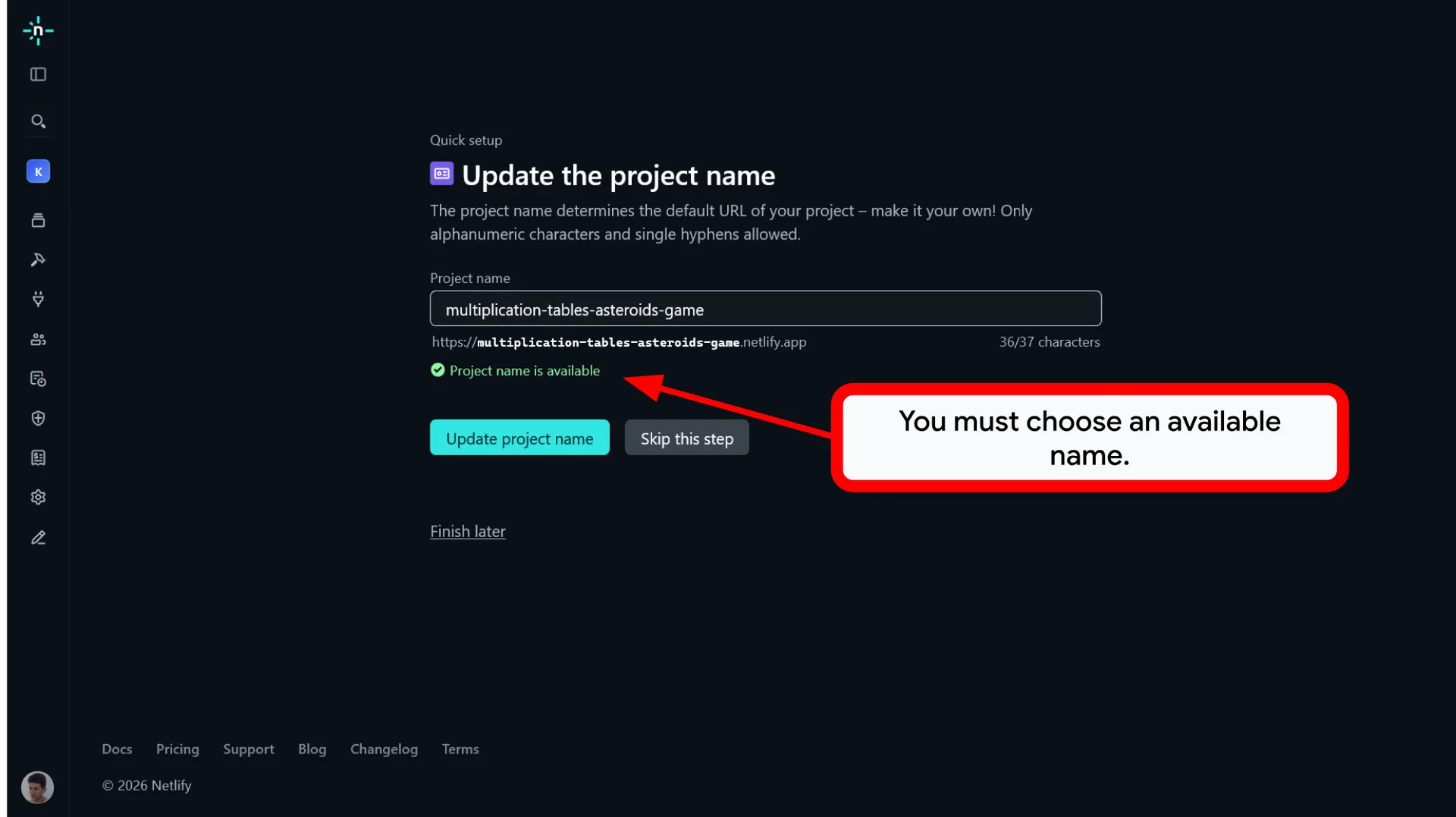
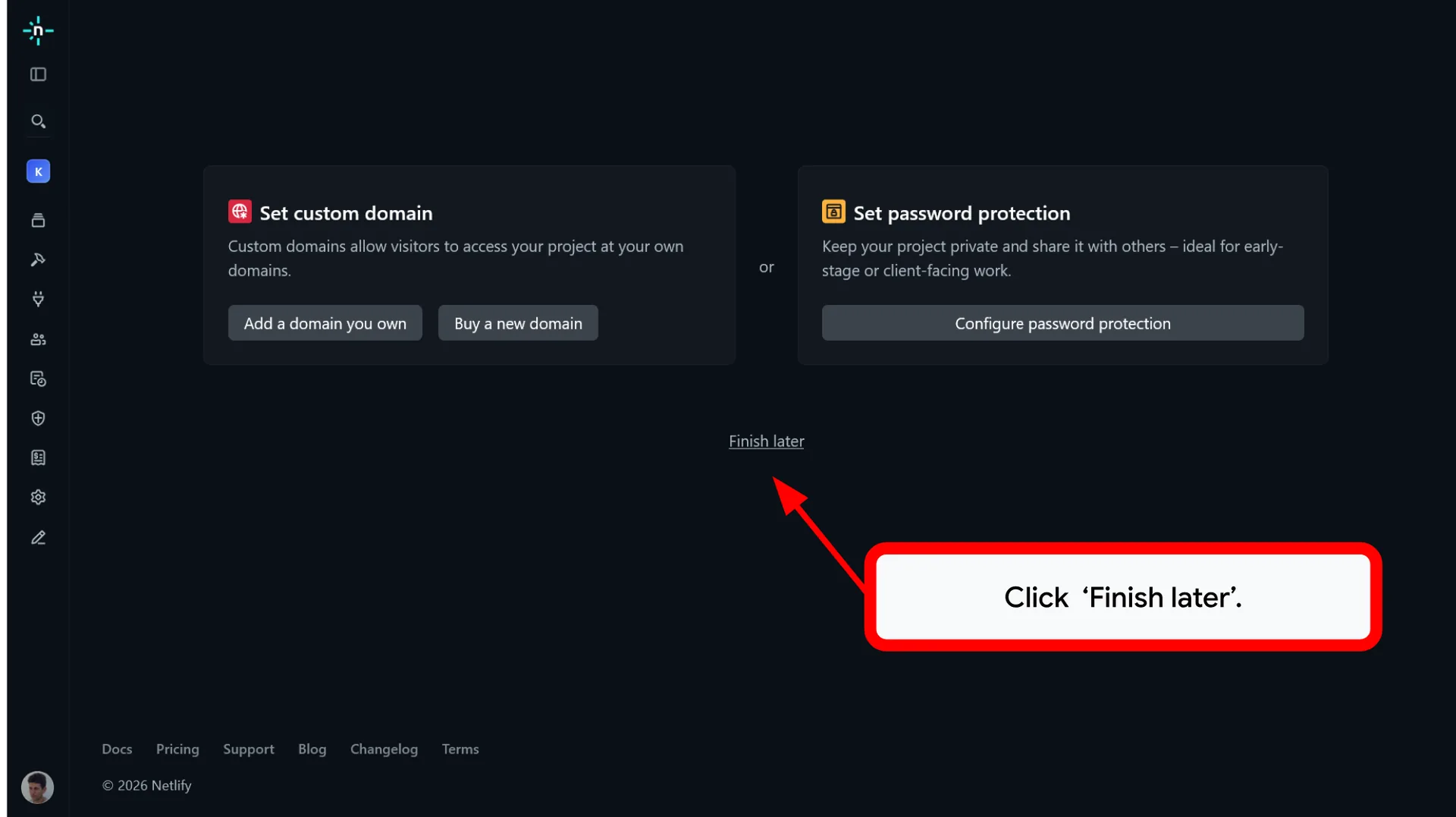
Log in to Netlify Drop and drag your folder directly into the browser to host it online.
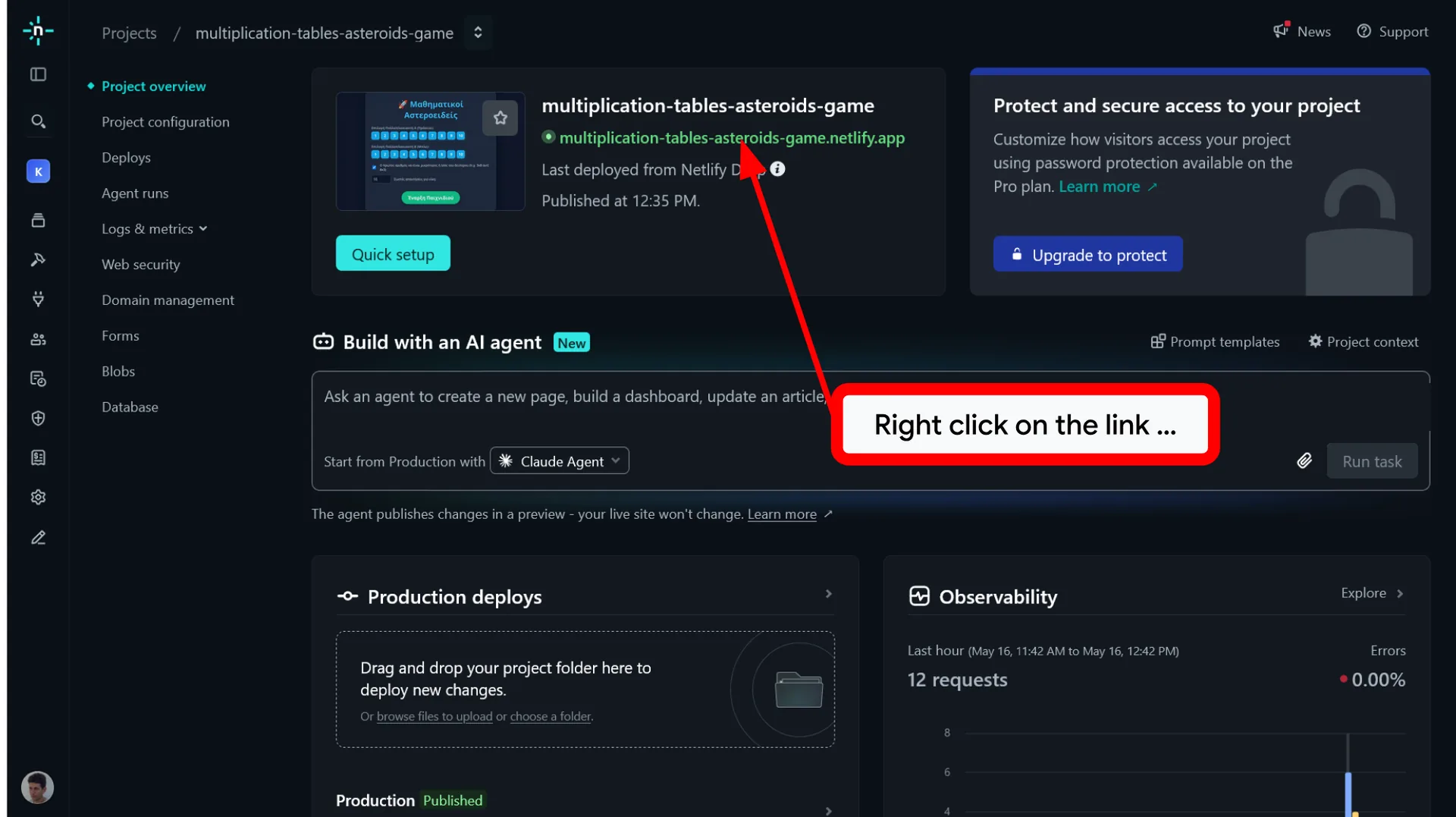
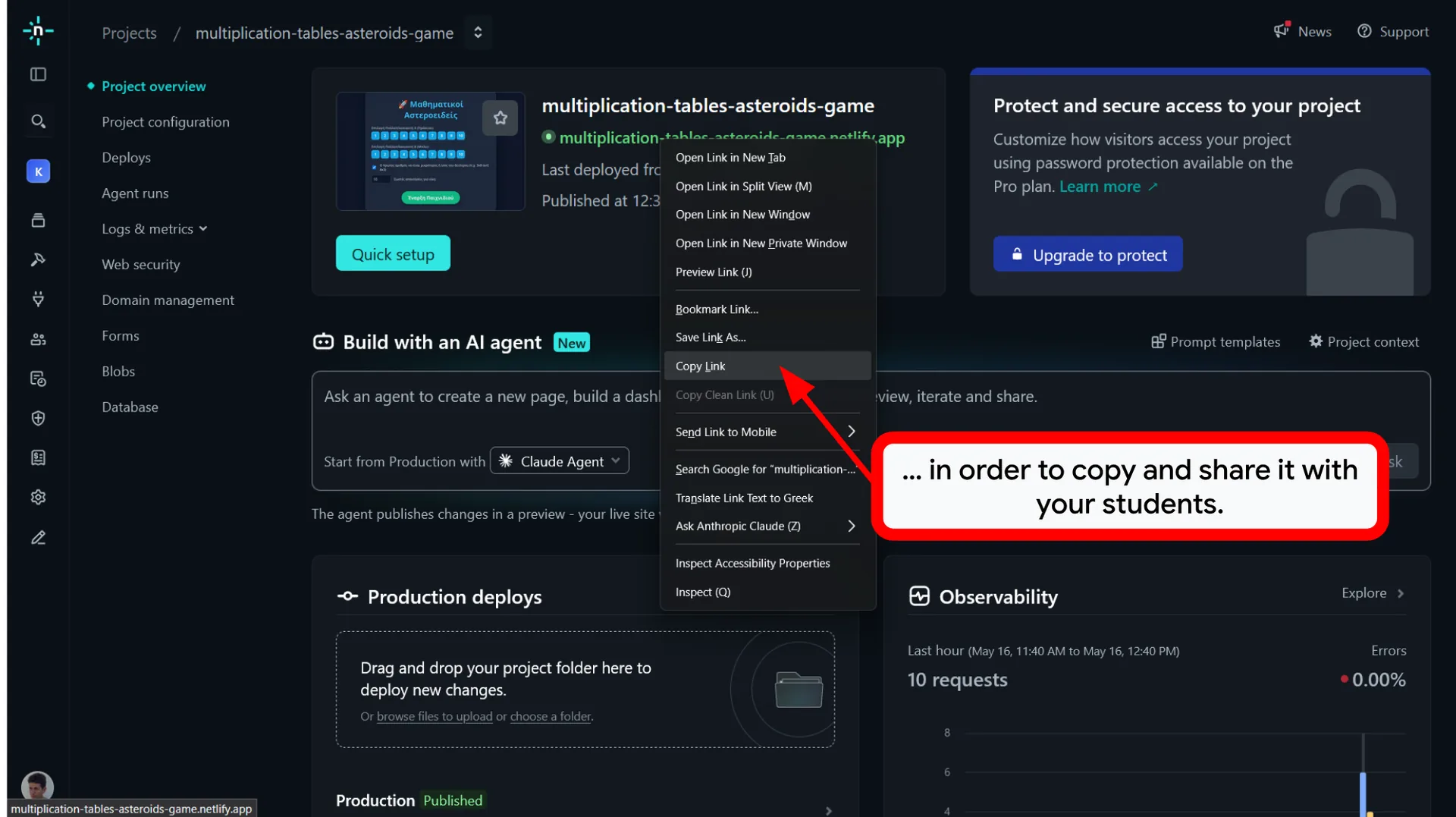
🔗 Step 3: Share the Experience
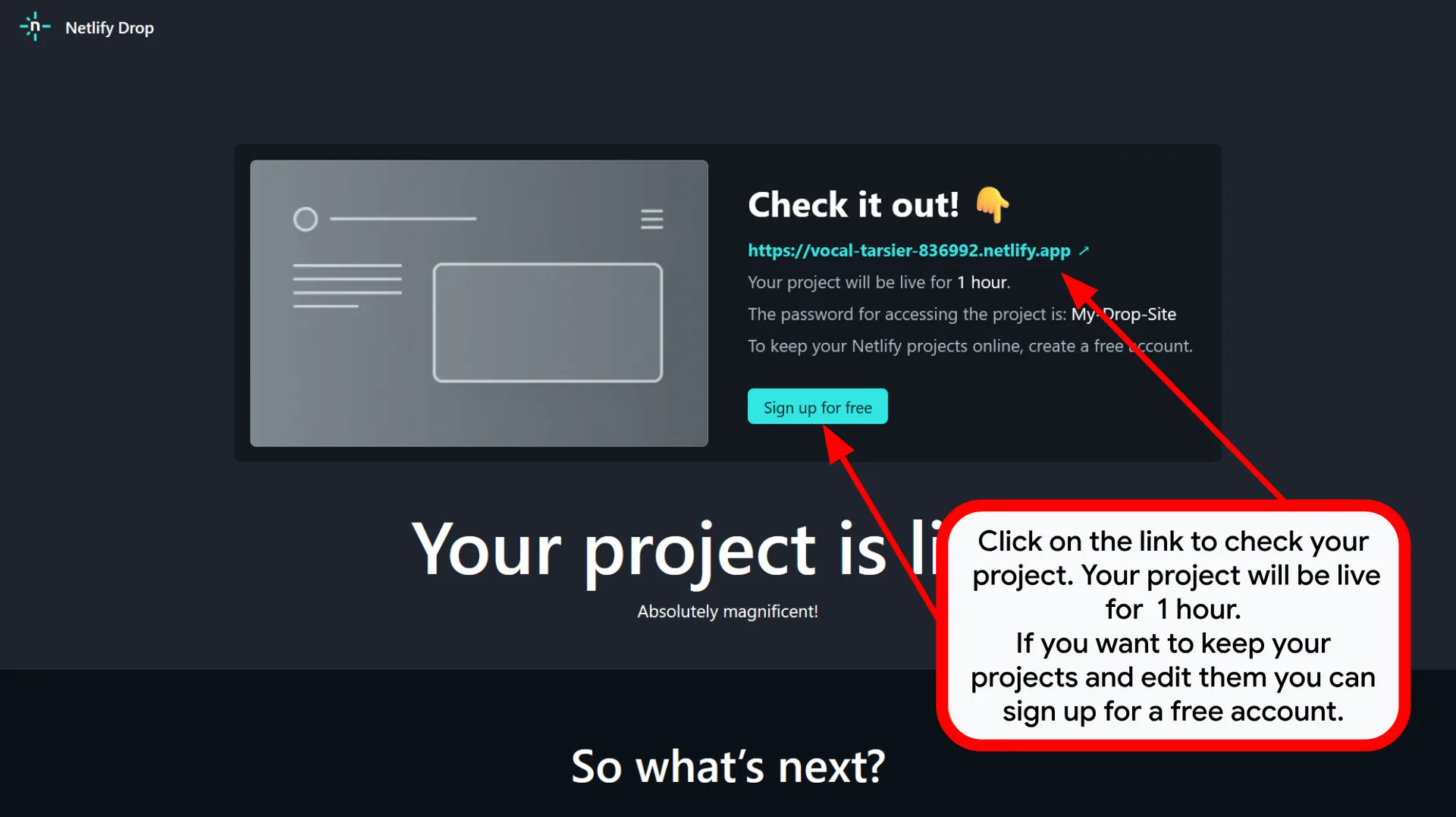
Within seconds, share your live, public URL with students on any device.
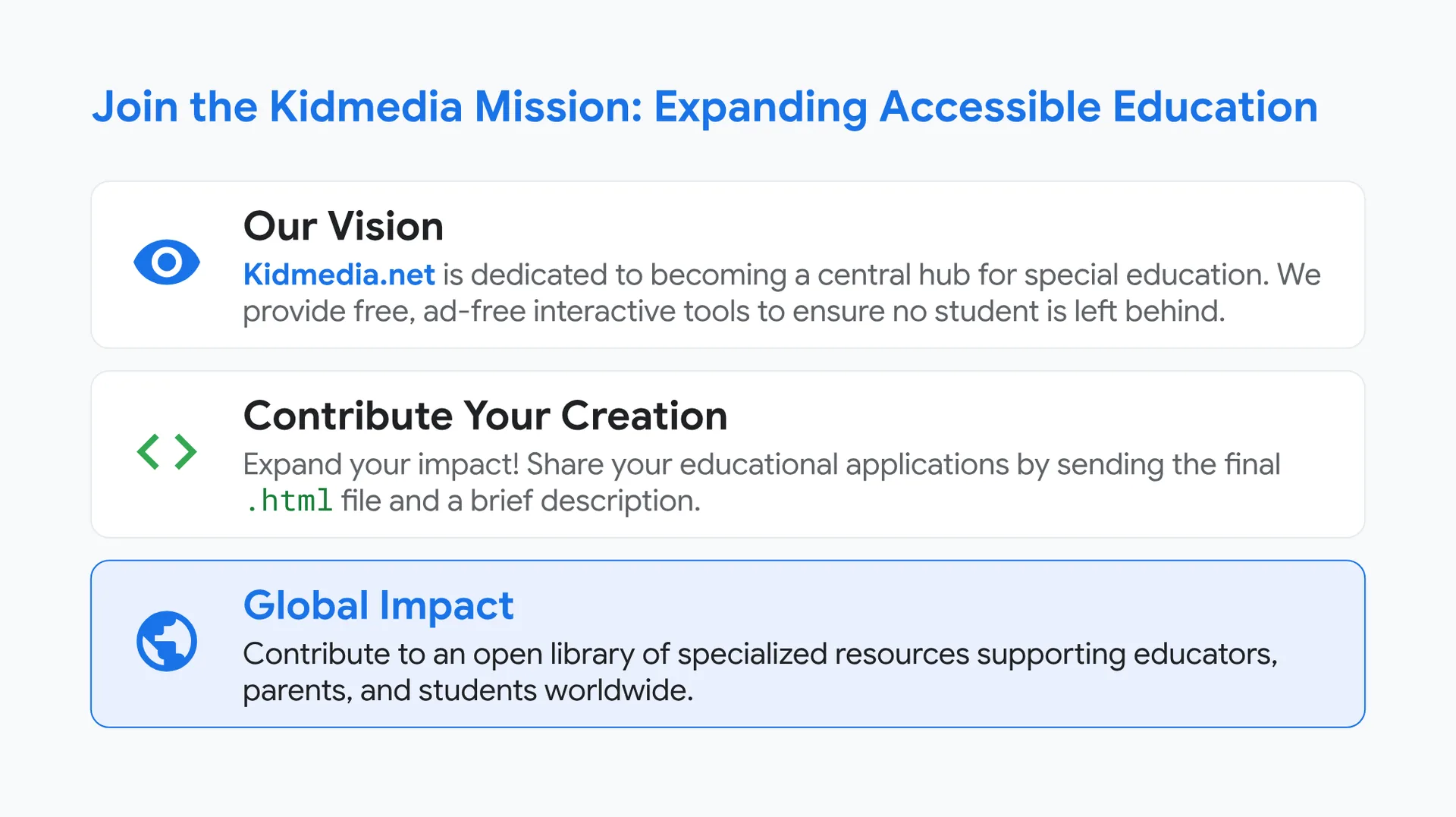
Join the Kidmedia Mission: Expanding Accessible Education
👁️ Our Vision
Kidmedia.net is dedicated to becoming a central hub for special education. We provide free, ad-free interactive tools to ensure no student is left behind.
💻 Contribute Your Creation
Expand your impact! Share your educational applications by sending the final .html file and a brief description.
🌍 Global Impact
Contribute to an open library of specialized resources supporting educators, parents, and students worldwide.


You can ask your questions by writing a comment below. Your feedback will greatly contribute to improving the content of this course.
0 Comments