
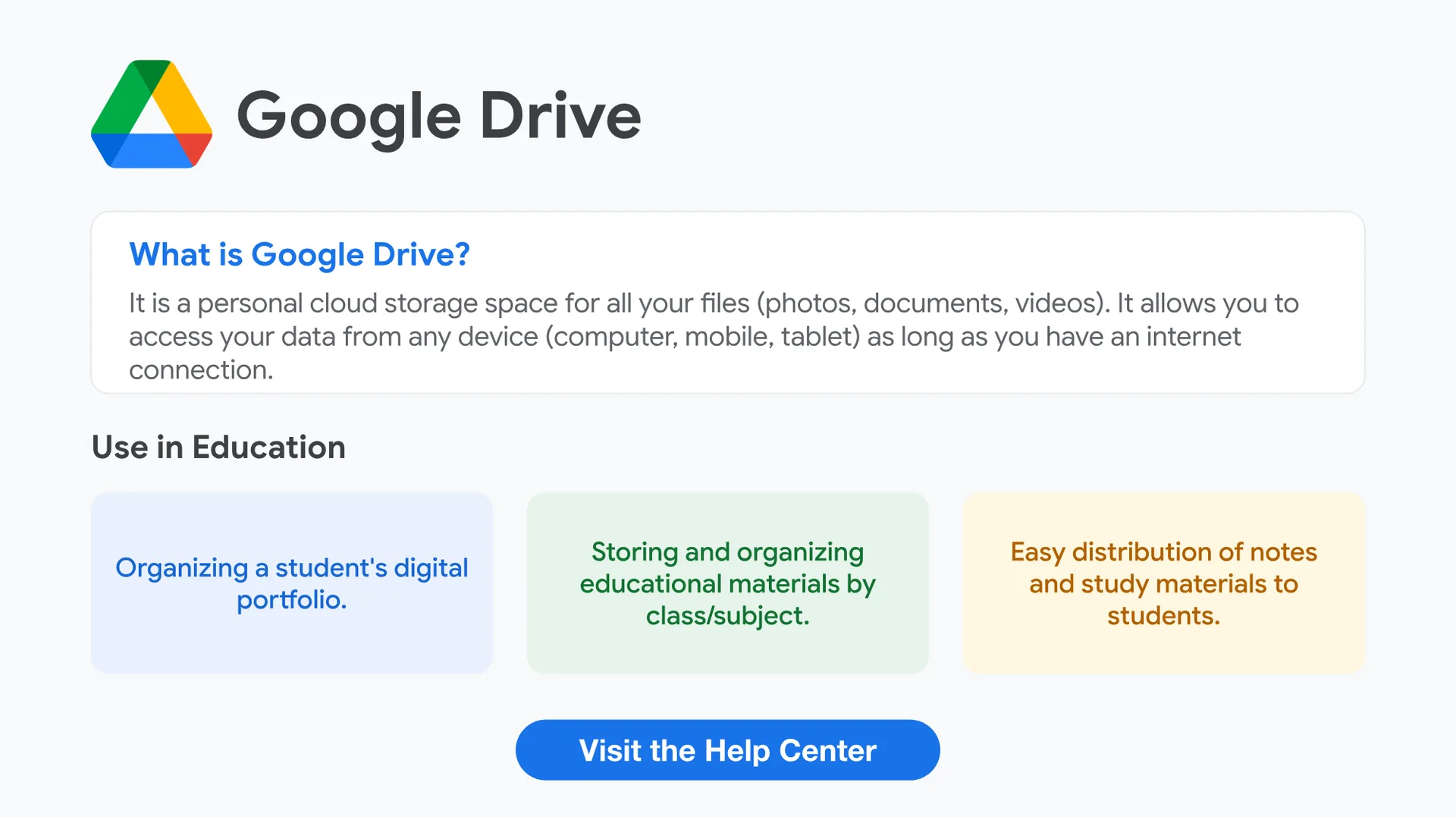
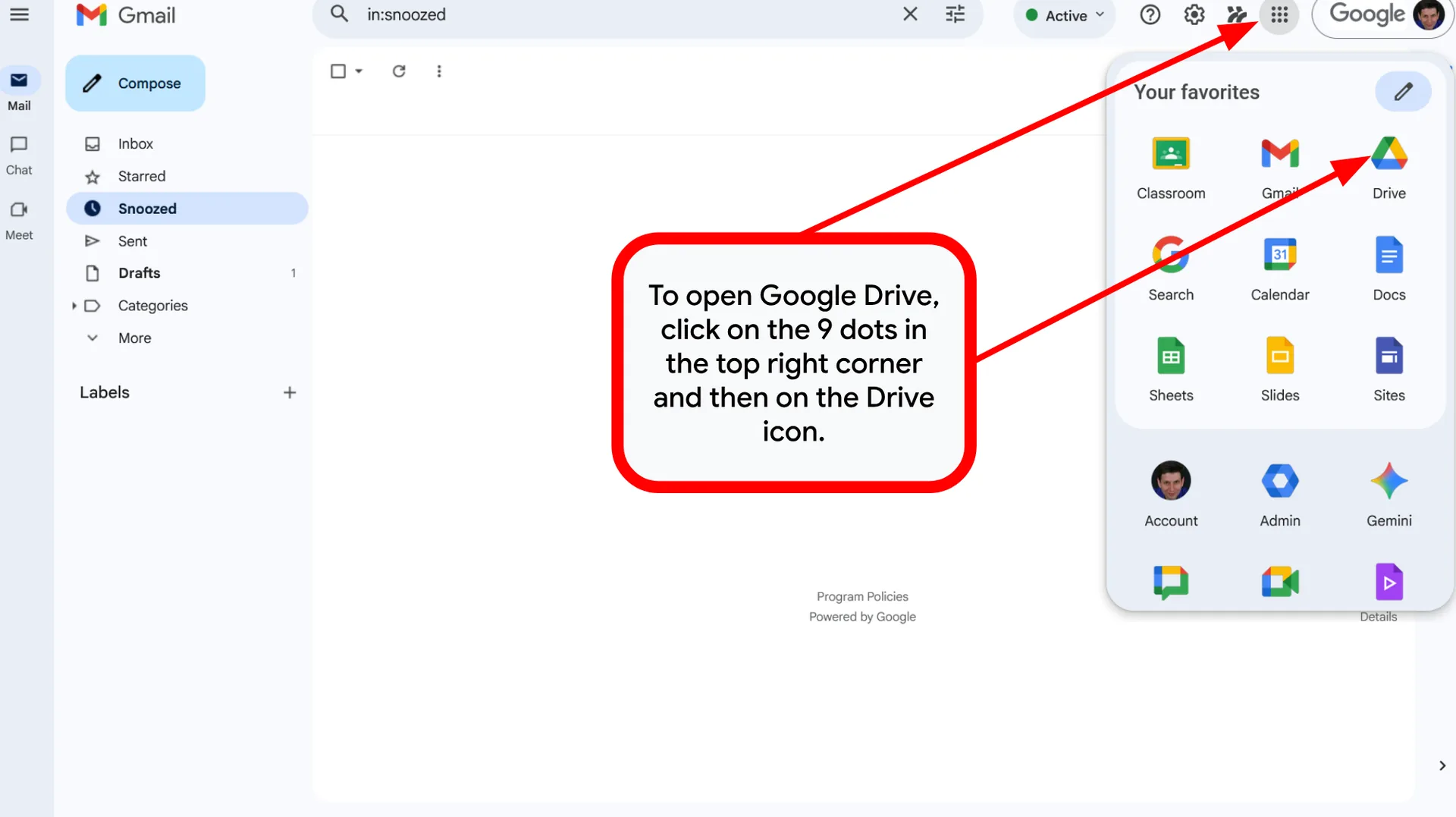
What is Google Drive?
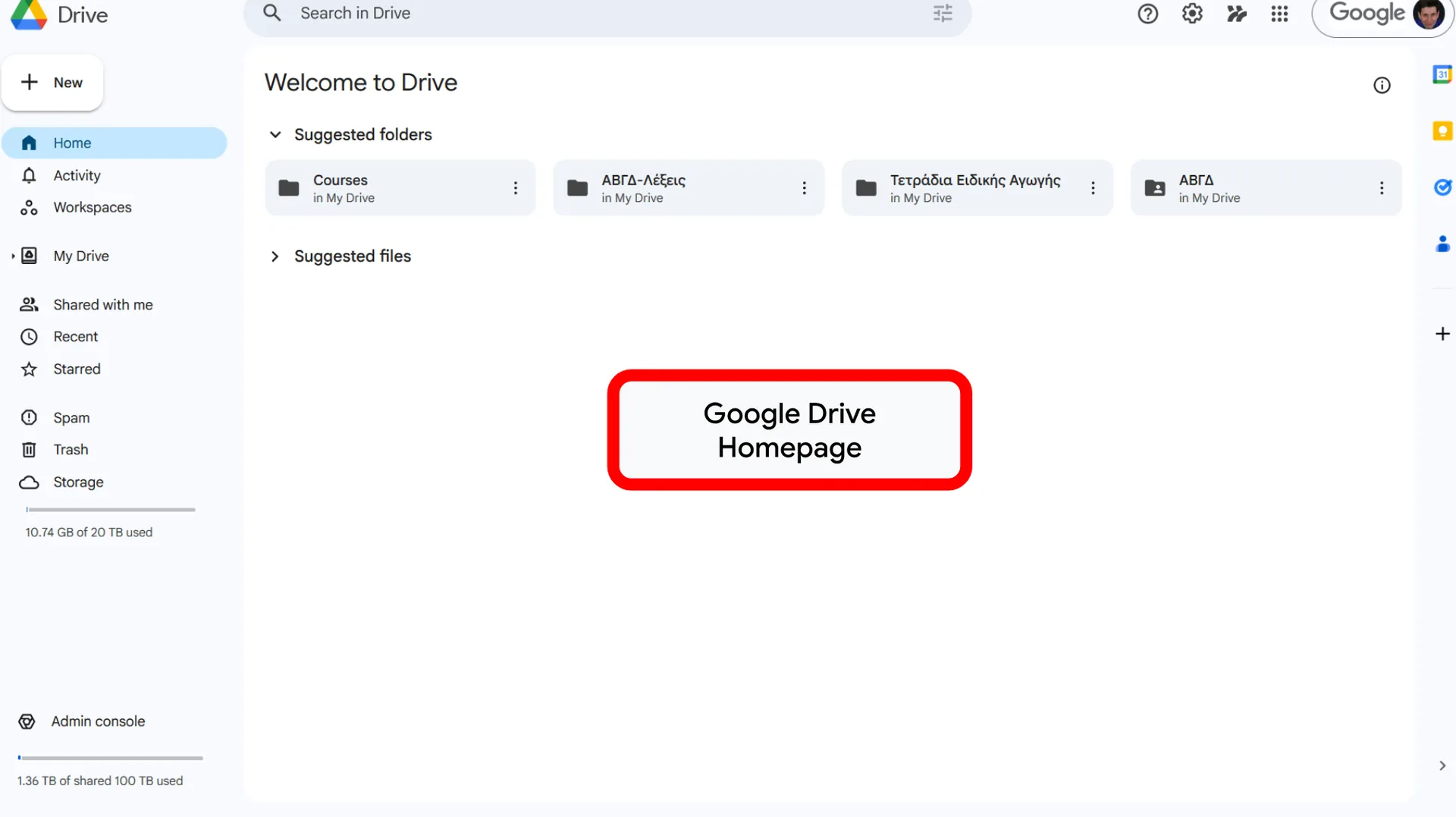
It is a personal cloud storage space for all your files (photos, documents, videos).
It allows you to access your data from any device (computer, mobile, tablet) as long as you have an internet connection.
Use in Education
- Organizing a student’s digital portfolio.
- Storing and organizing educational materials by class/subject.
- Easy distribution of notes and study materials to students.
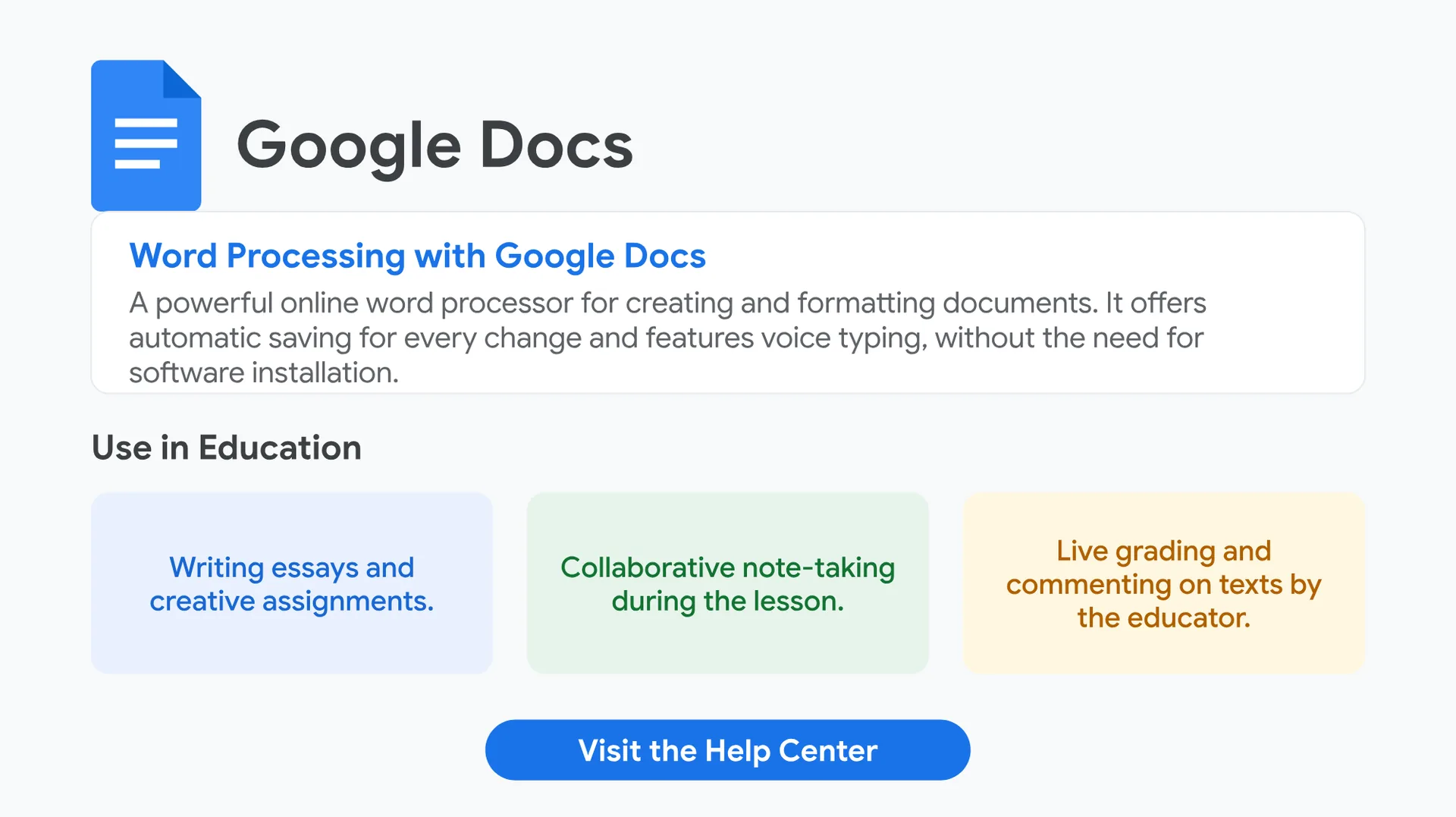
Word Processing with Google Docs
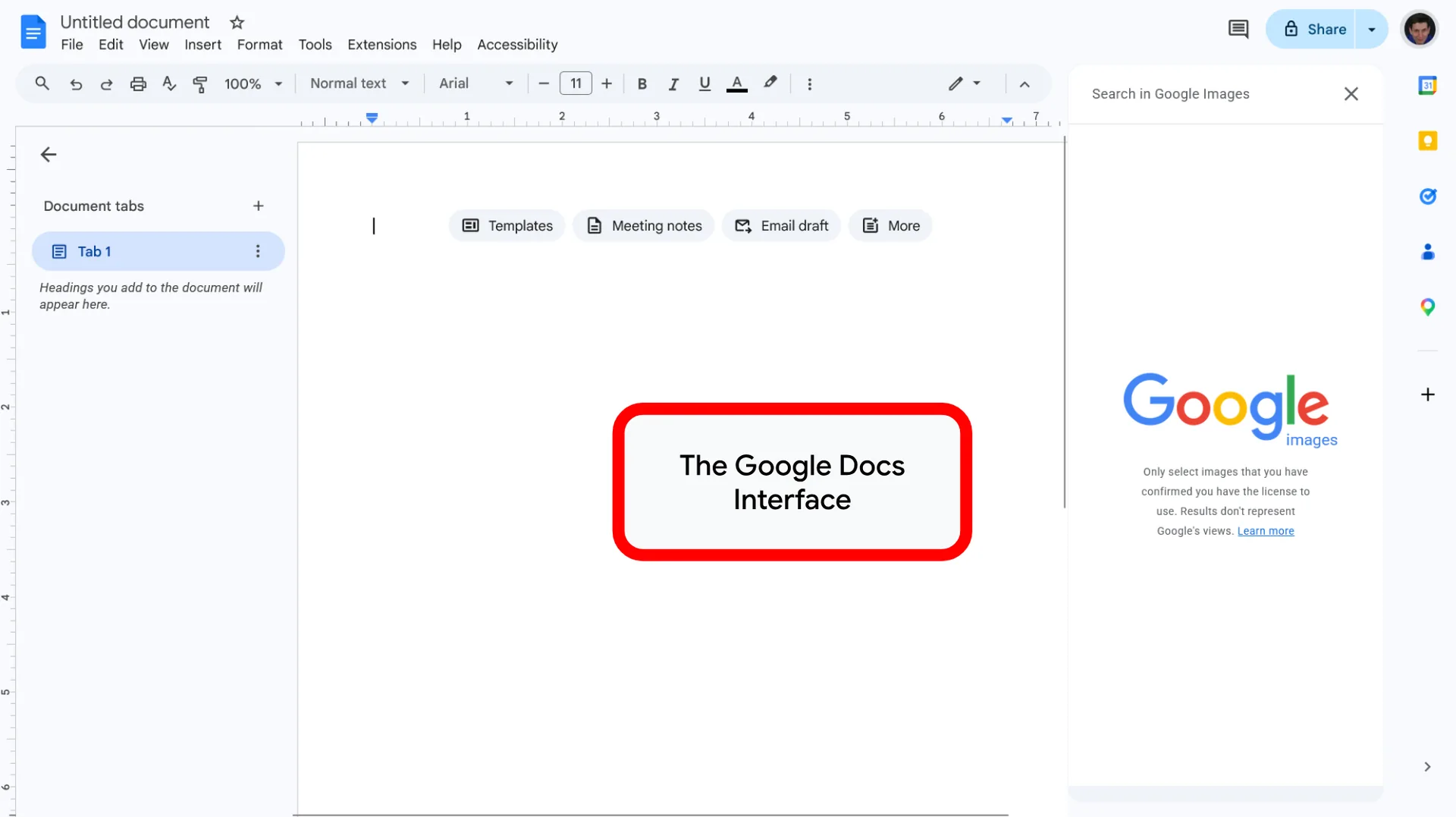
A powerful online word processor for creating and formatting documents.
It offers automatic saving for every change and features voice typing, without the need for software installation.
Use in Education
- Writing essays and creative assignments.
- Collaborative note-taking during the lesson.
- Live grading and commenting on texts by the educator.
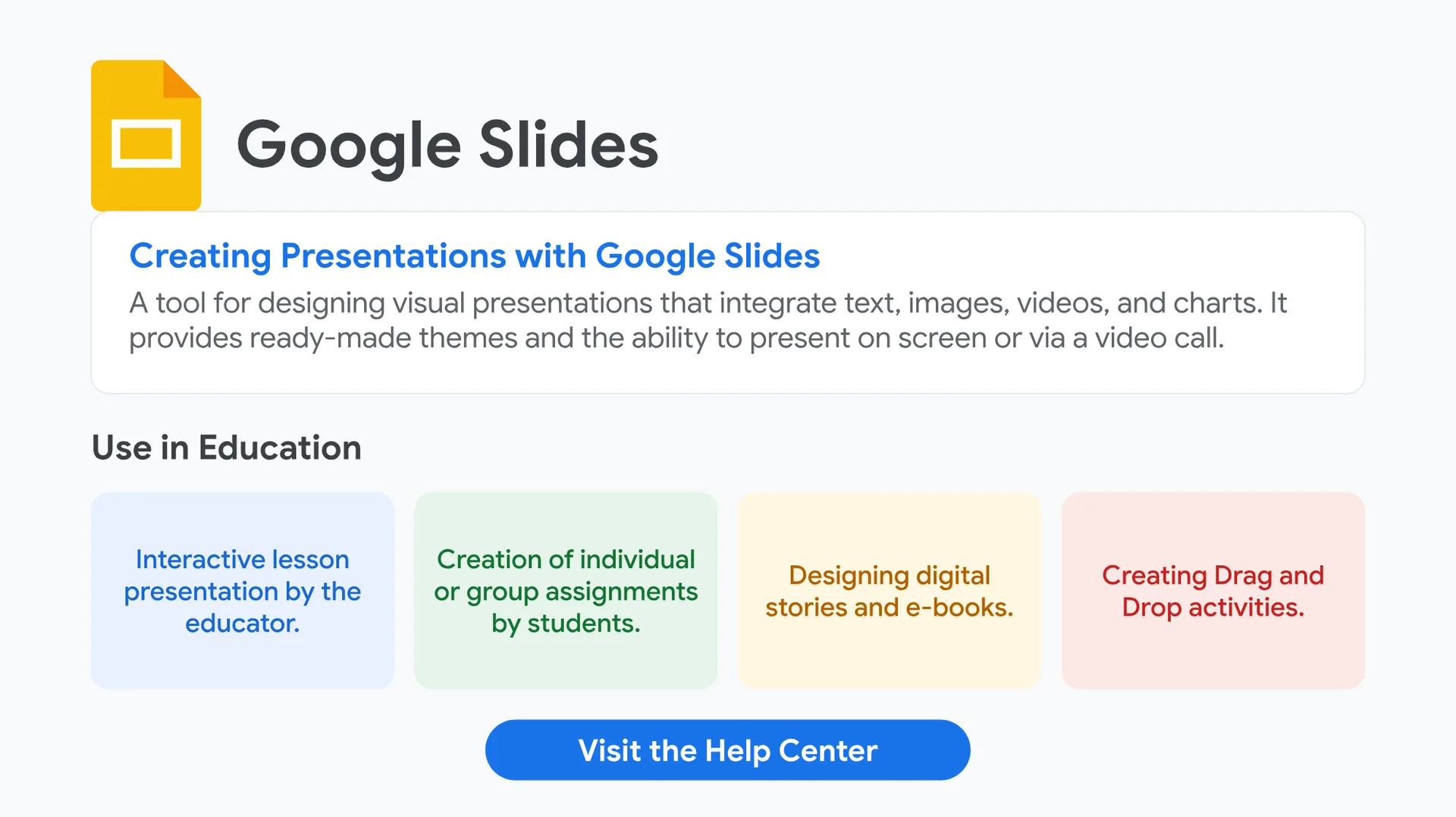
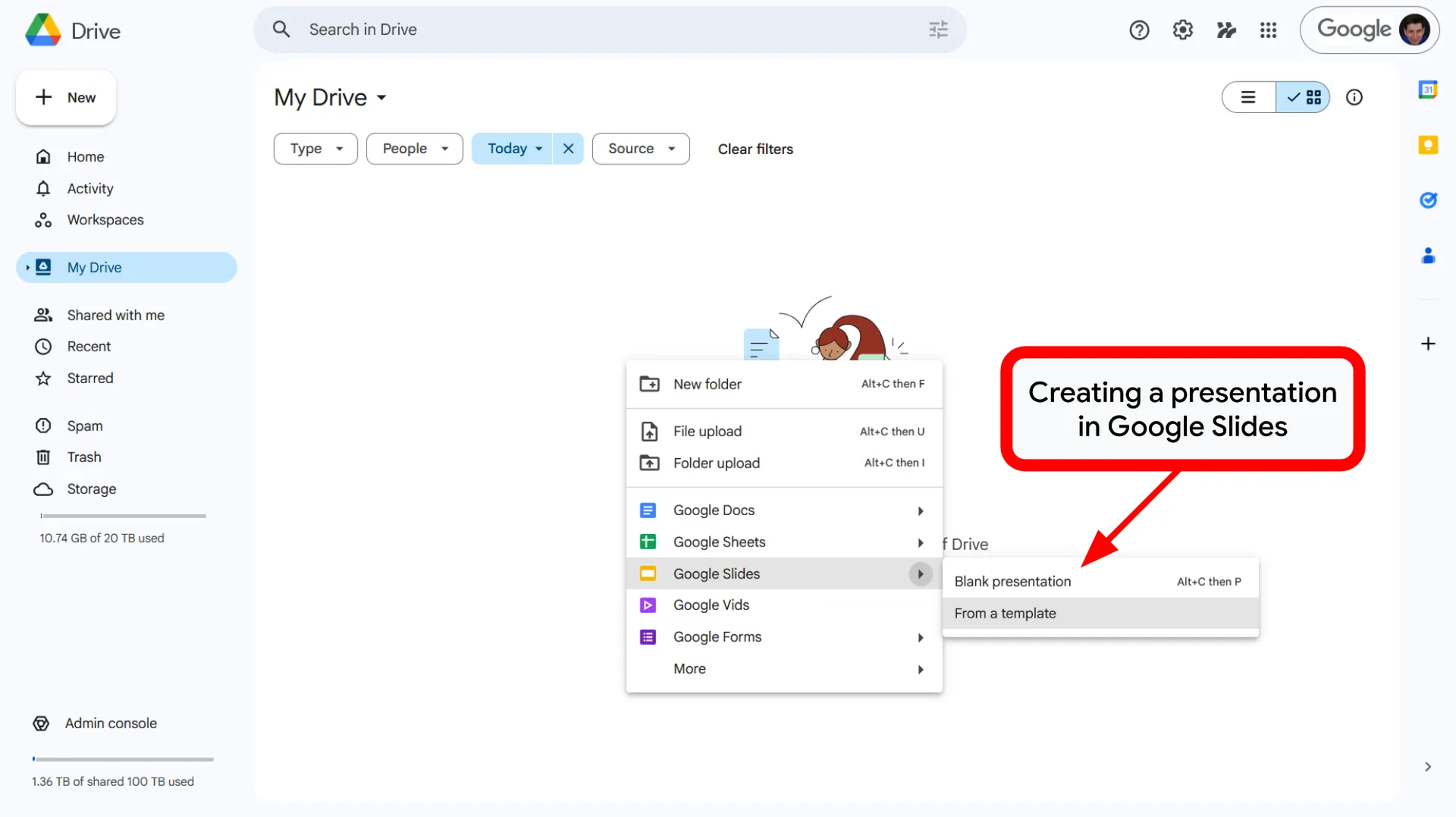
Creating Presentations with Google Slides
Creating Presentations with Google Slides
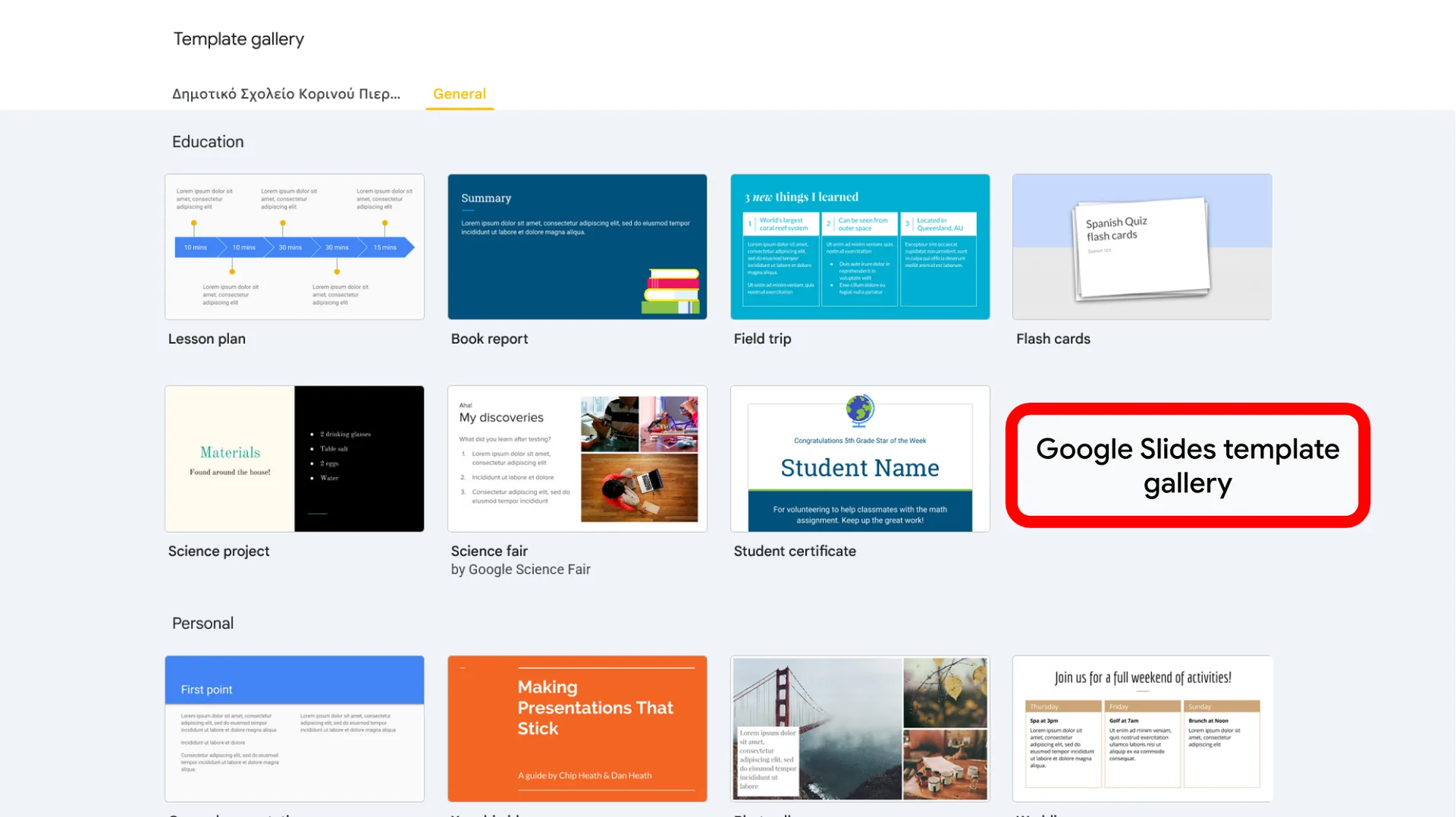
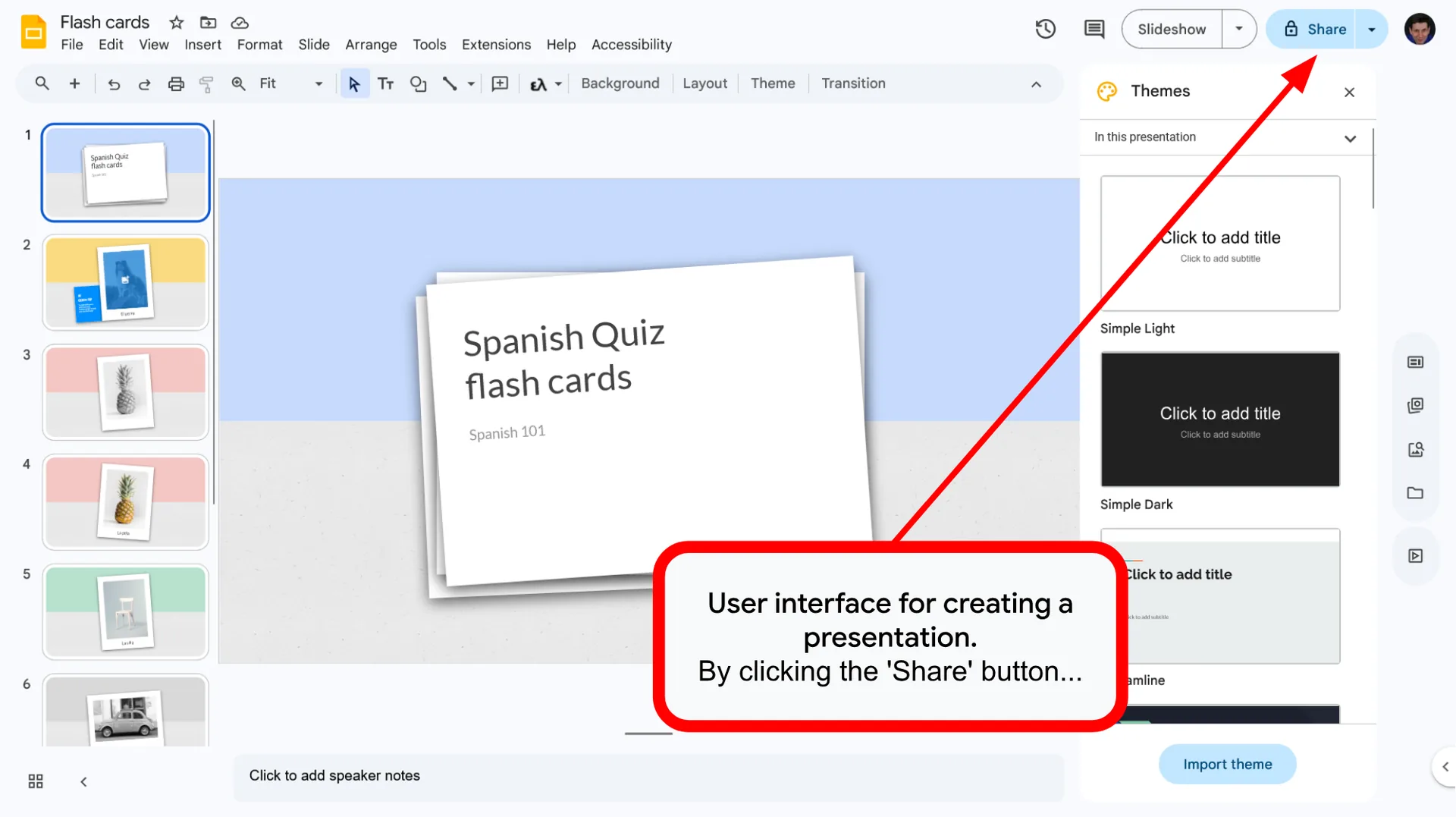
A tool for designing visual presentations that integrate text, images, videos, and charts. It provides ready-made themes and the ability to present on screen or via a video call.
Use in Education
- Interactive lesson presentation by the educator.
- Creation of individual or group assignments by students.
- Designing digital stories and e-books.
- Creating Drag and Drop activities.
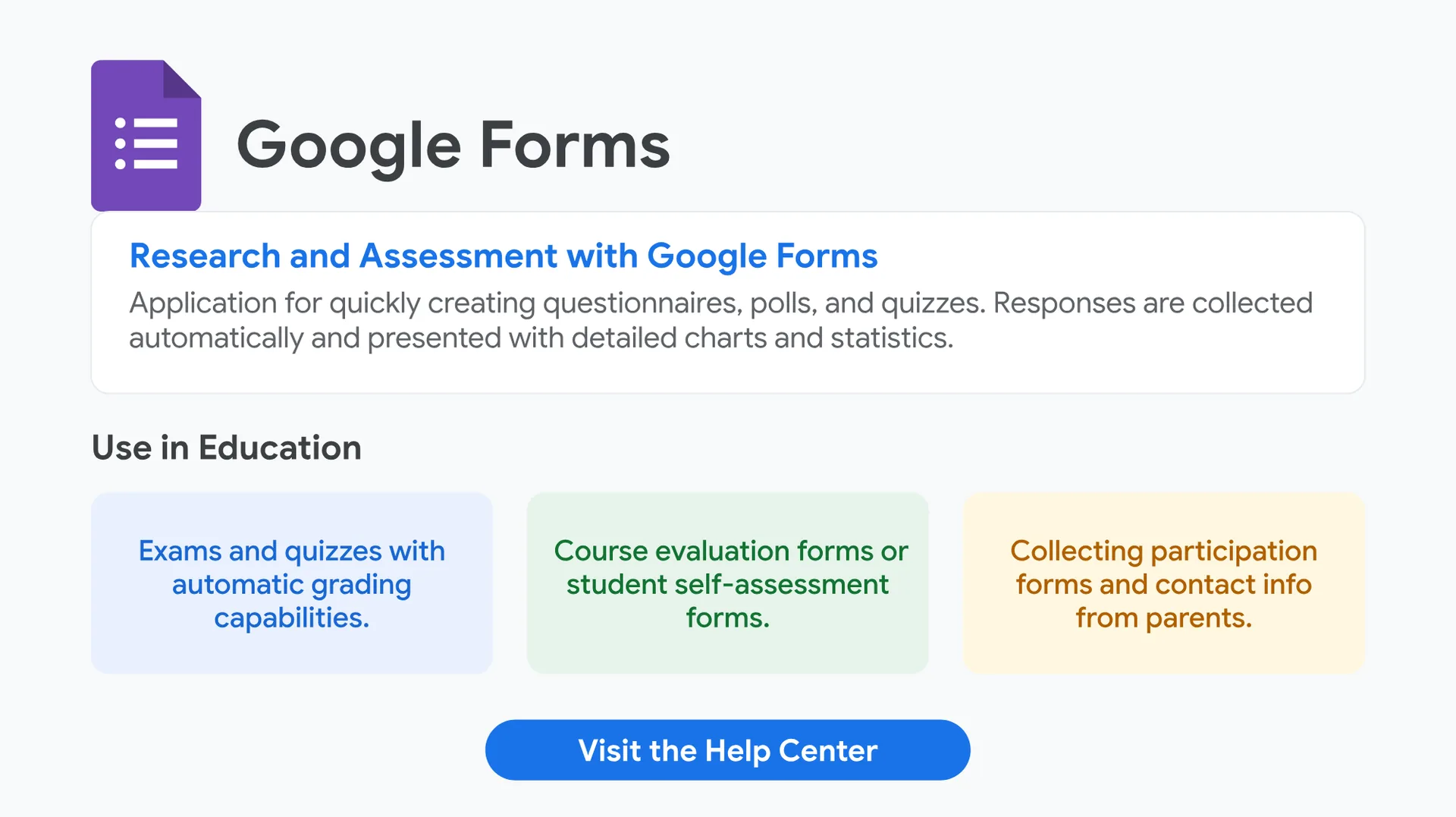
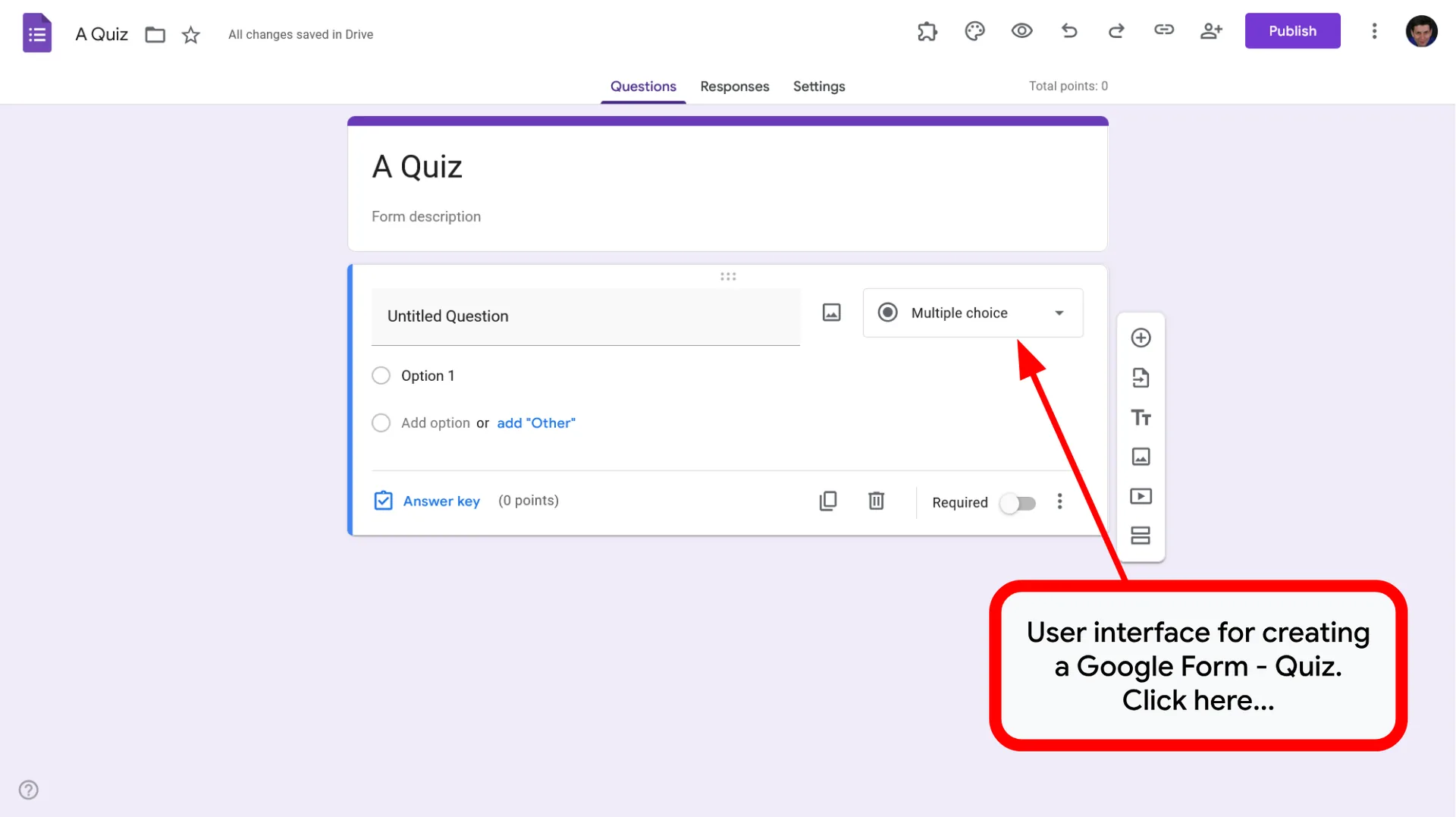
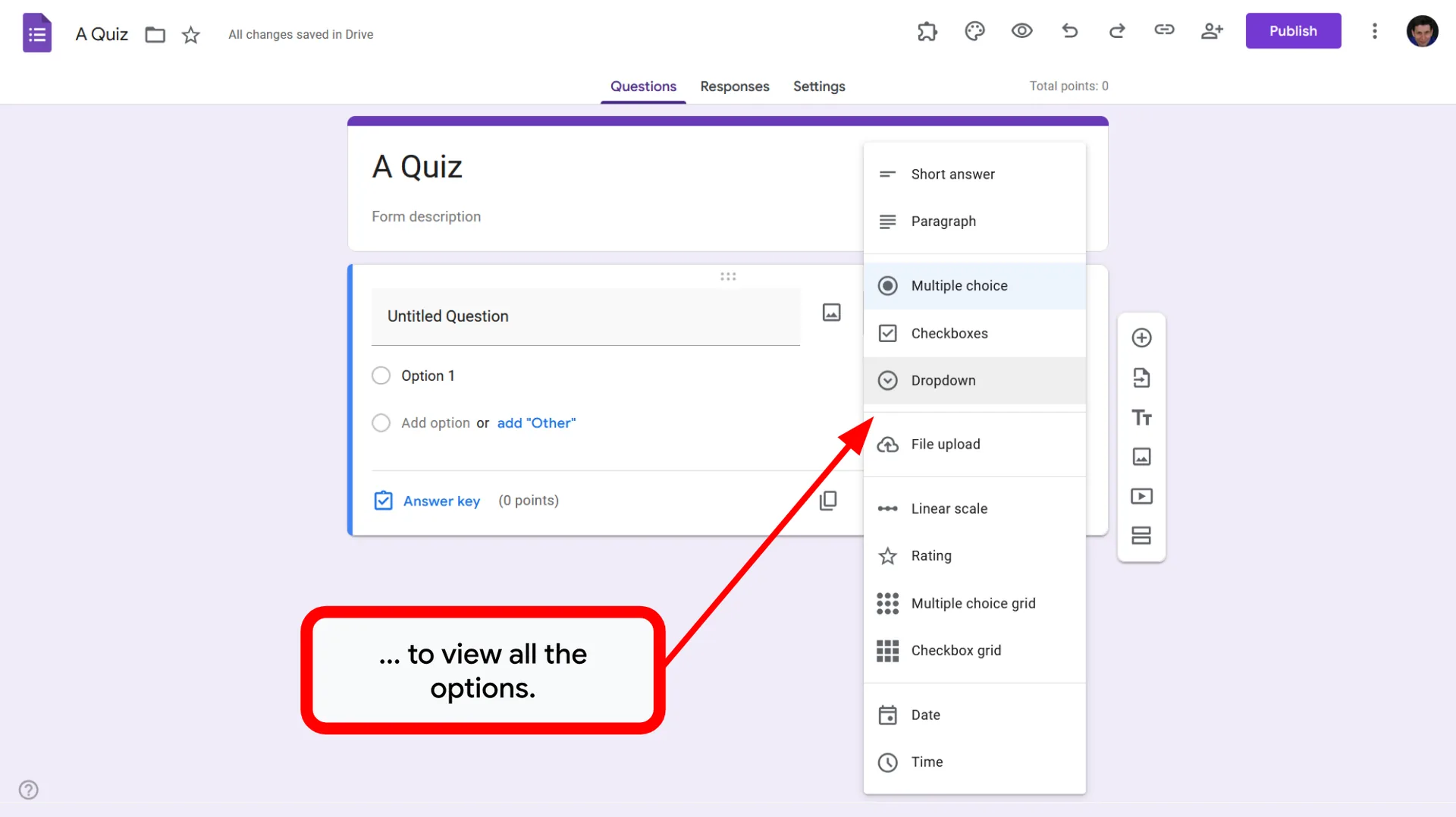
Research and Assessment with Google Forms
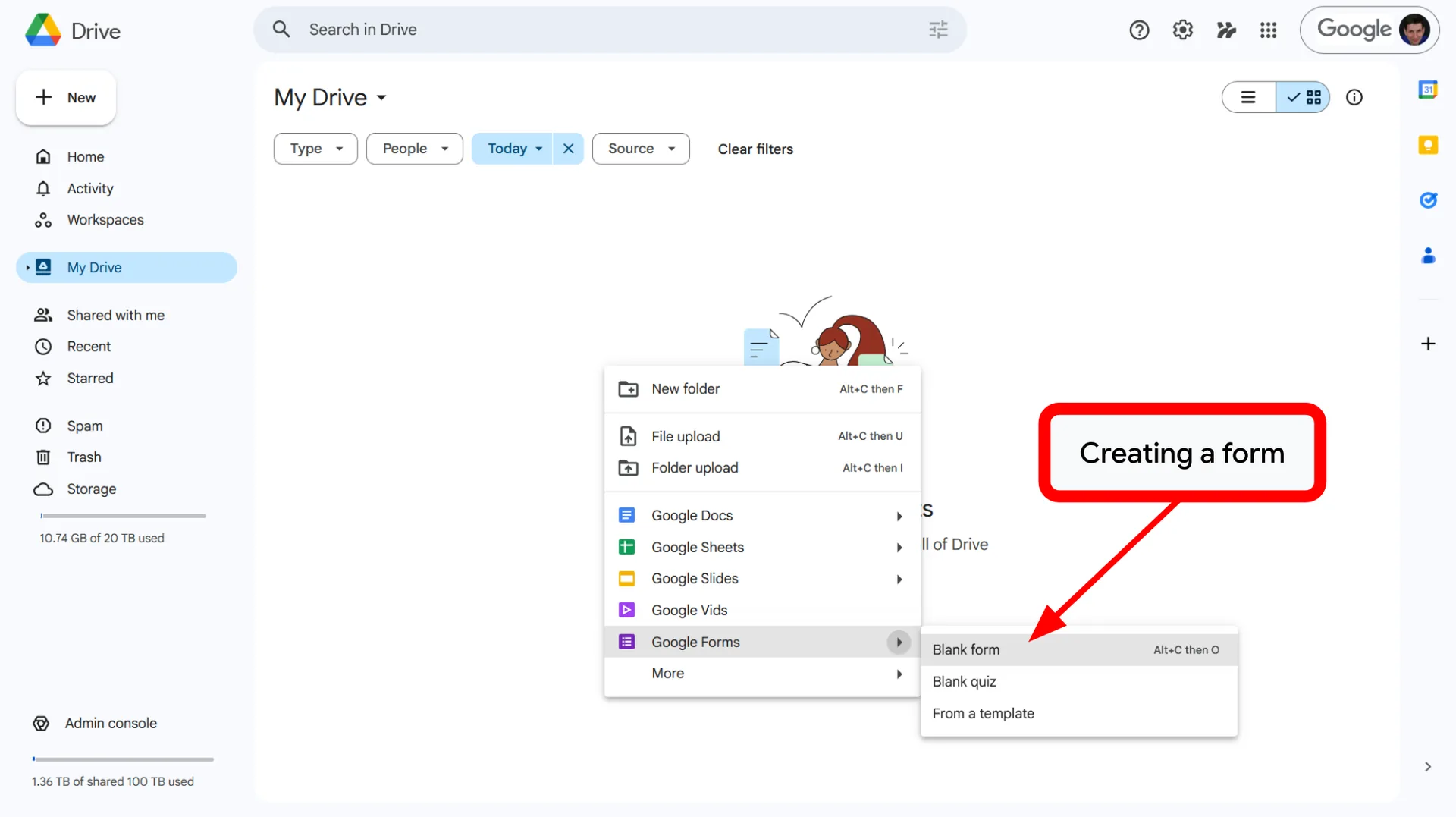
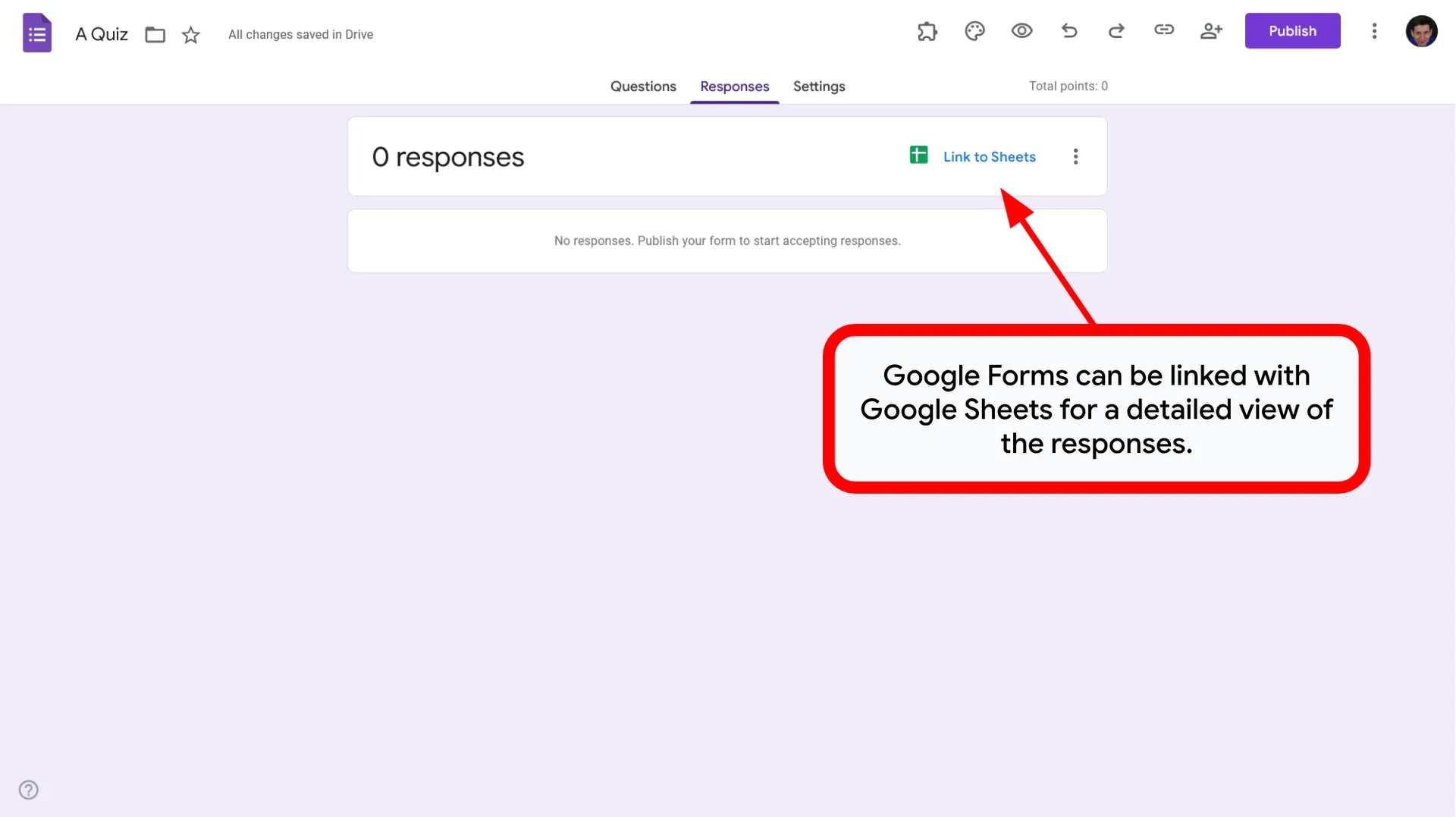
Application for quickly creating questionnaires, polls, and quizzes. Responses are collected automatically and presented with detailed charts and statistics.
Use in Education
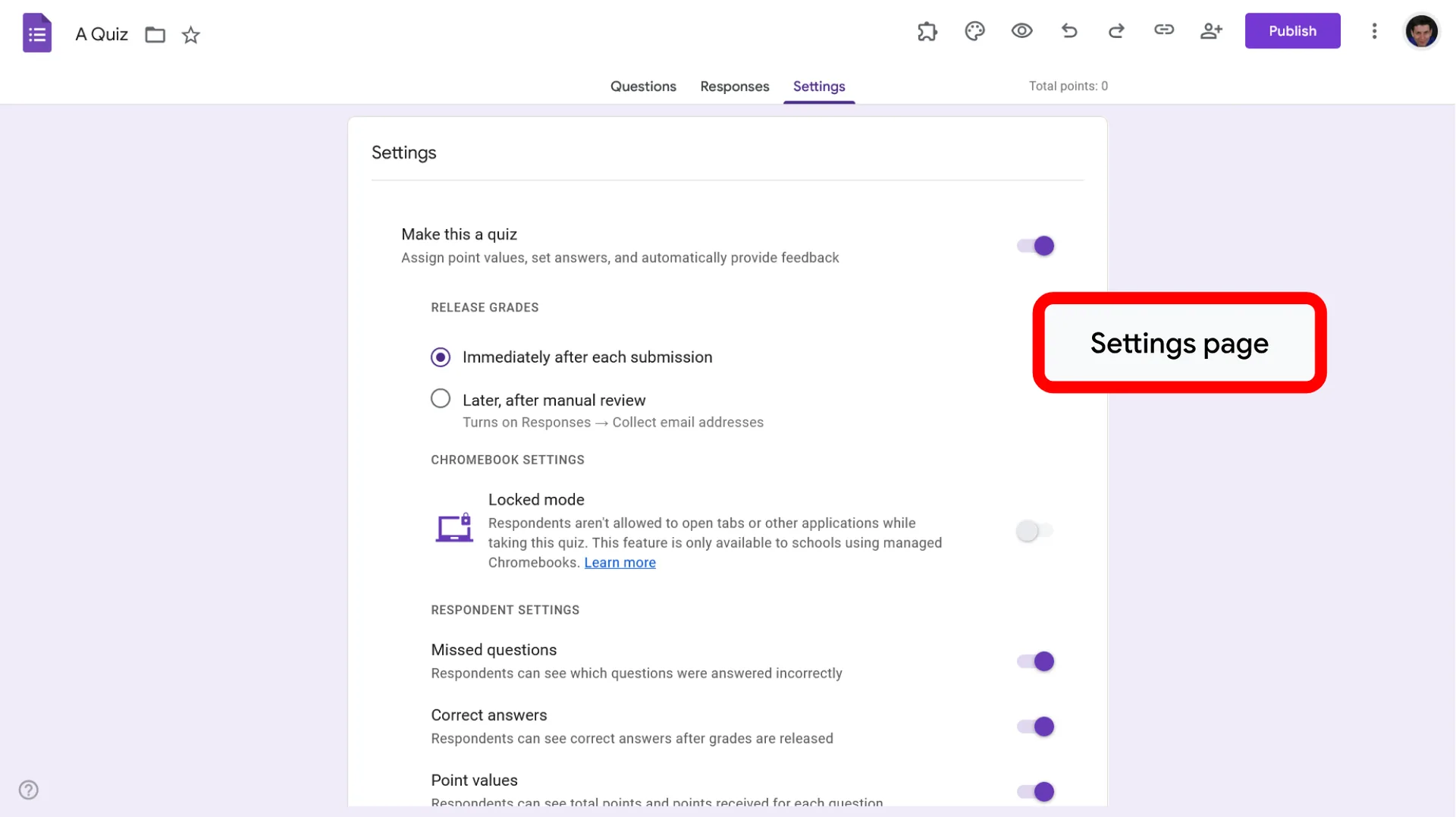
- Exams and quizzes with automatic grading capabilities.
- Course evaluation forms or student self-assessment forms.
- Collecting participation forms and contact info from parents.
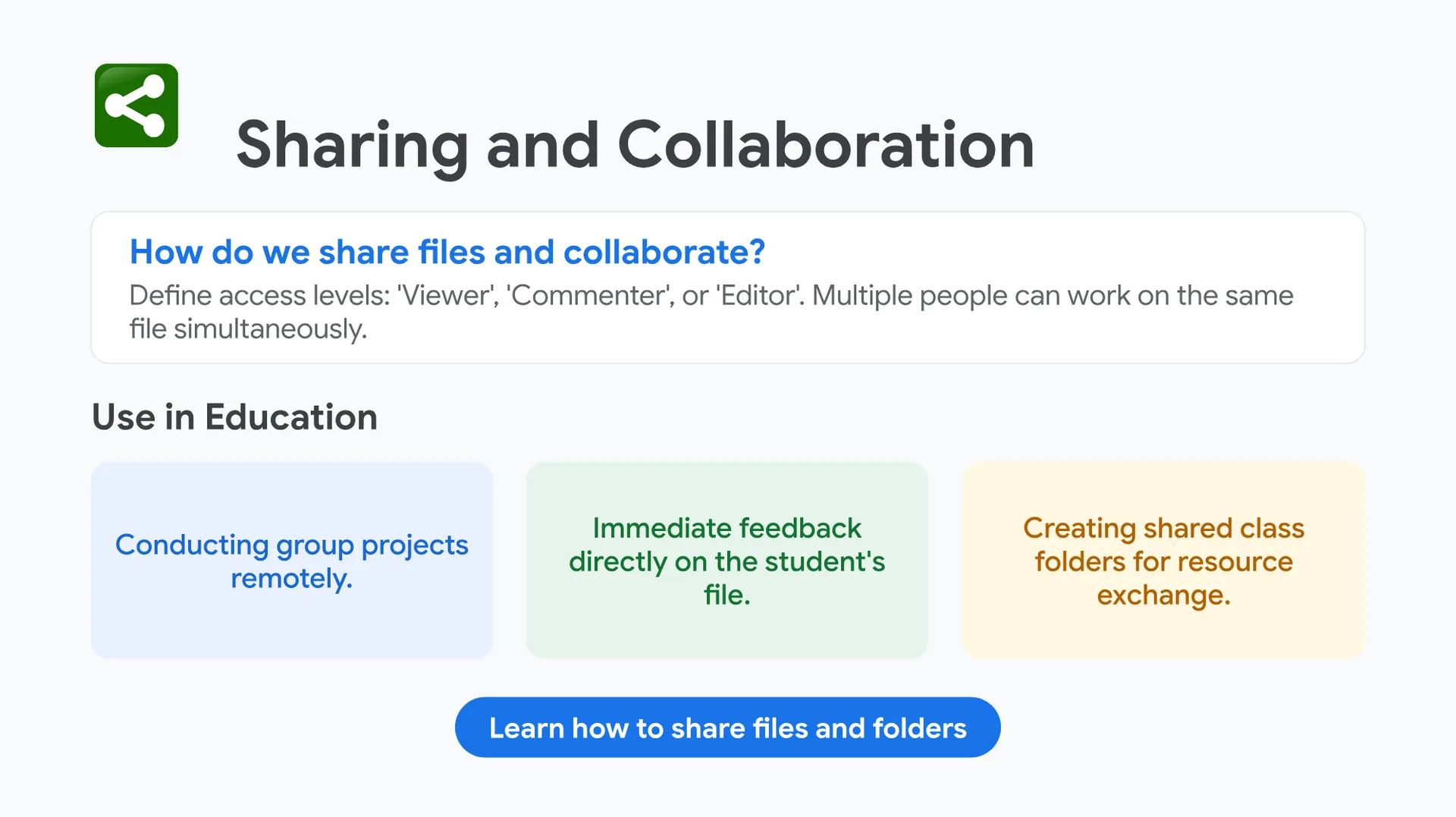
How do we share files and collaborate?
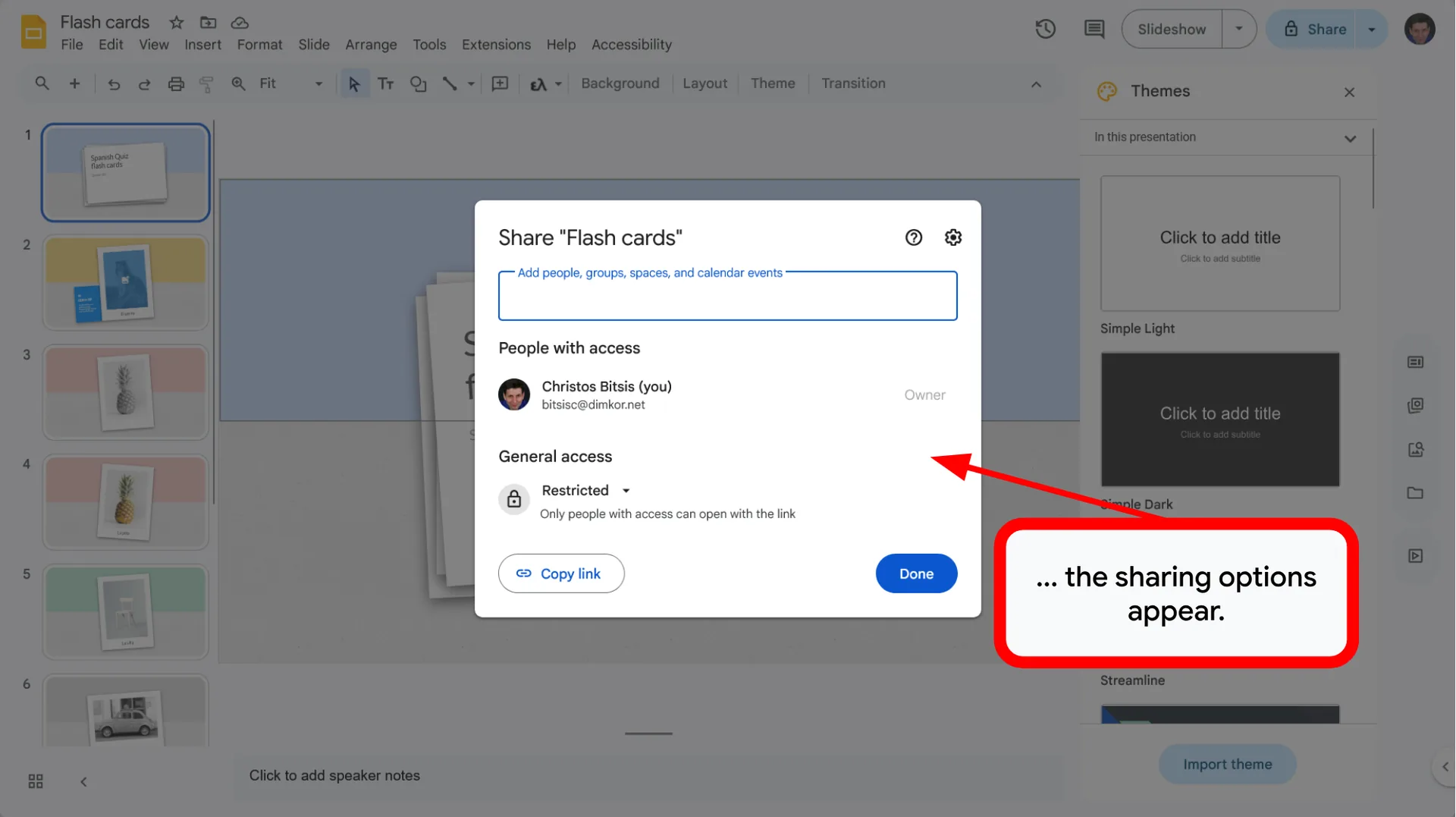
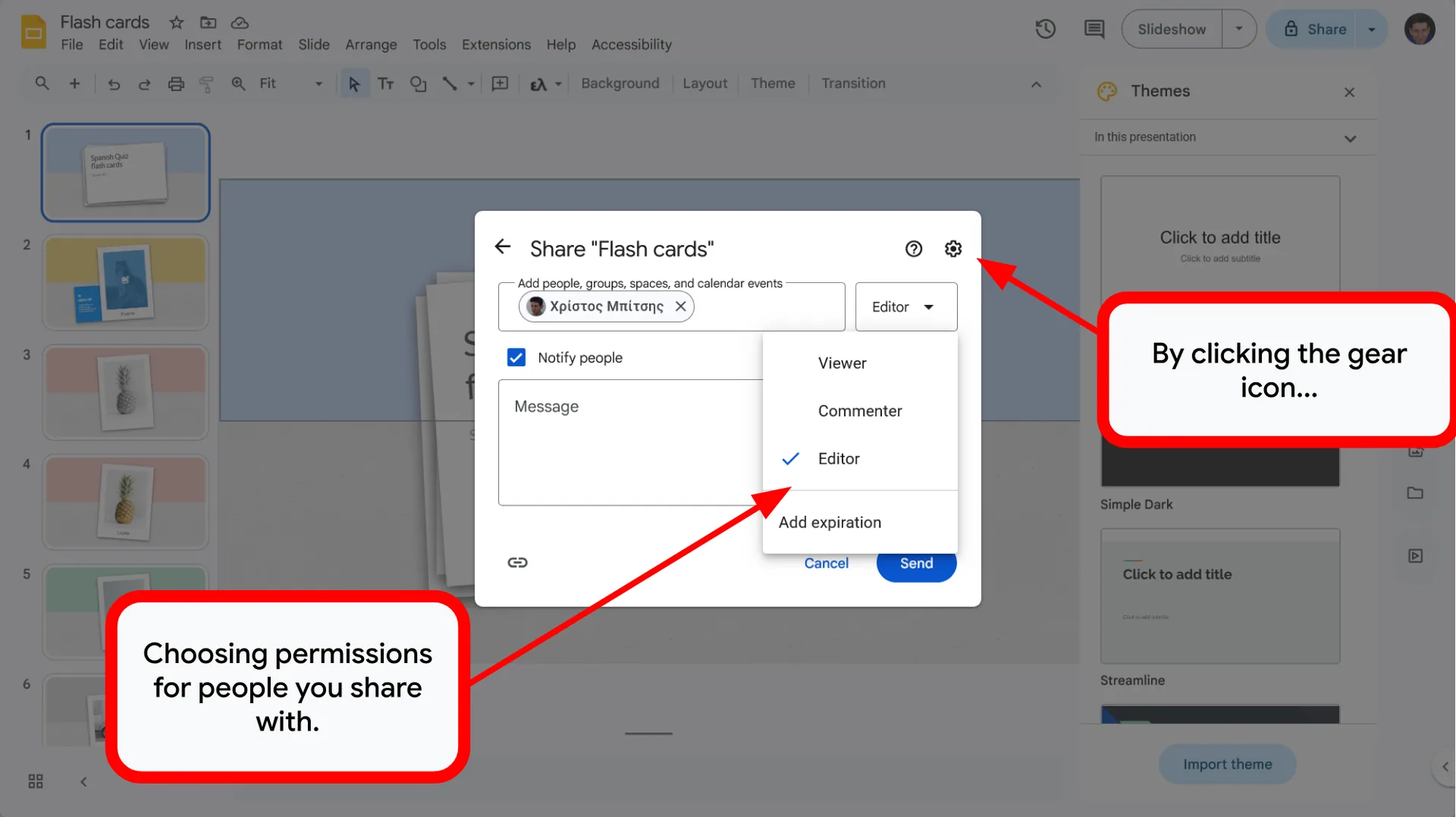
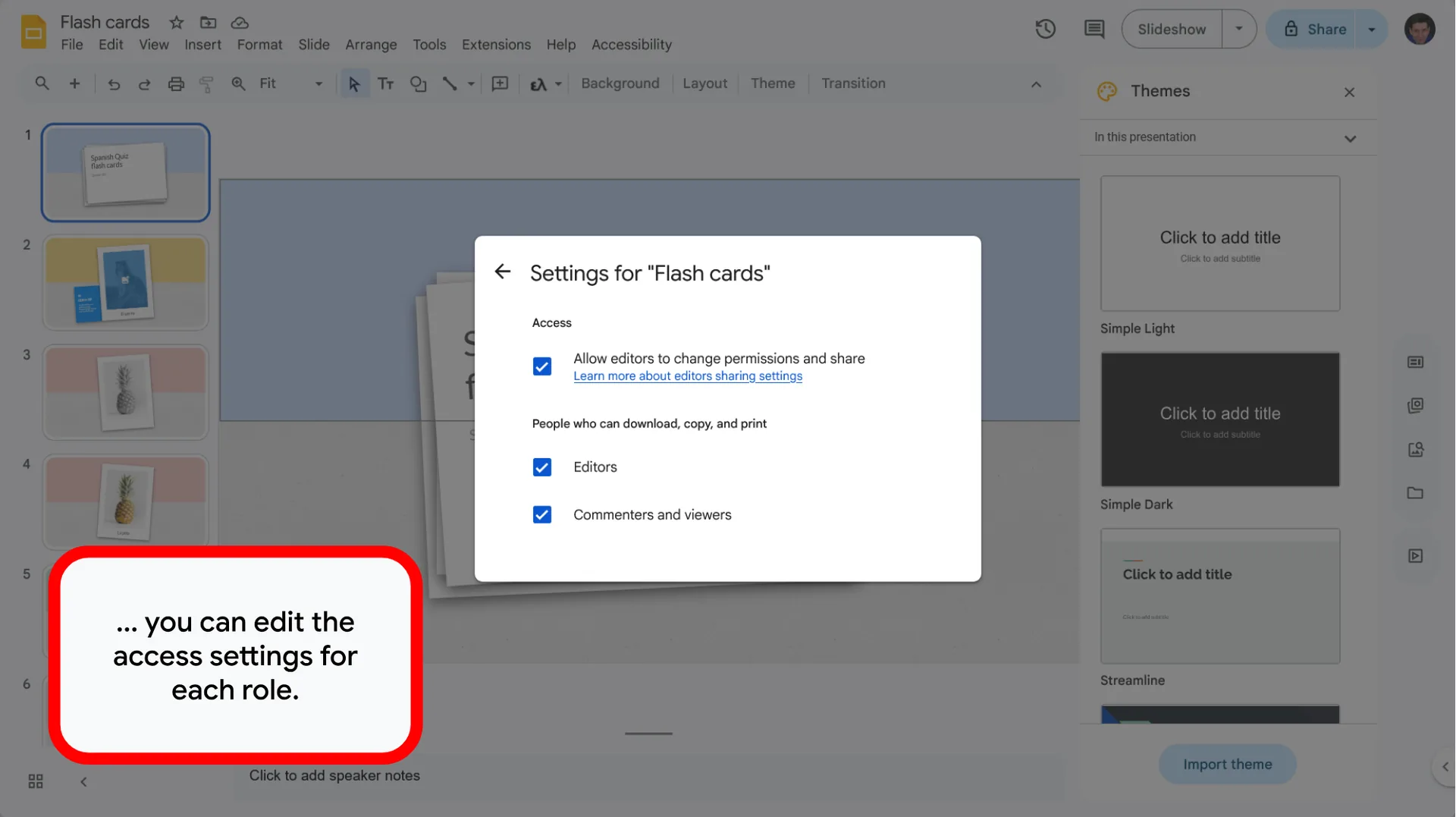
Define access levels: ‘Viewer‘, ‘Commenter‘, or ‘Editor‘. Multiple people can work on the same file simultaneously.
Use in Education
- Conducting group projects remotely.
- Immediate feedback directly on the student’s file.
- Creating shared class folders for resource exchange.
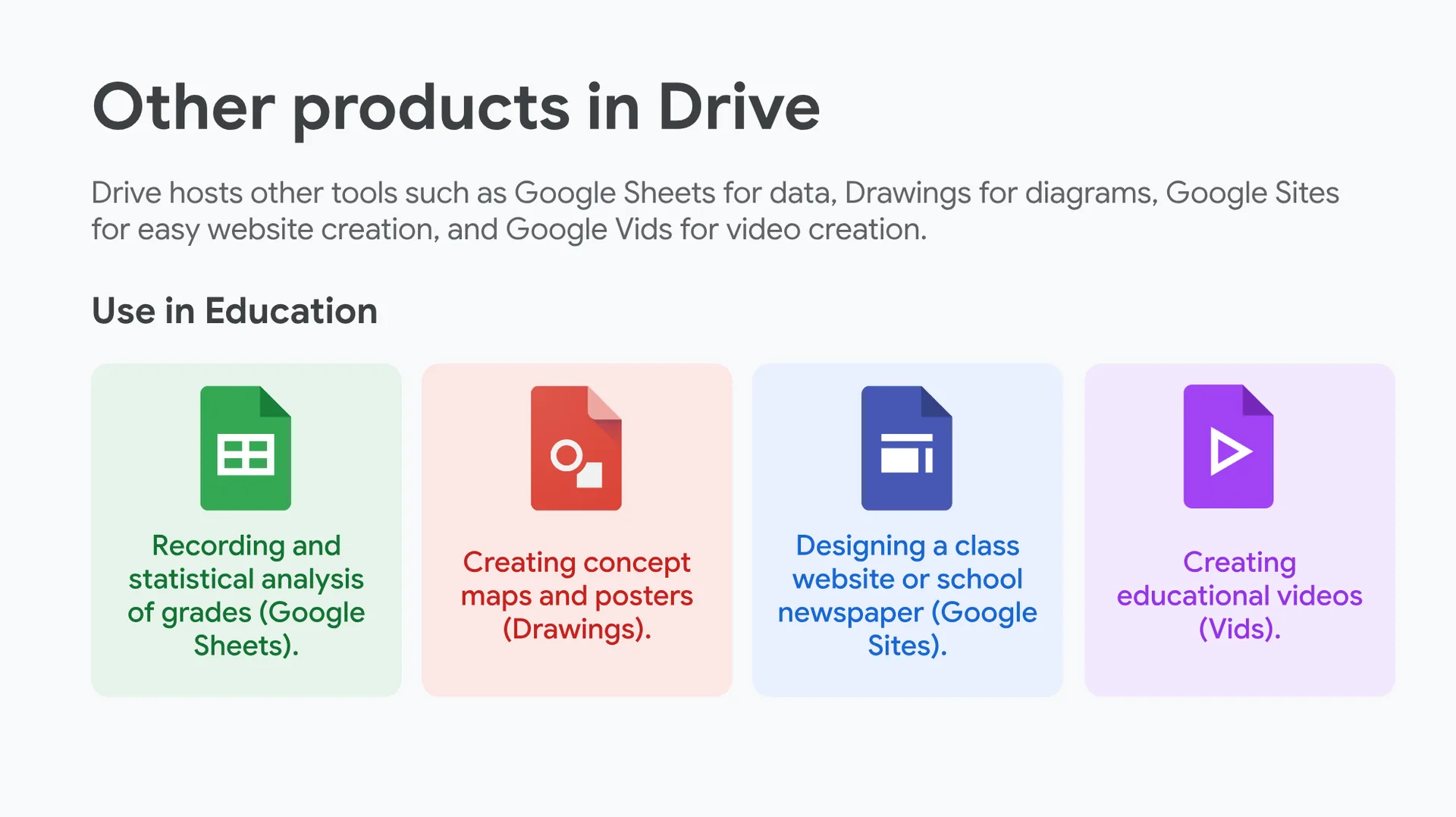
Other products in Drive
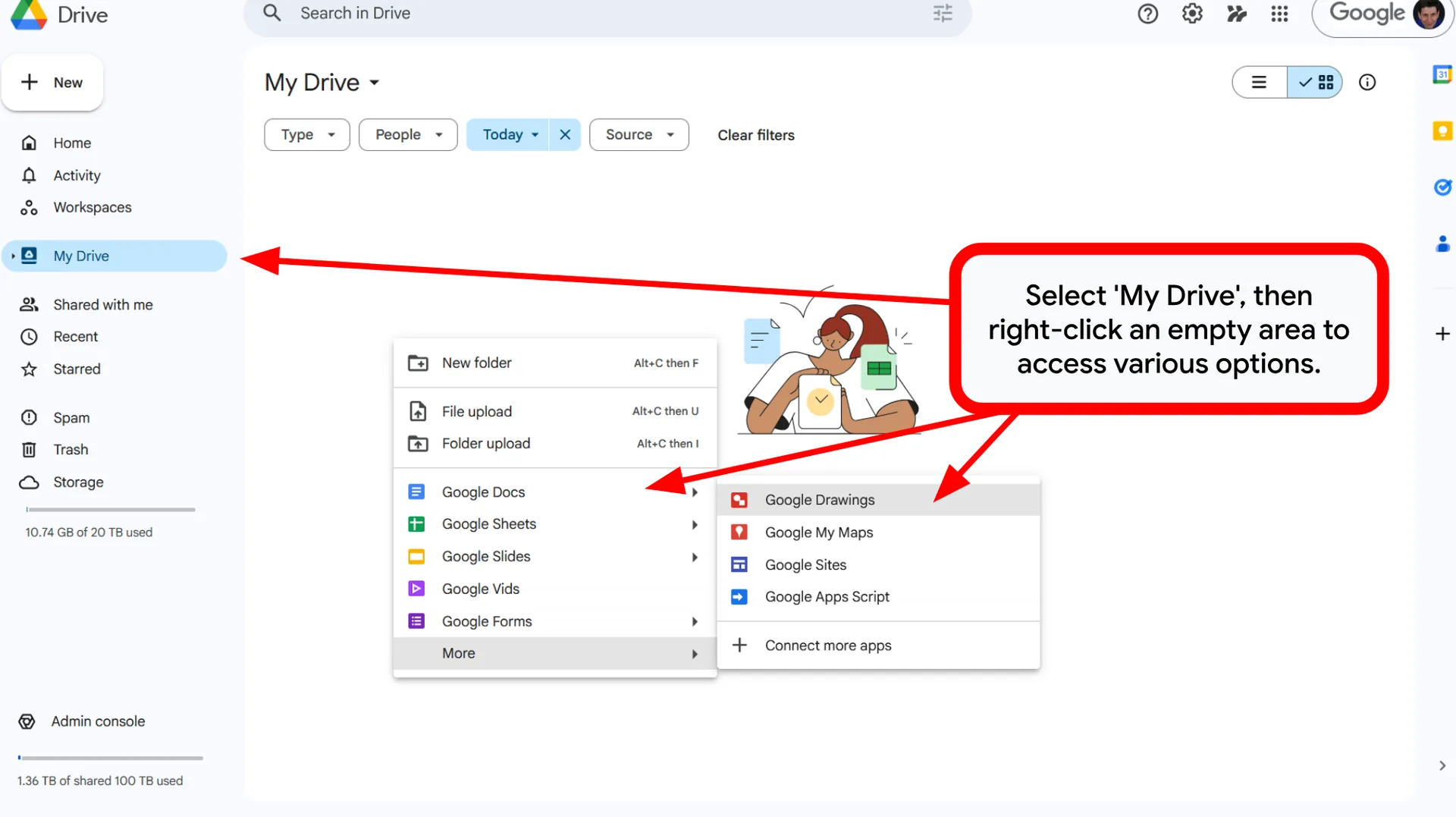
Drive hosts other tools such as Google Sheets for data, Drawings for diagrams, Google Sites for easy website creation, and Google Vids for video creation.
Use in Education
- Recording and statistical analysis of grades (Google Sheets).
- Creating concept maps and posters (Drawings).
- Designing a class website or school newspaper (Google Sites).
- Creating educational videos (Vids).





You can ask your questions by writing a comment below. Your feedback will greatly contribute to improving the content of this course.
0 Comments