
AI in Schools: Core Objective & Literacy
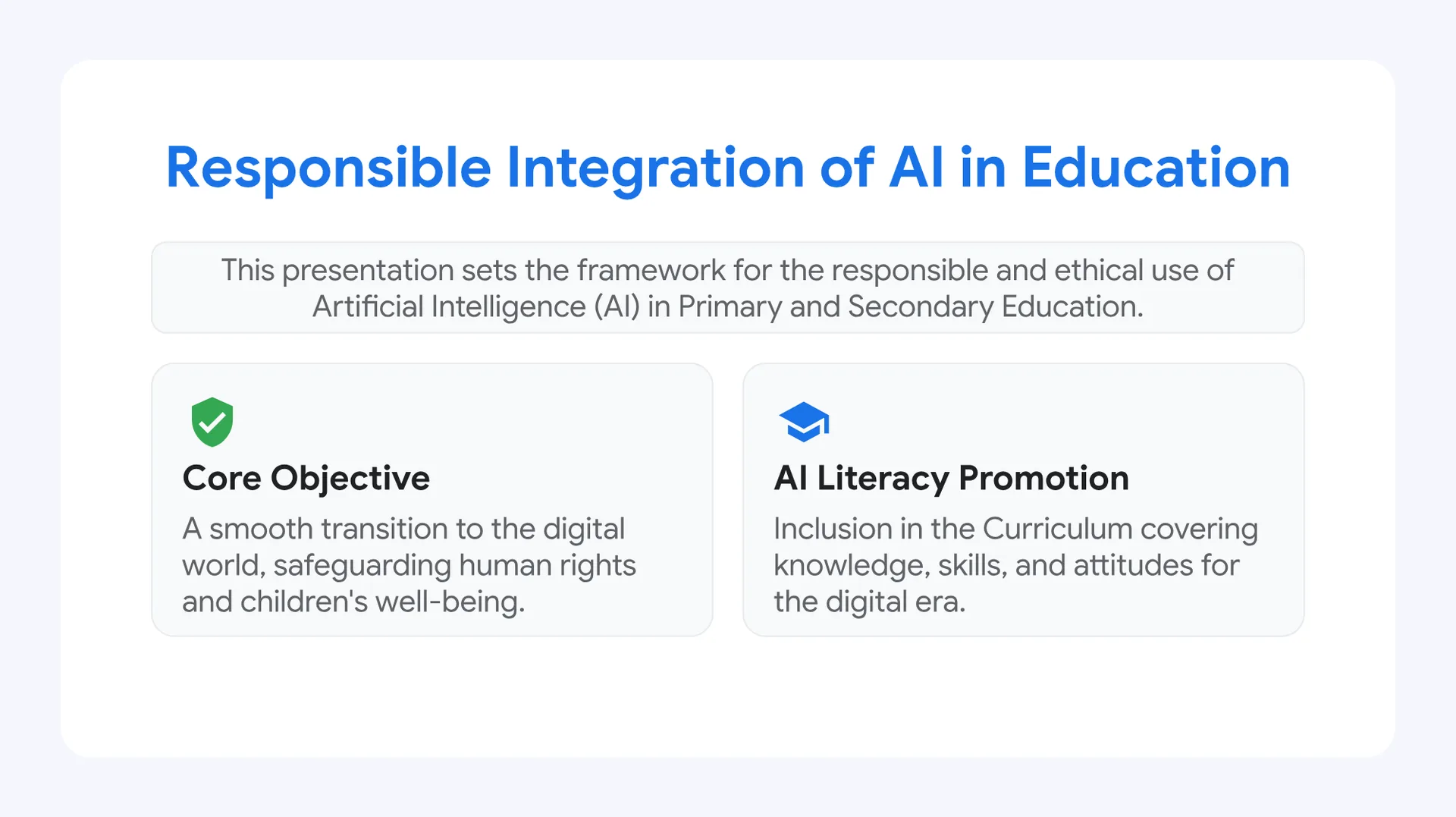
The core objective of implementing AI in schools is to ensure a smooth transition to the digital world, safeguarding human rights and children’s well-being.
AI Literacy Promotion: This involves inclusion in the curriculum, covering the necessary knowledge, skills, and attitudes for the digital era.
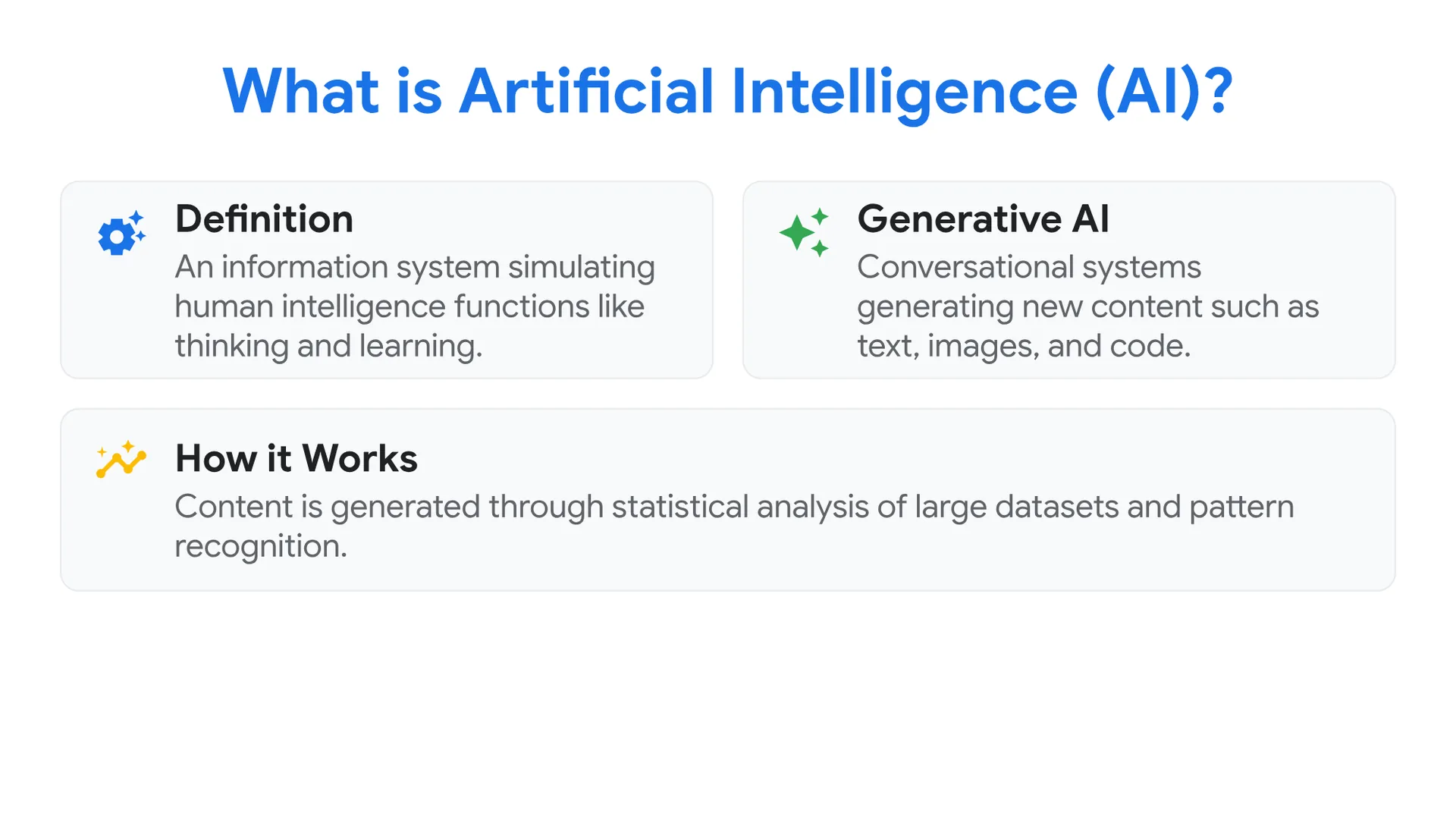
What is Artificial Intelligence (AI)?
Definition: An information system simulating human intelligence functions like thinking and learning.
Generative AI: Conversational systems capable of generating new content such as text, images, and code.
How it Works: Content is generated through the statistical analysis of large datasets and pattern recognition.
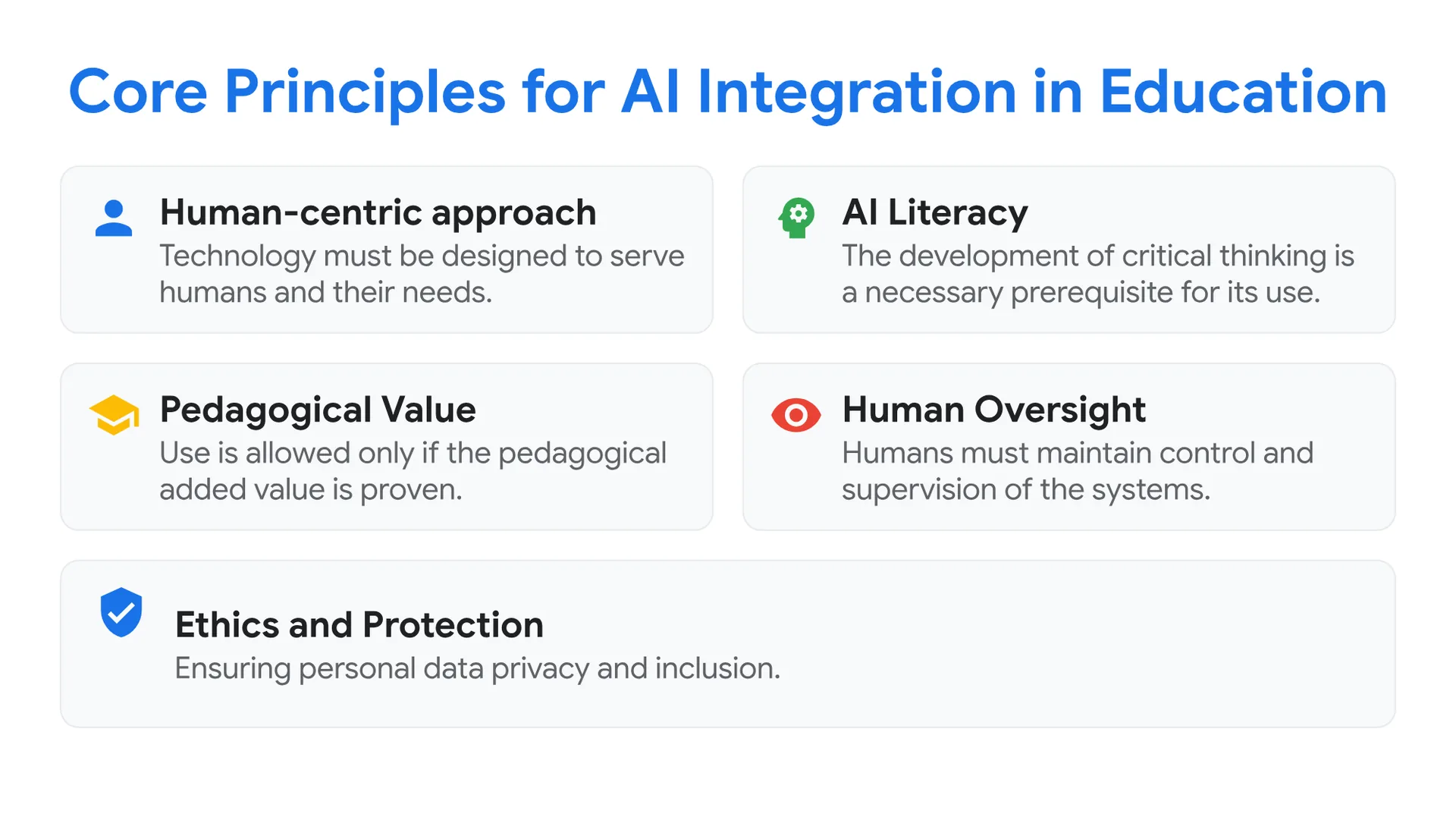
Core Principles for AI Integration
- Human-centric approach: Technology must be designed to serve humans and their needs.
- AI Literacy: The development of critical thinking is a necessary prerequisite for its use.
- Pedagogical Value: Use is allowed only if the pedagogical added value is proven.
- Human Oversight: Humans must maintain control and supervision of the systems.
- Ethics and Protection: Ensuring personal data privacy and inclusion.
Utilizing AI in Education
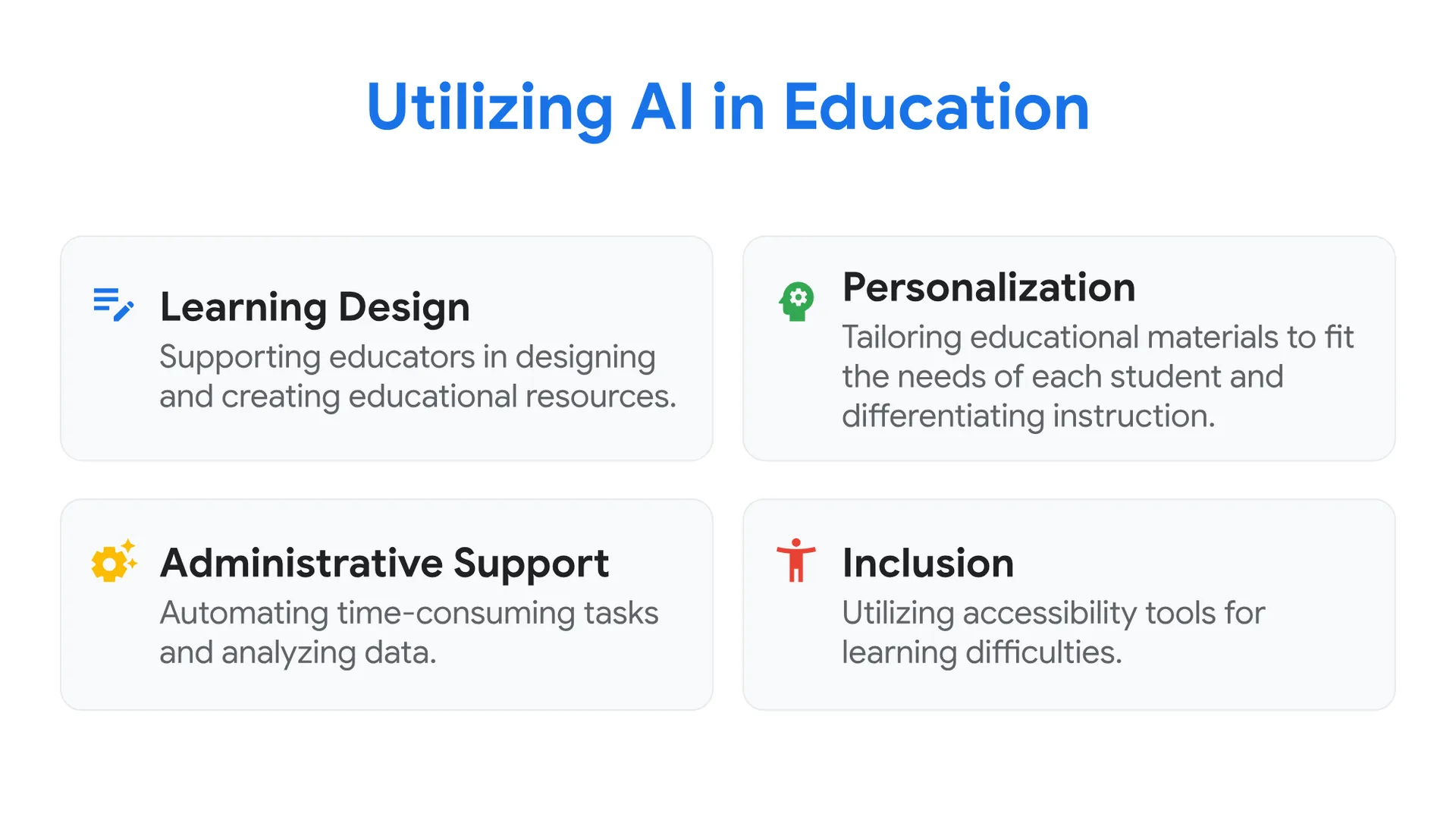
- Learning Design: Supporting educators in designing and creating educational resources.
- Personalization: Tailoring educational materials to fit the needs of each student and differentiating instruction.
- Administrative Support: Automating time-consuming tasks and analyzing data.
- Inclusion: Utilizing accessibility tools for learning difficulties.
Points of Attention and Challenges
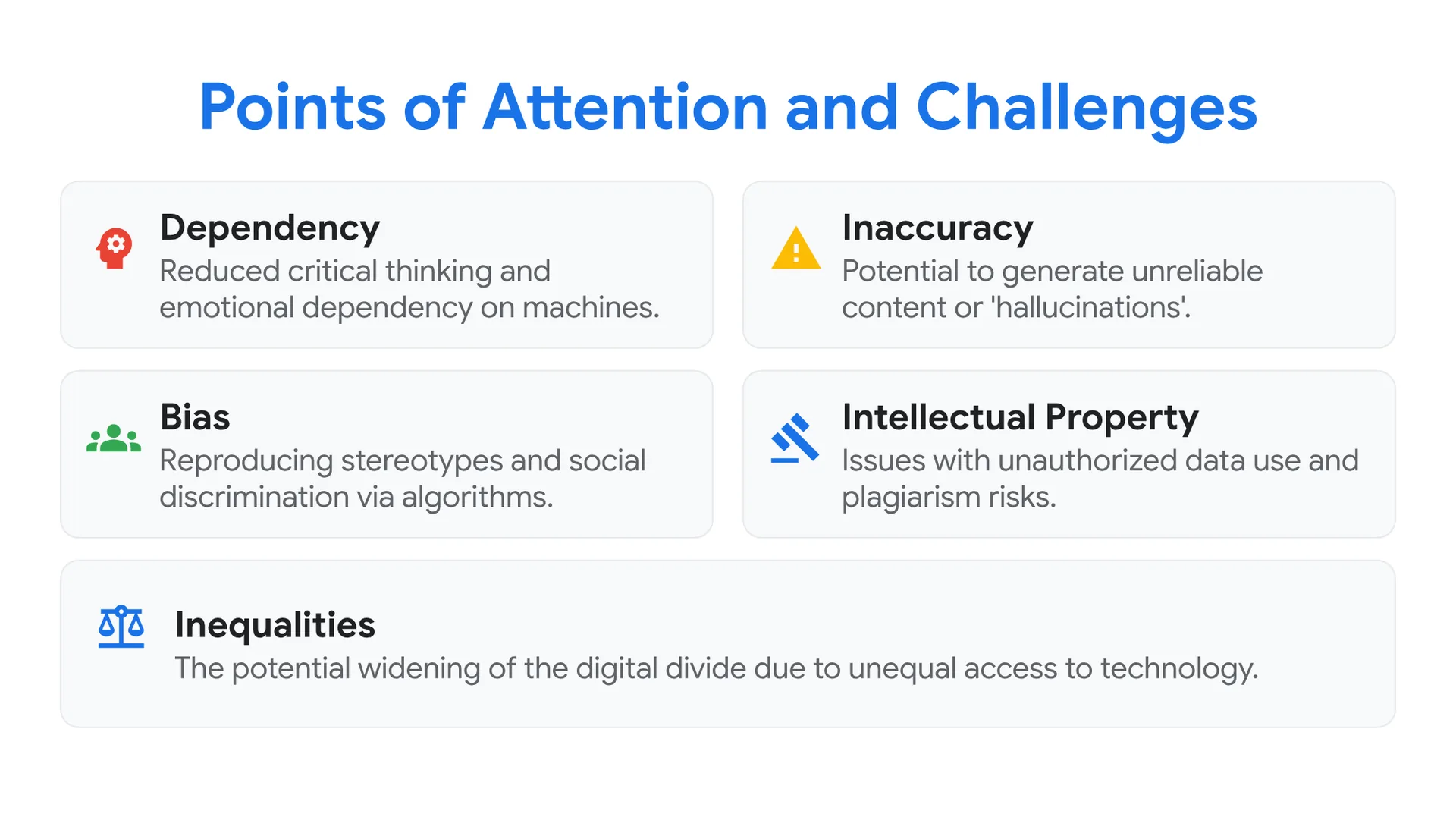
- Dependency: The risk of reduced critical thinking and emotional dependency on machines.
- Inaccuracy: The potential to generate unreliable content or ‘hallucinations’.
- Bias: Reproducing stereotypes and social discrimination via algorithms.
- Intellectual Property: Issues with unauthorized data use and plagiarism risks.
- Inequalities: The potential widening of the digital divide due to unequal access to technology.
Rules for Age Limits and Access
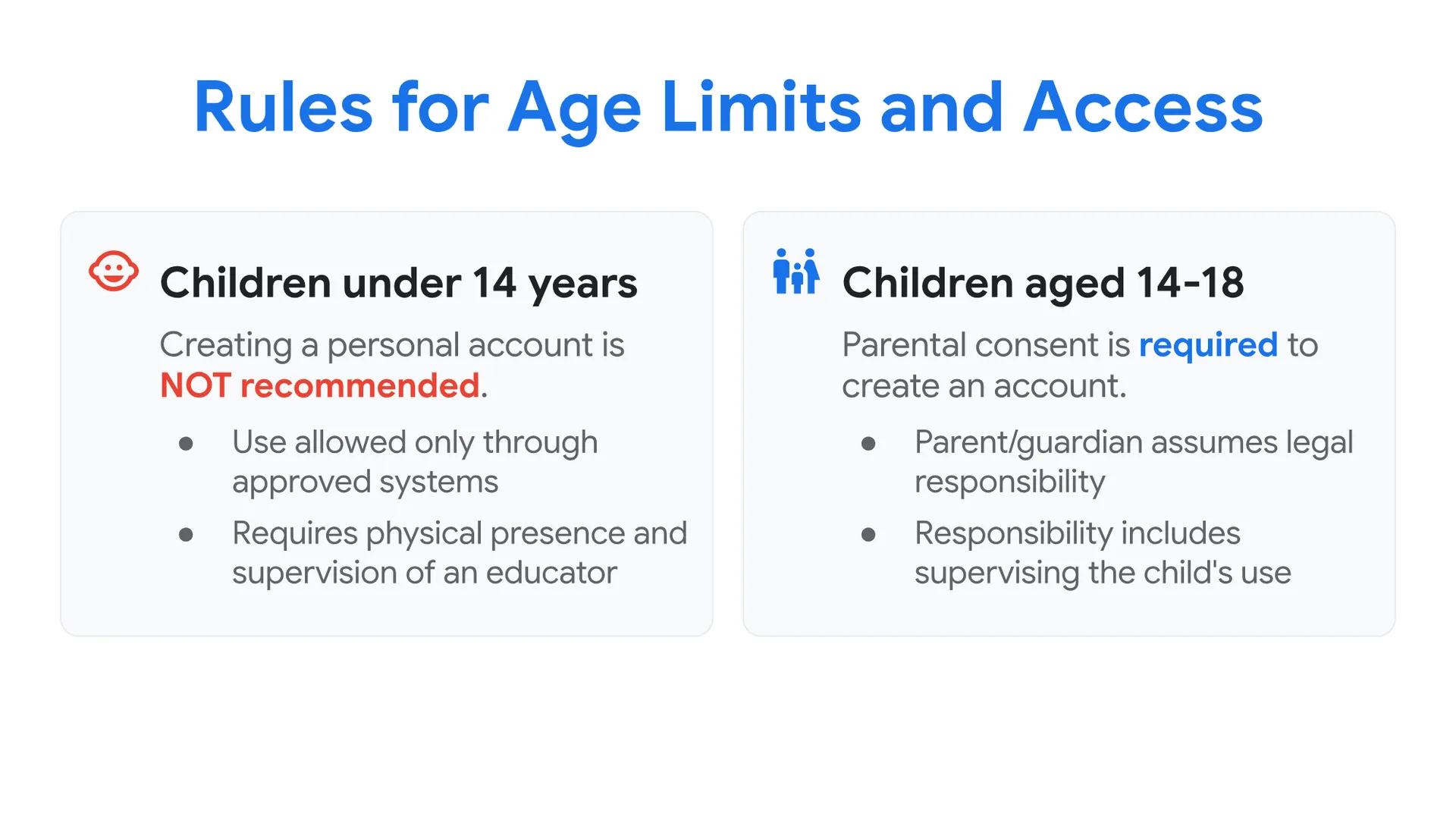
Children under 14 years:
- Creating a personal account is NOT recommended.
- Use is allowed only through approved systems.
- Requires physical presence and supervision of an educator.
Children aged 14-18:
- Parental consent is required to create an account.
- The parent or guardian assumes legal responsibility.
- Responsibility includes supervising the child’s use of the tools.
Guidelines for Educators & Core Mission
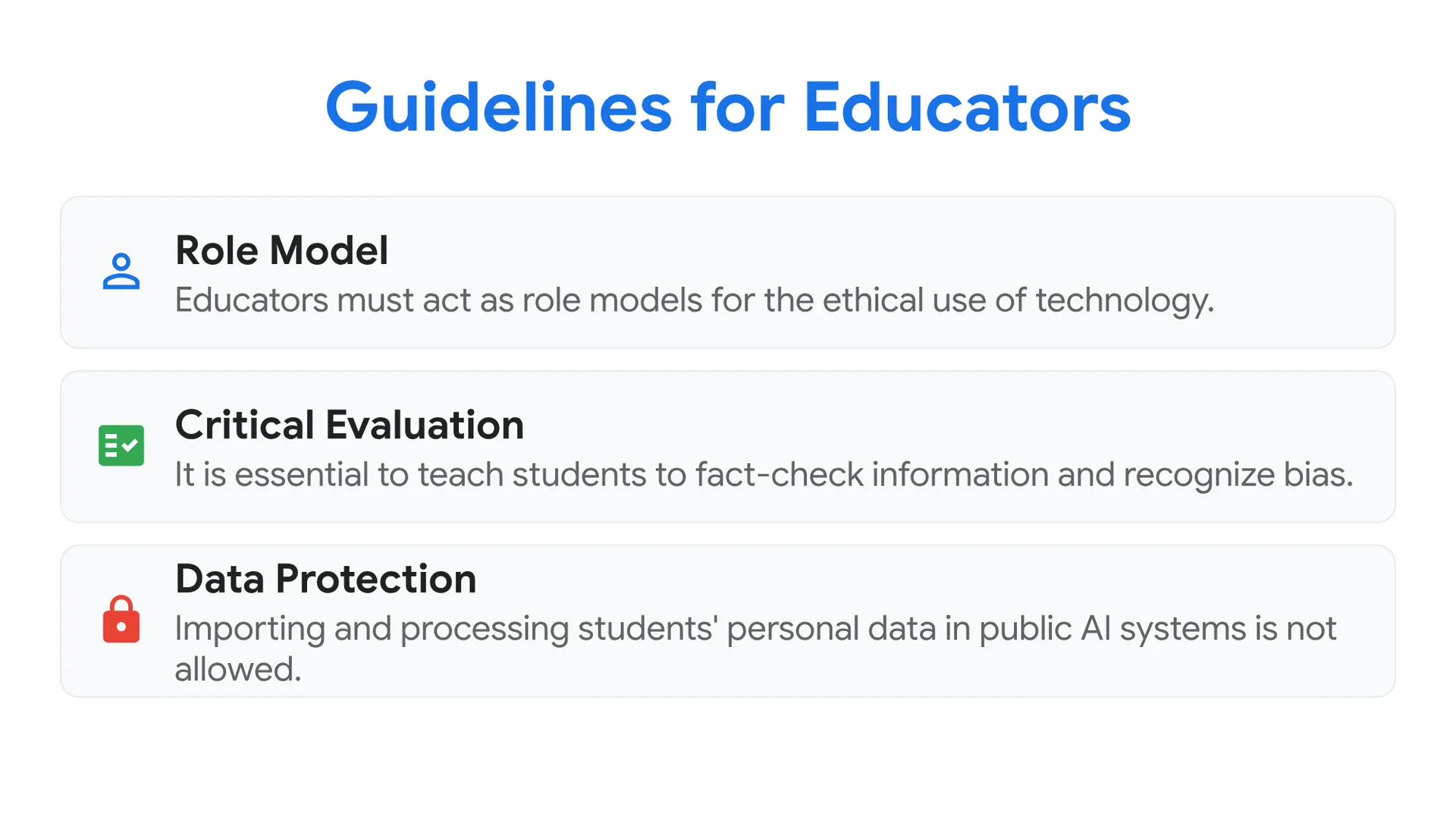
- Role Model: Educators must act as role models for the ethical use of technology.
- Critical Evaluation: It is essential to teach students to fact-check information and recognize bias.
- Data Protection: Importing and processing students’ personal data in public AI systems is not allowed.
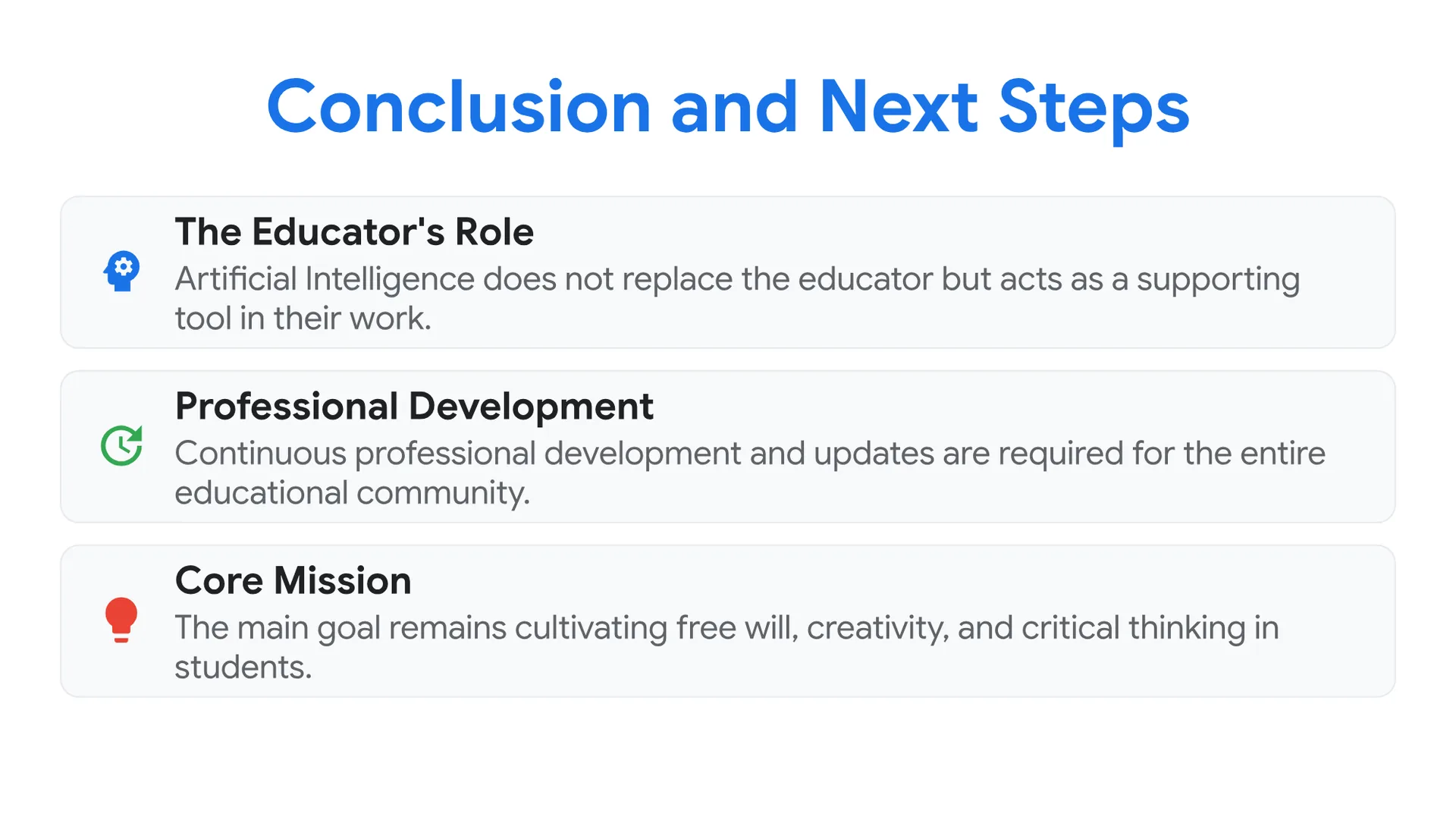
- The Educator’s Role: Artificial Intelligence does not replace the educator but acts as a supporting tool in their work.
- Professional Development: Continuous professional development and updates are required for the entire educational community.
- Core Mission: The main goal remains cultivating free will, creativity, and critical thinking in students.
The Experience AI Program
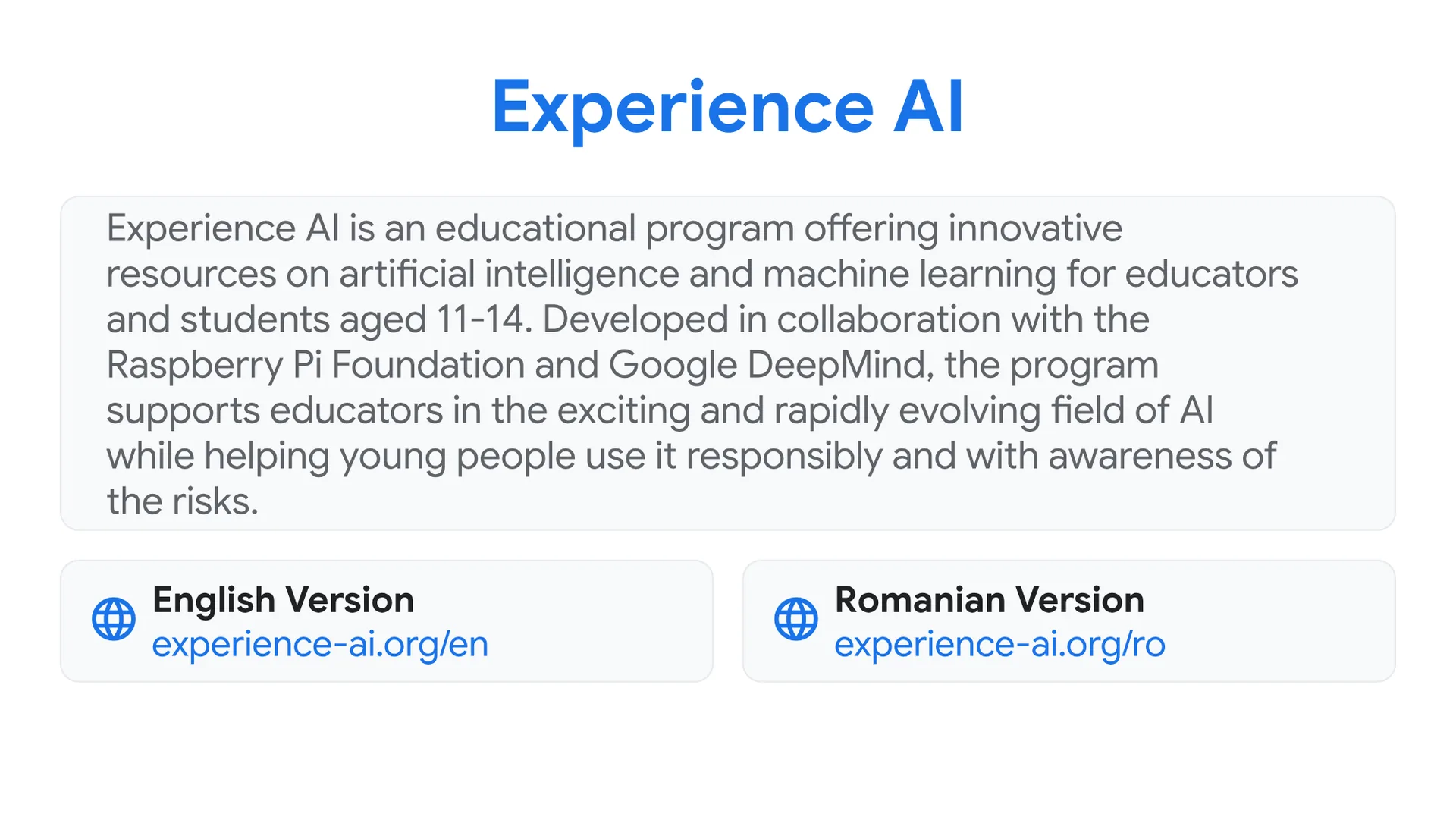
Experience AI is an educational program offering innovative resources on artificial intelligence and machine learning for educators and students aged 11-14. Developed in collaboration with the Raspberry Pi Foundation and Google DeepMind, the program supports educators in the exciting and rapidly evolving field of AI while helping young people use it responsibly and with awareness of the risks.
Explore the Resources:






0 Comments