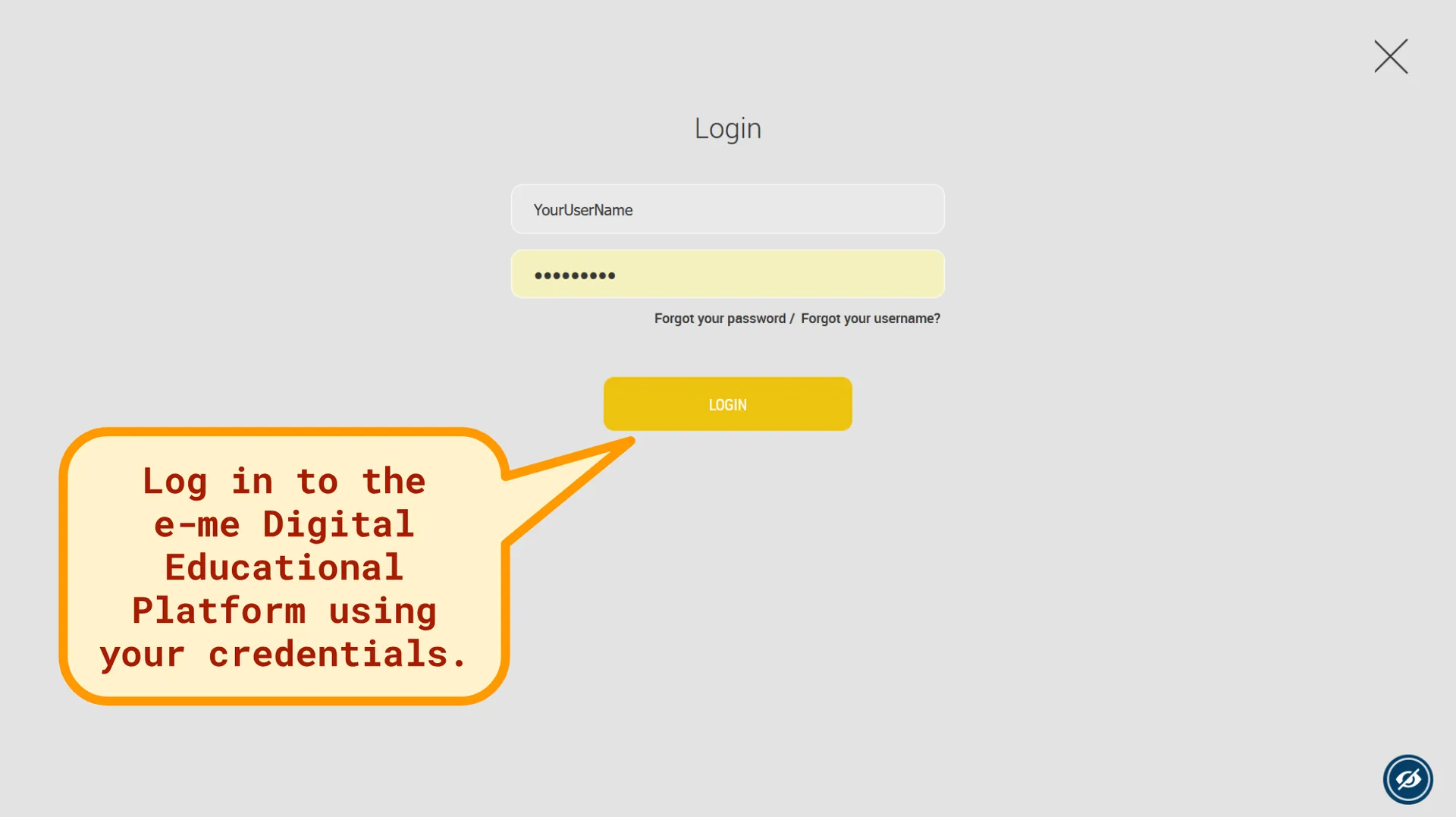
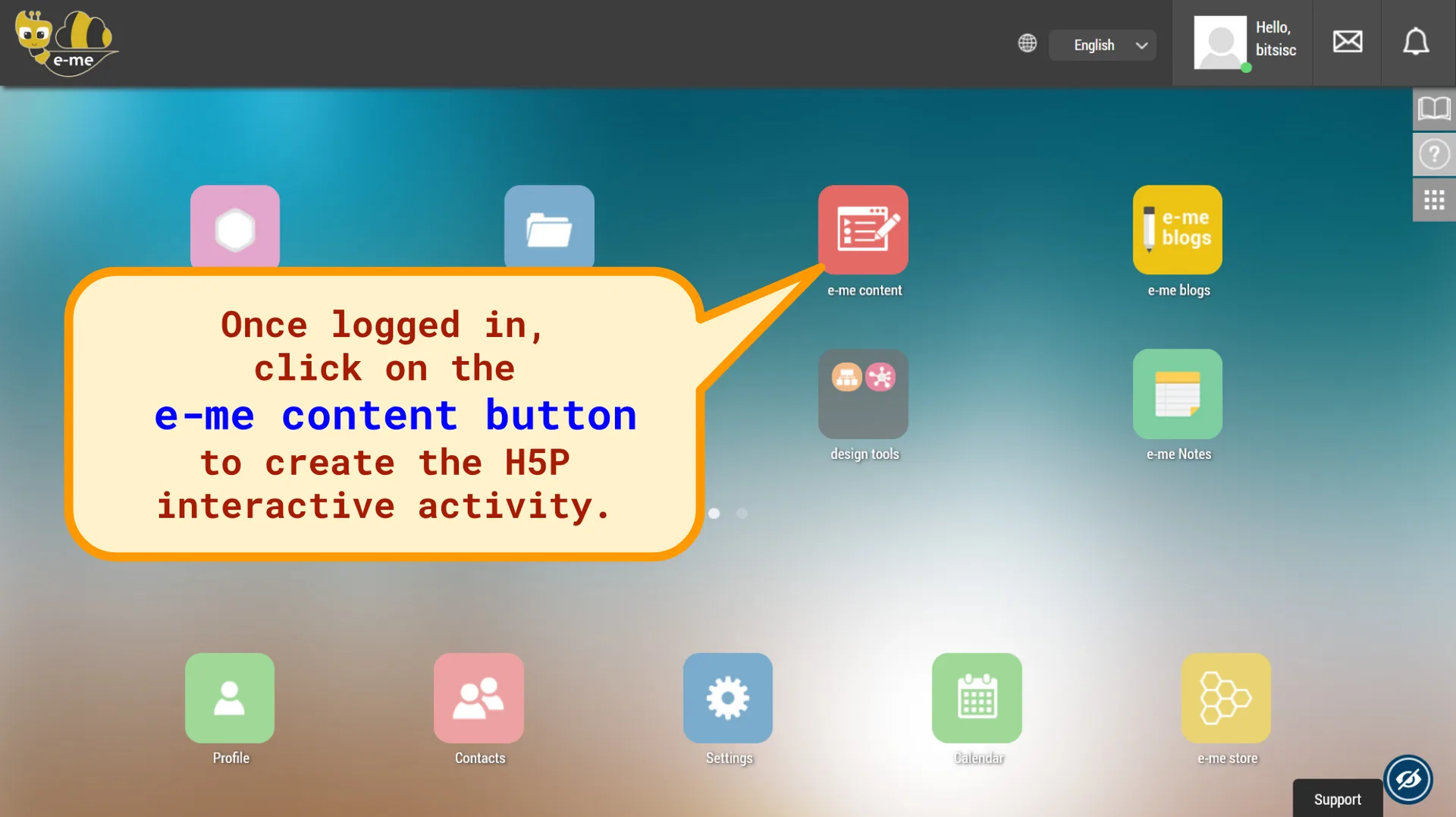
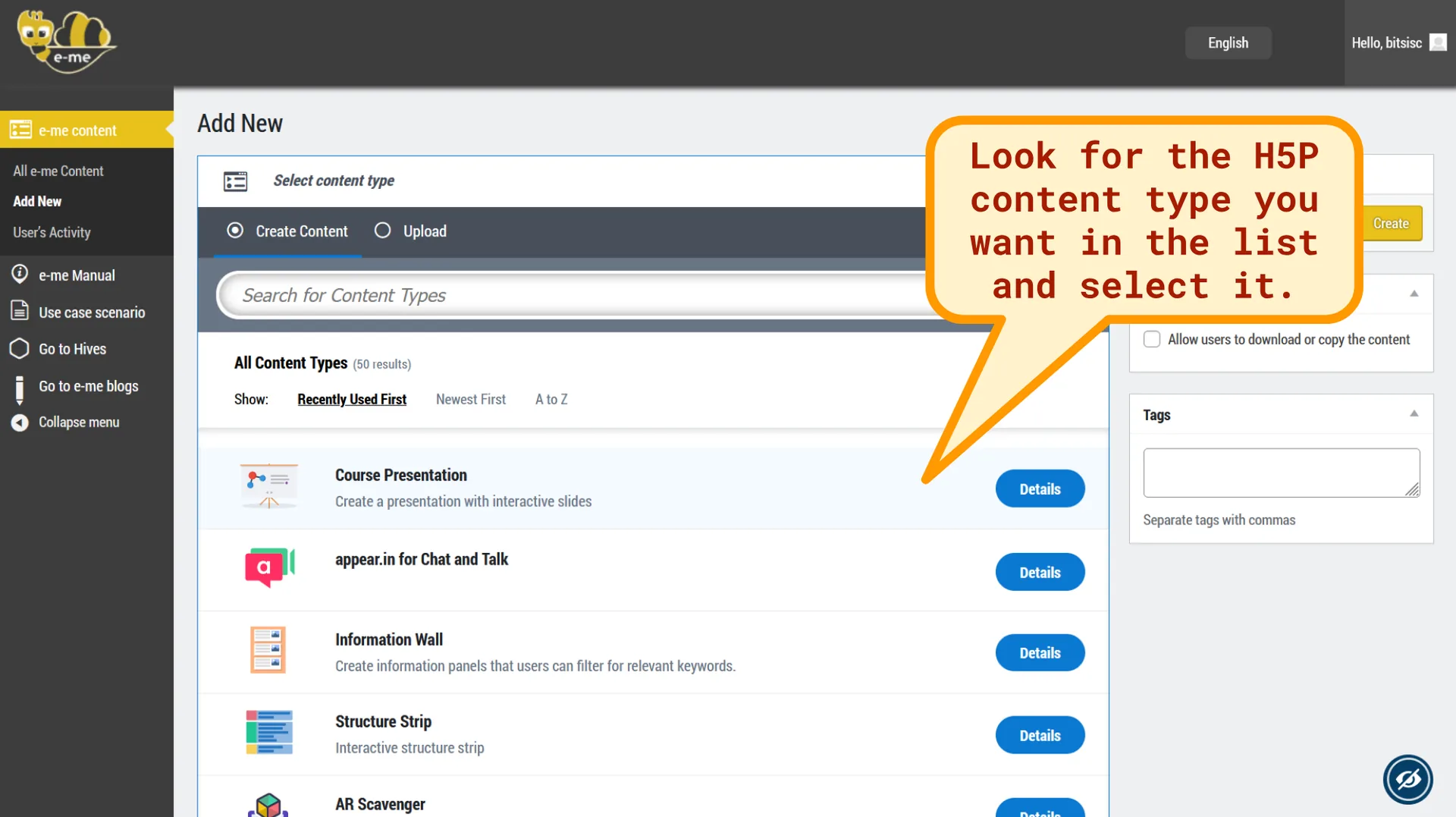
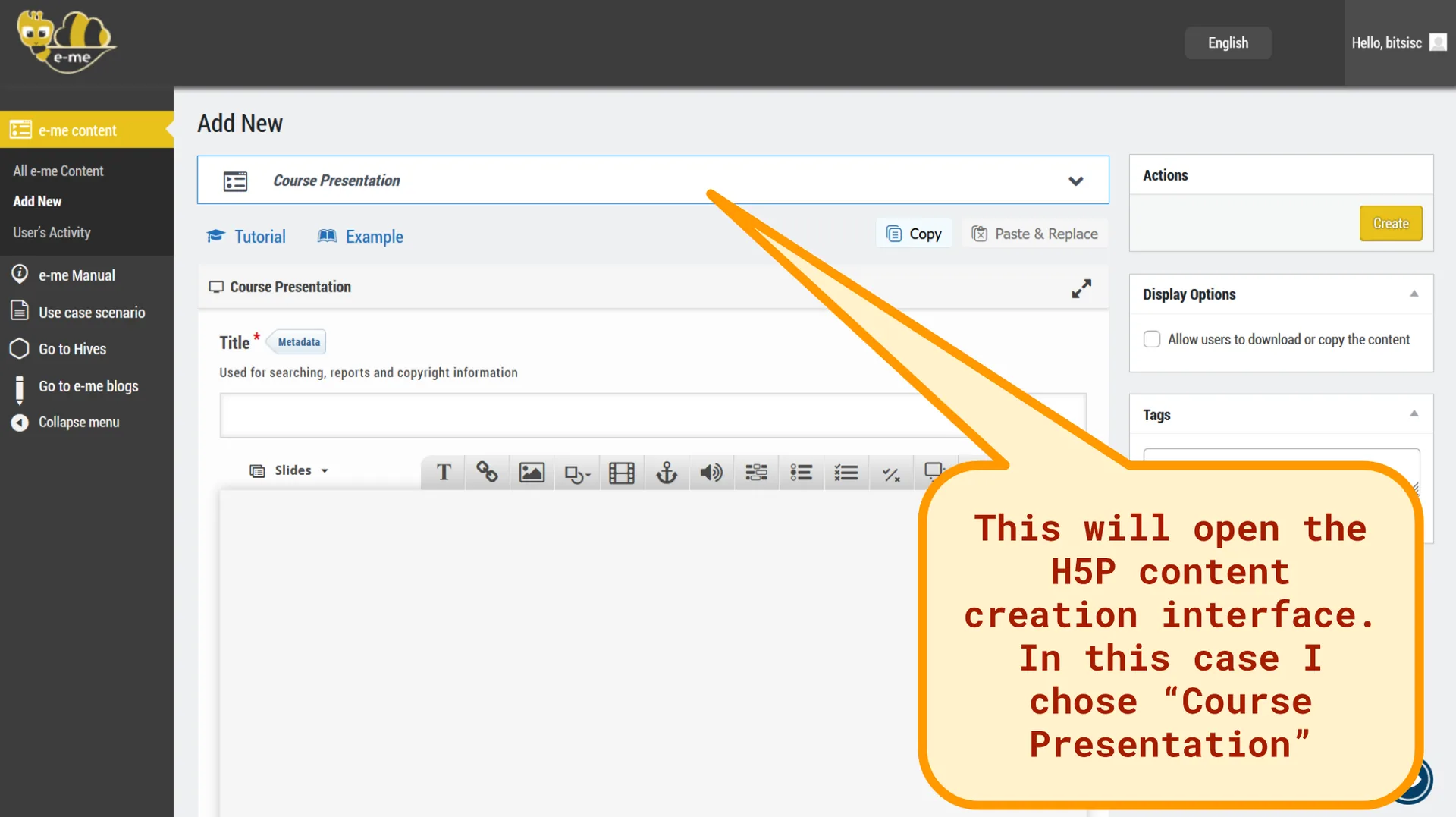
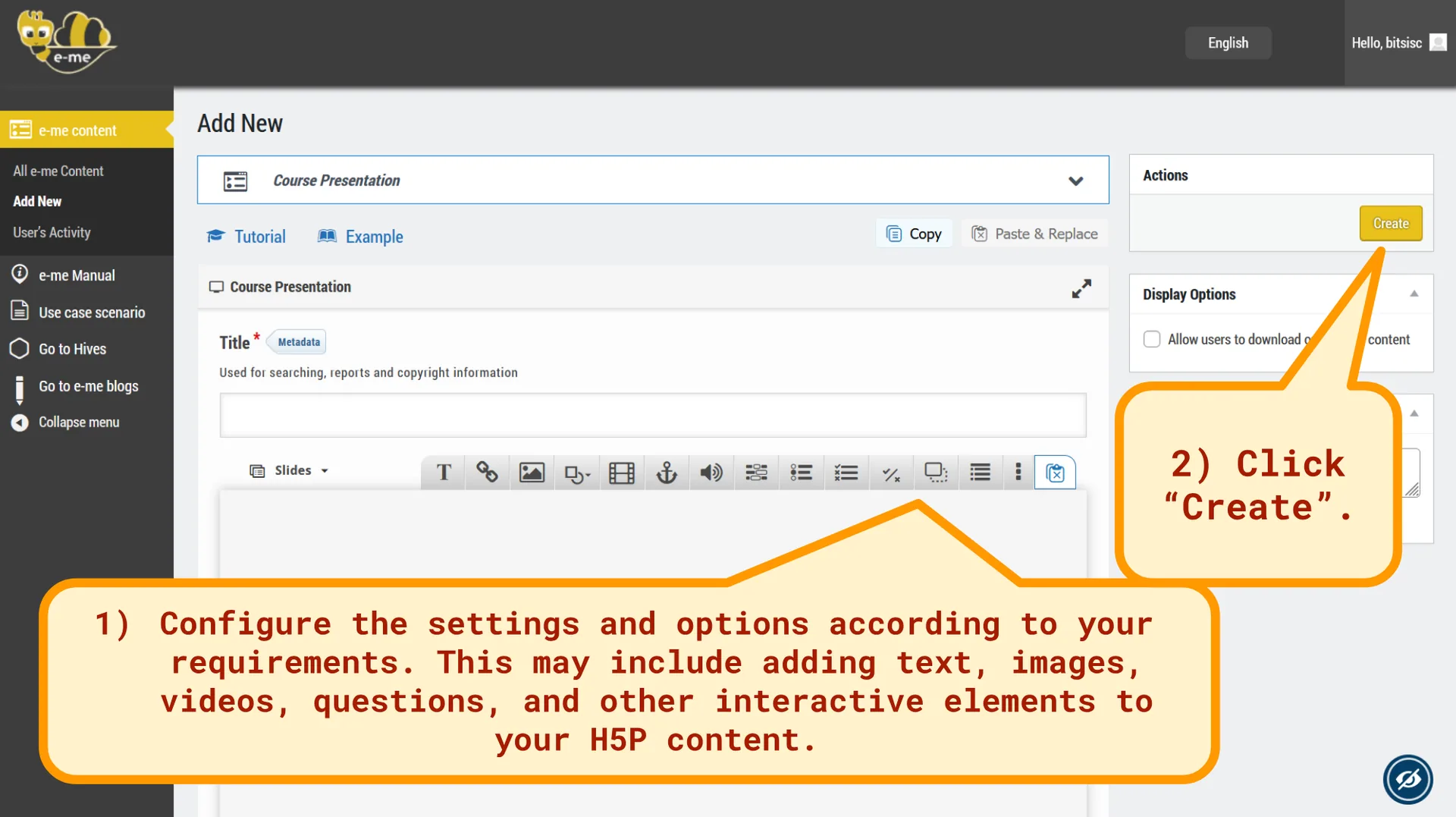
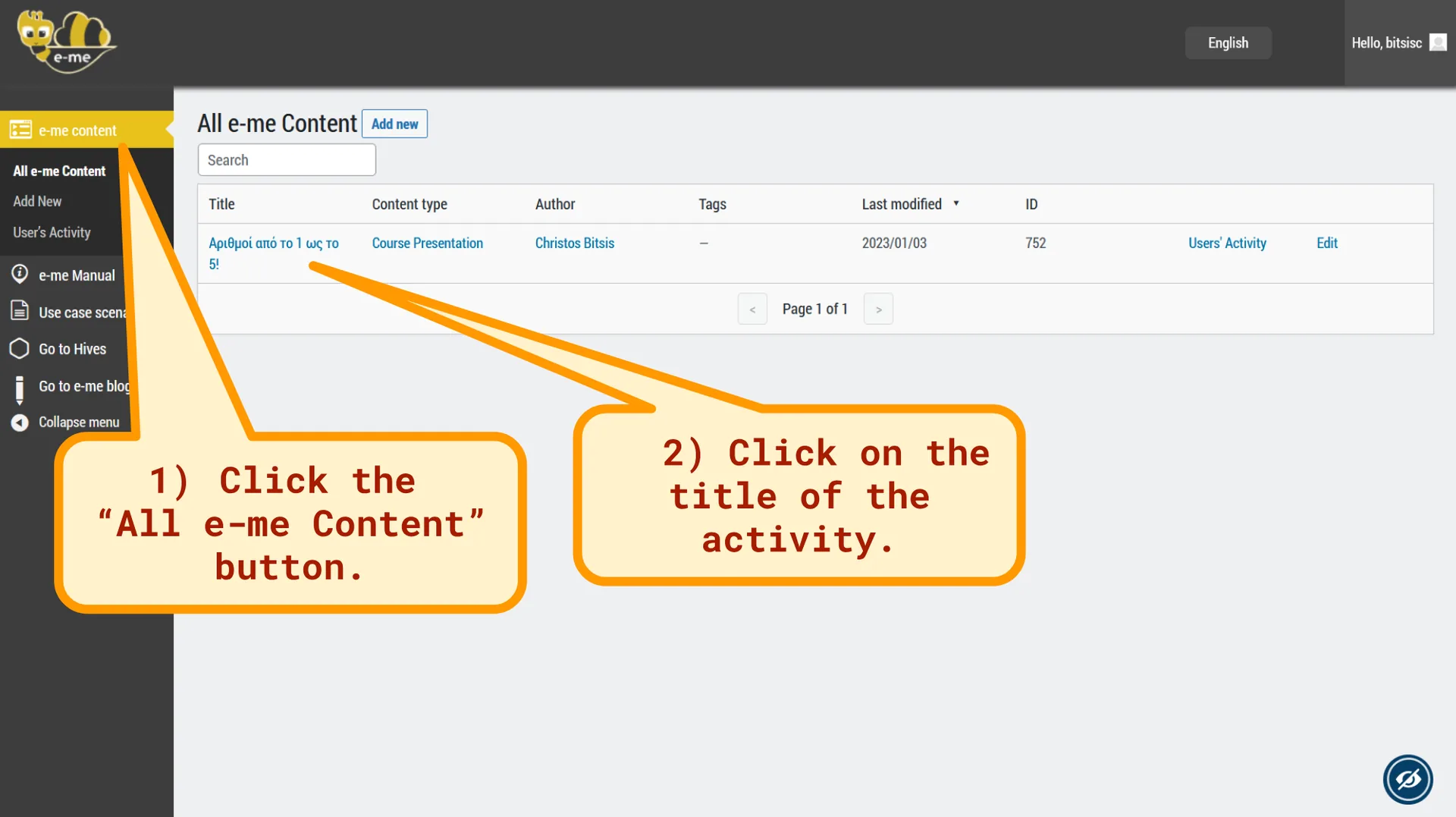
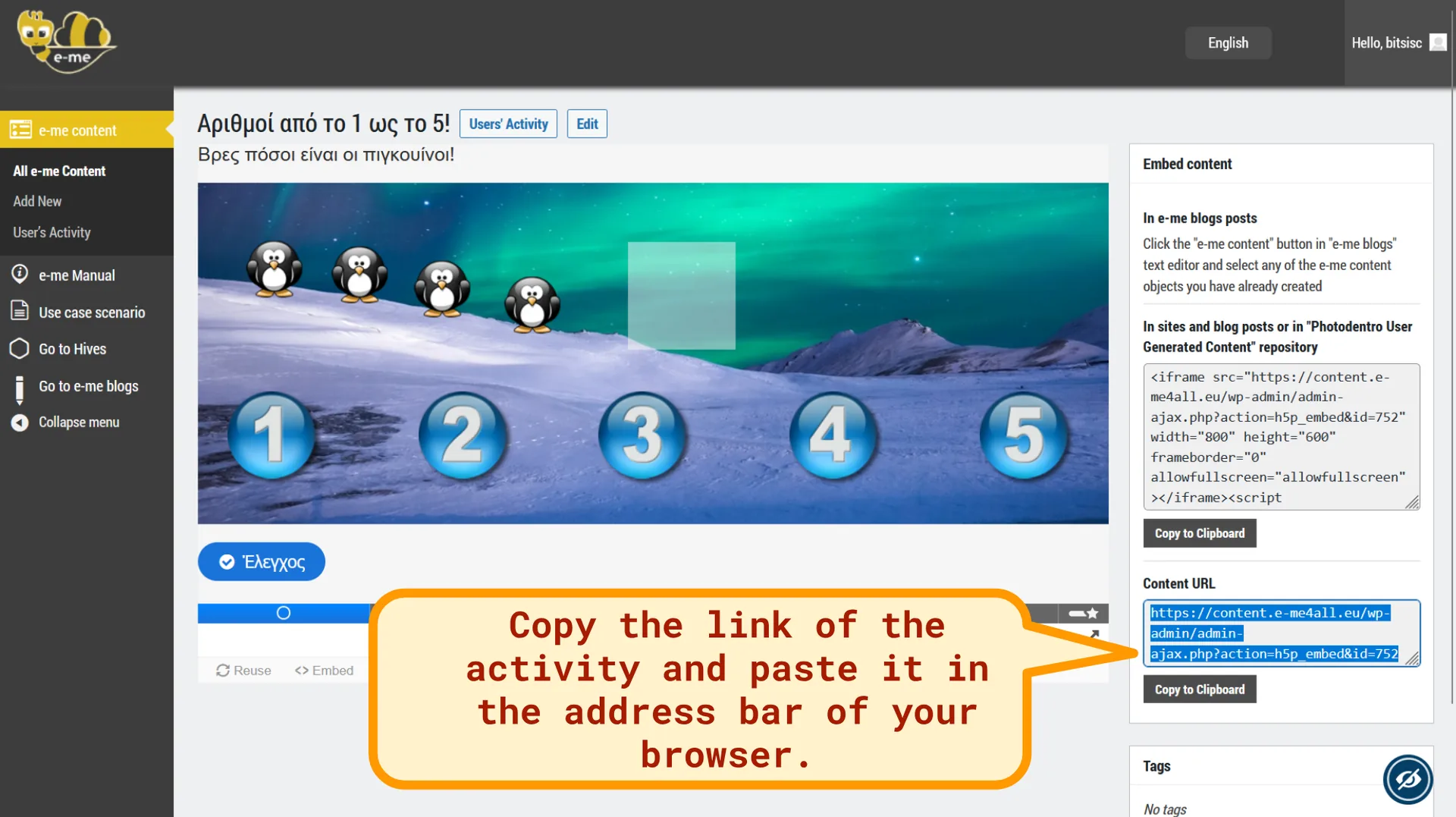
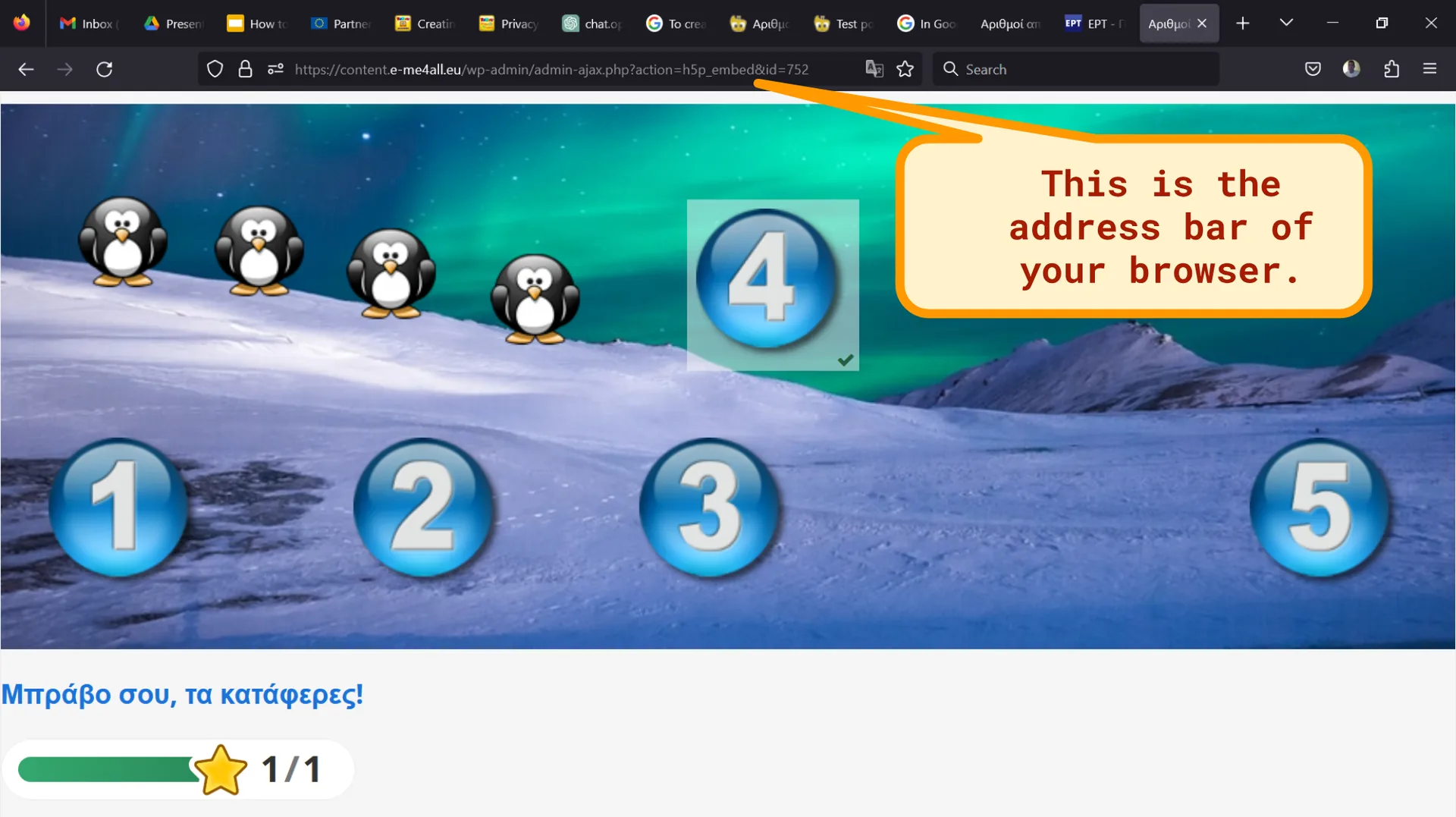
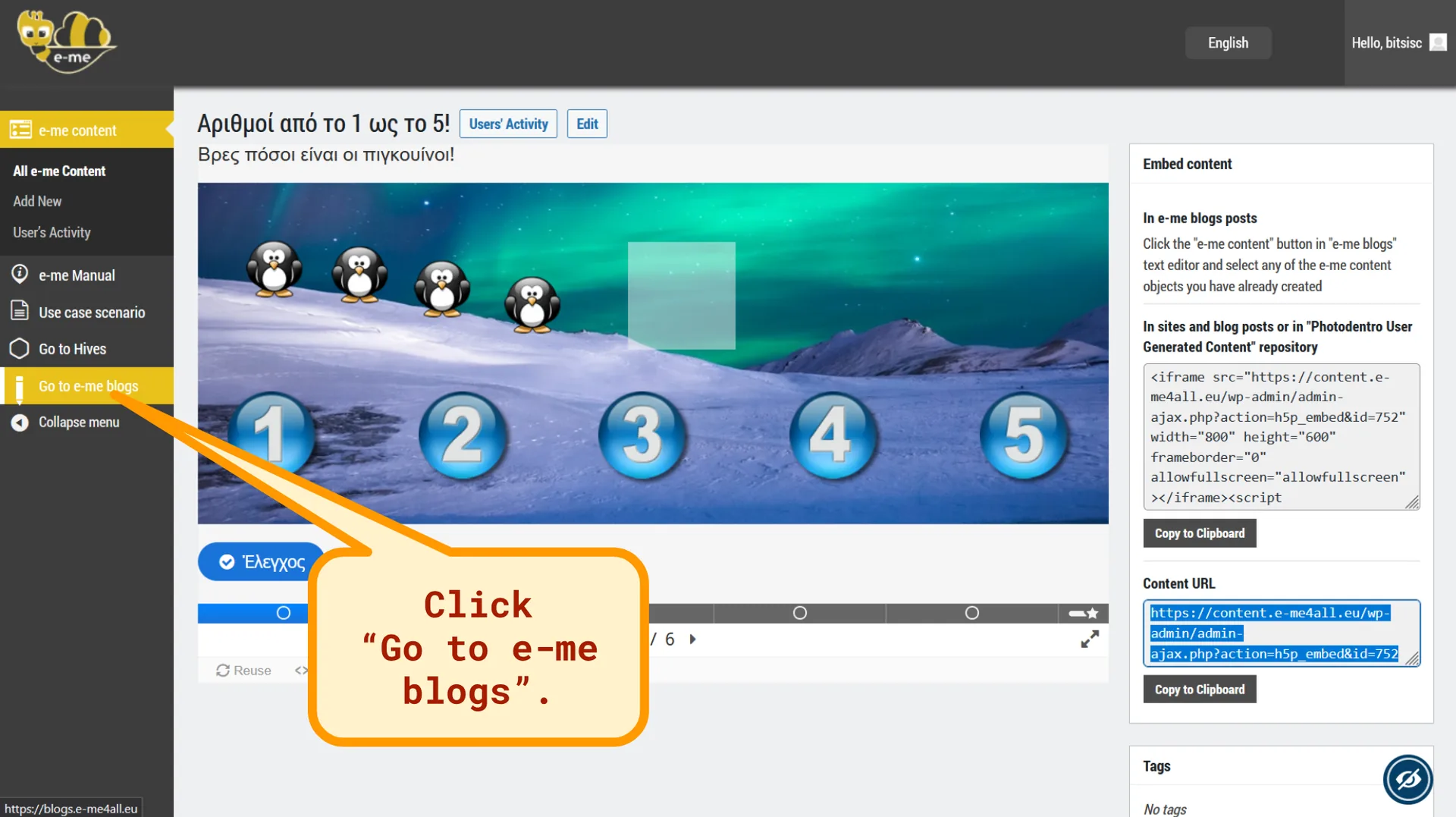
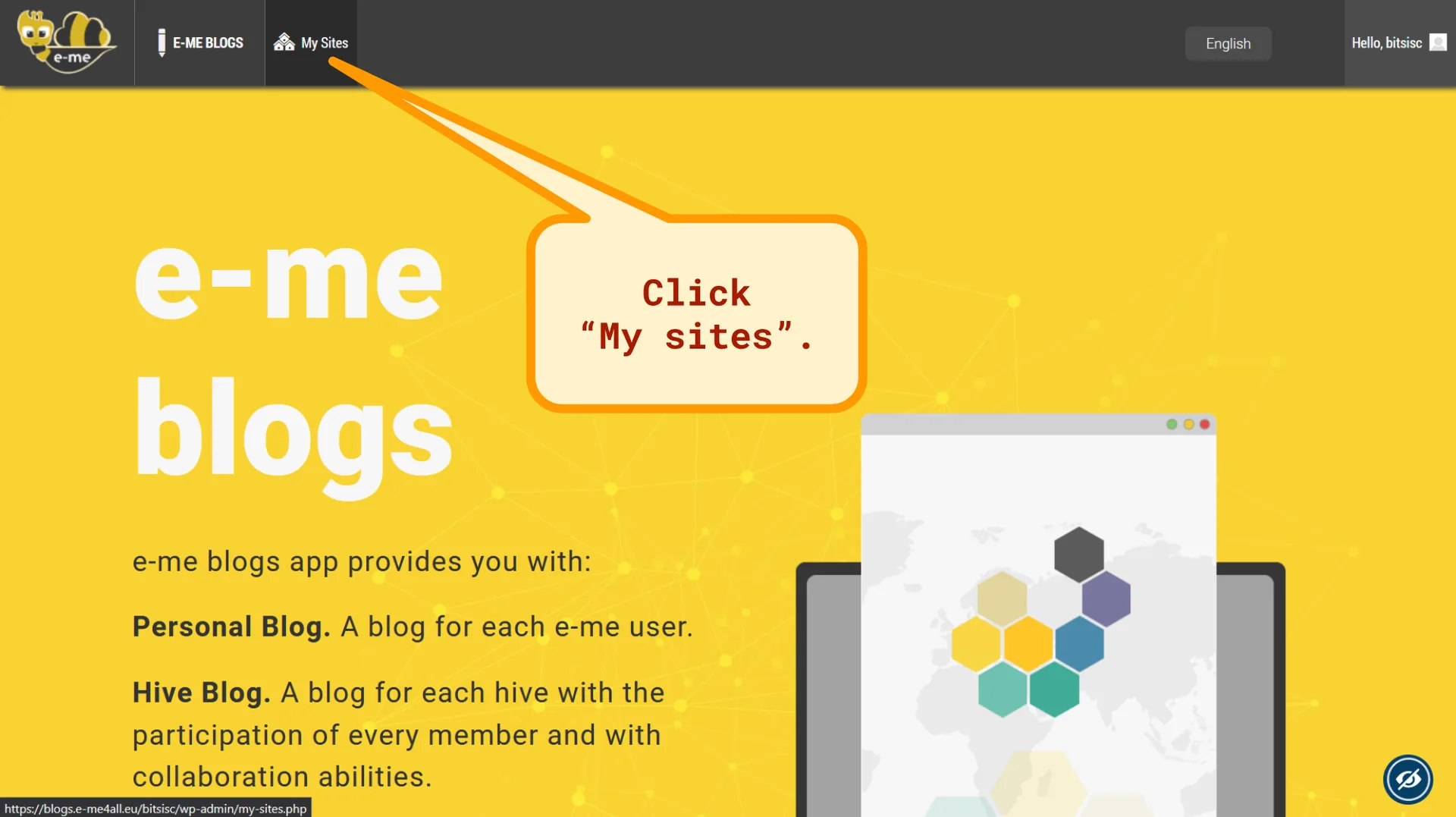
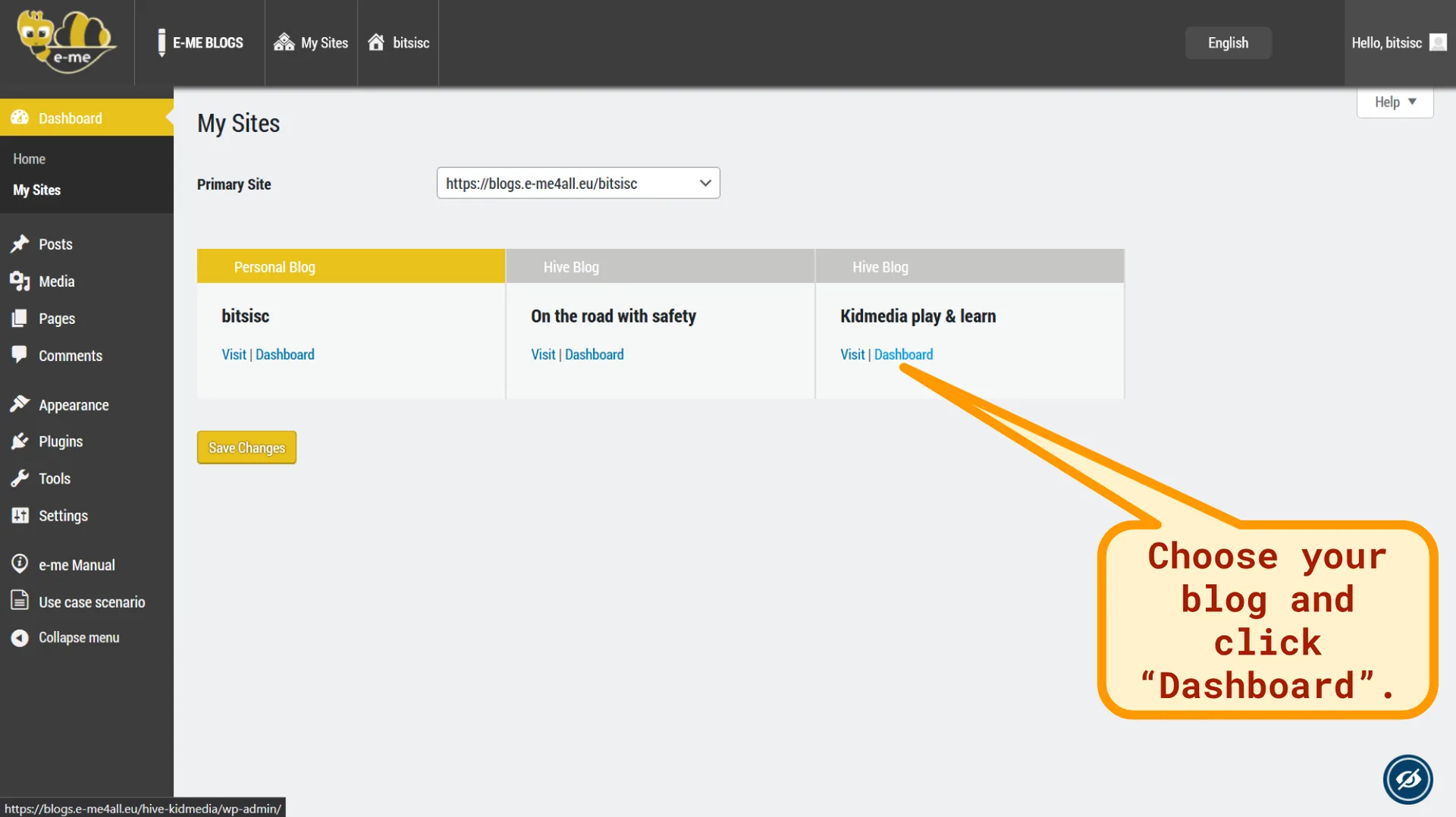
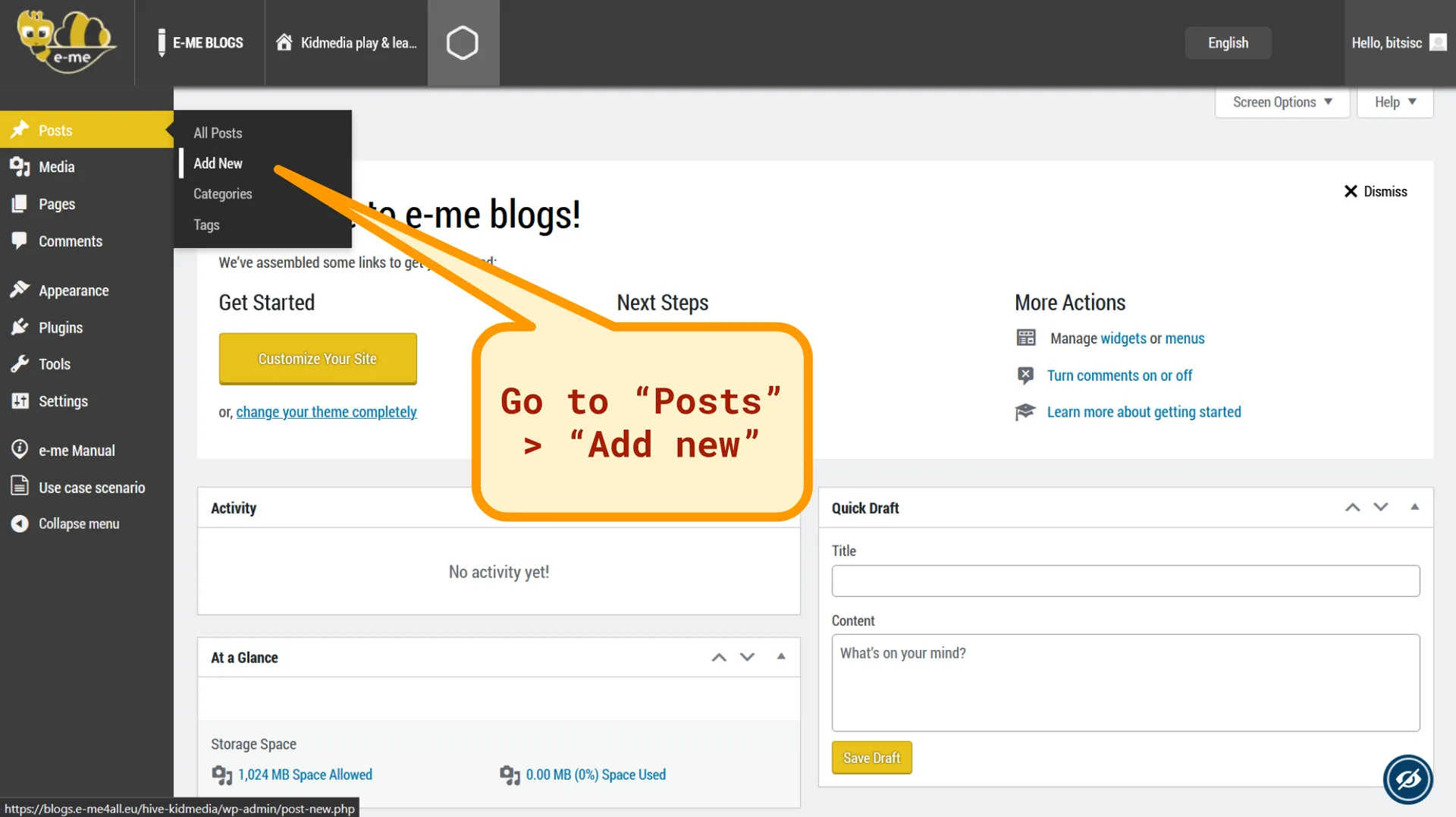
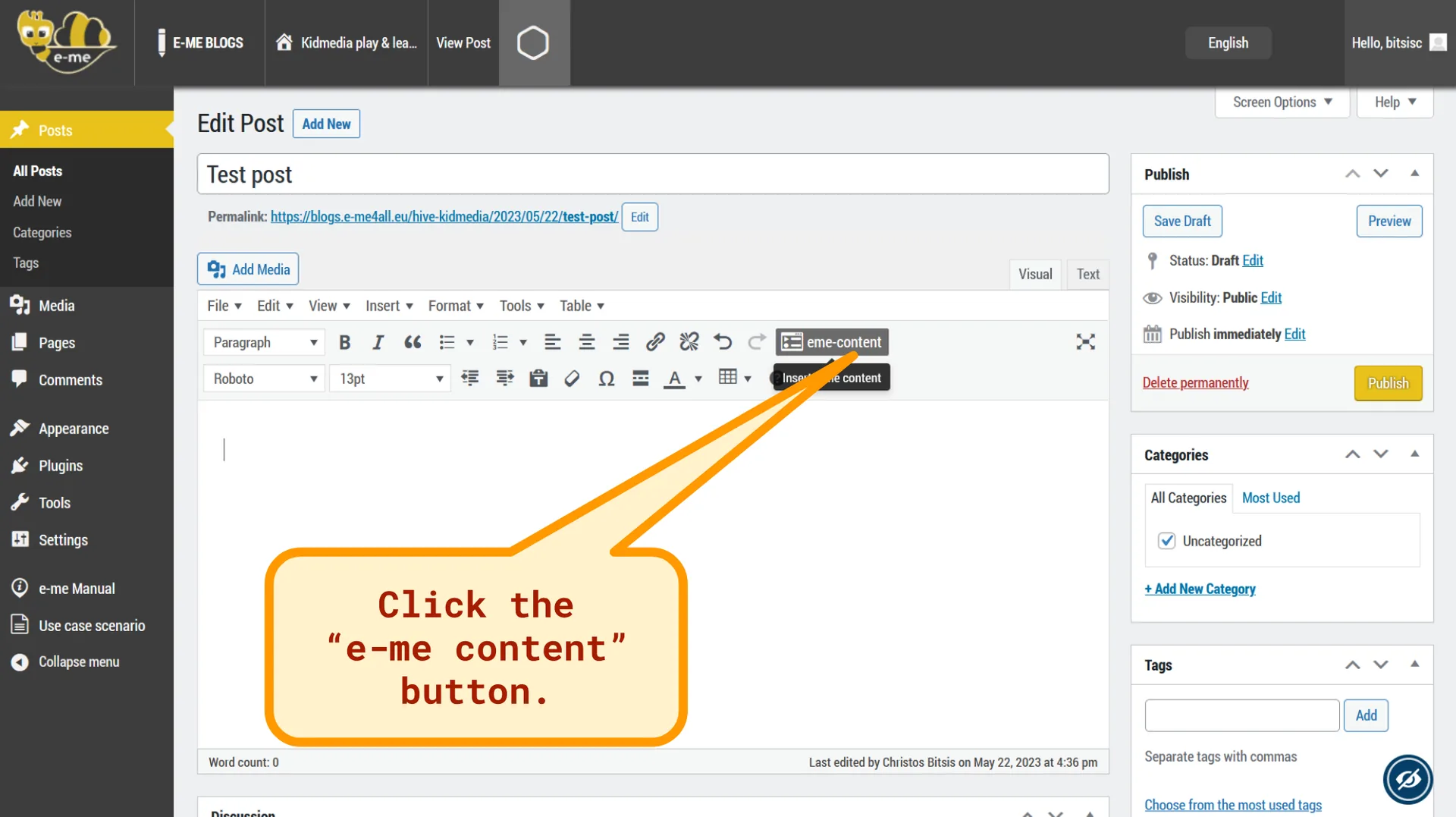
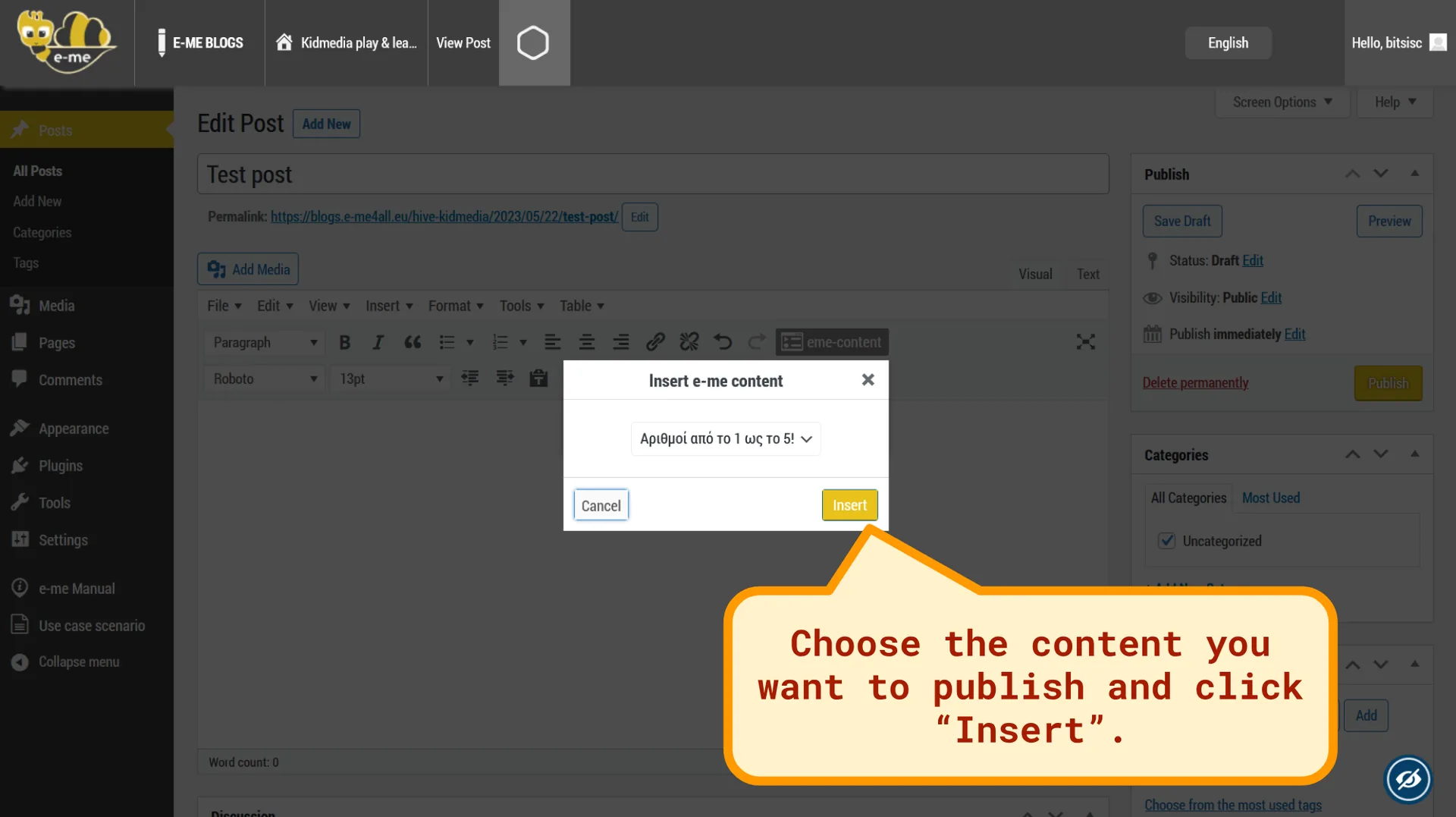
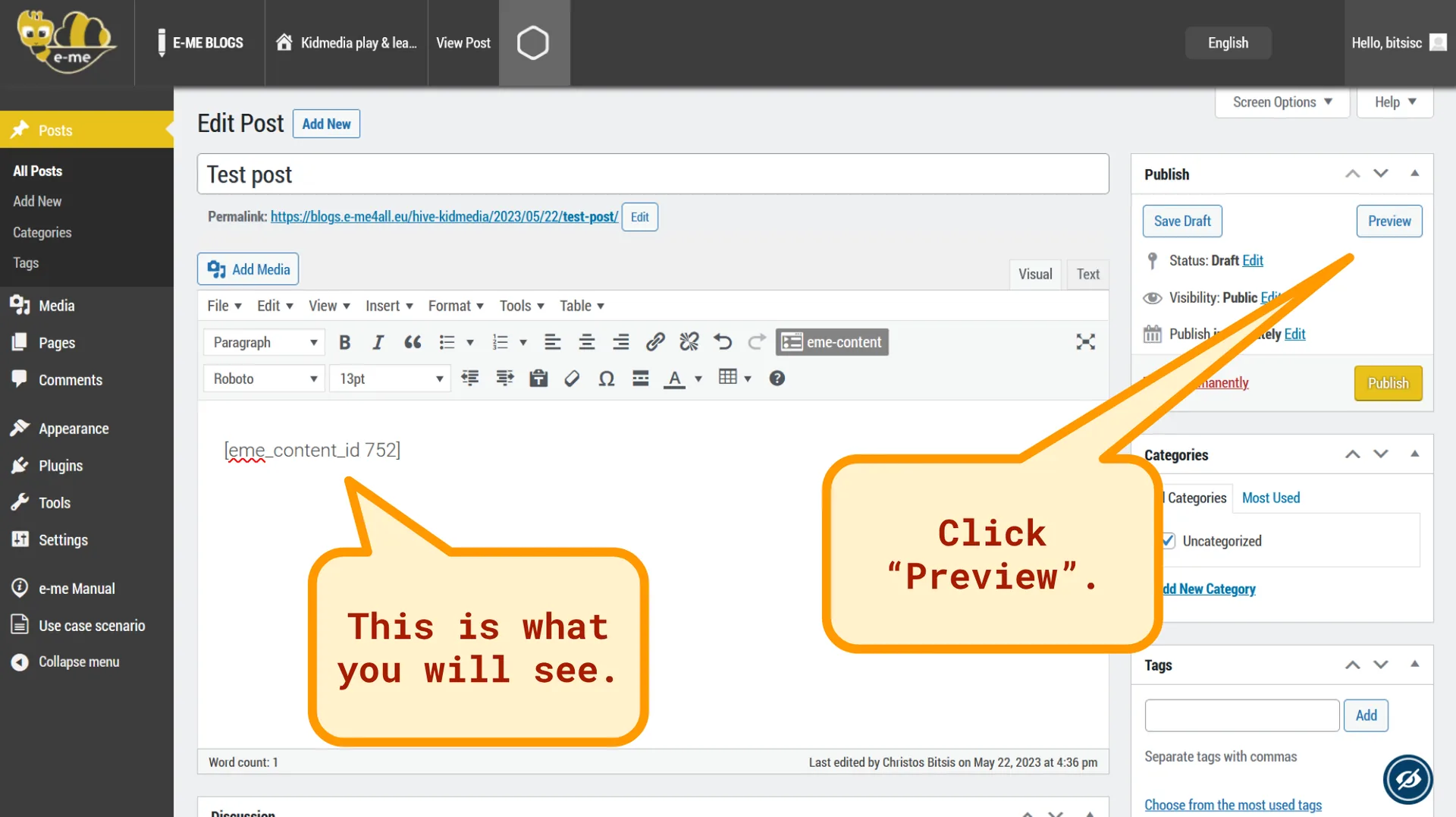
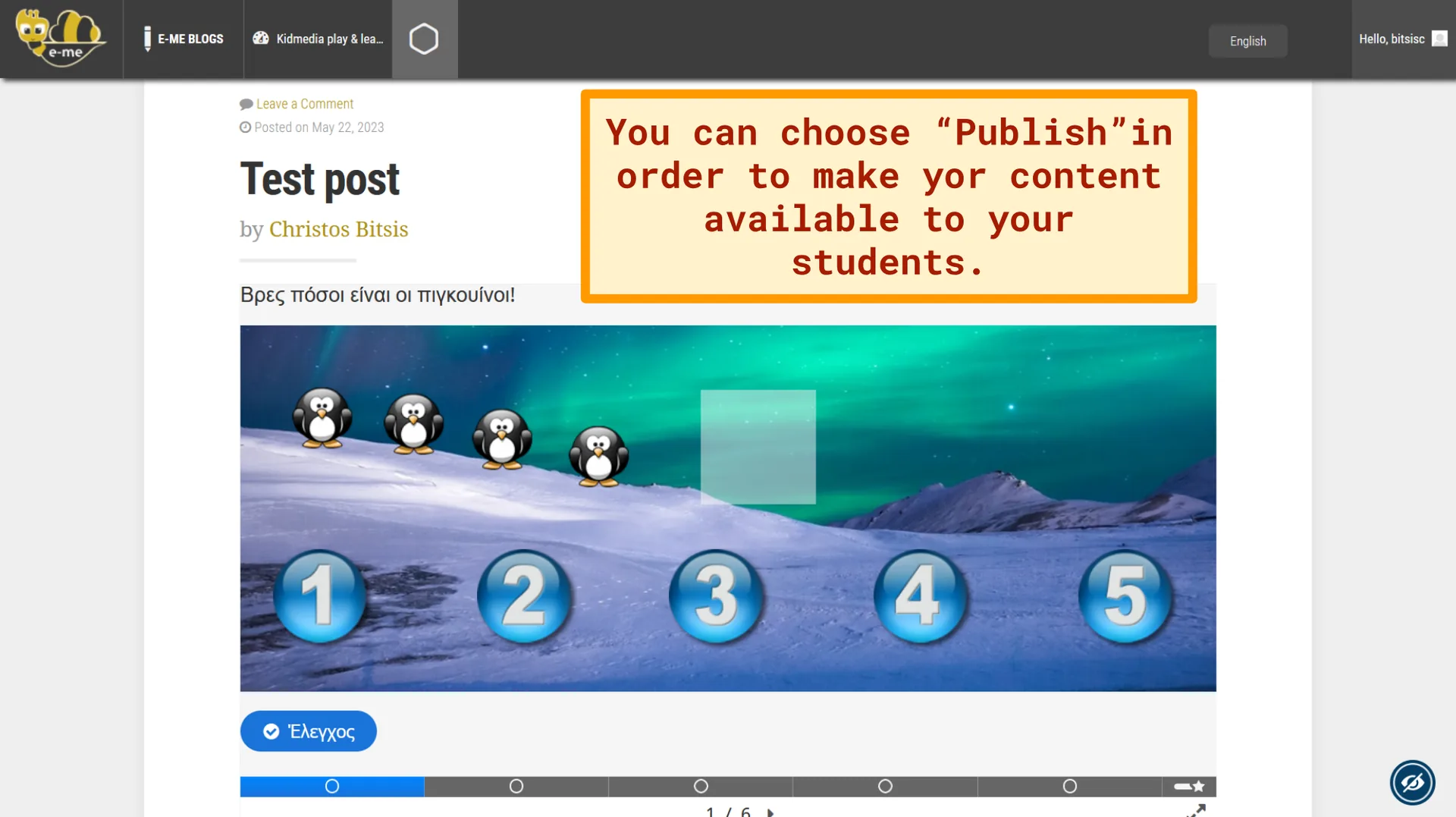
To create H5P content in the e-me Digital Educational Platform (European edition), you can follow the steps in this presentation:

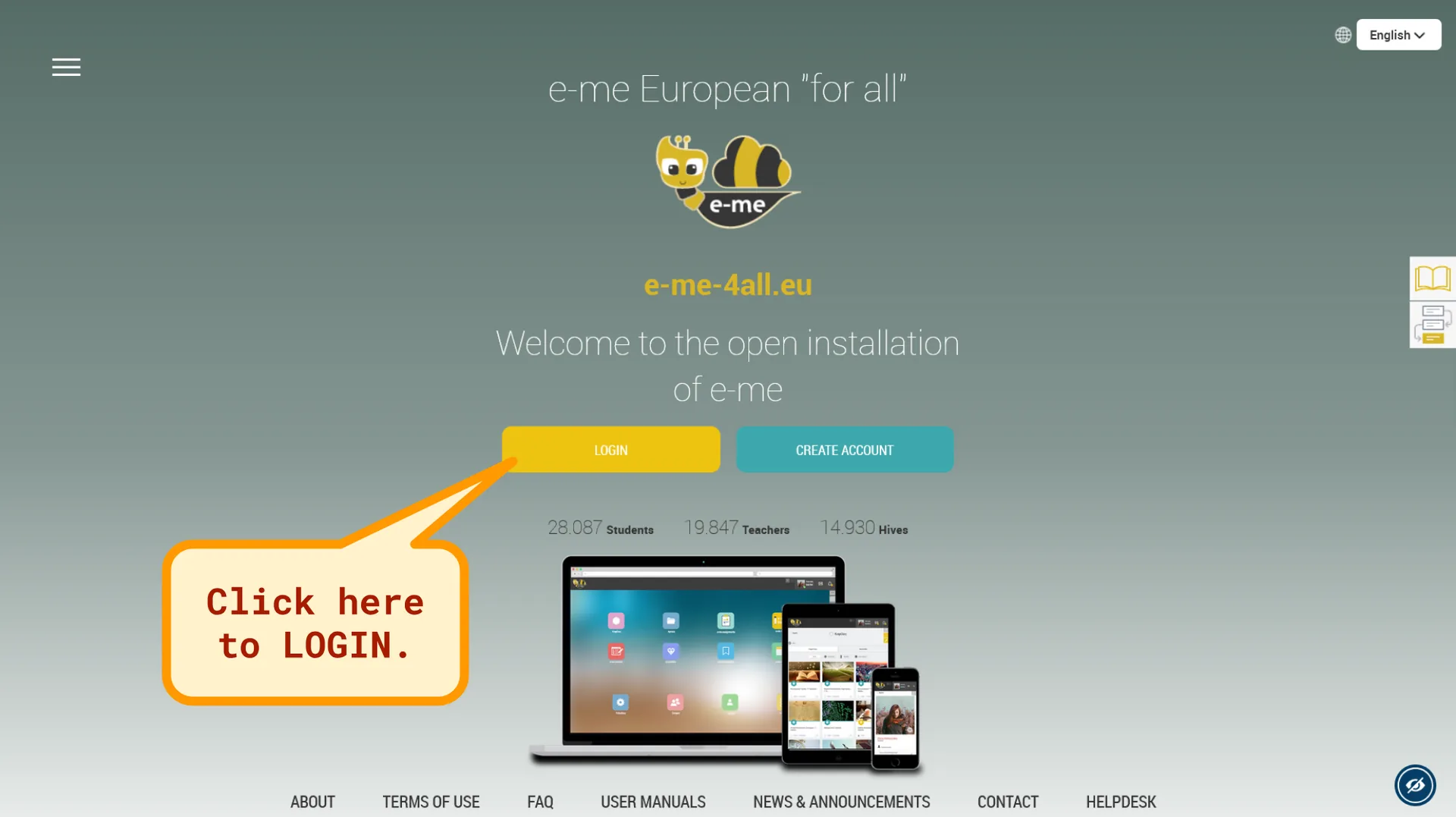
How to create H5P content in the e-me Digital Educational Platform – Slide 1/18How to create H5P content in the e-me Digital Educational Platform – Slide 2/18How to create H5P content in the e-me Digital Educational Platform – Slide 3/18How to create H5P content in the e-me Digital Educational Platform – Slide 4/18How to create H5P content in the e-me Digital Educational Platform – Slide 5/18How to create H5P content in the e-me Digital Educational Platform – Slide 6/18How to create H5P content in the e-me Digital Educational Platform – Slide 7/18How to create H5P content in the e-me Digital Educational Platform – Slide 8/18How to create H5P content in the e-me Digital Educational Platform – Slide 9/18How to create H5P content in the e-me Digital Educational Platform – Slide 10/18How to create H5P content in the e-me Digital Educational Platform – Slide 11/18How to create H5P content in the e-me Digital Educational Platform – Slide 12/18How to create H5P content in the e-me Digital Educational Platform – Slide 13/18How to create H5P content in the e-me Digital Educational Platform – Slide 14/18How to create H5P content in the e-me Digital Educational Platform – Slide 15/18How to create H5P content in the e-me Digital Educational Platform – Slide 16/18How to create H5P content in the e-me Digital Educational Platform – Slide 17/18How to create H5P content in the e-me Digital Educational Platform – Slide 18/18

If you want to learn more about the “Course Presentation” content please read this post.

Learn more about the e-me Digital Educational Platform (European edition) in this post.


0 Comments

Submit a Comment

Your email address will not be published. Required fields are marked *